We remain fully operational. Our teams are working around the clock to ensure your deliveries continue safely.

Descargar la aplicación


Servicios al cliente
Sobre nosotros
Copyright © 2025 Desertcart Holdings Limited
Descargar la aplicación
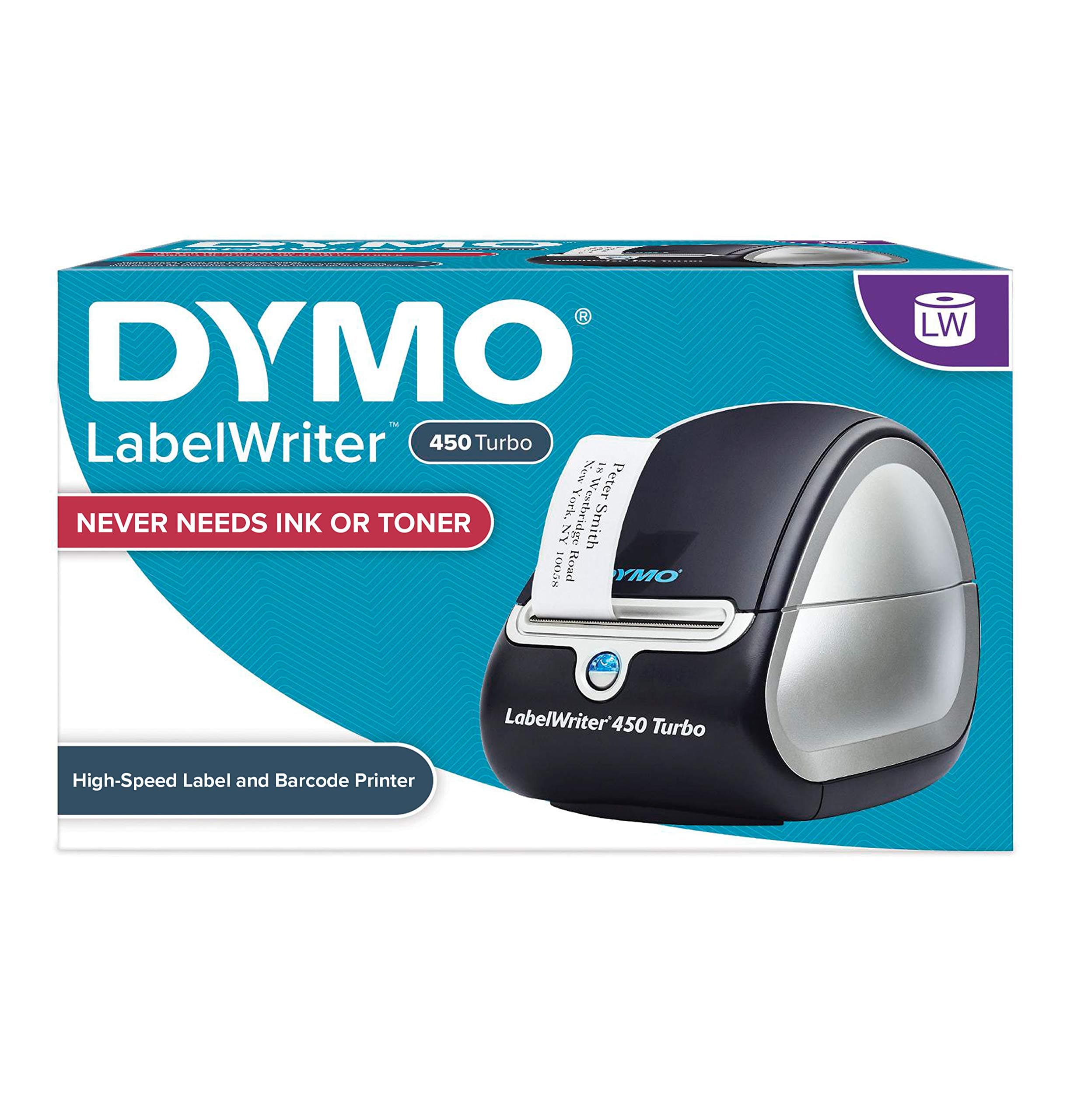



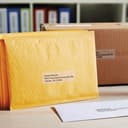
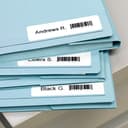
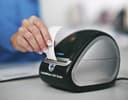

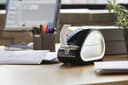
⚡ Turbocharge your labeling game—fast, flawless, and ink-free!
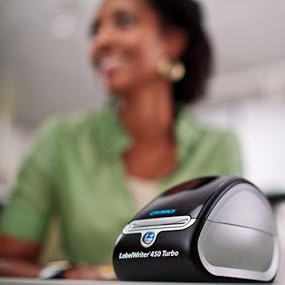
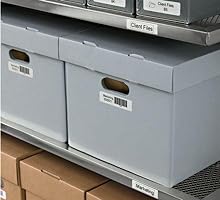
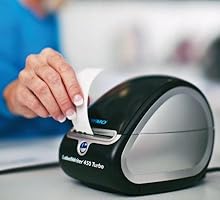
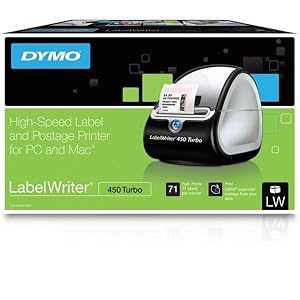
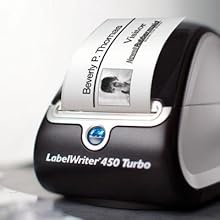
The DYMO LabelWriter 450 Turbo is a high-speed thermal label printer capable of producing up to 71 four-line labels per minute. It uses direct thermal printing technology, eliminating the need for ink or toner, and integrates seamlessly with Microsoft Office and Google Contacts for easy label customization. Compact and USB-powered, it supports labels up to 2.2 inches wide, making it ideal for professional office environments seeking efficient, cost-effective labeling solutions.







| ASIN | B0027JIIKQ |
| Additional Printer Functions | Print Only |
| B&W Pages per Minute | 71 ppm |
| Best Sellers Rank | #23,669 in Office Products ( See Top 100 in Office Products ) #74 in Desktop Label Printers |
| Brand | DYMO |
| Built-In Media | Label Maker |
| Color | Black/Silver |
| Color Depth | 8 bpp |
| Color Pages per Minute | 1 ppm |
| Compatible Devices | PC |
| Control Method | App |
| Controller Type | iOS |
| Customer Reviews | 4.4 4.4 out of 5 stars (4,819) |
| Dual-sided printing | No |
| Duplex | |
| Global Trade Identification Number | 00071701056580 |
| Hardware Interface | USB |
| Ink Color | Black |
| Item Dimensions D x W x H | 4.08"D x 7.25"W x 5.75"H |
| Item Type Name | Direct Thermal Printer |
| Item Weight | 1 Kilograms |
| Manufacturer | DYMO |
| Maximum Copy Resolution Black and White | 600 dpi x 300 |
| Maximum Copy Speed Black and White | 71 ppm |
| Maximum Media Size | Paper Roll |
| Maximum Print Resolution Black and White | 600 x 300 |
| Maximum Sheet Capacity | 71 |
| Maximum print Resolution Color | 300 x 300 |
| Model Name | 450 Turbo Machine |
| Model Number | 1752265 |
| Model Series | 450 Turbo |
| Other Special Features of the Product | black |
| Output sheet capacity | 71 |
| Paper Size | 2 3/10" |
| Print media | Labels |
| Printer Connectivity Type | USB |
| Printer Output Type | Monochrome |
| Printer Type | Thermal |
| Processor Count | 1 |
| Resolution | 600 x 300 |
| Scanner Type | Sheetfed |
| Specific Uses For Product | Office |
| Total USB 2.0 Ports | 1 |
| Total Usb Ports | 1 |
| UPC | 071701056580 300715912989 689407072928 300715917113 369452795590 071701691101 369452795583 |
| Unit Count | 1.0 Count |
| Warranty Description | 2-year limited warranty |
| Warranty Type | limited warranty |
T**G
Super Good Item
My first experience with this item was using my co-worker's. I was reluctant and didn't see the need for this, until I tried it. Now I couldn't imagine working without one. I bought one (450 regular)for my home, have since retired and just purchased the 450 Turbo. It's easy to load the labels in, and the setup is a breeze. You can also print labels from a Word document by clicking on the Dymo icon on your Word toolbar. It takes different size labels. It's a must have for single address label use or multiple addresses. You can also save your data to the address book. You can insert graphics. It prints in monochrome, not color. There's no ribbon or ink-cartridges to buy or change. The price is an absolute steal. I own the regular Dymo 450 (it prints 51 labels per minute) and it's a God-send. It's still going strong after printing thousands of labels. No more handwritten addresses ever. I also use it to label other items (canisters, power cords, etc). I purchased this because its a super, super good deal and just in case my current Dymo goes toes up. At 71 labels per minute, it's faster and cheaper. UPDATE: (4/28/2013) Moved my old Dymo 450 to my backup computer. Thought I had to install the software for the 450 Turbo and would lose my addresses when I installed the 450 Turbo to my main computer. But I was happily surprised. No need to install the included software, as the Dymo 450 and 450 Turbo software are the same. All I had to do was load the labels and plug it in and I was ready. Loading the labels can be tricky and you need a little patience, but it's doable. Love it. And it's super fast. I don't use it to print postage, so I can't comment on that.
N**E
If you have online Business you have to have this printer!
First of all I never used another brand like Zebra, Brother so I cannot compare Dymo with these printers. But I have total 4 Dymo printers for online business. 2 of 450 turbo and 2 of 4XL DYMO 1755120 LabelWriter 4XL Thermal Label Printer . All printers are working very well. The oldest one is 4 years old but still goes very strong. We print approximately 400-500 shipping labels each day. We get tired of to pay for ink and when the weather is rainy the ink was all messed it up. Scanners couldn't read the barcodes and labels look like somebody touch with dirty hands. After look around we decide to go with Dymo. Our Dymo 450 Turbo was for the shipping labels print from stamps.com, paypal and ebay. The label you should use is 99019. I never used original labels. In my experience this seller DYMO-Compatible 99019 1-Part Internet Postage Labels (2-5/16" x 7-1/2") -- BPA Free! (25 Rolls; 150 Labels per Roll) has the best quality labels. I usually bought 20-30 rolls and they come much more cheaper. Just check his listings. The printer is very cheap and the cost of the generic labels cover the cost of the printer in a few months. After we change to shippingeasy.com and needed 4"x6" label so had to buy 4XL. I still use 450 Turbo for our items labels, barcode and warning labels. In time we found a company who sells generic dymo labels in color and it helped us to design our branded items ( Here is the sample of pink labels http://www.amazon.com/s/ref=nb_sb_noss?url=search-alias%3Doffice-products&field-keywords=dymo+printer+label+pink&rh=n%3A1064954%2Ck%3Adymo+printer+label+pink ) . I strongly advice you to get the cleaning pads DYMO 60622 Cleaning Card for LabelWriter Label Printers, 10-Pack and use time to time. It clears the rollers. I used first time like 2 years later start to use printer. A handful papers, dust came out. I just couldn't believe my eyes. Just be sure how you instal the paper and tighten the label holder. And you're ready for another busy day...
A**W
42,000+ printed labels and still going strong.
We use this little printer, the Dymo LabelWriter 450 Turbo, to print ingredient and name labels for various products, all of which are used in a freezer and go through freeze/thaw cycles. The print quality is great and the off-brand labels I used (Enko) work great on our containers in the freezer. We've printed over 42,000 labels in just six months and it has work perfectly the vast majority of the time. Every so often it jams and it can be a bit of a pain to get fixed, but it only takes a few minutes to get it working again. Also, if you put the labels in the wrong direction then it will 100% jam every time because there isn't a sensor to tell it that they are in incorrectly, so just pay attention as you are installing it. They go in with the sticker facing down, so it is a bit odd initially. We use three different sizes of labels and it takes literally SECONDS to change the label type. It also has a system in place which automatically prevents the labels from printing in the wrong spot. What that means is you will never have to slowly adjust the location of the labels on the spool to get it to print in the correct spot. It prints perfectly center every time. The print quality is great - we can print extremely small font and it is still legible. It is very quick. The small labels we use can print about 2 per second and the largest can take about 1.5 seconds per label due to it having an image (our logo), but prints faster if only text is displayed. The program that comes with it is adequate for printing simple labels and text. It is fairly simple to use and only has a couple of annoying aspects that can be overcome with some patience. For example, if you are typing or copy/pasting in a text box you will have to manually press enter for each line break, otherwise it will continuously write the text on the same line way off the screen. Overall it is a great product. I will probably buy a couple more in case this one breaks, but at the sub $100 price point it is totally worth it, especially considering the volume of labels that have gone through it. Definitely recommended.
A**R
nice
P**R
We bought the printer on 30th September and item was delivered 5th October. The machine was used only for a few weeks and unable to print anymore labels. This is disappointing. Unable to contact supplier. Please contact us for a new replacement.
C**N
La impresora es una excelente opción precio - beneficio. Para un trabajo ligero y mediano es excelente. La diversidad de etiquetas es suficiente para uso de oficina. Para uso industrial recomendaría revisar las opciones de etiquetas en mercado antes de comprar el equipo ya que no tiene etiquetas con RFID pero sí con etiqutas de USPS.
A**H
This printer is very easy to use. Its also reliable
B**N
Seems to be a shortage as we were hoping to stock up on them at least have a back up in case something happens to the one we are using unfortunately the available ones are priced exorbitantly. So will fall back to buying from Staples instead. As with regards to the actual product, it only failed when we were using suspect labels. We were testing a cheaper supplier but ended up jamming a lot. We are back to using Office Label but it also seems they are scarce with supply our last order did not arrive, we did get a refund for that. These devices are hardy, despite not being classified as industrial level, we have worked this one way and beyond. We easily print close to a thousands of labels a week. This has endured and is continuously in service. Highly recommended office machine if you could find the ones appropriately priced.
Trustpilot
Hace 3 semanas
Hace 1 semana