
Descargar la aplicación


Servicios al cliente
Sobre nosotros
Copyright © 2025 Desertcart Holdings Limited
Descargar la aplicación

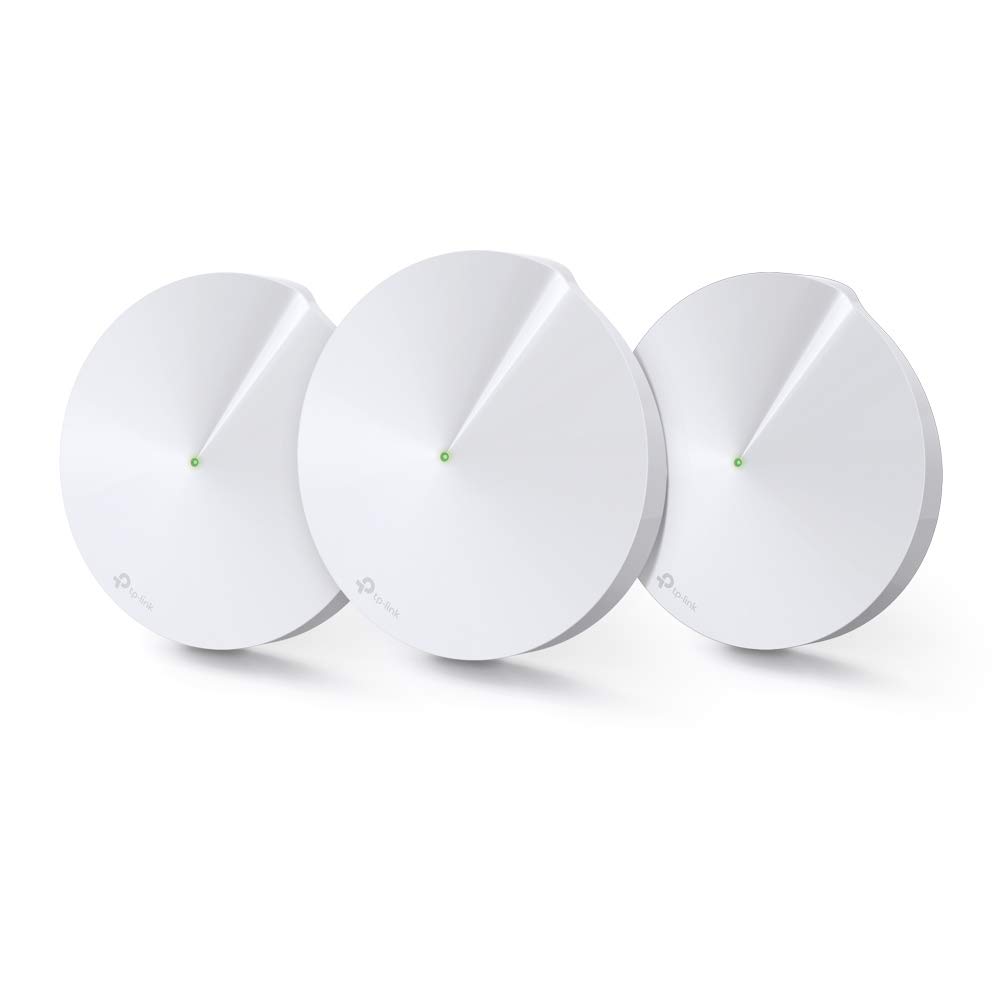




🚀 Elevate your home network — smart, secure, and unstoppable.
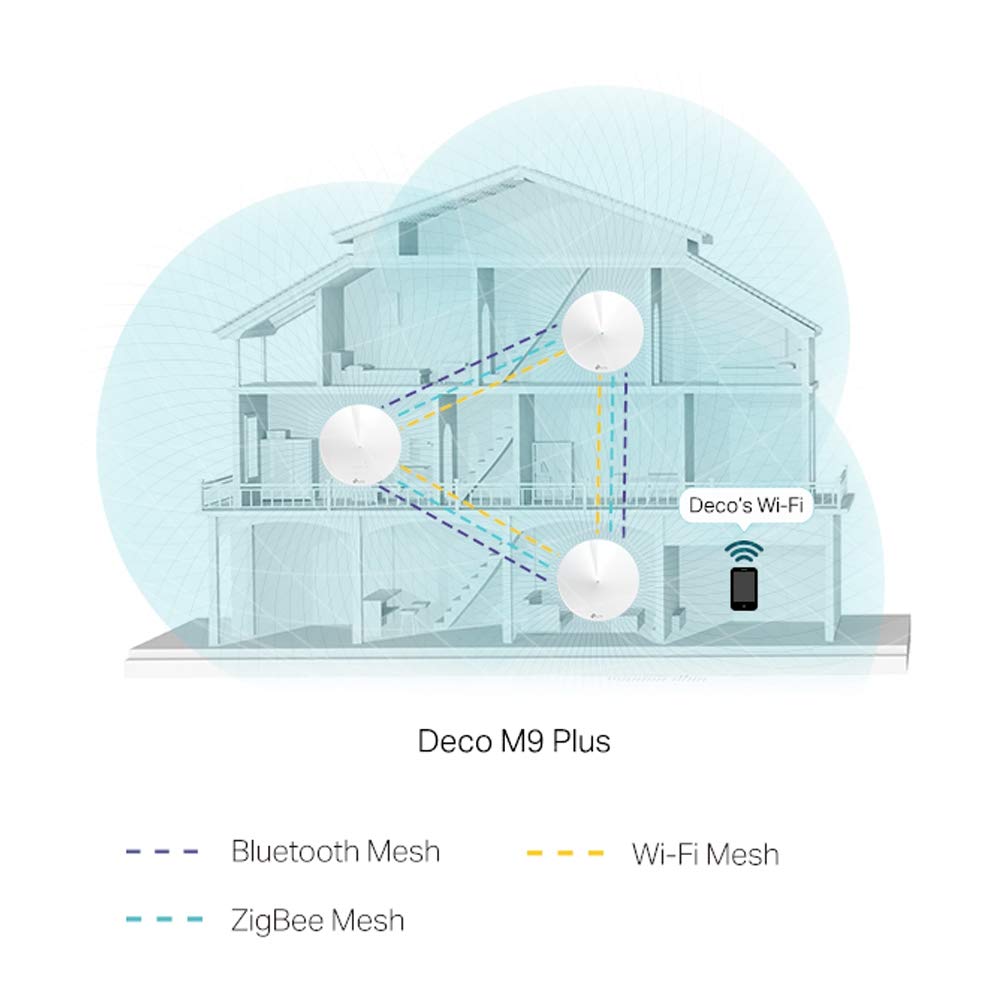
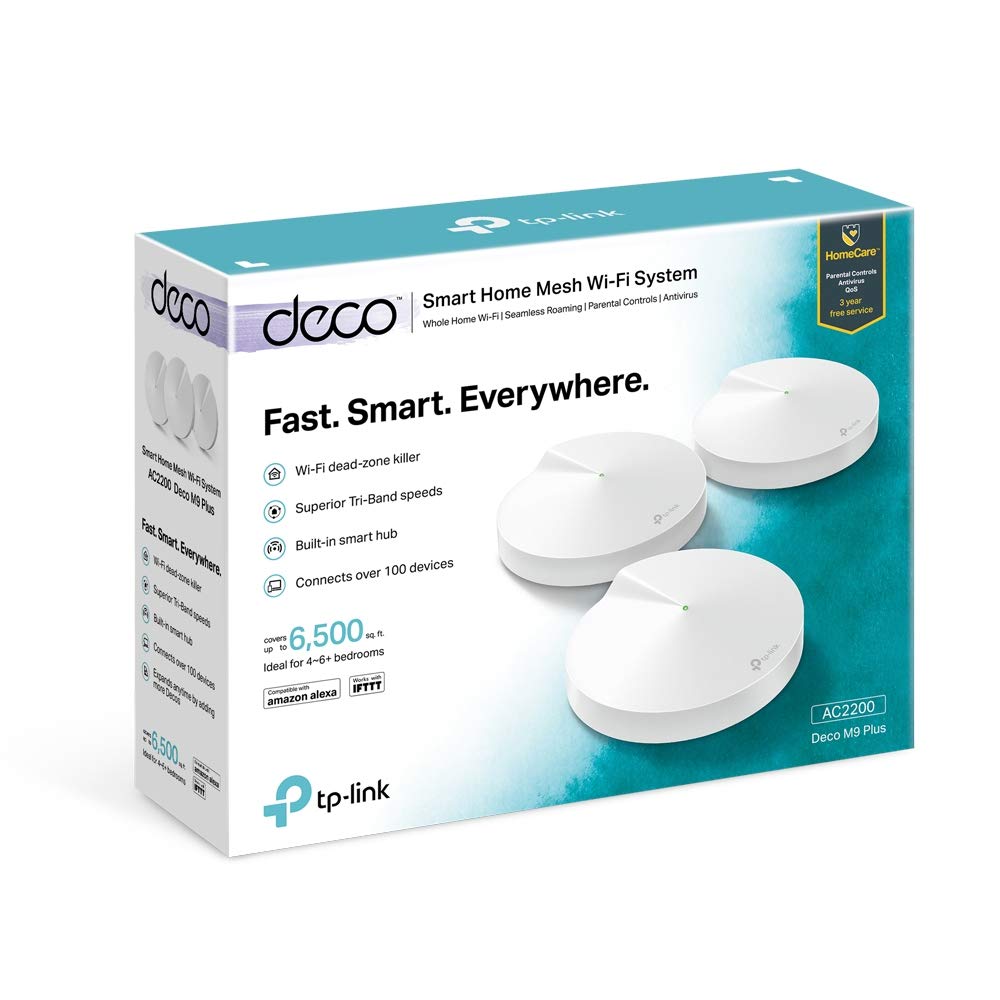
The TP-Link Deco M9 Plus (3-Pack) is a premium tri-band mesh WiFi system designed for large homes up to 6500 sq ft. Beyond delivering ultra-fast, seamless WiFi coverage, it doubles as a smart home hub compatible with ZigBee and Bluetooth devices, eliminating the need for additional hubs. With built-in HomeCare security offering antivirus, parental controls, and QoS for three years, plus easy setup and management through the Deco app and Alexa voice control, it’s the ultimate all-in-one solution for a connected, secure, and high-performance smart home network.


| ASIN | B07WRDR22H |
| Are Batteries Included | No |
| Best Sellers Rank | 56,975 in Computers & Accessories ( See Top 100 in Computers & Accessories ) 126 in Whole Home & Mesh Wi-Fi Systems |
| Brand | TP-Link |
| Colour | Black |
| Customer Reviews | 4.5 4.5 out of 5 stars (983) |
| Date First Available | 19 Aug. 2019 |
| Guaranteed software updates until | unknown |
| Item Weight | 2.54 kg |
| Item model number | Deco M9 Plus(3-Pack) |
| Manufacturer | TP-Link |
| Operating System | Linux |
| Product Dimensions | 14.4 x 14.4 x 4.6 cm; 2.54 kg |
| Series | Deco M9 Plus(3-Pack) |
| Wireless Type | 802.11ac |
J**S
Virgin WiFi transformed
I purchased the Deco M9 with 3 units in box. Live in large old house 4600 sq ft with solid brick walls over 3 floors. Virgin Media Dud3 on ground floor living room. Could not stream in upstairs rooms where speed through 3 walls was 2 to 5 Mb/sec. Dropouts were frequent. Slowest recorded speed on uppermost floor (where I have not put Deco disc) is now 240 Mb/sec. I set up Deco as router and put Virgin Hub3 as modem only, which is the default recommended setup. Setup quick and easy if right sequence is followed, so for benefit of those who may do it in future........... 1. MOST importantly, do the pinhole reset on your Virgin Hub3 by 20 sec+ press on pin hole button just below lowermost ethernet port on back of Hub. This resulted in an improvement of my router speed tested with laptop connected to lowest ethernet port on Hub. It will restart as router with WiFi as default from Virgin. 2. Connect to Hub interface by typing address 192.168.0.1 in browser. Use password (8 digits) on bottom of hub. This is not the same as your WiFi password. Select 'Modem Mode' and tick modem mode box and accept. Note if you do not have a computer to connect by ethernet to the hub then you would have to pinhole reset to return to Router mode with WiFi from hub. Allow the Hub to reboot into modem mode.....it is complete when only magenta light is showing at base. Any other ethernet cables you have connected to hub will now not be getting any signal as it has lost it's router function. Only the lowermost ethernet port will be active in Modem mode. I confirmed that modem mode was active by getting full advertised speed of 547 Mb/sec with laptop connected via ethernet cable. 4. Kill power and reboot Hub3 again...it will go into modem mode with the magenta light on. 5. Kill power on Hub.....begin TpLink sequence 6. Make sure Deco app is installed on your phone and you have registered an account. Connect Deco disk to be used as router to lowest ethernet port on hub by Cat6 ethernet cable or better. I did not use the bundled cable with the deco set because no markings on it so was not sure of performance. Got 5 Cat7 cables for around £10 on Prime. Connect power source to Deco and plug in. At this point Hub 3 is still OFF with no power. 7. Follow steps on Deco app on your phone until blue flashing light appears on your Deco. The Deco app will then find the Deco disk. AT THIS POINT POWER UP HUB3 and let it go into modem mode. It is very important to have deco connected to Hub and in blue flashing mode when you power up the Hub3. 8. Hub 3 will start in Modem mode and Deco will get internet signal from Hub modem and create WiFi network. At this point you are invited to name your network and create password. If you intend to use same credentials as your original Virgin WiFi network it would be best to delete it from your phone so that the TpLink app can establish the connection for you as a new network . All your other devices with the saved credentials will connect automatically as before. 9. Take your other 2 Deco disks to their desired locations and follow steps for adding a new Deco until they show green lights. I followed the above steps and got it to work first time. The extra reboot of the Hub in Modem mode and making sure Deco is powered up, connected and waiting before you start up the Hub are very important. Hopefully you will have no problems and enjoy benefits of great WiFi signal throughout your home. EDIT: 3 weeks on. Stable as ever. No reset needed. Photo is of Speedtest run during daytime in room most distant from Hub3. Previously no signal there, now 250+ MB/sec. Fantastic bit of kit. JAN 2023. Now 3+ years on and still excellent. Absolutely no WiFi issues in this house where we were struggling previously. 200 Mb / sec or better in every room.
S**E
Fantastic range, speed and bandwidth from a 'whole house' Deco M9 Plus Mesh WiFi system
Here is an update on my previous review. I gave the Deco M9 Plus Mesh WiFi 5 stars... and now that I have been using it for a while, I must tell you how wonderful this product is. If I could, I'd give it six stars! I have now stopped using powerline networking through the house, as the three Decos give me the full speed of the Virgin router throughout the house. My main computer (as far from the router as it can be still gets fill speed. I have never seen anything like it! Don't think about Devolo Magic 2 or any of that stuff - just go straight for the Deco M9 Plus. You will be delighted with the performance and the quality of the system, the app, and the way the product is presented. They are well worth the price. Here's my previous review... The TP-LINK Deco M9 Plus (3 Pack) is currently expensive, but I needed something to eliminate the very slow and intermittent wifi I was getting from a combination of our Virgin Media Router and a Powerline 1200 device with Wifi from Devolo. Firstly, when you open the box you realise that this is a very high quality piece of kit. The three Deco devices are actually quite heavy, and the way they and the cables/power supplies are packed is exemplary. The nice thing is that installation is all driven by the TP-LINK DECO app downloadable from the App Store in my case (iOS). The app is excellent. It has a lot of functionality beyond what you need to install the devices. The installation was simple (step-driven on the app) and the three Decos were soon working as a mesh with one password. and one user ID - no more having to login to the hotspot in your vicinity. Once I had the devices installed, I did a speed test using the button in the app to initiate it, which uses OOKLA, and the devices were picking up the full speed of the router. This is incredible as I have just replaced my Devolo Powerline network devices that were losing lots of bandwidth (350mbps in, 25Mbps to each device!). The TP-Link M9 Plus devices are very fast - faster than I am now getting with TP-Link 2000 Powerline devices (which do however install without fuss). So basically I am utterly delighted with the performance and ease of use of the DecoM9 PLus devices. I think they are worth the money. Note that the M9 Plus devices are the fastest - don't go for M5 or P7 devices. An unless you have a smaller house, get the M9 Plus three pack for maximum coverage. Dead spots in the house were everywhere - and now we have none. If you want the best whole house Wifi coverage at high speed, I can confirm that the TP-LINK Deco M9 Plus three pack is worth the money. You can also buy holder separately for £28 that allow them to be neatly hung over the power supply plug on the socket. Lastly, the quality of the TP-LINK Deco App is top notch, and you will be very pleasantly surprised how it can operate electric plus smart devices that turn standard lamps on and off. I have several by TP-LINK, and they work well. So well done TP-LINK. You are my new IoT/WiFi/PLN supplier of choice.
A**M
Amazing wifi range
We purchased the Deco M9 to hopefully solve our wifi issue in our 19th century four story home. In short, it did everything we hoped and more. Our virgin media router is in the basement of the house so we struggle to get speeds of more than a few mbps on the top floor of the house. That’s assuming we can get a connection at all, which is rare. The 1st floor wasn’t too bad, but speeds could be hit and miss, while the ground floor and basement were fine. Trying to get a connection in the garden was also problematic. We have the set of 3 Deco M9’s. The main one is connected to the router in the basement, another is on the ground floor and the 3rd is on the top floor (nothing on the 1st floor). In short, we now have a very strong wifi signal in every corner or the house with speeds well over 100mbps wherever we are, even in parts of the garden. I have my PS4 connected to the top floor deco via ethernet and have never had a drop out on fifa or COD. I even downloaded one of the ridiculous 20gb COD patches in around 18mins. Before the Deco M9, the PS4 couldn’t even connect to the internet on the top floor. We love the single wifi connection as opposed to the previous separate 2.4 & 5ghz networks and setup was a breeze. Only issue we’ve had is some of our smart devices (bulbs etc) won’t connect to the deco network, but I haven’t tried connecting them recently, so i’ll look at trying again soon. When you have over 30 smart devices in your home, it gets a bit laborious changing them all over in one go. So, to sum up. Although it’s expensive, it’s well worth the money as it gives you amazing speeds and coverage with an easy install. I wish we’d purchased it sooner.
D**E
Énorme déception à l’ouverture du colis Les 3 blocs d’alimentation sont équipées de prise UK… Pas d’alerte dans le descriptif.
A**R
Great product seamlessly integrates wifi throughout house
S**N
Steckernetzteil passt nicht in Deutschland
B**.
Test speeds are good But 3 pcs couldn’t cover my house of 4000 sqft I added another unit and solved the problem
Z**1
واجهني فقط بعض الاحيان يعمل جاهدا الى الاتصال بالموزع الرئيسي ويصعب الانتقال فورا الى الاجهزه الاخر اعتقد انني مازلت ابحث عن الحلول لاكنه يعمل جيدا وينقل سرعه كامل اوصي بذالك
Trustpilot
Hace 3 semanas
Hace 4 días