Some deliveries may take a little longer than usual due to regional shipping conditions.

Descargar la aplicación


Servicios al cliente
Sobre nosotros
Copyright © 2025 Desertcart Holdings Limited
Descargar la aplicación
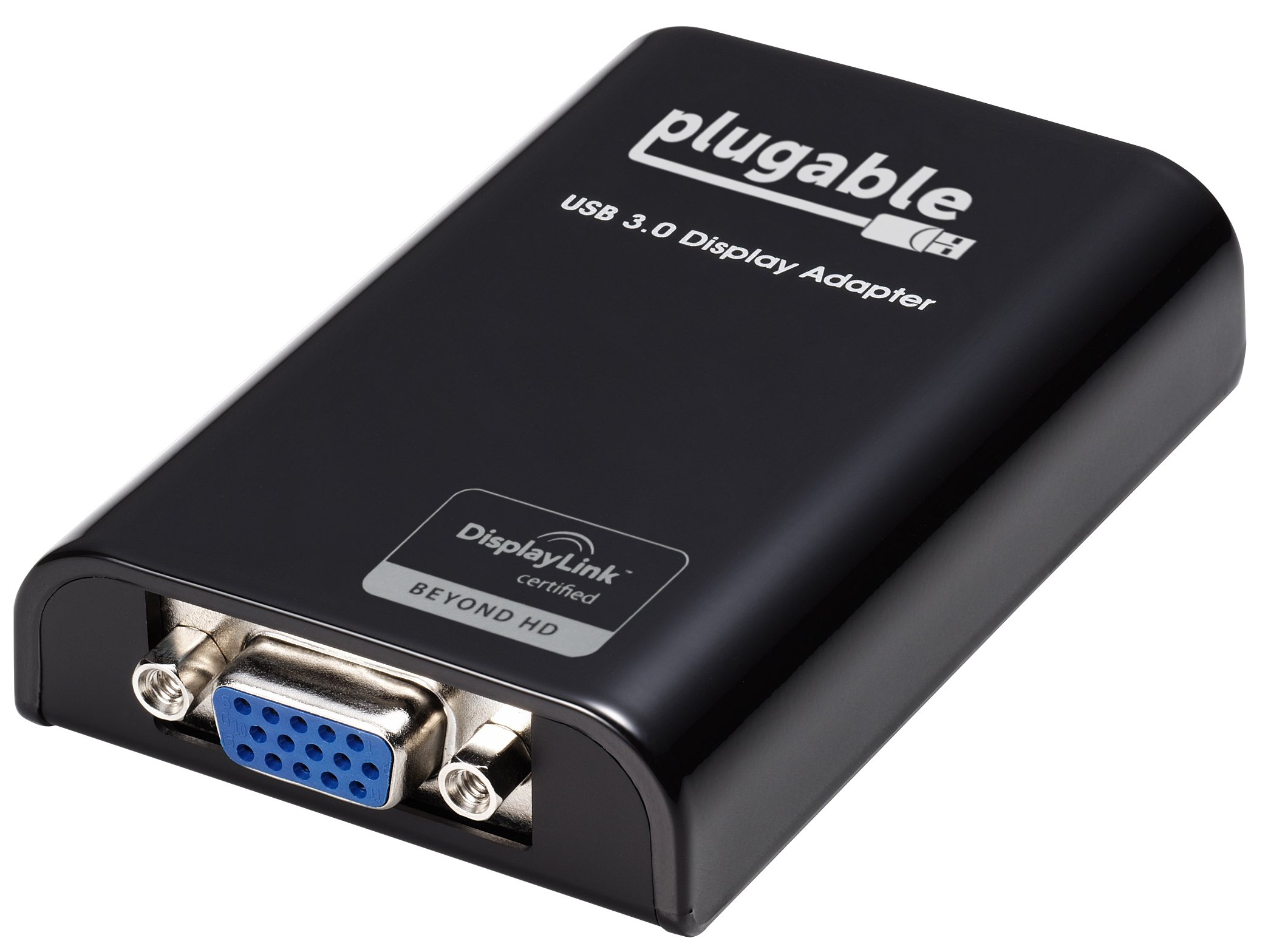
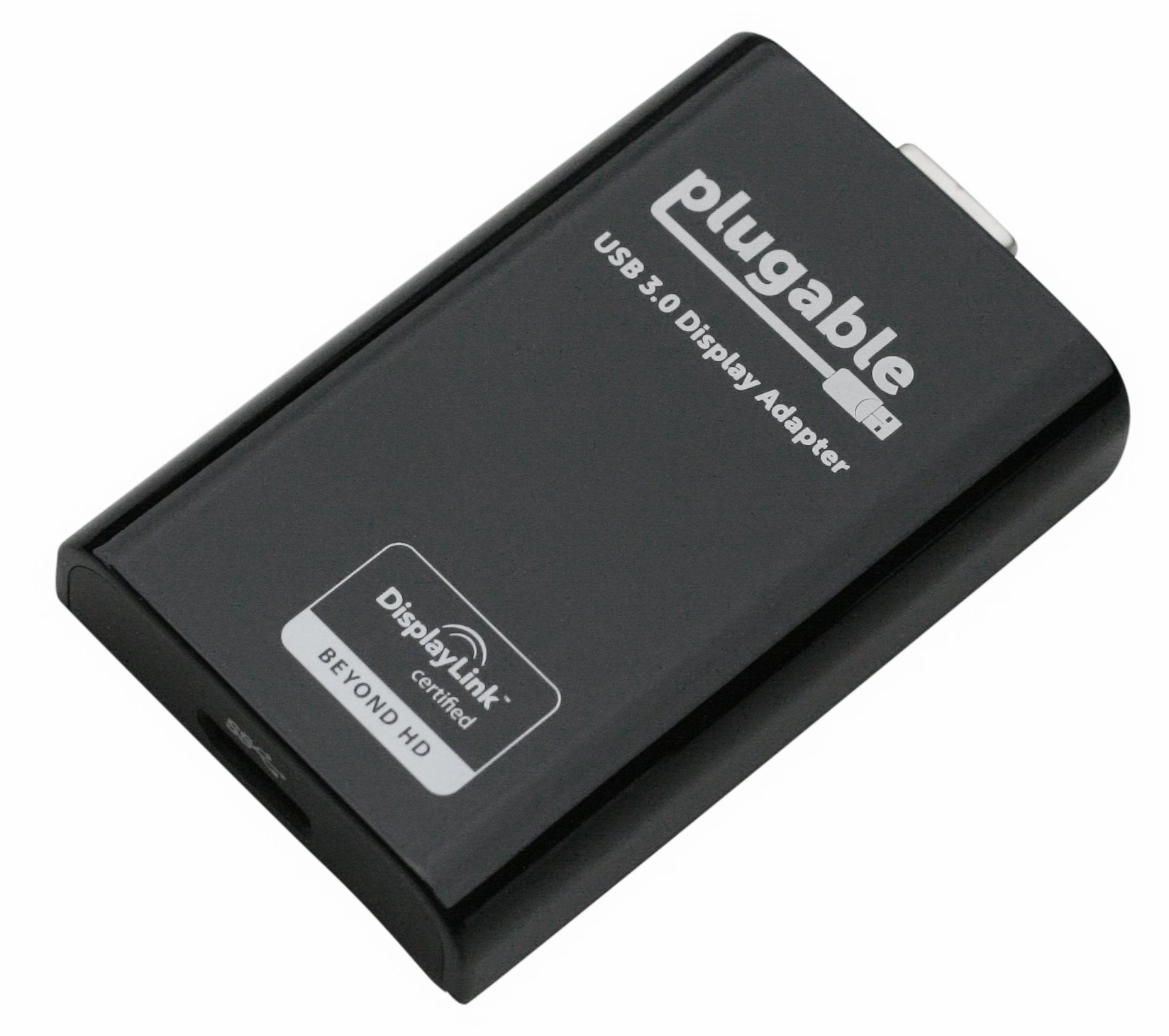
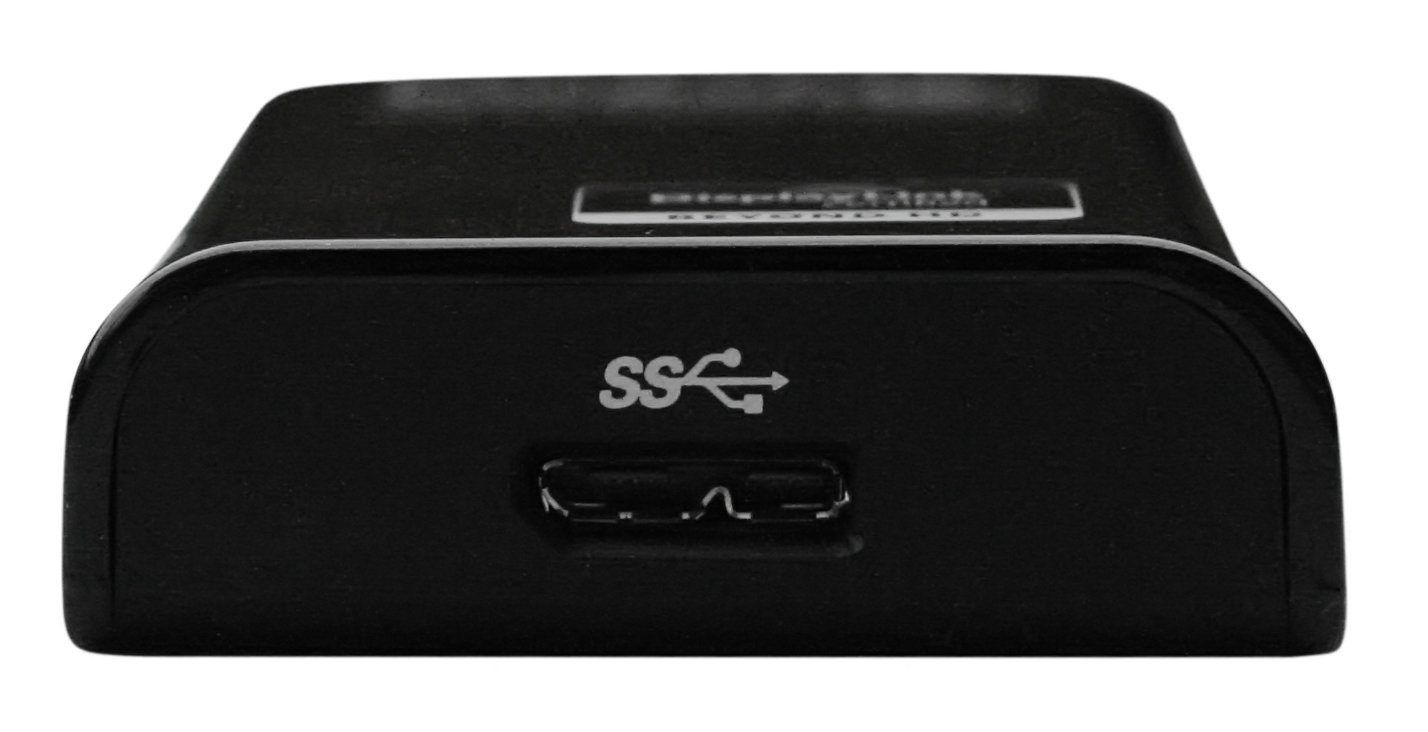
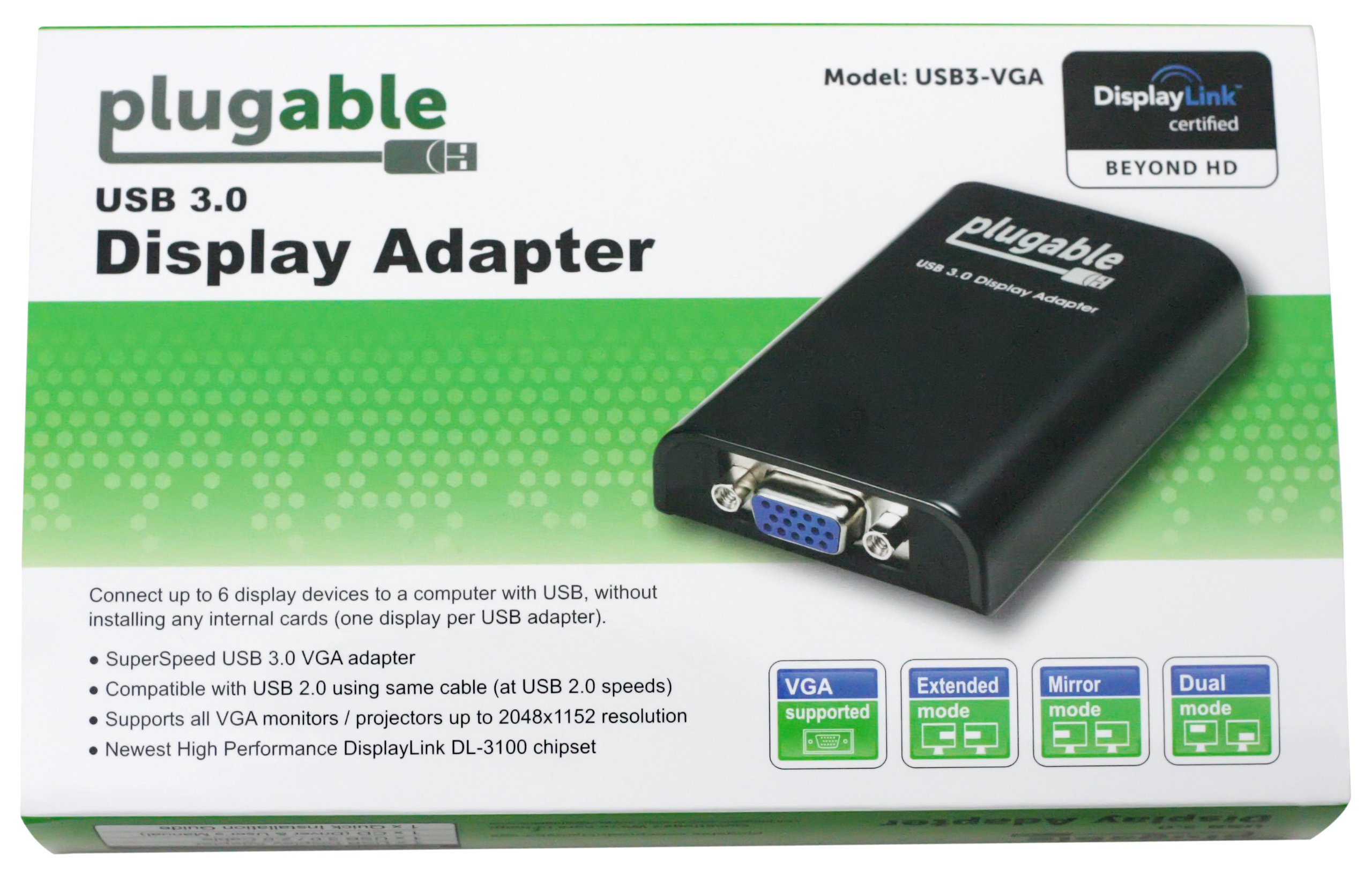
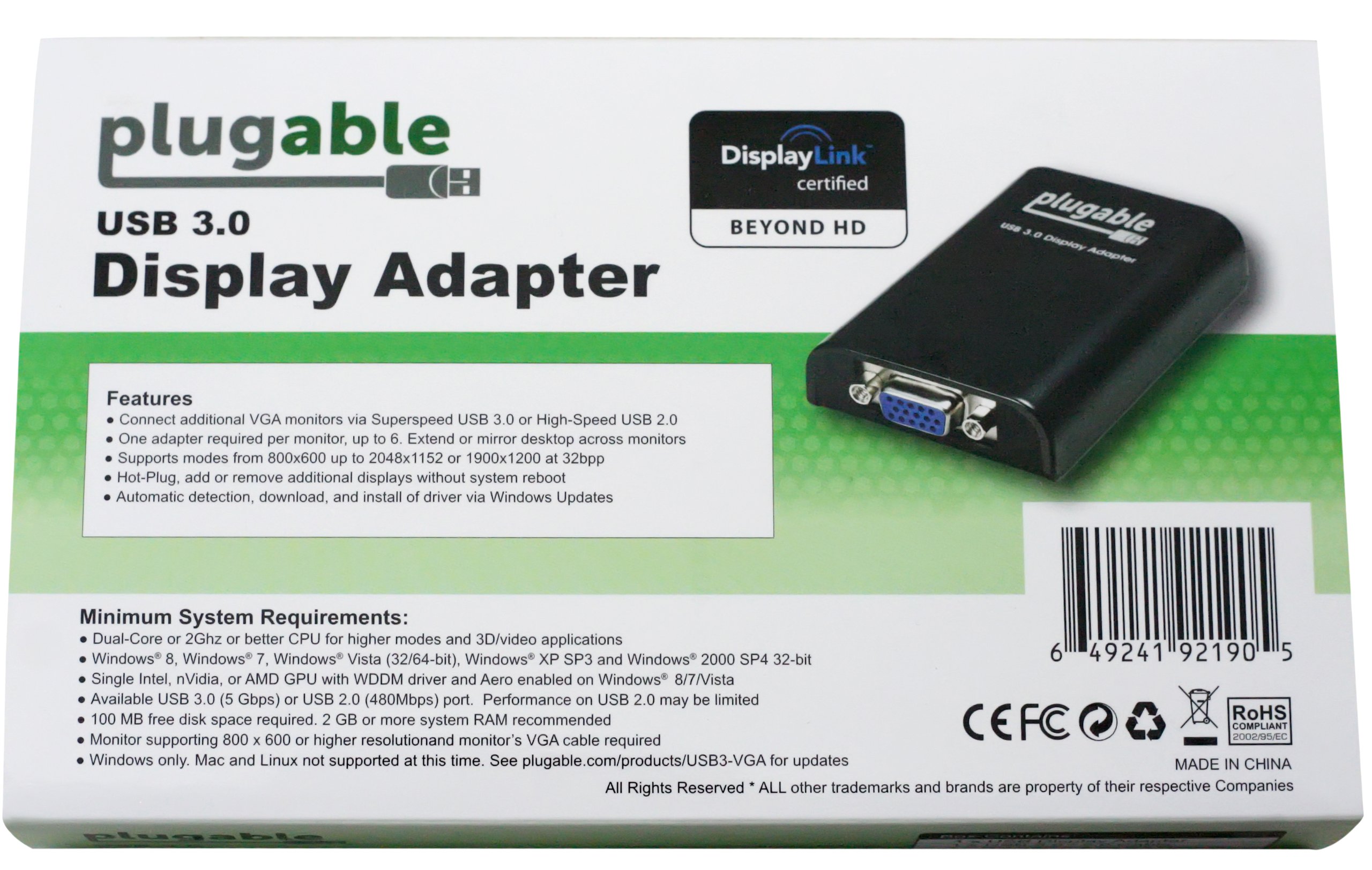

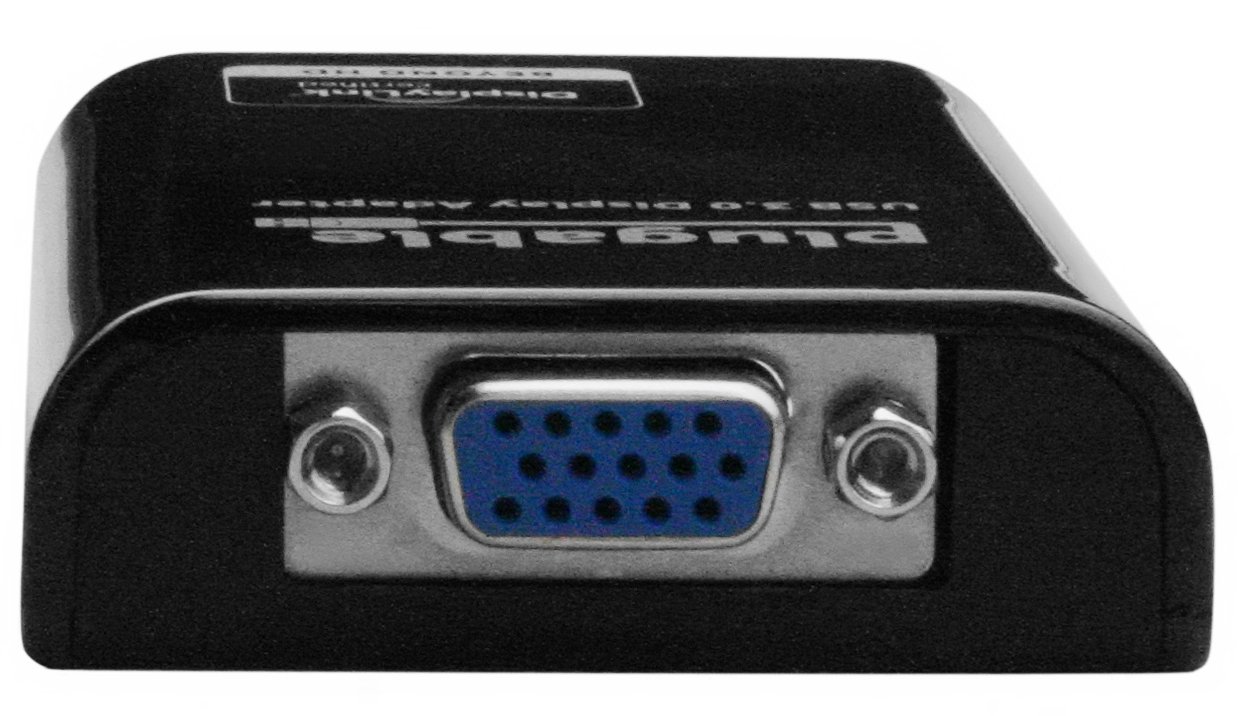
🚀 Elevate Your Display Game!
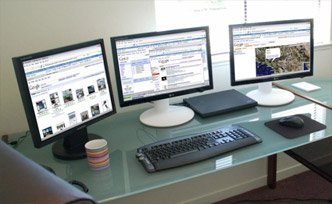
The Plugable USB 3.0 to VGA Video Graphics Adapter Card allows you to connect multiple monitors to your Windows-based systems effortlessly. With support for resolutions up to 1920x1080 and the ability to connect up to 16 monitors, this adapter is designed for professionals seeking to enhance their productivity and multitasking capabilities. Its USB 3.0 connectivity ensures fast data transfer, while its plug-and-play functionality makes setup a breeze.
| Brand | Plugable |
| Item model number | USB3-VGA |
| Operating System | Windows XP |
| Item Weight | 1 ounces |
| Product Dimensions | 1.38 x 5.12 x 8.27 inches |
| Item Dimensions LxWxH | 1.38 x 5.12 x 8.27 inches |
| Manufacturer | Plugable |
| ASIN | B008GXQ1OW |
| Date First Available | July 3, 2012 |
S**Y
Incredible service
My computer uses 3 large monitors, and 2 smaller USB monitors. I had just bought a specialized VGA monitor made by DeskTop Aviator that acts as an aircraft GPS for some flight simulator games like FSX. BUT ALL of my standard monitor outputs were in use!At the moment I also have 17 USB devices connected to my computer. Not what you'd call a standard setup.My problem started when I plugged this adaptor/cable into the last USB 3.0 connection on the back of my computer. No Go. Un-happy camper. It worked just fine plugged into a USB 2.0 port with a standard monitor. But NOT the special monitor that I had ordered.*THE SHORT STORYPlugable Technologies worked with me to resolve 2 unique problems, and in the end substituting a slightly different adapter/cable, the Plugable UGA-3000 USB 3.0 / 2.0 to VGA / DVI / HDMI Adapter for Windows and Mac. Check out the Picture that I added on the main product page. CLICK ON -> "See 1 customer image".I can recommend this one for most people who don't want to buy a newer multi-monitor video card. Got a newer laptop? This would be one of the best ways to add a second, or third, monitor. Got an old cheap laptop? Probably nothing will help.A great thing about these USB to VGS adaptors is that they'll work with either USB 2.0 or 3.0 ports on Windows or Macs.For some, I'd suggest that you get the Plugable UGA-3000 USB 3.0 / 2.0 to VGA / DVI / HDMI Adapter for Windows and Mac. Not only is it newer technology, but it includes adapters for VGA, DVI, and HDMI. For only $10 more you're getting a set that'll work with almost any monitor that you're likely to buy in the near future.*A LONGER STORY.Plugable Technologies found out that, what I had thought was the latest USB controller driver was actually 2 years old! And I had downloaded the driver from the USB chip manufacturers website 2 weeks ago!But Plugable sent me the link to an Intel website where the REAL newest driver was.So now the original adapter/cable worked with USB 2.0, 3.0, and standard monitors. But not with the unique DeskTop Aviator monitor that I had just bought.That's when they suggested substituting the Plugable UGA-3000 USB 3.0 / 2.0 to VGA / DVI / HDMI Adapter for Windows and Mac OS X 10.8.3 Multiple Monitors up to 2048x1152 / 1920x1080 Each (DisplayLink DL-3100 Chipset).The Plugable UGA-3000 adaptor/cable was able to get around the little monitors deviations from standard. EVERYTHING now works the way that I want it to.*IMPORTANT NOTE!!!!!!The chips that control this adaptor are made by DisplayLink. DisplayLink is also used in my 2 small USB monitors. IF YOU'RE ALREADING USING "DisplayLink" CHIPSETS YOU HAVE TO MAKE SURE THAT YOU STAY WITH "DisplayLink". Other technologies WILL NOT BE COMPATABLE!On the other hand, I've had great results with DisplayLink and wouldn't consider anything else.End note - Just to see what would happen, I plugged the UGA-3000 adaptor into an old ViewSonic monitor AND a USB 2.0 port. It worked fine.Big deal.I THEN watched a wide screen movie thru the UGA-3000 cable. Plugged into a USB 2 port! The movie displayed just fine, no problems.The moral of the story is that if your computer is good enough, *the UGA-3000 adaptor* is more than good enough. EVEN if it's plugged into USB 2.0 port!
N**N
DisplayLink = Blue Screen of Death
Three times my attempts to use this adapter resulted in the dreaded Blue Screen of Death when it tried to update the DisplayLink driver. The last time, Windows was wedged so badly that I had to spend the entire weekend doing a factory reinstall and (partially) recovering.To my mind, this sort of thing is inexcusable. The adapter is now in my wastebasket, waiting to go out with Monday's garbage. I cannot in good conscience even put it up for Freecycle because I do not wish to inflict it on the new owner.The folks at Plugable are very nice, and I don't think this is their fault. DisplayLink seems to be the only game in town and it is a very bad game indeed.I just wish there was a USB display adapter on the market with either (a) stable drivers for Windows 7 or (b) that requires no -- zero -- NONE -- drivers installed on the PC. (b) would be my preference after getting burned so often.Don't believe me? Google "DisplayLink BSOD". You'll get an education.
M**T
Not perfect but works
1) Install the latest version of the driver software from the internet.2) Reboot3) Plug it all together and configure your newly connected monitor just like any additional monitor.Test with a 1280x1024 monitor connected to a laptop with a T7500 2.2 GHz(two core) 2GB ram XPViewing an video that was almost 1/4: used 1/6 of the CPU was used by a plugable device process (DisplayLinkManager)Full screen: 1/4 of the CPU(when the video played on one the other monitors, I did not see any appreciable CPU usage)When working with Eclipse (software development editor) I saw a tiny bit of CPU draw( 2% when I was constantly moving my cursor up and down etc..)I'm so happy to finally have a third monitor!!!Update:I switched to a newer laptop: i7 M620 @2.67 GHz hyper-threading active 4GB win 7 USB 3 (super speed)Viewing a video full screen: 6-8% cpu usage.Update 2:Issues:1)The USB 3.0 Micro B and the USB A(normal) end of the usb cable was very touchy. I could literally sneeze and my screen would go out. I tried taping the micro end to no avail. After a year of putting up with it (past warranty) I ended up opening up the plugable main unit and tightening the female micro usb input part with pliers. This corrected the looseness on that end. Yet on the computer end I can still cause it to disconnect. My fix for that was to add a better quality usb extension cable to that end. Then the issues were mitigated2)I recently purchased a different usb vga adapter and tried to use both with a KVW switch(2-Port USB 2.0 KVM Switch w/2 Cable Sets) (such that each computer had it's own usb 2 vga device) I thought this meant I could switch back and forth without either computer realizing the monitor was missing (so windows wouldn't move around with a switch. Unfortunately this device would not work at all with the kvm inline. The other "dumber" device had no problem working through the kvm on Linux no less! (That's the Sabrent UGA-2K-195 USB 2.0) So I may end up ordering another of those devices so that my two computers can share the extra monitor.Update 3:Been over two years since I purchased this device.USB fix in update 2 has held up. I'm guess I just got a "bad batch" with a faulty usb cable or something. It's been solid since I replaced the usb cable and ensured a snug fit for the cable.Onto a new laptop. i7-4800MQ 2.7GHz w/ 8GB ram still windows 7 64bit. (This laptop is using hyper-threading with four cores)Now this device gives me my 4th monitor(laptop directly handles the first 3). I never did purchase a second (Sabrent UGA-2K-195 USB 2.0) for use with the KVM etc.. (as *Linux* and the usb 2.0 display link like devices are not rock solid enough to mess with on a daily basis)Full screen video (still a 1280x1024 picture) was using 4-5% of the CPU (The sum of two display link executables each using just over 2% of the CPU time.)Had I not had this device with this latest laptop, I would probably had purchased a DP->VGA adapter and let graphical hardware handle the 4th monitor. As there is still 0 support for this usb 3.0 device on the Linux side as far as I know.
Trustpilot
Hace 1 mes
Hace 2 meses