We remain fully operational. Our teams are working around the clock to ensure your deliveries continue safely.

Descargar la aplicación


Servicios al cliente
Sobre nosotros
Copyright © 2025 Desertcart Holdings Limited
Descargar la aplicación

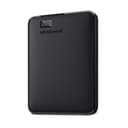
💼 Elevate your storage game—because your data deserves the best.
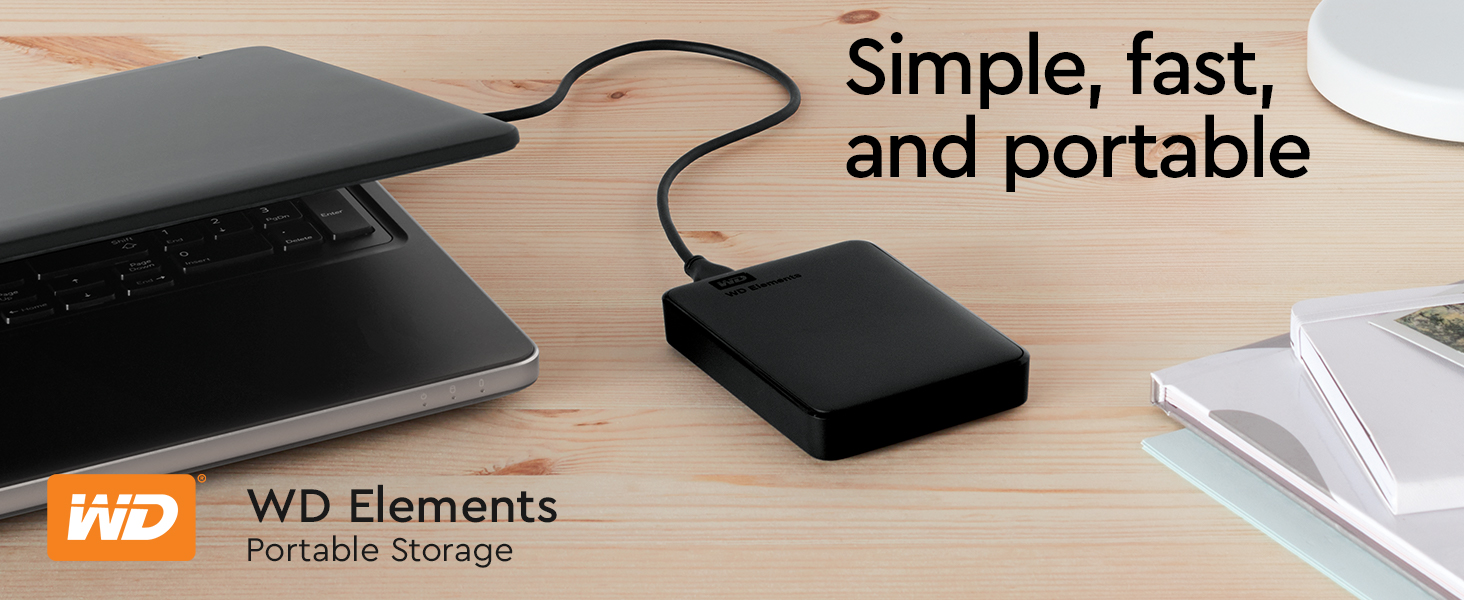
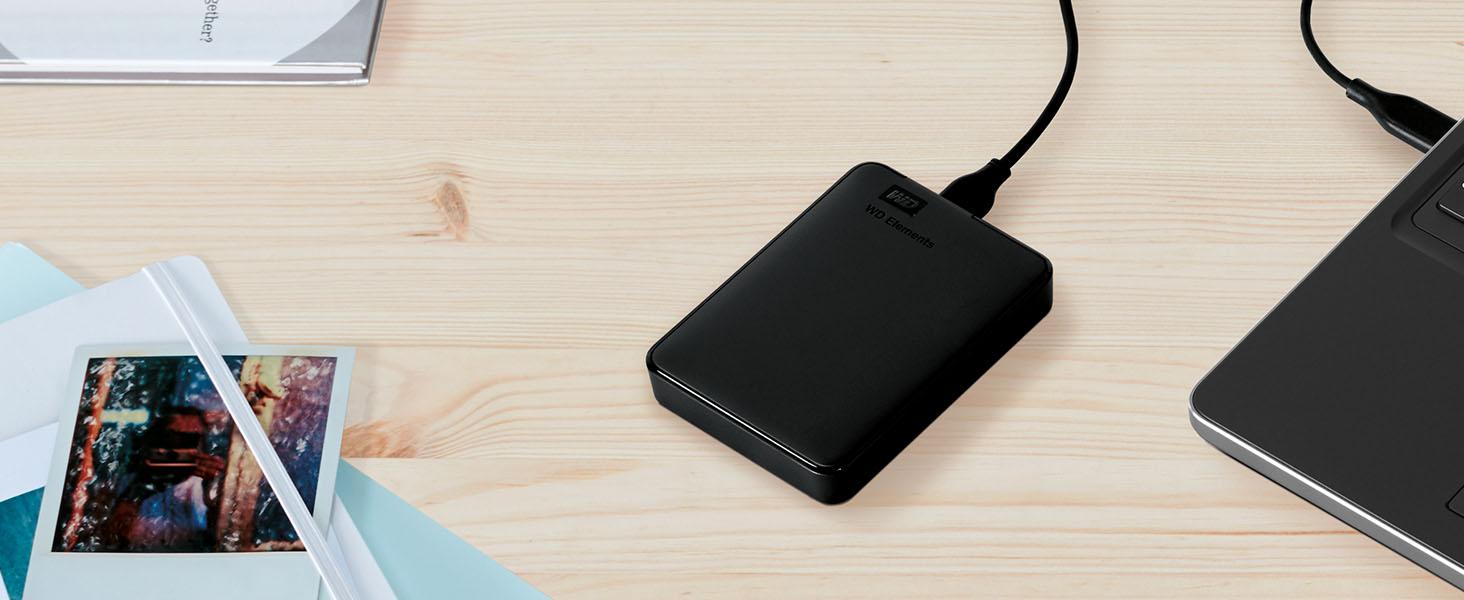
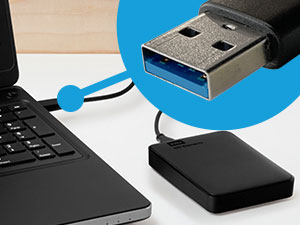
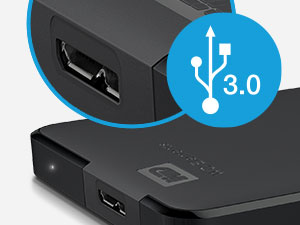
The Western Digital WD 5TB Elements Portable External Hard Drive offers a massive 5TB storage capacity with ultra-fast USB 3.2 Gen 1 connectivity, delivering up to 5Gbps transfer speeds. Its compact, lightweight design ensures portability without sacrificing durability, making it ideal for professionals needing reliable, plug-and-play storage expansion for both PC and Mac. Trusted by millions, it comes with a 2-year limited warranty, combining performance, convenience, and peace of mind in one sleek package.







| ASIN | B07X41PWTY |
| Additional Features | Portable |
| Best Sellers Rank | #2 in External Hard Drives |
| Brand | Western Digital |
| Built-In Media | SuperSpeed USB-A cable (5Gbps), Quick install guide, WD Elements Portable hard drive |
| Cache Memory Installed Size | 5 |
| Color | Black |
| Compatible Devices | Desktop, Laptop, Tablet |
| Connectivity Technology | USB |
| Customer Package Type | Standard Packaging |
| Customer Reviews | 4.6 4.6 out of 5 stars (313,100) |
| Data Transfer Rate | 1 Megabytes Per Second |
| Digital Storage Capacity | 5 TB |
| Enclosure Material | Cotton |
| Form Factor | 2.5-inch |
| Hard Disk Description | Mechanical Hard Disk |
| Hard Disk Form Factor | 2.5 Inches |
| Hard Disk Interface | USB 2.0/3.0 |
| Hard Disk Rotational Speed | 1 |
| Hard-Drive Size | 5 TB |
| Hardware Connectivity | USB 3.0 |
| Installation Type | External Hard Drive |
| Item Dimensions L x W x Thickness | 4.35"L x 3.23"W x 0.82"Th |
| Item Type Name | Portable External Hard Drive |
| Item Weight | 0.52 Pounds |
| Manufacturer | Western Digital Technologies, Inc. |
| Model Name | Elements Desktop |
| Model Number | WDBU6Y0050BBK-WESN |
| Number of Items | 1 |
| Read Speed | 50 Megabytes Per Second |
| Specific Uses For Product | Personal |
| UPC | 718037871899 |
| Unit Count | 1.0 Count |
| Warranty Description | 2 year Limited Warranty |
R**Y
Seamless Storage Solution at an Unbeatable Price
The WD Elements Portable External Hard Drive is a fantastic choice for Mac Air users seeking reliable storage without breaking the bank! It's incredibly user-friendly with true plug-and-play functionality, solid build quality that inspires confidence in (data's safety) encryption and comes at an accessible price point and outstanding value. Whether you're backing up important files, storing your media library, or need extra space for creative projects, this drive handles it all with ease. A smart investment that simply works.
A**S
Reliable External Storage - Perfect Capacity and Performance!
The WD 2TB Elements Portable External Hard Drive has been exactly what I needed for reliable, high-capacity storage! This drive delivers outstanding performance and convenience for backing up files, expanding storage, and transferring data. The 2TB capacity is perfect for storing massive amounts of photos, videos, documents, and backup files. Having this much portable storage has eliminated my constant worry about running out of space on my laptop. The USB 3.2 Gen 1/USB 3.0 connectivity provides excellent transfer speeds that make backing up large files quick and efficient. No more waiting hours for file transfers - this drive moves data fast enough for practical daily use. The portable design is ideal - compact enough to slip into a laptop bag but substantial enough to feel durable and reliable. The sleek black finish looks professional and the size is perfect for travel or desktop use. What sets WD apart is their proven reliability. This drive has performed flawlessly for months of regular use without any errors, corruption, or performance degradation. Western Digital's reputation for quality storage is well-deserved. The plug-and-play functionality works perfectly with Windows systems - no software installation or complicated setup required. Simply connect and start using immediately for seamless storage expansion. This external drive has provided peace of mind for data backup and practical storage expansion. Outstanding reliability, capacity, and performance at an excellent value. Highly recommend for anyone needing dependable external storage!
J**L
Great product
I bought a wd passport about 8 years ago and I have loved it. So I decided to stick with the company and bought this one. It is so much faster when transfering. No problems since it worked immediately with plug in. So far I am really happy with the new one. I have one for personal things like my college work and pictures. And now one for pictures I use for making things. Glad I bought this one.
A**Y
Reliable 5TB portable drive that just works – perfect for backups and extra storage
I’ve used a bunch of these WD Elements drives over the years, and this one is exactly what you’d expect – simple, no-frills, and it does the job really well. Plugged it into my Windows laptop and it showed up right away, no software install needed. Same thing on my Mac – plug and play, formatted it quick and good to go. USB 3.0 speeds are solid for a spinning drive – copying big video files or game backups takes time but it’s consistent and way faster than USB 2.0 junk. The 5TB gives you a ton of space. I use it mainly for Time Machine backups, storing old photos/videos, and keeping Steam libraries I don’t play often. Fits everything I need without worrying about space for a long time. The drive itself is pretty quiet – you hear a faint hum when it’s working
K**N
Product works fantastically, but a warning to other users.
I want to clarify, this HD does exactly what it's meant to, exceptionally. It is plug n play, it requires no formatting or complicated software, its transfer rates are great & it has a rugged protective design that means it'll last a long time. BUT I want to let folks know, specifically, if they're utilizing USB wireless devices such as a keyboard, mouse, etc; You must plug this in as far away from the recievers for those devices as possible. In fact, if you have a laptop, I recommend using a far longer cord & putting the HD as far away as the Hard Drive allows. To be clear, I'm not sure this is a real manufacturing or producer error, this just seems like signal interference inherent to the power output of the hard drive. It WILL cause your mouse, keyboard, etc to lag. It can cause wireless connections to drop. If you have a little plug in USB reciever for any device you use on your computer, move it to the opposite side from the HD. In fact, try to keep the HD out of the line of signal entirely AND as far away from it as possible. If you plug a WD Elements Portable External Hard Drive & experience: - Lag of keyboard input - Lag of wireless mouse input - Intermittent or disruptive wireless disconnections - Signal or Detection dropout of a microphone or webcam using a wireless reciever It is because of the WD Elements Portable Hard Drive. It is not an error, it's not malfunctioning, it is just disrupting the signal. Get a long USB transfer cord, or turn your laptop, or MOVE your wireless recievers so the HD is not between them & the device. I swear, it's working fine, it's super easy to work around, you do not need to refund/return, etc. The product is great, I'm just writing this to thank the seller & also to make sure anyone googling this has a clear, reliable, understandable result in search as to what to do. Your computer isn't dying, nothing's wrong, it's just way too much in the airways.
L**O
Great Product
I've gotten these drives before and I'll get them again. They work fast and efficiently. Straightforward and super easy to use. Sleek look and fast mounting. Definitely recommend!
M**K
I recently purchased the WD 4TB Elements Portable USB 3.0 High Capacity Hard Drive and I am extremely satisfied with my purchase. The drive is compact and easy to use - just plug it into my computer's USB port and I'm good to go. The 4TB of storage is more than enough for my needs, and the transfer speeds are reasonable for a standard 5400rpm HDD.. One thing that initially concerned me was the drive's tendency to get hot during use. However, I have used it extensively over the past few weeks and have not experienced any issues with overheating. In terms of value, I believe the WD 4TB Elements Portable USB 3.0 High Capacity Hard Drive offers excellent value for the price and the high capacity and decent transfer speeds make it well worth the investment. If you need a lot of storage on the go and are looking for a reliable and high-performance option, I highly recommend the WD 4TB Elements Portable USB 3.0 High Capacity Hard Drive.
R**E
Genial, cómodo y funcional. Muy recomendable, las críticas que vi acertaron.
C**N
Produto excelente, original e funcionando perfeitamente
S**N
WDのポータブルHDDは、会社と自宅で合わせて5台ほど使用していますが、これまで一度もトラブルが発生したことはありません。認識しなくなったこともなく、安定して使えているため、個人的にはとても信頼している製品です。 価格が手頃でコストパフォーマンスが良い点に加え、本体がコンパクトで場所を取らないのも気に入っています。持ち運びや設置のしやすさは日常使いにおいて重要ですが、その点でも不満はありません。 「普通に、当たり前に使え続ける」――それが一番難しくて、一番価値がある。そう感じさせてくれるHDDです。今後も同シリーズを選ぶと思います。
D**A
This is a great hard drive. I previously had a 1 TB hard drive of WD and that worked really fine. That is why I decided to go for a 2TB hard drive of WD. Though, Seagate hard drives are much better than WD because they are thinner and they sustain for a long time like WD. I purchased it @Rs. 5599. Pros- 1. WD is a very reliable name in the field of hard drives. So it is reliable. 2. 2-year warranty. 3. small in size. 4. Reading speed is amazing. I got around 150 MBps/ 1.2 Mbps while reading. (Data was a movie and USB port was USB 3.0) 5. Writing speed is also great. I got around 55 MBps/ 440 Mbps while writing on the hard drive. (Data was a movie and USB port was USB 3.0) 6. The speed of reading and writing on USB 2.0 ports is also great. 7. USB 3.0 cable is already included in the package. So you don't need to purchase a USB 3.0 cable separately. 8. The length of the cable is enough for normal usage. 9. The product is original. So you can get is registered on WD website. You will also get your warranty from there. 10. Cheaper than Seagate models. (in general) Cons- 1. If you are in need of a long USB 3.0 cable then you will be disappointed. The length of the cable is just enough for normal usage. 2. The hard drive is somewhat thick. You will get a Seagate hard drive of the same capacity to be slimmer. Final comment- If the price is not a big issue for you and you want a slimmer hard drive then go for Seagate hard drive. Else this is certainly one of the best choices.
Trustpilot
Hace 2 semanas
Hace 1 mes