
Descargar la aplicación


Servicios al cliente
Sobre nosotros
Copyright © 2025 Desertcart Holdings Limited
Descargar la aplicación


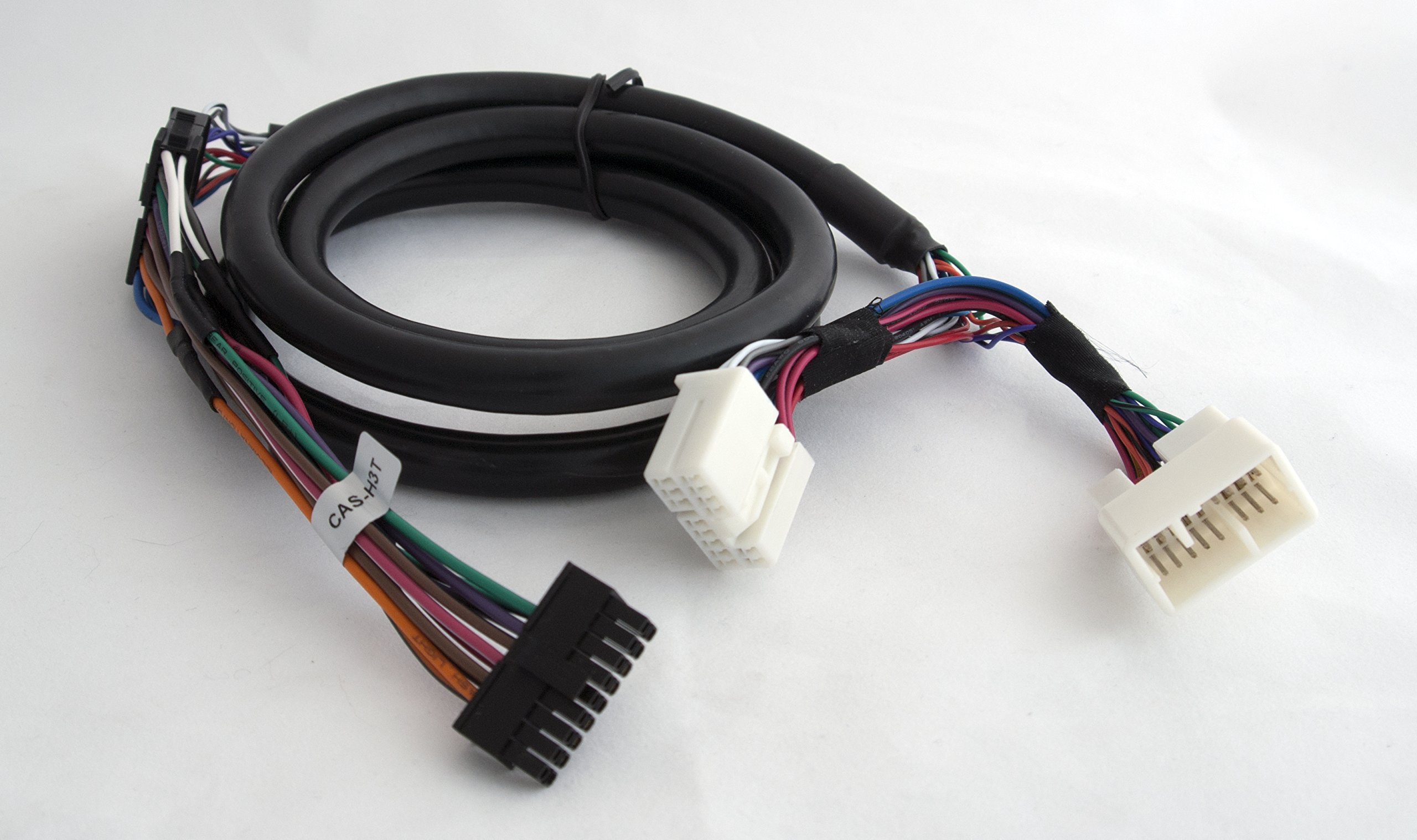
🚗 Elevate your drive with flawless Bluetooth integration—because your car deserves a tech upgrade.
The USA SPEC BT45-HON3 is a premium Bluetooth integration kit tailored for 2003-2014 Honda and Acura vehicles. It delivers CD-quality music streaming, hands-free calling with steering wheel control compatibility, and automatic audio source switching upon incoming calls. Featuring a 3.5mm AUX input and a 2.1 Amp USB charging port, it ensures your devices stay powered and connected. Easy to install with comprehensive online resources, this kit transforms your car’s audio system without the hassle of a full head unit replacement.

| ASIN | B00NMXMUW8 |
| Best Sellers Rank | #165 in Bluetooth Car Kits |
| Customer Reviews | 4.4 4.4 out of 5 stars (674) |
| Date First Available | September 16, 2014 |
| Department | car electronics |
| Is Discontinued By Manufacturer | No |
| Item Weight | 0.01 ounces |
| Item model number | BT45-HON3 |
| Manufacturer | USA SPEC |
| Product Dimensions | 9.5 x 2 x 7 inches |
M**H
Great Sound Quality, Easy Install, Very Happy Overall
Music Audio Quality: The music sound quality is near perfect, if not 100% perfect CD/iPod quality. It recognizes my device when I get in the car within 5-10 seconds without me having to do anything. Be careful not to leave your volume up too loud when you get out of the car, as when you get back in the car, the female voice that says "Connected" might leave your ear ringing for a second =) Phone Call Audio Quality: Exactly what you would expect for a car Bluetooth device. No better and no worse than anything I've experienced in any other vehicle that is Bluetooth compatible. I have my mic mounted near my rearview mirror, and I've never had any issues with anyone not being able to hear me, whether stuck in traffic or driving down the highway (windows up, of course... it's not THAT good). It is very nice how it integrates perfectly with my steering wheel controls. A simple press of the up fuction button on the steering wheel answers the call, down hangs up. If you are listening to radio, it will switch over to the AUX channel that your Bluetooth connection operates through so that the call can take place through the vehicle speakers. Note that when you hang up, it will stay in the AUX setting, so you will have to switch back to the radio if that's what you were on. Of course, if you were just listening to music through your phone via Bluetooth, which is already on the AUX, your phone will resume play of the music from your phone (at least my iPhone does). Note on iPhone Voice to Text: Speaking of iPhone, another thing to be aware of is when you are hooked up to Bluetooth, if you press the voice-to-text button, you have to wait 2-3 seconds to start speaking, as it is sending the signal through the Bluetooth connection and, thus, it is recording your voice-to-text through the Bluetooth microphone installed on the car. So, you don't need to hold your phone up to talk into it directly. That said, you do need to project as you normally would on a phone call so that your voice-to-text function can pick up on each word. You may even need to speak up a little more than you are used to. I use voice-to-text all the time, and while it does take a few weeks to get used to, I have no problems with it, and I'm picky about voice-to-text. Install: This works awesome in my 2006 Honda Ridgeline. The install was pretty simple. With that said, there are two ways you can install this in the Ridgeline. Option 1 is more complicated, but only necessary if you plan to keep your XM radio channel functional, as XM and AUX/Bluetooth need to share the same channel. Option 2 is much simpler, and perfect if, like me, you do not need XM radio functionality. I simply Googled how to pull the dash off (easy), pulled the head unit so it was loose in the dash and I could access the back (easy), pulled out the glove box so I could tuck the BT45-HON3 box back there (easy), and then clipped the microphone to my map light above the rearview mirror and ran the microphone cable under the ledge of the headliner and then behind the trim running up the passenger column (moderately simple). I was initially considering ordering this from Crutchfield thinking I needed to pay more for the vehicle-specific install instructions, but I'm glad I didn't. Resources abounded online, at least for my simpler hookup, and I know there are instructions on the Ridgeline forum for those doing the more complicated hookup. Conclusion: This is a great solution for the money for anyone who wants to be able to listen to music from their phone without having to mess with CDs, USB connections, or wires. 3 months in and I haven't looked back since I installed it. Pandora, Spotify, and Apple Music all play into my vehicle steering wheel controls seamlessly. The sound quality is excellent, and it is nice being able to take hands-free calls while driving. I was considering doing a complete overhaul of my audio system initially and I am so glad I didn't. I know the fact that the Ridgeline already has a decent sounding sound system plays into this, but if you don't want the hassle of having to install a new head unit and all that comes with it, you will be extremely happy with this regardless of your vehicle.
A**R
Installed easily, works very well
I installed the BT45-HON3 in a 2006 Odyssey touring (NAV, RES, etc). I chose to install it next to the radio, not at the XM tuner. We use XM, and didn't want to lose the XM2 button assignments. Plus, we really don't care too much about text display. My radio doesn't have a CD/AUX button as described in the manual, but does have a DVD/AUX button. With all DIP switches down (in the ON position), the BT45 takes over the AUX setting. Everything else on the radio/RES continues to work as before. Pairing with the BT45 worked easily, and once paired, devices connect quickly. Playback sound seems excellent -- at least as good as XM or a CD. Hands-free calls work well, although the caller sounds like they're in a bathtub. Still, I can understand the caller, and they can understand me clearly. I mounted the mic at the top of the windshield, just to the left of center. When using the bluetooth, the display reads CD1 - D4 - Txx, where the last is the track number in your playlist. The CH +/- keys on my steering wheel work to navigate tracks. When the phone rings, pressing CH+ answers, and CH- hangs up. The unit has a (loud) voice that so far as I can tell only does two things -- scream "connected" when you pair, and read out the phone # when a call comes in. You can enable/disable the voice with the Seek +/- buttons on the radio. Installation was pretty easy; running the mic cord was the hardest part, as it was hard to fish the cable in some spots. Still, from start to finish it was probably an hour's work. There are plenty of videos on youtube that show you how to proceed. I did have to run the cable that goes to the back of the radio under and around to the right (there's empty space there), as there didn't seem to be enough room anywhere else for this fairly thick cable to come through. I left the cable, the BT45, and the mic cord resting on top of the radio behind the climate controls, where it all fit nicely. One bit of advice -- make sure you have your anti-theft codes before you start, just in case. While I can't compare this to any of the other solutions on the market (e.g., the GROM unit), I can say the BT45 seems to work about as well as I can imagine any of them doing.
D**G
Expensive but sound is great! (on a 2006 Ridgeline, no Nav, but with factory Subwoofer)
I looked high and low for a phone/streaming music connectivity option for my 2006 Ridgeline. After trying 2 other failures, I think I've found the one that fits! First I tried the Aux input from a cheaper option (about $25) but omg the interference and engine noise was horrible! It was unbearable to listen to. So then I tried replacing the head unit altogether.. and lost my subwoofer and sound quality in the process.. The 2006 (and I think most of the gen 1 ridgelines with the factory subwoofer) actually have a 5-channel head unit, 4 door speakers plus and extra channel and amp built into to the head unit for the subwoofer. The sound without it is hilariously bad. If you want to replace your head unit, be prepared to also buy and wire up a subwoofer amp because if you don't your sound will be awful! Alas, I was beginning to think I wasn't going to find an option that worked for me.. but I decided to give this Bluetooth module a try.. and boy am I glad I did!! It's easy to wire up and after tweaking the EQ settings a bit on the factory head unit I got it dialed in to near CD quality sound over Bluetooth streaming. The sound is so good I actually don't even use my FM tuner anymore at all, I stream my local radio via apps instead because it sounds that good!! Haven't actually tried the hands-free calling yet but I'm sure it'll be fine, my big desire was getting my phone tunes to work and they work great!! Great bonus feature: the Bluetooth feeds through the name/band of the music (pretends to be XM) and also the steering wheel next/back works great too!! It's expensive but just spend the money and get this.. unless you feel like rewiring your sound system this is by far the best option! Thanks for fixing the sound in my truck!!!
Trustpilot
Hace 2 semanas
Hace 1 día