We remain fully operational. Our teams are working around the clock to ensure your deliveries continue safely.

Descargar la aplicación


Servicios al cliente
Sobre nosotros
Copyright © 2025 Desertcart Holdings Limited
Descargar la aplicación


Buy anything from 5,000+ international stores. One checkout price. No surprise fees. Join 2M+ shoppers on Desertcart.
Desertcart purchases this item on your behalf and handles shipping, customs, and support to Mexico.
🎯 Level up your PC gaming with console precision and pro customization!
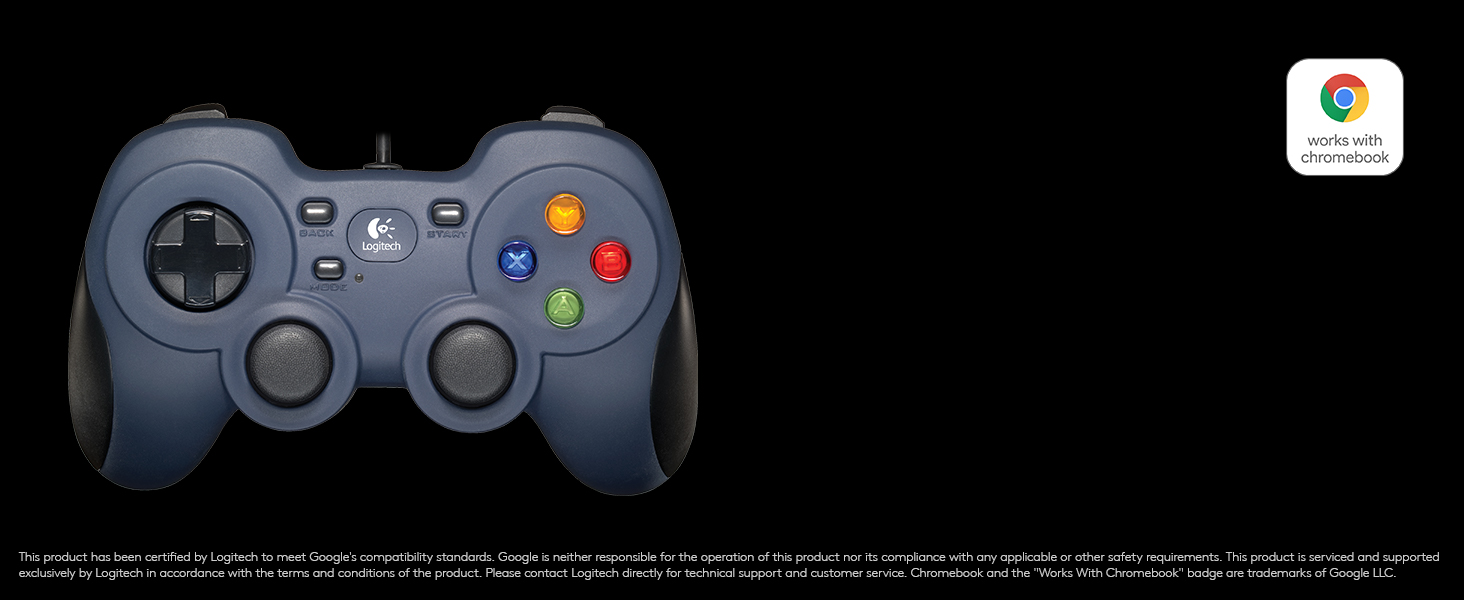
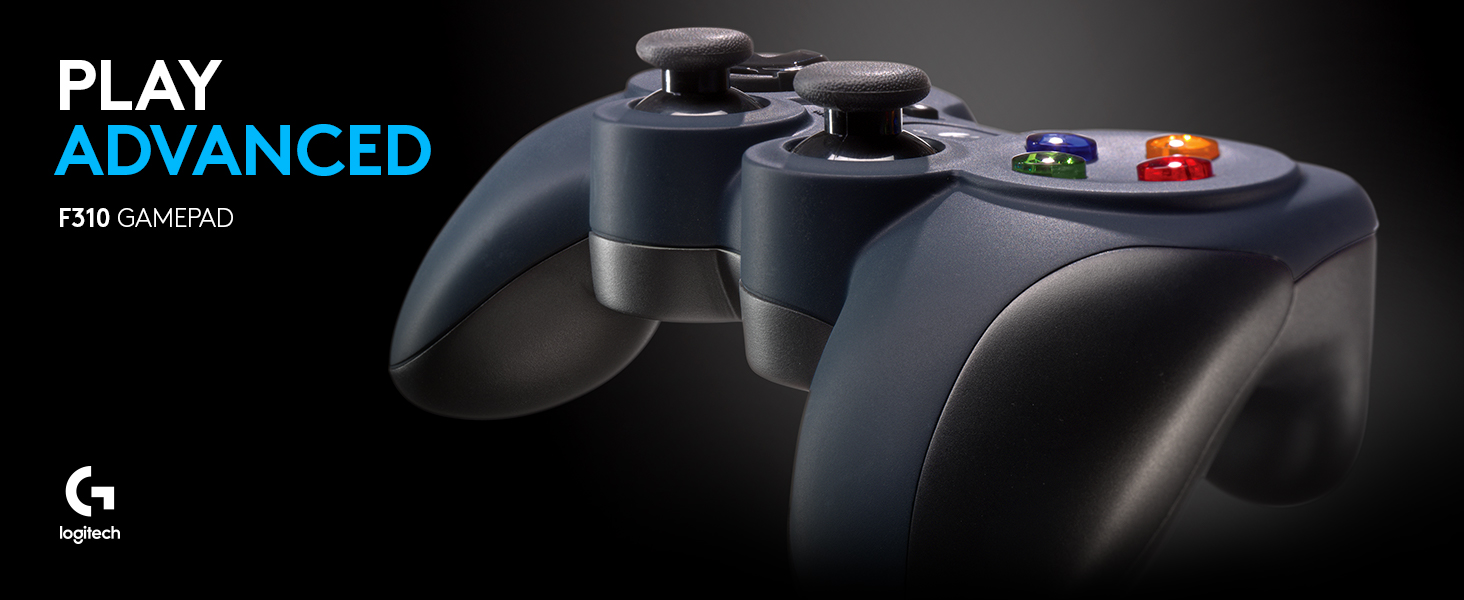
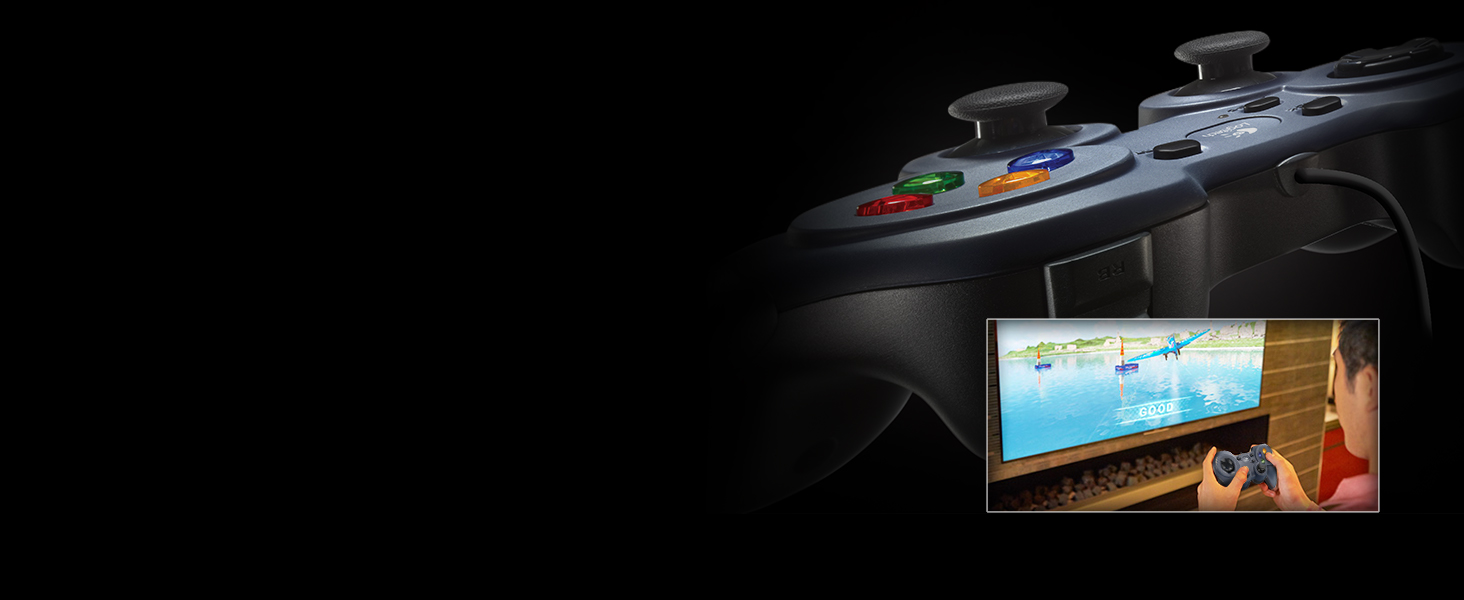
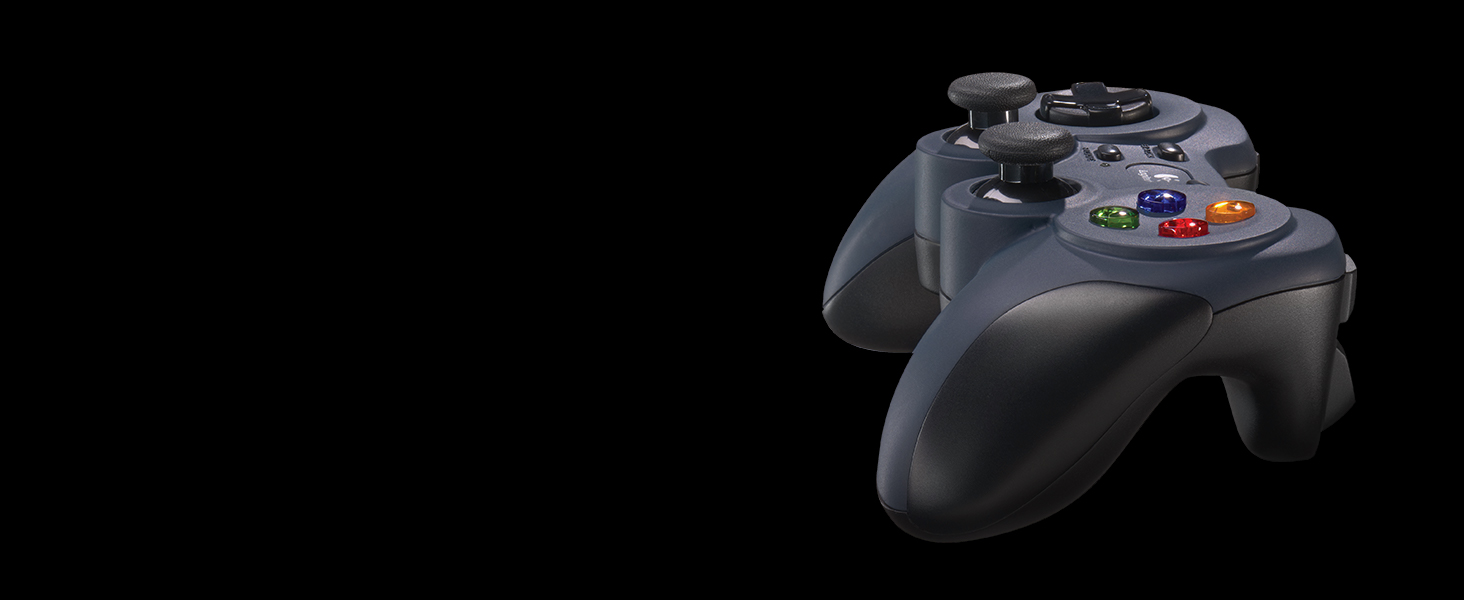
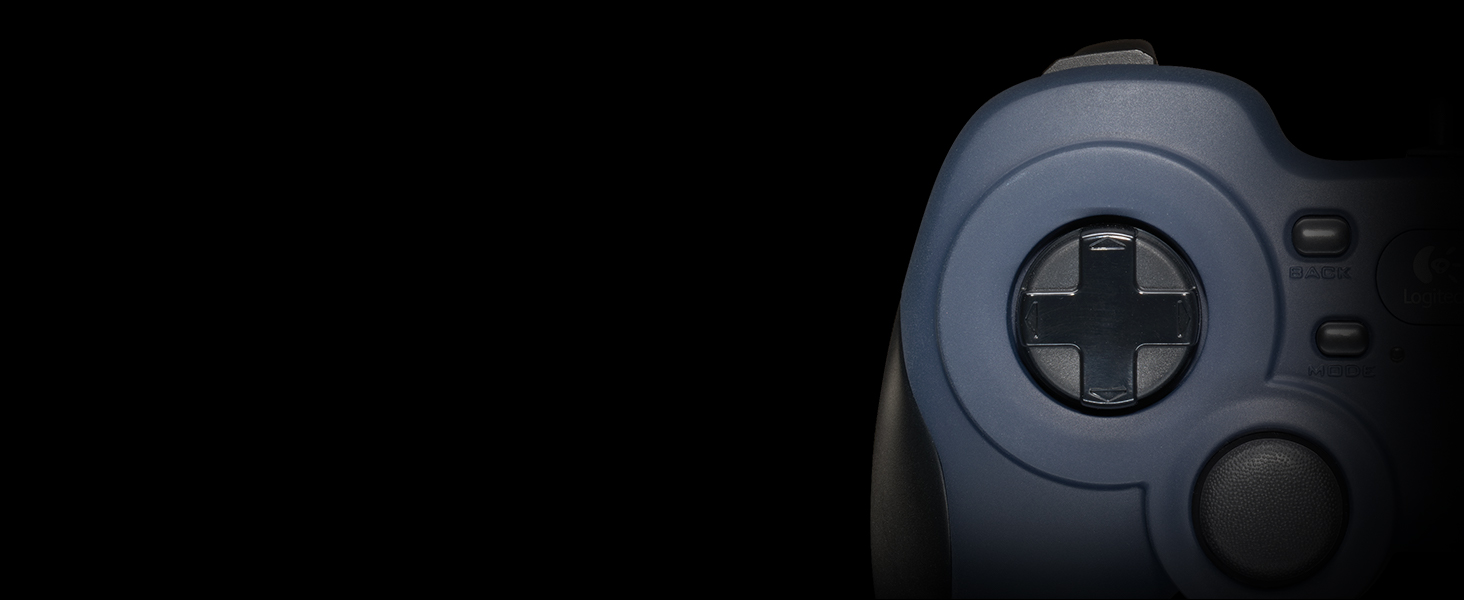
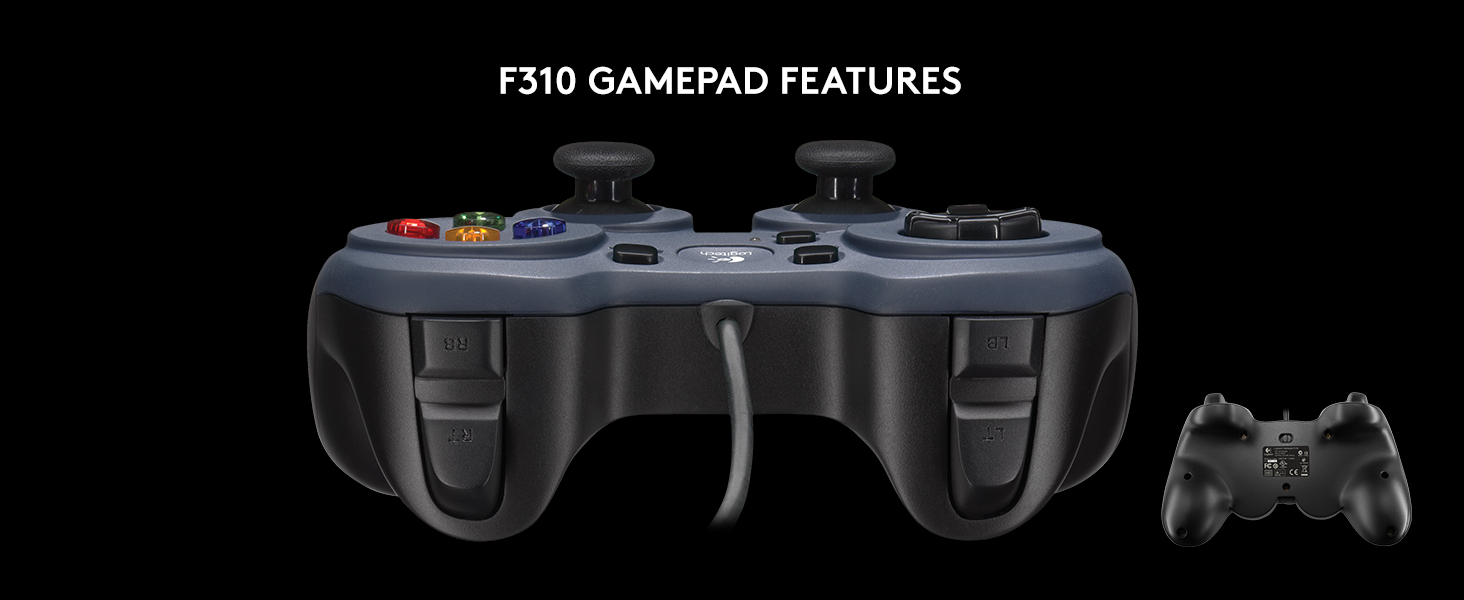
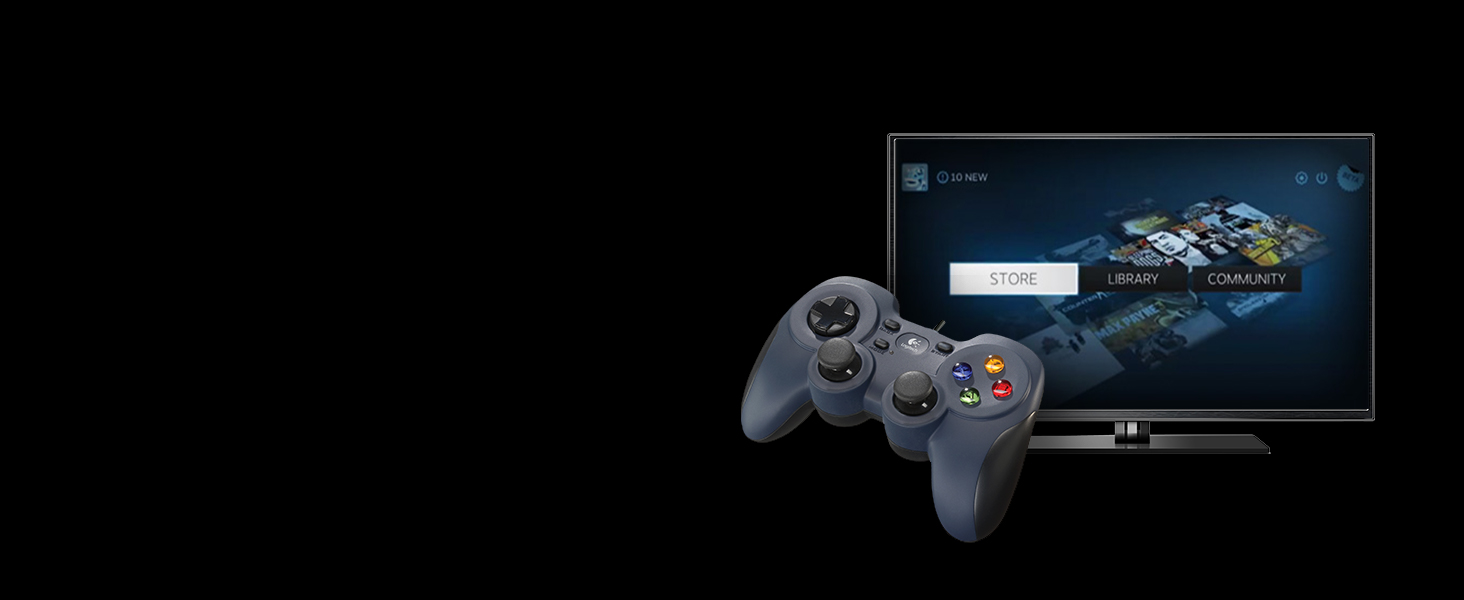
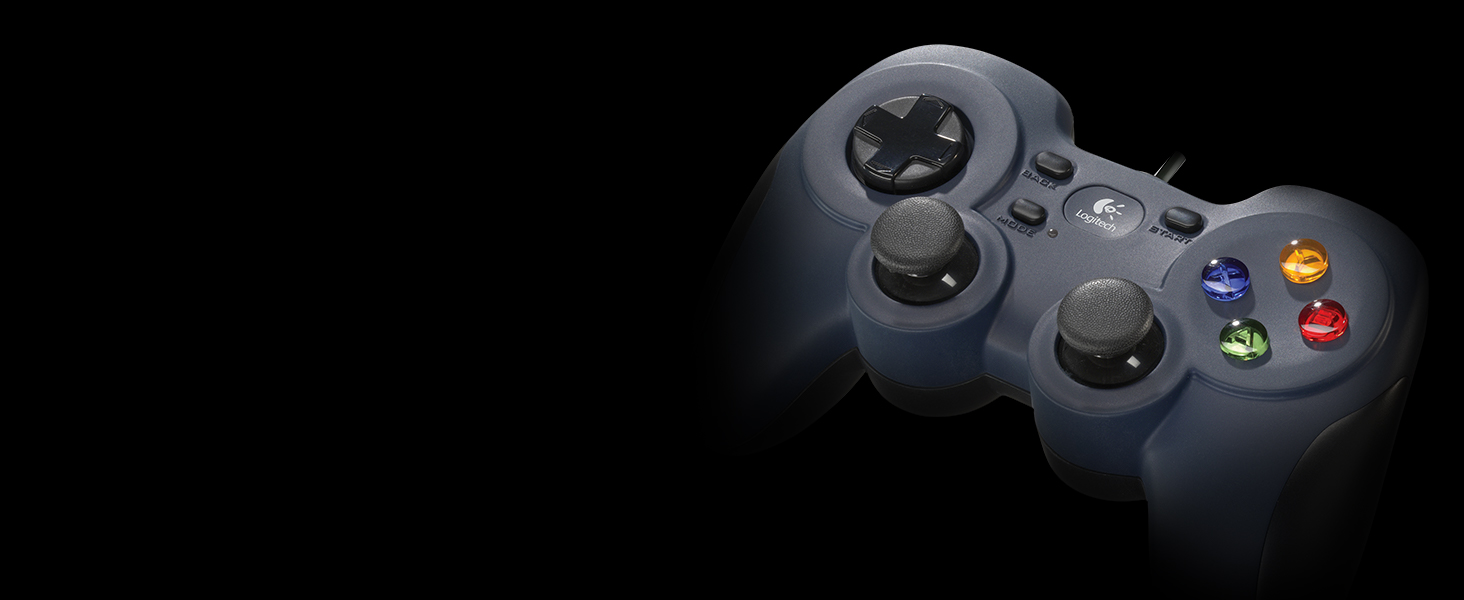
The Logitech G F310 Wired Gamepad delivers a console-like experience on PC with a familiar Xbox 360-style layout, a unique floating 4-switch D-pad for precise control, and 10 programmable buttons customizable via Profiler software. Its 6-foot USB cord ensures comfortable play distance, while broad compatibility spans Windows, Chromebook, and Android TV platforms, making it the go-to wired controller for both retro and modern gaming.
| ASIN | B003VAHYQY |
| Additional Features | Ergonomic |
| Best Sellers Rank | #286 in Video Games ( See Top 100 in Video Games ) #12 in PC Gamepads & Standard Controllers |
| Brand Name | Logitech |
| Button Quantity | 10 |
| Color | Blue |
| Compatible Devices | WORKS WITH CHROMEBOOK CERTIFIED, WORKS WITH ANDROID TV |
| Connectivity Technology | Interface,Usb |
| Controller Type | Gamepad |
| Customer Reviews | 4.4 4.4 out of 5 stars (21,169) |
| External Testing Certification | Não aplicável |
| Global Trade Identification Number | 00097855066954, 00734911327313, 00805100139762, 00806294948093, 00807030491798, 00809385662311, 03610480106078, 07887117161533 |
| Hardware Platform | PC, PC Games |
| Item Dimensions | 6.78 x 2.94 x 8.06 inches |
| Item Dimensions D x W x H | 8"D x 7"W x 3"H |
| Item Weight | 6.4 ounces |
| Manufacturer | Logitech |
| Model Name | F310 Gamepad |
| Package Quantity | 1 |
| Power Source | Corded Electric |
| UPC | 806293906414 097855066954 806298684232 805100139762 806300038282 806294948093 807030491798 809385662311 667649419374 734911327313 100177258522 806299809764 808111675250 |
| Unit Count | 1.0 Count |
| Warranty Description | 1 Year Limited Hardware Warranty |
T**Y
Perfect!
This is my first Game Controller and I think it works great. I bought it to play Games on my Chromebook. I play Browser Games like on Crazygames. It works great with the games with the ability to use the controller. I think it is very nice and seems well made. Plus it's very nice looking with a cool design. I'm very happy with my purchase.
R**H
Best budget alternative to a console controller I've found
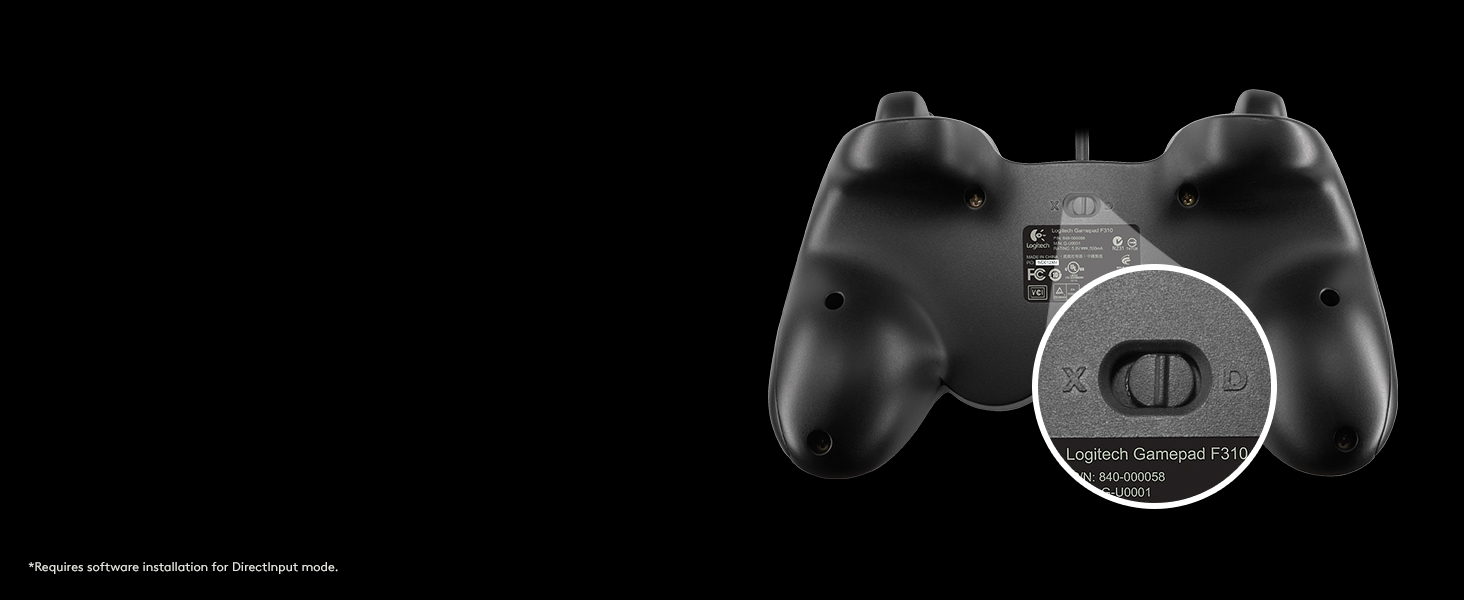
I wanted a controller for PC gaming for the rare title where a controller is really that much better than kb&m controls, but I wasn't about to shell out $80 for an Xbox controller and the adapter needed to use it for PC. This is the one I settled on, and after at least 100 hours of gameplay use from Hades alone I can say it's a quality controller. Note that this does not have rumble capability of any kind, nor does it have some of the fancy speaker/microphone stuff Sony and Microsoft have started adding to their controllers. If you want all the bells and whistles of the expensive controllers - well, you're gonna have to buy one of the expensive controllers. But if you don't really care about that stuff and just want a well built controller with the standard modern Xbox/PS style layout, this one is a great choice. I have never had a game that supports controller input fail to map the controls correctly or anything like that. And if you install Logitech's profiler software, you can fully rebind the controls yourself - allowing you to correct annoying control setups in games that don't have built-in rebindable controller controls, or if you decide you want to use it for a game that doesn't even have controller support you can rebind the buttons to keyboard buttons so as far as the game is concerned you're just using keyboard controls. Not sure exactly how sophisticated the profiler is in terms of macros and the like because I've never bothered to install it, since this controller just works with no fuss for all the games I've tried it with. It even has a toggle switch on the back to switch to directinput if you wanna play some ancient game that lacks xinput support (if you don't know what this means, don't worry about it - xinput has been the standard for years now and any remotely modern game with controller support is gonna use it). All the buttons still feel good after 100+ hours of heavy use. I haven't noticed any issues with thumbstick drift, a problem even the "premium" controllers sometimes have. The d-pad is much higher quality than on most cheap controllers - it has 4 separate switches for the 4 cardinal directions instead of just one in the middle, so it is more reliable and feels better to use). The controller itself feels a bit lighter than an Xbox controller but still feels sturdy and durable. I'll admit I'm a big of a Logitech fan, so maybe I was biased to like this controller - but there's a reason it's one of the most common recommendations for a budget PC controller and the top seller in the PC controllers Amazon category. If you're looking for a cheaper alternative to an Xbox controller, and don't mind a wired controller or lack of rumble support, this is the product you're looking for. At full MSRP of $24.99 it's a very good deal, and if you're patient and look for deals it's not hard to find in the 15-20 range at which point it's an absolute steal. If you want a budget option that is wireless and has rumble support, look into the Logitech F710.
L**T
Good budget option
Works well but ergonomics are terrible. It's going to take some time getting used to it, especially if you are trying to play fast paced games. It is plug and play and is responsive, however it feels like a brick.
K**M
Decent gamepad
It’s a very simple gamepad, nothing fancy about it, but that’s what I needed. The buttons and joystick have very much the feel and quality of a PlayStation 2 controller. Works well for simple retro game emulation that I use it for. Would probably work well for FPS and racing games as well.
R**.
Great controller, frustrating clamshell
I've been playing console video games for at least 22 years, right around the time I picked up a SNES controller on the family console for the first time in the early 90s. This continued through the late nineties when my parents purchased an N64, to the early 2000s when I purchased a PS2, 2007 when I purchased an Xbox 360, and continues to this day after I purchased an Xbox One a couple years back. Why mention my extensive console gaming experience? PC gaming is a completely different animal. When you grow up on D-pads and analog sticks operated by a single thumb, trying to fit WASD into your head is a tall order. Here's a good analogy anyone can relate to: let's assume you are awesome at typing on a QWERTY keyboard, 150 WPM or some such. You get a job as a data entry technician, and when you sit down on your first day... they have DVORAK keyboards. What are the chances you're going to learn a completely new keyboard layout to do your job? None. You're gonna go to Wal-Mart on your lunch break and buy yourself a QWERTY. Which segues into why I purchased one of these. I needed a gamepad for my PC because I simply could not adjust to the completely different hand placement and movement paradigm that comes with a PC video game. I kept losing my finger positions on the keys and high-stress situations (like attempting to dodge and exchange fire with an enemy on a shooter) were really getting me in trouble because three-finger movement on WASD was taking too long to process. Adding to the complications are that my system is Linux, which is usually a no-go from the start because nothing ever seems to work on it. I decided to take a chance on this anyways because with Amazon gift cards and a Prime trial, I got it for $11. To begin with, the package this controller comes in is a nightmare. It's a clamshell with no room to maneuver a pair of scissors or a razor blade around the controller inside, so you have to use the little tab and perforations on the back. Problem is, the perforations end halfway down where the controller is contained, so your only option is to tug on both ends and send your controller flying when the package inevitably bursts open. After collecting the entire contents of the package from the floor, all that's inside is a controller and two small squares of paper. I seemed to recall the product description mentioning software, so it must be online somewhere I suppose. Either that or I really sent a CD flying and can't find it. But the moment of truth comes later, when you plug it into a PC. Does it work? As a Linux user, the answer is, surprisingly, yes. I plugged in the USB connector and nothing happened. This either means the operating system knows exactly what it is and doesn't have to do anything, or you're SOL and need a driver or something. My eyes were drawn to the little Logitech logo on the center of the controller, and I decided to push on it to see if it was a button like the XBox Guide button on their controllers. It is! Steam's Big Picture mode launched and I needed no configuration or messing around with anything to make it simply work. On a Linux system. I was amazed. So I decided to push my luck on a ROM using a program called Mednafen, which is a multi-system retro console emulator. Didn't work so well any more in Xinput or direct mode, though this is almost assuredly due to Mednafen's programming and not anything to do with the Logitech controller. I searched out the profiler software mentioned by the instructions to attempt to fix this problem, but after finding the Logitech support page I discovered that they only offer software to recent versions of Windows, so you won't get any help from them if you run another system. About 5 minutes of Google searching later and I find QJoyPad, and now everything is perfect. This controller has a total of 12 buttons (2 bumpers, 2 triggers, click analog sticks, select, start, A, B, X, Y) and 6 axes (Dpad X/Y, left stick X/Y, right stick X/Y). The Logitech logo launches Steam Big Picture for me, but I have no idea if it will work on anything else. It has a very similar size and form factor to a PlayStation DualShock controller with fatter feet on the bottom, which I like because DualShocks are bony and poke my palms uncomfortably. You'll see the form factor is very similar in the attached photos, which I also placed alongside Xbox controllers for contrast and a pack of standard playing cards for scale.
J**K
Fantastic for the price point
I needed a controller for a martial arts genre game and I didn't want to spend upwards of $50-80 for a Xbox/PS controller so I settled on the Logitech F310 due to its enticing price. I have no complaints with its performance. All the buttons work as they should and the cord length is adequate for my current setup. A bonus is that it seems to work on Linux (Mint 22.2) perfectly fine. I used it on several other steam games and so far no issues to be had. As long as you buy this knowing it's a budget controller with basic controls (no haptics, touch pad, mic, etc) you won't be disappointed.
O**I
ممتاز
P**R
Delivery was on time, as expected from Amazon. The package was not bubble wrapped but it was sturdy enough. As far as quality is concerned, It's perfect. Now the controller works awesome, I just downloaded the official software from logitech's website.. Just Install the software and you're good to go. I'm running this on Windows 10 Pro 64-bit. The Xinput/Direct Mode button is really usefull, By switching to Direct mode, The controller gets recognised in every game I tried. I tried it with NFS RUN, NFS Rivals, COD Ghosts, COD Advanced Warfare, Medal of Honor, Battlefield 4, American Truck Simulator, GTA IV, GTA V, Fifa 14 and Fifa 15, Tomb Raider, Moto GP 2015.. All these games are installed on my PC. Now as for the controller, The Cable length is good, I can sit way back than I used to When I used keyboard.. The controller feels sturdy in your hands and has perfect weight.. It doesn't feel like a clutter at all.. The keys are great, just enough travel to give perfect response.. I've used the word perfect many times because it's just what it is. Totally Satisfied, It's Worth Every penny spent, Go for it without a second thought.
L**A
El mando es bastante ligero y los plásticos son de buena calidad. (no premium ni cercana a la del dualshock o mando del xbox one). Lo he utilizado varios meses y me gustaría aportar las siguientes apreciaciones: Al tacto se siente como un dualshock, los sticks direccionales funcionan bastante bien, el d-pad es firme al tacto, los botones xyab se sienten bien, los gatillos son pequeños pero cumplen de gran manera. El control el 100% plug and play, compatible con steam y muchas plataformas y juegos. En cuanto a los puntos negativos está el hecho que es alámbico, así que si odias los cables, deberías buscar otra opción o bien tener un poco de paciencia al momento de usarlo. Si bien no se llega a sentir como el dualshock (mi favorito), no quiere decir que la experiencia es mala, todo lo contrario, es cómodo al uso y muy responsivo. Si necesitas un segundo control a buen precio o tienes un presupuesto ajustado y no te importan los cables, este es uno de los mejores controles en el mercado. Si a esto le sumas una posible rebaja u oferta, vale la pena intentarlo.
C**E
Bom custo benefício, eu tenho preferência por controles com cabo, além de um menor atraso nos comandos, não me preocupo com pilhas/baterias (e as vezes jogo por muitas e muitas horas). Um ponto que me surpreendeu foi o quão leve é esse controle, as vezes até dá uma sensação de que faltam peças nele, mas é de verdade e funciona direitinho sim.
R**N
Easy to hold the best i have used easy to use with the pc I been playing many games with it and im soo satisfied .
Trustpilot
Hace 2 días
Hace 1 mes