

Desert Online General Trading LLC
Dubai, United Arab Emirates
Desert Online General Trading LLC
Dubai, United Arab Emirates


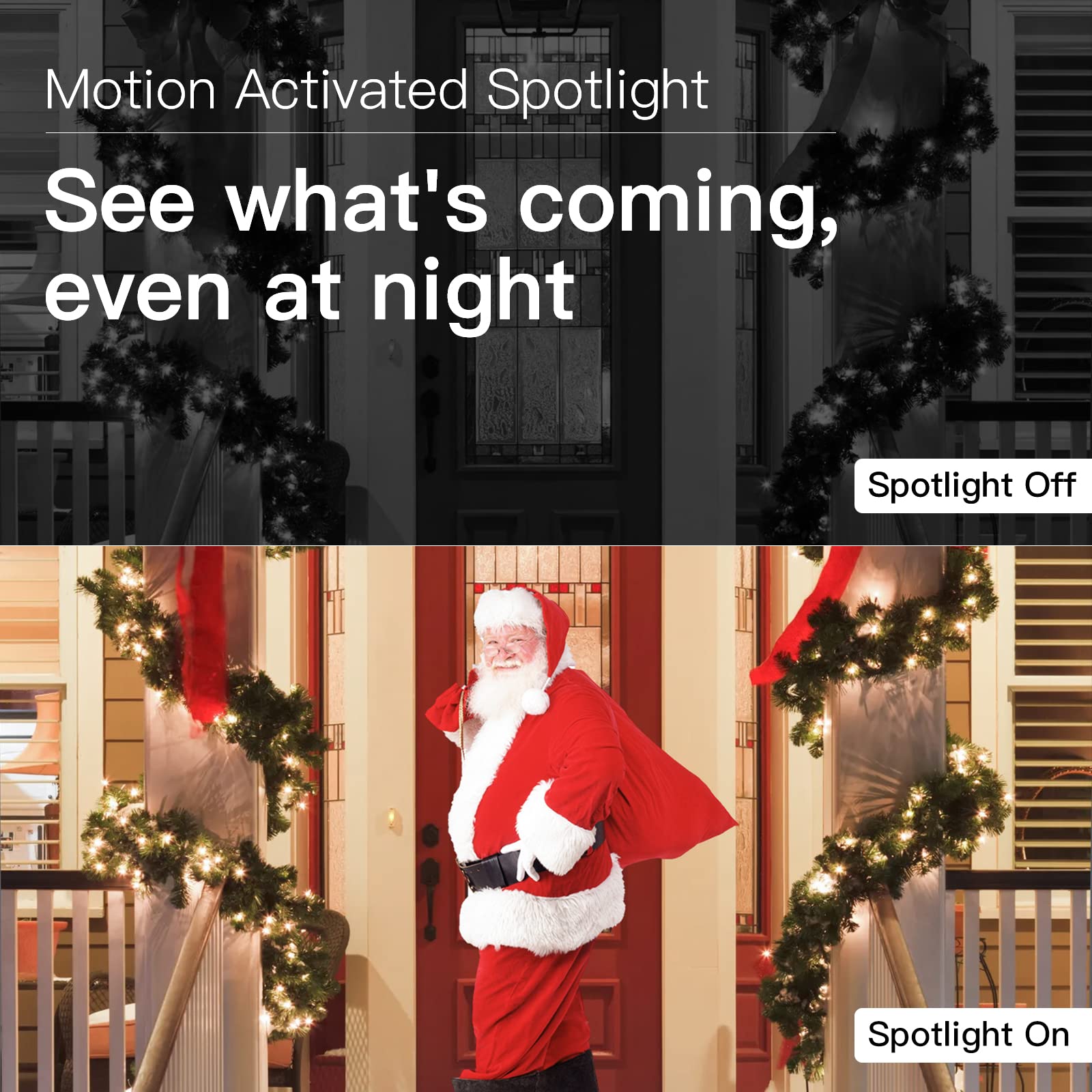
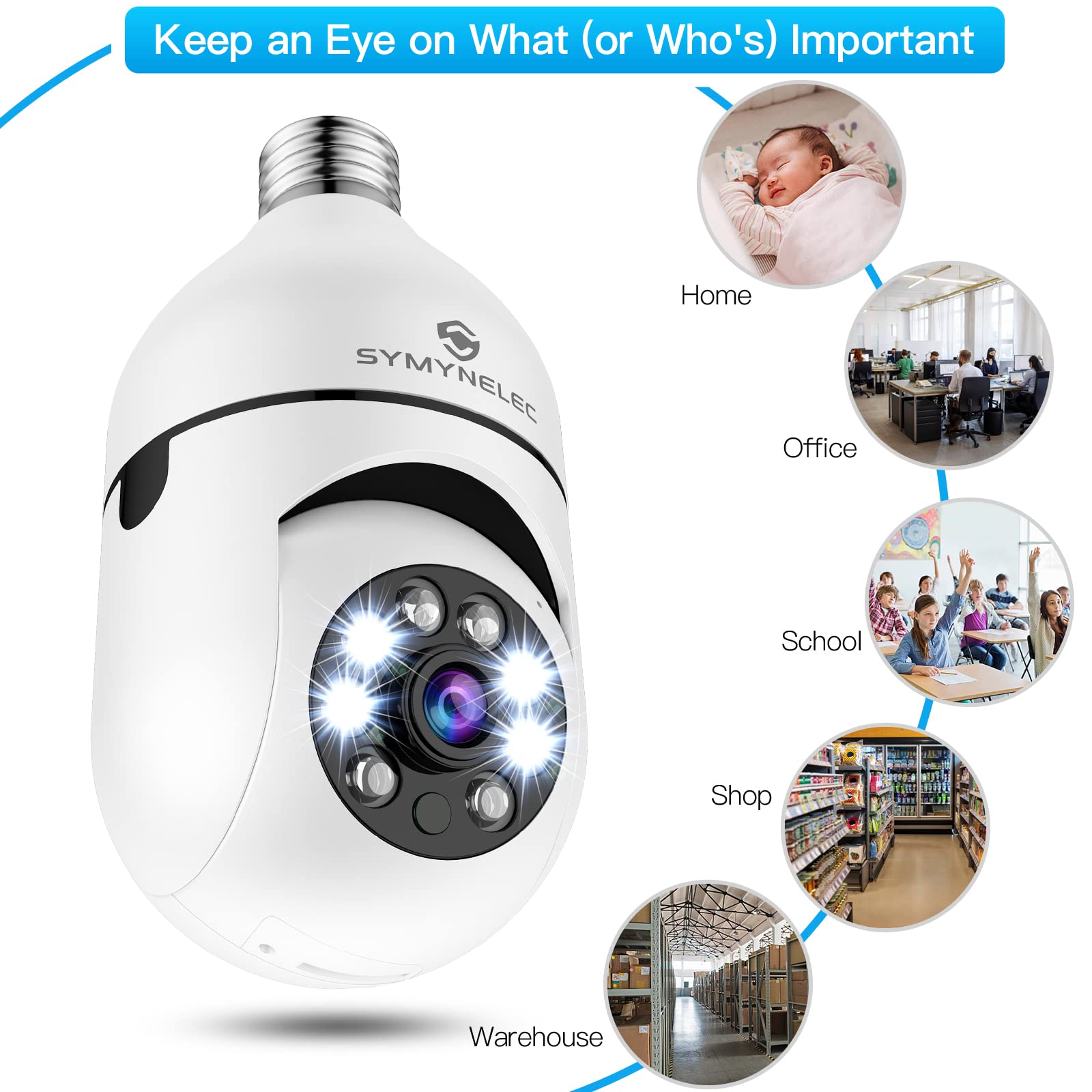
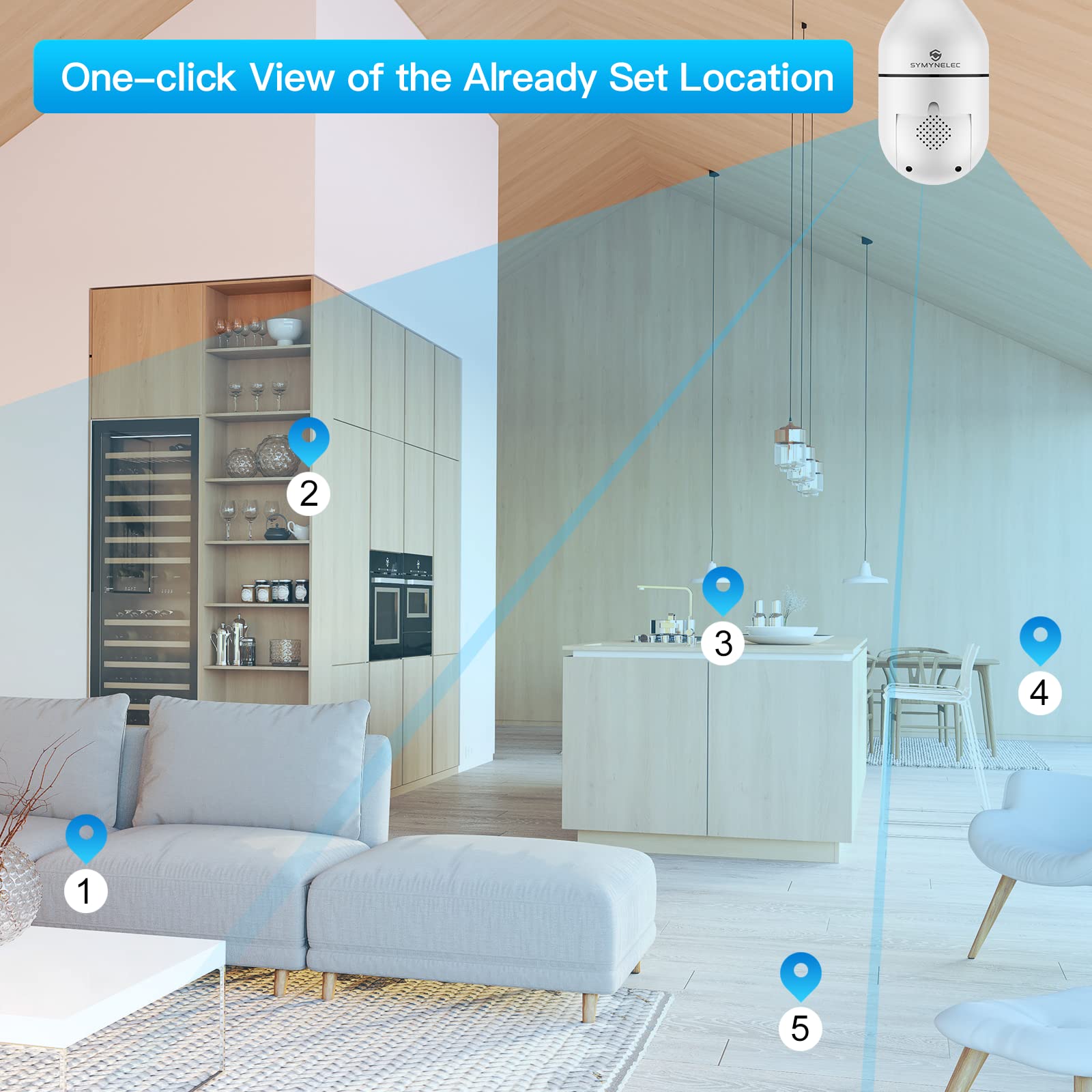
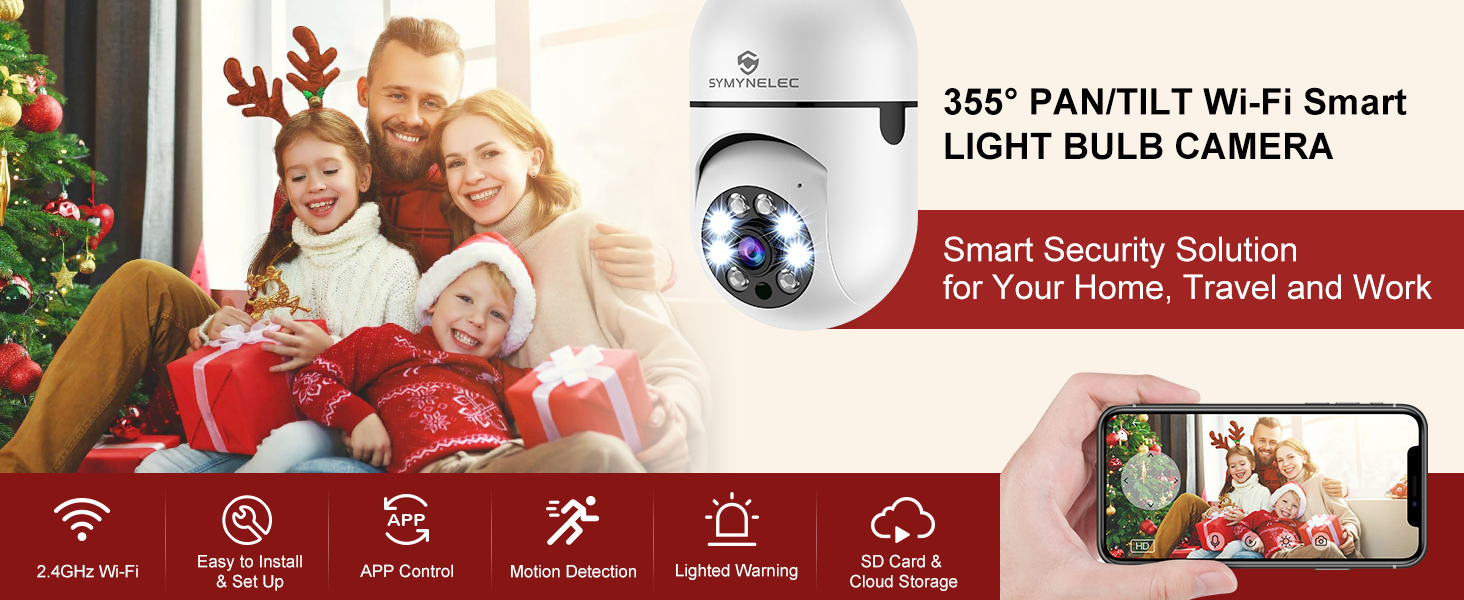
Illuminate your security! 💡🔒
The SYMYNELEC Light Bulb Security Camera combines a high-definition 2K camera with a smart light bulb, offering 360° motion detection, real-time alerts, and seamless integration with smart home systems like Alexa and Google Assistant. With easy installation and advanced night vision capabilities, it ensures your home is monitored day and night.

K**M
Update...No More Frustration...Happy!!!!
I posted the review (see below) with my thoughts about this product. I have a lot more updated details to provide...fortunately for the positive!!The seller contacted me directly through Amazon messaging to address my concerns.1) The seller was extremely apologetic about the issues that I posted about the discrepancy between the manual and the online posting about what memory card is needed. To be clear...it is a MICRO SD card, not a regular SD card.2) The micro SD card should be 64 GB to 128 GB; either will work with this camera. The manual states 64GB, but the seller has stated that the camera will support up to 128 GB (which is what I am using)...and it works perfectly!3) The IR lens only shines for the first 2 seconds of the powering up sequence...not constantly. I was looking at the IR lens after those initial 2 seconds and did not see the stated light. It is there...you just have to look quickly after turning on the power.4) I am a US resident. I don't know if that has any bearing on the following comments. I have installed multiple smart wifi light switches, power plugs, security cameras, etc. in our home. I have always scanned the QR code with my iPhone app scanning the QR code on the security device. I have never scanned using the security device to scan the QR code that was posted on my iPhone. That was my difference with this product. The QR code is literally on your iPhone (or Android), and you hold that phone QR code in front of the security camera...and the camera will then scan the code on your phone and set everything up immediately.It literally took me 3 seconds to go through the setup process once I understood that the security camera needed to scan the QR code on my phone, not the other way around.The seller has stated that they have posted an additional instructional video to help everyone with their installation. I appreciate all their efforts. I remain amazed at their reaching out to me personally via Amazon email. And I appreciate their efforts.My cameras were literally installed within minutes once I understood the process and realized I had read the instruction manual incorrectly...the cameras work great with wonderful clarity. I can highly recommend both the cameras and the support I have received from the seller.*********Original Post:I am frustrated beyond belief and hoping that the seller will see this review and give some helpful advice.1) The product description specifically stated micro SD card, which I bought only to discover that a standard SD card is what is needed. I have lots of those from my photography hobby.2) The manual specifically states that the maximum capacity of the SD card is 64GB. But the seller states here in his answers to various questions that an SD card up to 128GB will work.3) The manual states "Power the camera, and you can see the IR Lens glowing and hear the power-on bell." There is no glowing IR Lens on either of the 2 cameras I purchased, and there is no bell...only an annoying voice that is beyond impossible to understand.4) The description and the manual state that 2.4ghz wifi is all that this camera will work with. I have set up a specific 2.4ghz band, logged on to that band with my iPhone, and tried to do the setup. Even though I have given the Tuya Smart app access to my camera, there is never a successful scan of the QR code of either camera...using both the front and rear cameras just to be sure I tried everything. While trying to scan the QR code, the camera repeatedly (like every 20 seconds) says something that sounds like "Please configure your iPhone" or something similar sounding...that has to be the most annoying thing when I'm trying to do the best I can with the instructions provided...and nothing is working...and the camera keeps telling me to configure my phone or whatever it's saying, every 20 seconds.If I could get it to connect to the app, maybe I could forgive all the other inconsistencies...but so far, after a couple of hours of wifi setup and camera / app work, I have been completely unsuccessful. I wrote to the customer service address on the manual only to have them promptly reply with a bunch of online support links that I had already researched and read.One more day...a few more tries because I'm stubborn...and if I'm still unsuccessful, these 2 cameras and the wrong microSD cards are going back to Amazon.
R**E
Good idea, not-so-good execution.
1) initial setup hampered by instructions that don't match actual sequence of operation for setup.2) When config "caught", was very happy with control response and streaming speed. Then fun started.3) Tried several brands and sizes of microSD cards - previously used, known good.4) Initial attempt to format a PNY 64GB card in camera trashed it.5) Had to use PC to reformat others to generic FAT32 before a SanDisk "caught" in camera's format process.6) After testing, got busy, only looked next day - to find camera had reset, losing settings & registration.7) Resets kept happening... Time to REALLY look at connection, and realized unit is actually dual frequency i.e. 2.4 AND 5 GHz. Had been accidentally connecting at 5. Probably unit overheats & resets.8) OK, time to limit speed... Added custom SSID to my Ubiquiti setup, locked at 2.4 GHz9) Unit works BUT at 2.4 GHz, camera becomes almost unusable, especially compared to operation at 5 GHz. Jumpy stream. Pan/tilt becomes exercise in frustration, with lag and/or overshoot. Enough, already.10) Returned, will spend more money for true 5 GHz operation
L**S
Wow. Very impressive.
Love the panoramic screen. Resolution is spectacular. PTZ works great. Automatically resets and reconnects to router after outage, which is an improvement from my last camera. The only issue I had was the auto pairing with the router didn't work. Had to pair the camera to the router manually. Other than that, I'm very satisfied with my purchase. It certainly is an upgrade from the last light bulb camera I had.Update: I had high hopes for this camera. A little after 3 weeks the camera went offline, and I was never able to reset it. I followed the reset instructions to no avail. Sent it back for a refund. So disappointed.
D**D
Great camera for the day time
Let me say I actually love this camera. However, there are some things I didn't like.First, the light is really bad. It is not very bright at all.Second, since it is not water resistant, you have to put it inside a fixture. Because it's inside a fixture, it has no night vision.Having gotten the bad out of the way, here's the good.First, the picture is great! Even having to go through the glass from the fixture it's still a great picture.Second, the microphone is awesome as well. I love that I can hear everything going on in my yard from work.Third, the ability to pan the camera around and even up and down is an amazing feature. The controls are a little awkward but I can deal with that.Fourth, the speaker is good. Not great, but still good. I can talk to the pups through the speaker and that's something I was looking for.Would I recommend this camera? Yes. Some notes, however. If your light fixture is narrow at the bottom, it can be challenging to screw the camera in. I would recommend making sure your fixture doesn't use beveled glass and that the glass is very clean. I haven't been able to set up the motion detection. It isn't as intuitive as I'd like it to be. If you have 2 light fixtures where you are going to use this camera it is far better than just one. The light on the camera is really bad and you won't have any visibility at night.
Trustpilot
Hace 1 día
Hace 3 semanas