We remain fully operational. Our teams are working around the clock to ensure your deliveries continue safely.

Descargar la aplicación


Servicios al cliente
Sobre nosotros
Copyright © 2025 Desertcart Holdings Limited
Descargar la aplicación
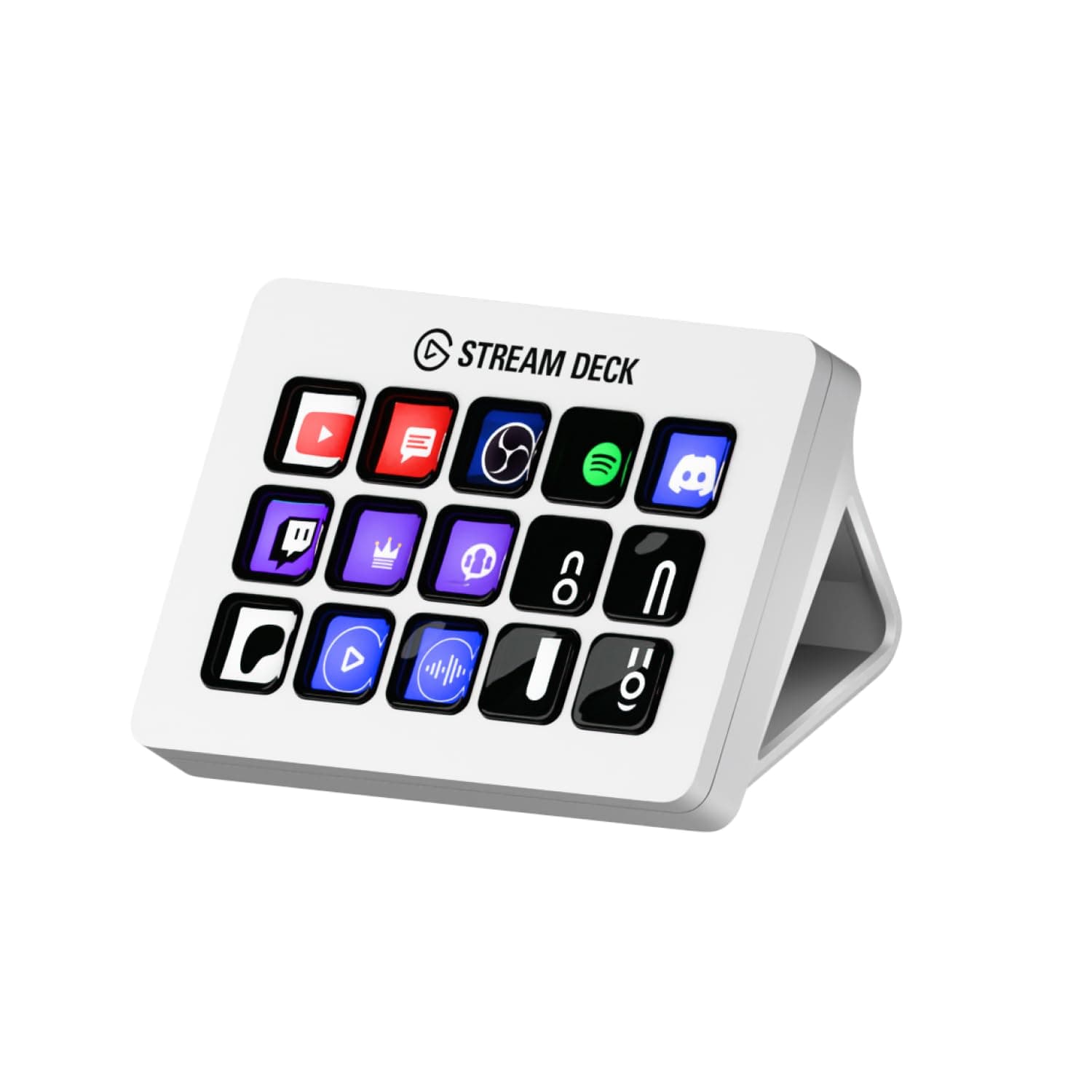
🎥 Elevate your command center—because your workflow deserves the ultimate control hub!
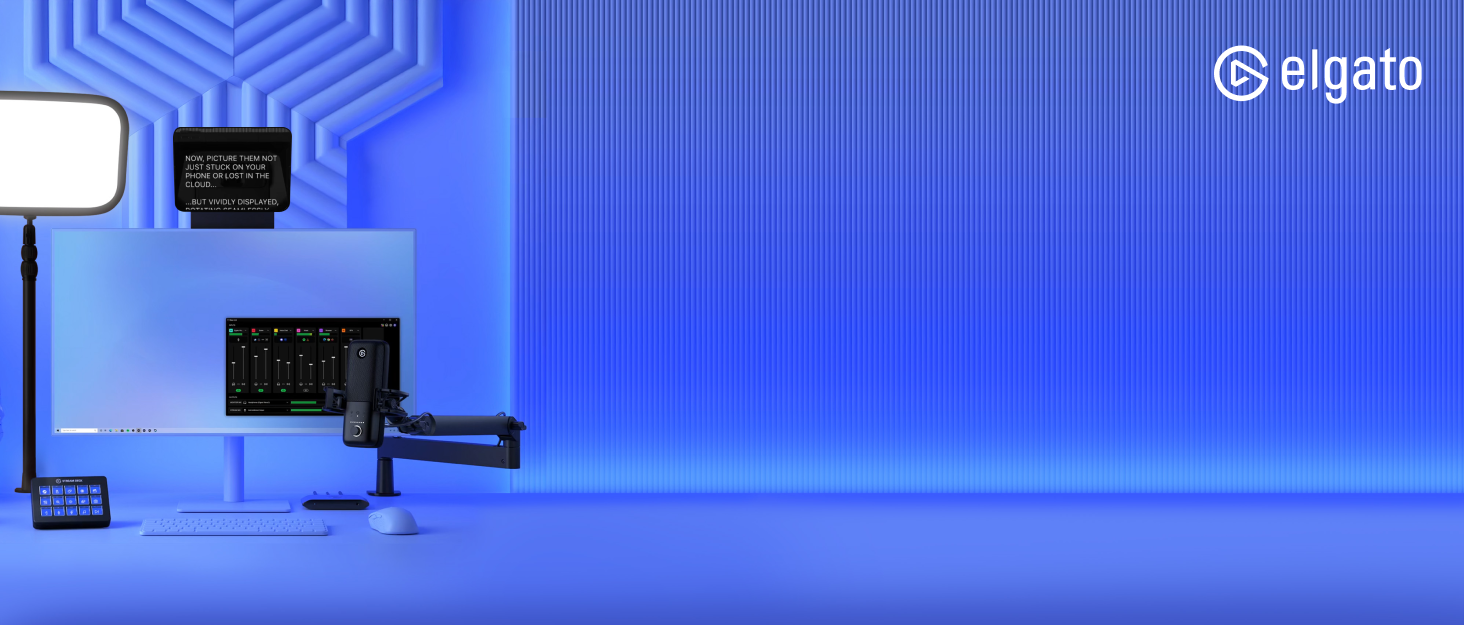
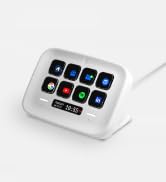
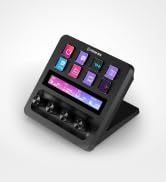
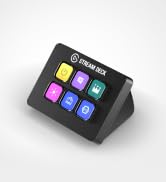
The Elgato Stream Deck MK.2 White is a compact, USB-powered studio controller featuring 15 fully customizable LCD keys. Compatible with both Mac and PC, it enables instant triggering of actions across popular apps like OBS, Twitch, YouTube, and more. With powerful plugin support and multi-action capabilities, it transforms complex workflows into seamless, one-touch operations—perfect for streamers, creatives, and professionals seeking to boost productivity and command their digital environment with style.







| ASIN | B09RMXK59C |
| Additional Features | Backlit |
| Antenna Location | Office |
| Best Sellers Rank | #1,592 in Video Games ( See Top 100 in Video Games ) #425 in PC Accessories |
| Brand | Elgato |
| Built-In Media | USB Cable |
| Button Quantity | 6 |
| Color | White |
| Compatible Devices | PC |
| Connectivity Technology | USB |
| Customer Reviews | 4.8 4.8 out of 5 stars (2,219) |
| Enclosure Material | Plastic |
| External Testing Certification | Não Aplicável |
| Hand Orientation | Ambidextrous |
| Item Dimensions L x W x H | 4.65"L x 3.31"W x 0.98"H |
| Item Weight | 0.15 Kilograms |
| Keyboard Backlighting Color Support | Single Color |
| Keyboard Description | Gaming |
| Keyboard Layout | QWERTY |
| Language | English |
| Manufacturer | Corsair |
| Model Name | MK.2 |
| Model Number | 10GBA9911 |
| Number of Keys | 15 |
| Power Source | USB Powered |
| Style Name | Stream Deck White |
| UPC | 840006654209 |
| Warranty Description | 2 year manufacturer |
D**0
A Game-Changer for Streamlining Workflow and Multitasking!
The Elgato Stream Deck MK.2 White has completely transformed the way I work and multitask. From the moment I set it up, I was blown away by how much easier it made my daily tasks. The customizable buttons allow me to program everything I need—whether it’s launching apps, switching scenes, controlling audio, or executing complex macros—all with a single press. The build quality is fantastic, and the white design is sleek and modern, blending perfectly with my setup. The responsive LCD keys are not only visually appealing but also incredibly functional, providing a clear, tactile feedback that makes navigating through tasks feel effortless. Since incorporating the Stream Deck into my workflow, I’ve noticed a significant boost in my productivity. I can easily juggle between programs, manage my stream, and execute commands without losing focus. Whether you're a streamer or someone who just needs an efficient way to manage multiple tasks, the Elgato Stream Deck MK.2 is a must-have tool to simplify and optimize your workflow. Highly recommend!
R**Z
The BEST of the BEST!
First, this is my third one that I bought... So that's means that this product is top quality. You can do anything with this... Just watch videos in YouTube to have some ideas. I'm using it as a video editing, TV Playlist for my TV network... You can create profiles, for example: When I open DaVinci Resolve, all the buttons change with the shortcut that I use, same thing on Premiere and so on. I thing that 15 buttons are enough, because you can create profiles, folder, pages, multi-action buttons, etc... So you have infinite buttons... You just have to be creative to organize it... As you can see in the video, I create 5 profiles on the top buttons, and all 5 profile have the same on the top, so I create like a static menu. Remember, this not only for streamers... This will work for everything! For office, graphics designer, video editing, gaming... Yes, you can customize the button with a shortcut or keyboard keys. You can use it to control the volume, smart lights, also you can use IFTTT. Very easy to use, they have a Store where you can downloads profiles, static and animated icons and plug-ins... Most of them are free! Works with PC & Mac, also they have a Stream Deck App for iPhone and Android, but you have to paid monthly to used it. This change and improve my productivity 100%! I also create a profiles with funny sfx to make my co-workers laugh! 😅
W**H
If you're on the fence, just do it, I did and don't regret it
So been using this for a little over 7 months and didnt want to write a review until I had given it a run and honestly can say that I couldn't use my PC without this. I have set up custom buttons to do everything I need while on my pc, I stream a little hear and there so I have an entire page for my OBS, I have shortcuts to websites I use daily, I even set up macros to restart and shutdown my pc so if I have to leave I can just press a button and out the door I go. Pros: Simple to use Software is straight forward Learning new things for it is easy Makes using my computer seamless Cons: Anti slip bottom not so grippy most of the time The last isn't a read con per say more just annoying but has no effect on the actual device and won't hinder my review. Gonna use a little longer and look at upgrading to a newer model with more buttons.
E**N
Good device.
got this for my wife when she started streaming. I am jealous. I have the old one, and while the function is the same, I love that hers is much more stable than mine. Mine is rather easily knocked off of its stand, and hers does not. I cant even remember if this one is actually a stand, or just attached. Either way, huge improvement. Works as it should.
N**S
Must have! GO GET IT!
I’m so happy i finally caved and purchased this. It’s such a game changer for my streams. This is a must for any type of streamer. Easy to use and set up, most everyone has a seamless integration with Elgato. Love it!
C**Y
So Convenient
A very convenient tool to have. The compatibility across different apps is incredible. Able to monitor my pc's performance or able to start up apps or mute my mic. Got this one in white so I could pass my black one down to my husband, so he absolutely loves his "new" stream deck too. Able to adjust brightness to your liking and the buttons are very soft and quiet
H**L
Nice device, but didn't fit my needs
First off, I'm not a gamer or a streamer. I'm a software developer looking to streamline my workflow. My company uses Microsoft Teams and I've been looking for a way to reduce my anxiety when participating in meetings. Specifically controlling mute, and camera without fumbling for shortcut key or moving cursor over toolbar button on a window that is on a different monitor. When I saw that there was an ElGato plugin for MS Teams, (and that there was a sale) I thought it wouldn't hurt to try. Unfortunately, the plugin was a disappointment. Even after setting and resetting the api key from the MS Teams app, the buttons would never activate the Teams action. I was able to manually create a hotkey that could do the mute action, but I couldn't replicate the lighted icons, or other reaction button that don't have a Teams shortcut. Another feature that I disliked was that this is a wired device. No wireless option. And, it has to be connected directly to a port on the computer. This was a bummer for me because now i had to worry about the cord knocking things over when I move the device around. I stand for my meetings and I want to be able to hold the device in my hand while talking. I really wanted to like this device. It's a clever device with oled screen under the buttons and ability to assign profiles to an application that would switch automatically. However I couldn't justify spending this amount for something that doesn't do what was promised, while also adding another obstacle to my workflow. Edit: increasing star rating because the faults I stated are not caused by the device. A little more research on my part could have saved me some time.
E**A
I have been using this steam deck for almost a year now and still love it as much as the day I bought it. I play a lot of games which require emotes and repetitive commands and this is the perfect way to cut my time in half, allowing me to focus more on gameplay and less time on typing out what emote I want to use. I can have pages for multiple situations and it is so easy to customise and set up the function of each button. I find that 15 keys is the perfect amount for me, the Steam Deck is big enough to give me plenty of keys to set functions to, and small enough that it does not take up a lot of room on my Deck. Also, the app that complements the deck is also very easy to use and there are multiple videos to help you out if you ever get stuck or confused on how to do a certain thing.
M**E
Nice little device, you can bind a lot of things, use it as a control for basically every pc app
限**ノ
ド定番のショートカットデバイスです。 便利でしたが、新しく出たNEOのほうに乗り換えました。 価格もこちらのほうが安く、ページ送り用のタッチボタンもあるのでオススメです。
M**N
I mostly use mine to run smart home automations, but also for gaming. Works well, you just have to put the time in to set it up.
M**N
TOP
Trustpilot
Hace 5 días
Hace 1 mes