
Descargar la aplicación


Soporte al cliente

Desert Online General Trading LLC
Warehouse # 7, 4th Street, Umm Ramool, Dubai, 30183, Dubai
Desert Online General Trading LLC
Warehouse # 7, 4th Street, Umm Ramool, Dubai, 30183, Dubai
Descargar la aplicación
Soporte al cliente
Desert Online General Trading LLC
Warehouse # 7, 4th Street, Umm Ramool, Dubai, 30183, Dubai
Desert Online General Trading LLC
Warehouse # 7, 4th Street, Umm Ramool, Dubai, 30183, Dubai



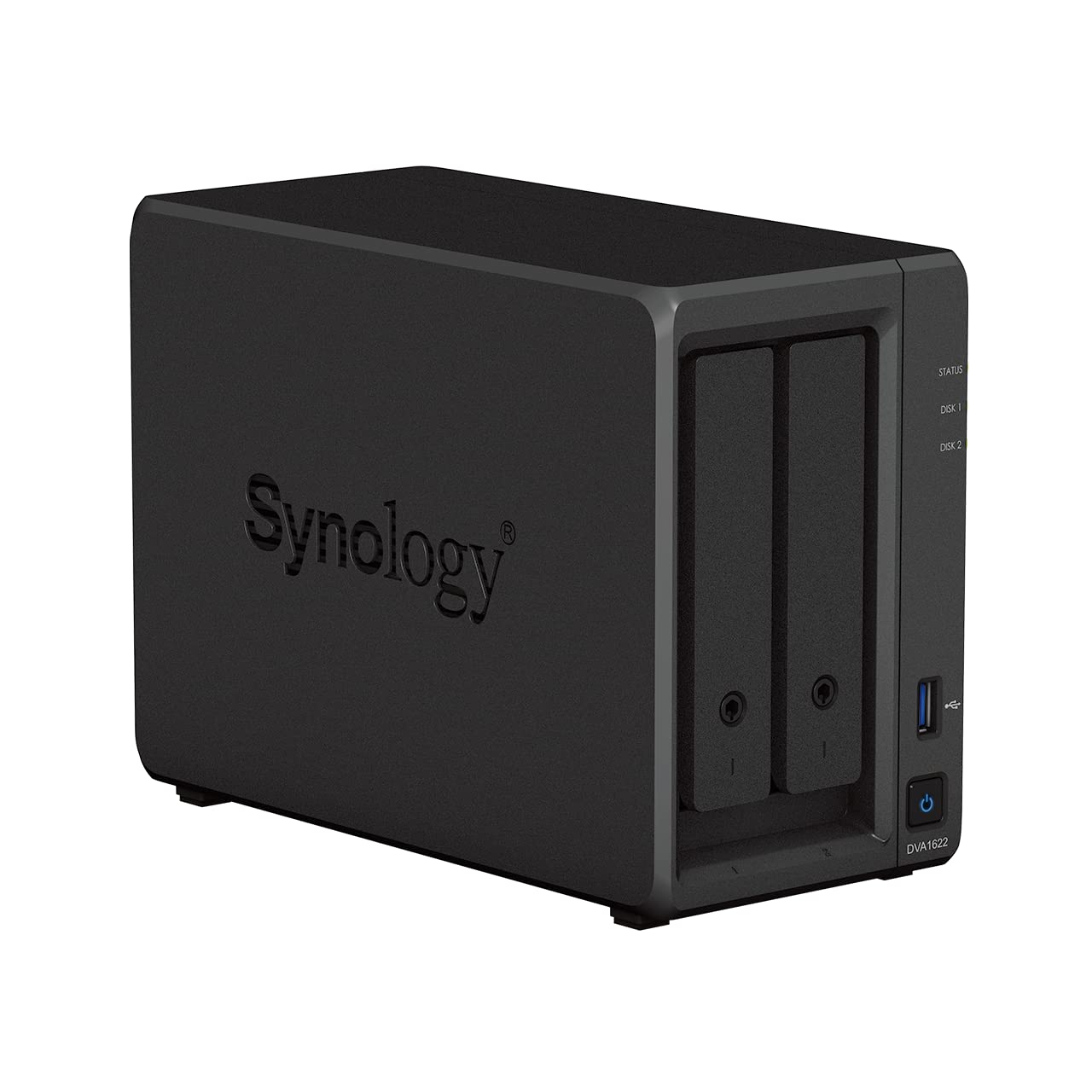
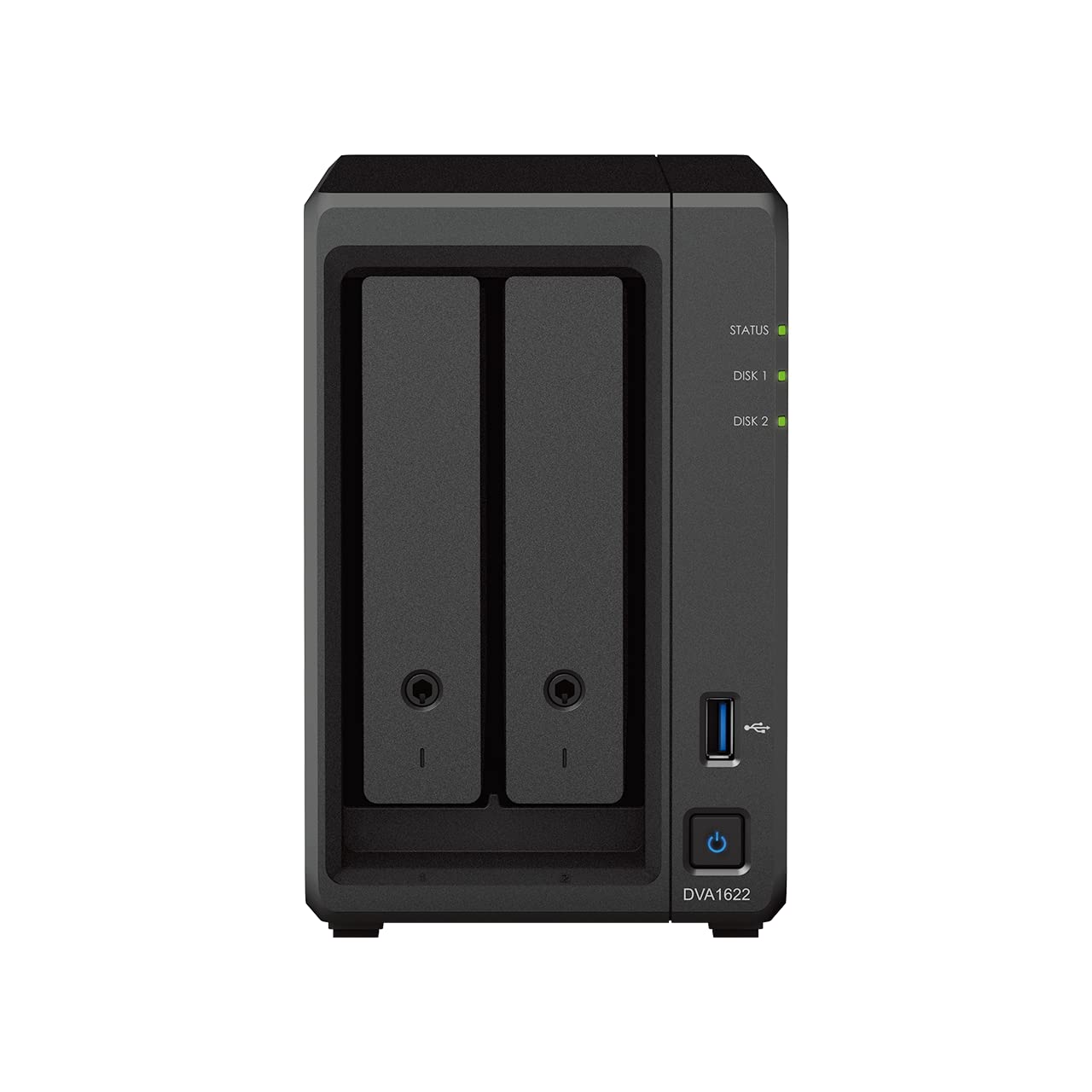
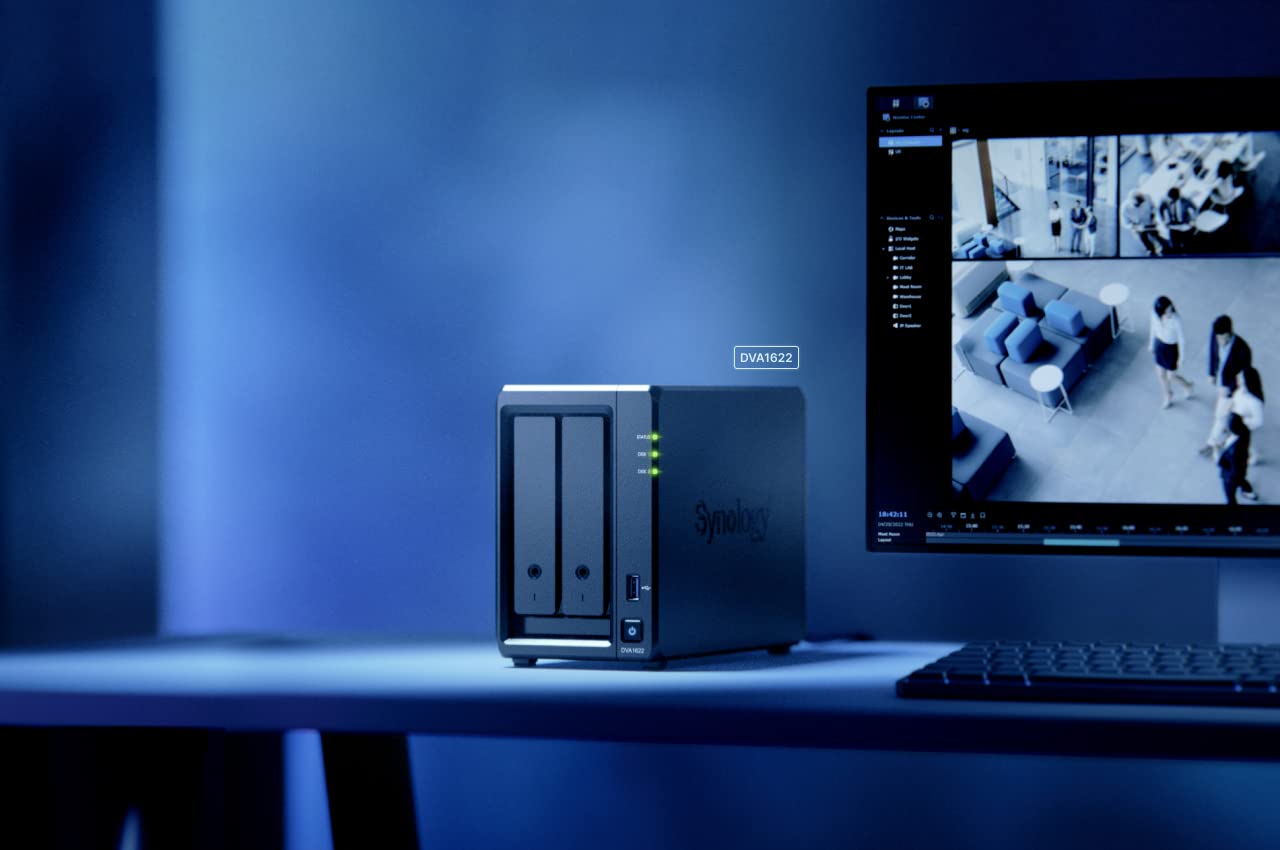
🚀 Elevate your security game with AI-powered precision and total control!
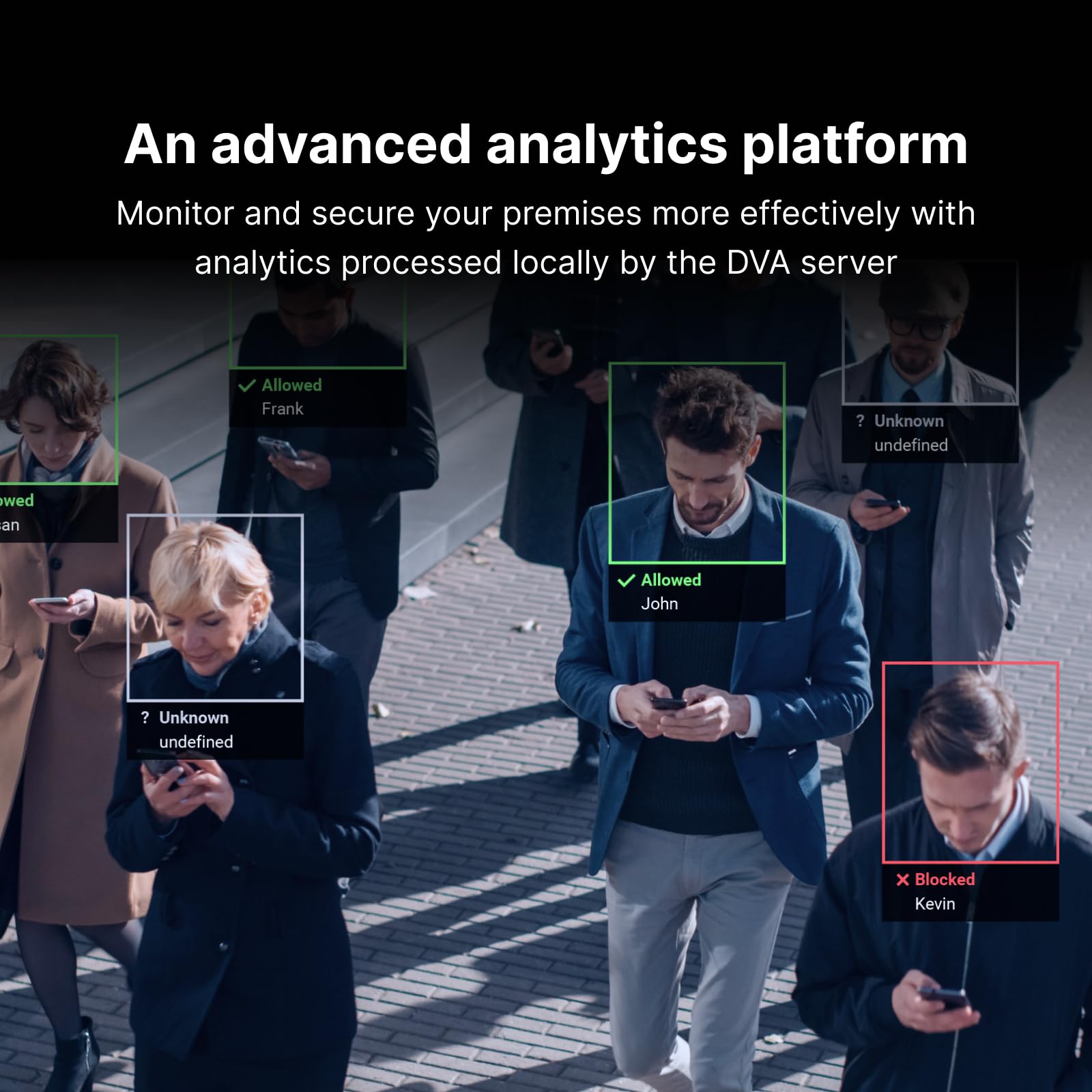
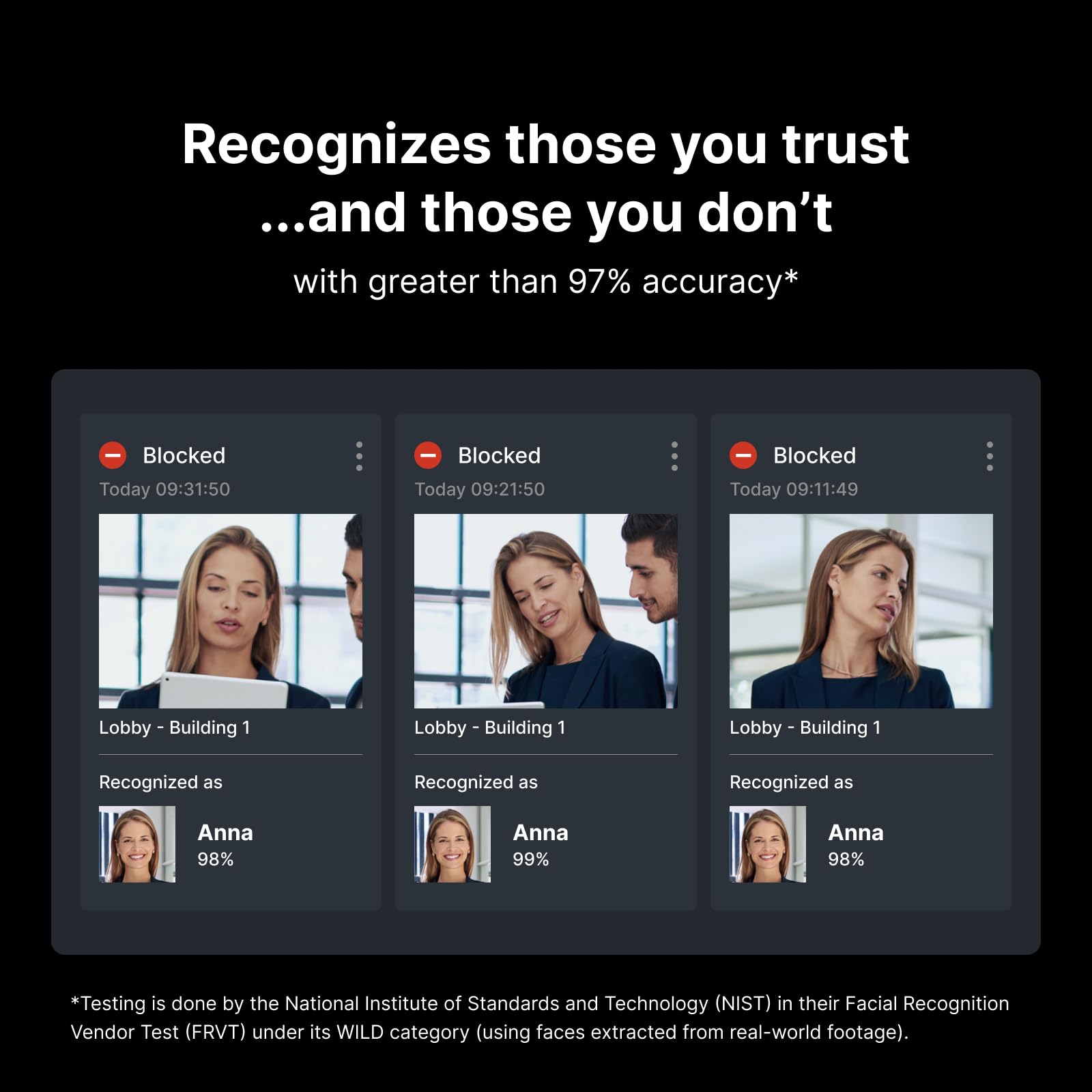
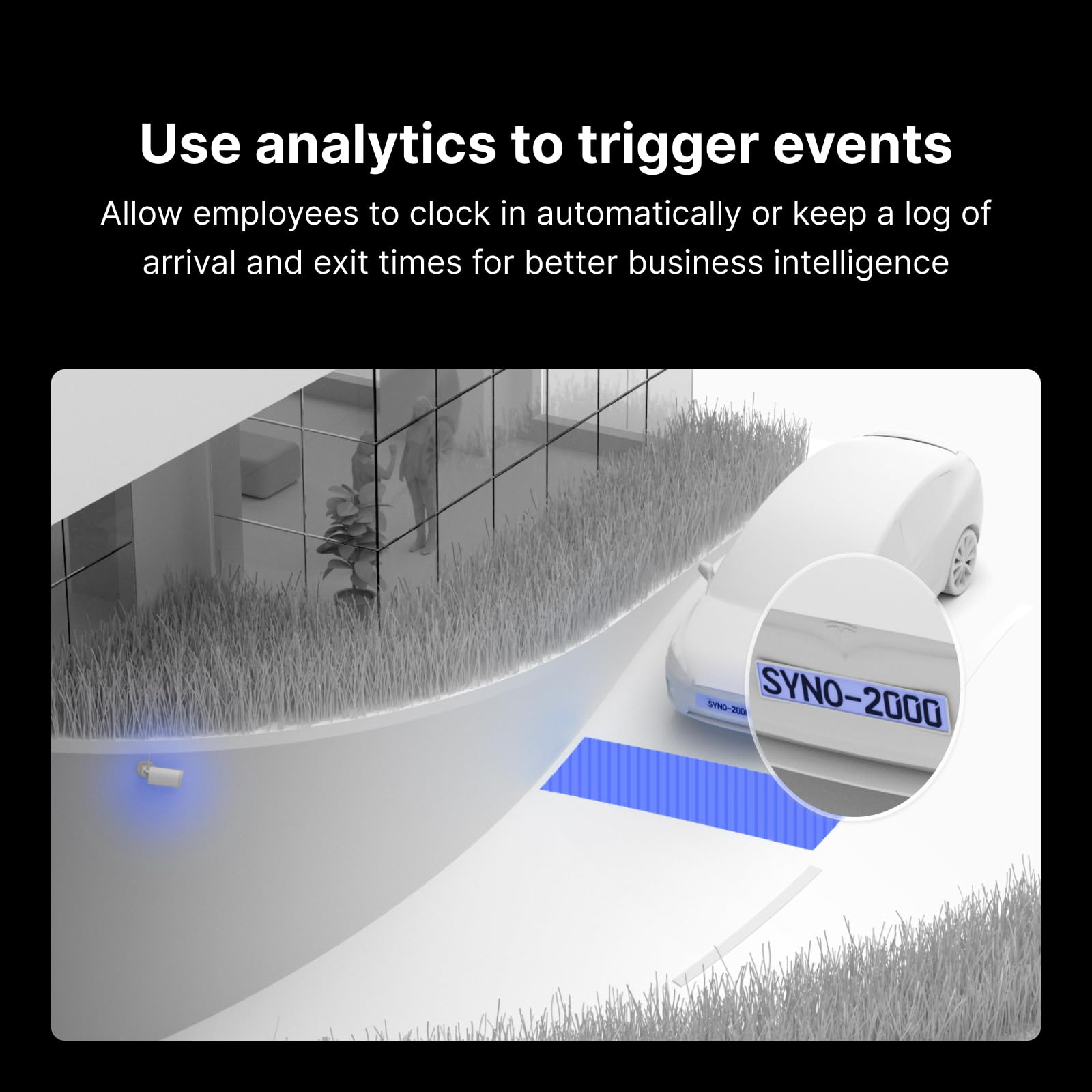
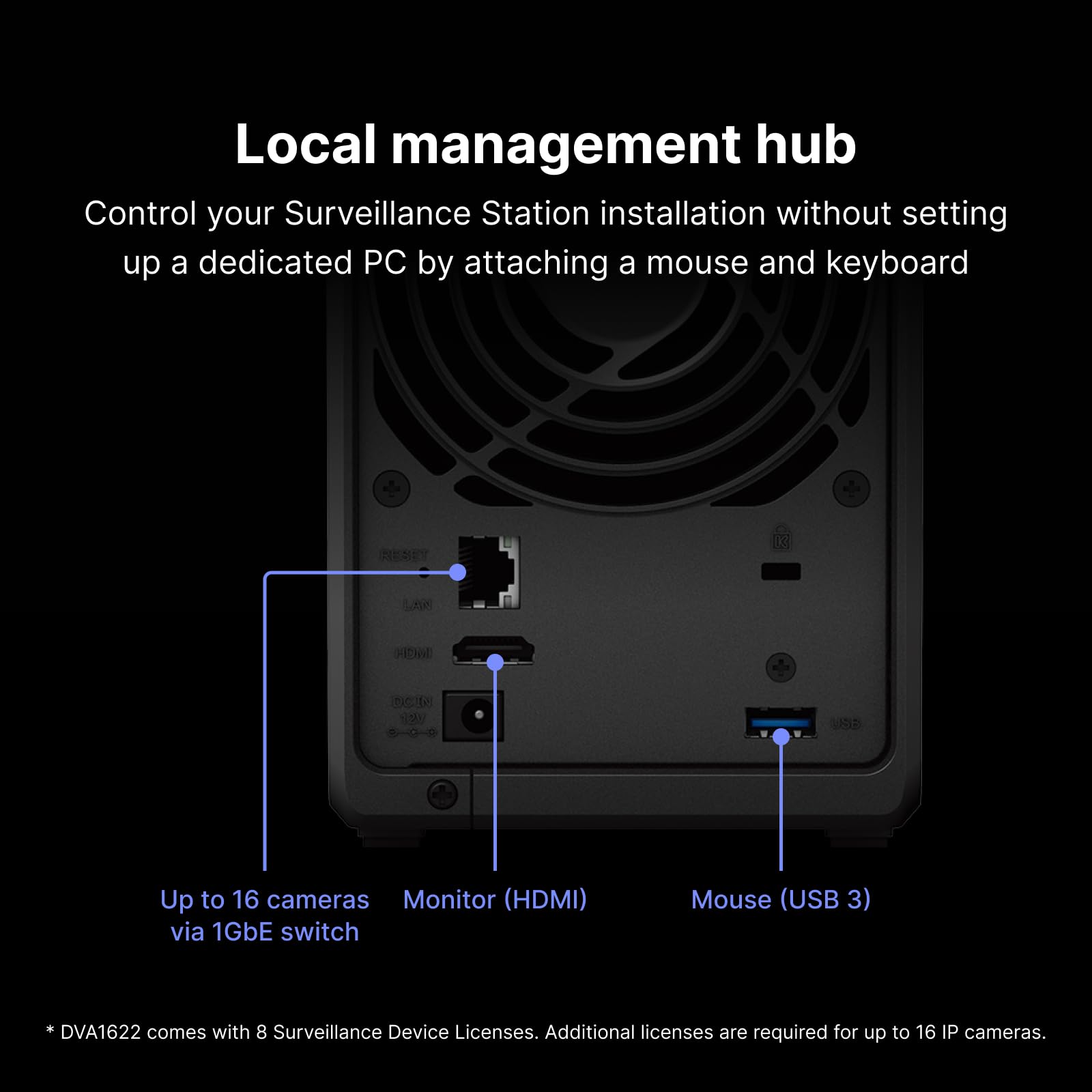
The Synology DVA1622 is a compact 2-bay NVR designed for home and small business users, offering 16-channel 4K video recording and advanced deep learning analytics including facial recognition and vehicle detection. It supports over 8300 camera models, provides local HDMI output, and remote access via app or browser, all managed centrally through Surveillance Station CMS for scalable, smart surveillance.


| Brand Name | Synology |
| Item Weight | 1 pounds |
| Product Dimensions | 11.38 x 10.83 x 4.84 inches |
| Item model number | DVA1622 |
| Color Name | Black |
C**D
Much better and more versatile than other NVRs
I used to own an Amcrest NVR that I paired up with my Amcrest cameras. Synology's Surveillance station that runs on the DVA1622 is SOOO much better than my previous set up. Love the fact that it has an actual webinterface that I can access from anywhere. Set up and configuration are intuitive and seamless. Mobile App is not perfect but much more responsive and modern looking than the Amcrest Viewer. This has been an update well worth the money for our home set up!!
R**R
Compare to NAS first before buying (FPS limits)
I’ll start by stating this is a solid offering…but your needs are important to consider first. I returned it and selected another but for very specific reasons.First, the DVA 1622 comes with 8 camera licenses. Many (not all) of the NAS offerings support Surveillance Station but include only two licenses. Assuming you need 8, there’s $350 of the cost of this unit. What’s left is a fairly impressive unit for basically $250 hardware cost. If you bought a $250 NAS and the licenses, you’re back at the $600 cost. You won’t find a $250 NAS with the same specs.Second, the 1622 does allow up to 16 cameras but there is a very hard limit on FPS that makes this unlikely. I have 4K cameras that collectively exceed the limit. I had to severely reduce to o my 10FPS to get them anll under the limit. That left me zero room to grow.Third, device hardware cannot be expanded. It’s fixed RAM, no drive expansion support, etc.Finally, if you need the AI features, it can only run one or two tasks, only can read license plates if the car is parked, and so on.Bottom line…if you have 8 cameras or less, they are much lower resolution (HD, maybe 5MP at most), don’t much need the AI features, and you have no expansion plans, you’ve got a nice little NVR with the 1622. The mobile app is WAY better than the other ones out there. It’s not quite as intuitive as, say Unifi, but pretty close. It crushes Amcrest, Hikvision, REO, etc which are all a hot mess. My Amcrest cameras were a cinch to join.There’s a bigger version of this, the DVA 3221, but it’s four times the cost.If synology offered an NVR somewhere between the two units, it would have worked for me.In the end, I bought a DS+ model NAS, installed Surveillance Station, and dedicated it to NVR duty. Sure, I had to buy six camera licenses, but the DS+ is way more powerful and supported the FPS load my 4K cameras are sending. The DS723+ or the DS923+ units are both good options. They have better chips, allow for drive expansion units, allow RAM upgrades up to 32GB, and so on. If you ever outgrow them, you can upgrade them. If you hit those limits, you can always move up to a larger NAS and find a new use for your 723/923. A DS+ can always find a new life running backups, hosting files, or any number of other apps synology offers.As I read the reviews some others left, I find many ignore the hardware limits and then provide poor reviews citing lagging, crashes, etc. it you overload an NVR, that is the guaranteed result.I’d buy this again under certain circumstances. Perhaps if I had a site with 8 or less 2MP cams or something it would work well.
I**S
3rd unit just failed. Giving up.
I am a tech savvy person with significant NAS experience. I have other Synology NAS units that I have in production with no problems. This product however, has been a disaster. My use case is for connecting POE cameras for surveillance station. I am using Western Digital Purple hard drives in the unit.The first unit had a hard drive failure in the first month. I opened a support ticket with Synology and the crash diagnostics showed my NAS unit had a bad disk controller for bay 1. I used the advanced RMA to replace it.The second unit failed with the same error within days. I opened another support ticket and they discovered the unit was showing the same failure in drive bay 1. The support team suggested I had a bad disk, and I should replace it. I ordered a new exact replacement, installed it, and again, the replacement drive failed in bay 1. The support team asked me to swap bays 1 and 2 to see if it was truly a disk problem or unit problem (does the failure follow the drive). Sadly, after swapping the disks, bay 1 again failed. (the previously bad disk worked fine in bay 2)RMA number 3 arrived, and I installed my disks, upgraded DSM, and set everything up again. This unit did not even make it through the storage volume recovery process before both drive bays crashed.I'm about to open yet another RMA for this unit, but really I just want my money back and I'll try a different product. I was really looking forward to using some of the AI features of this unit in surveillance station, but alas, maybe it's time to got back to a non-AI powered version that is proven and works.For what it's worth, I'm using the following drives:2 x Western Digital 18TB WD Purple Pro Surveillance Internal Hard Drive HDD model WD181PURPThis specific model is not on the Synology support list, however the 14TB model is listed. I would suggest staying away from this combination if you do wish to try it out.
R**N
Ditch Ring
Forget ring buy this instead. Cameras are cheaper but needs a bit more set up but overall 24/7 recording is exactly what you get. No need to be notified just go back and look.
B**M
HDMI output is stuck at 1080p
I own 5 Synology NAS and Router products so you can say I'm a big fan of their technology and quality, but the DVA1622 is not as good as it could be. The reason I purchased this was for the HDMI output. The CPU supports FULL 4K video, so why degraded HDMI output? When I did my research on this the DVA1622 this spec was wasn't fully disclosed, but now I suspect a lot of folks like me complained so they now made it more clear in their specifications.I was told by Synology's tech support the fix is coming, but I'd wait until things "look" better. For now I use the Windows App, which shows full 4K so it's not a show stopper, but I expected better from Synology.
C**R
If you only need human detection on two cameras this is for you
This actually has everything I want... except they only let you activate deep learning tasks (human detection) on 2 cameras at a time. Personally I wanted this for my house where i have 8 cameras on the exterior and needed a solution for the useless motion events i was getting with other systems. Not sure why there is a limit on this but it completely defeats the purpose of this product for me.
Trustpilot
Hace 1 día
Hace 1 mes