We remain fully operational. Our teams are working around the clock to ensure your deliveries continue safely.

Descargar la aplicación


Servicios al cliente
Sobre nosotros
Copyright © 2025 Desertcart Holdings Limited
Descargar la aplicación
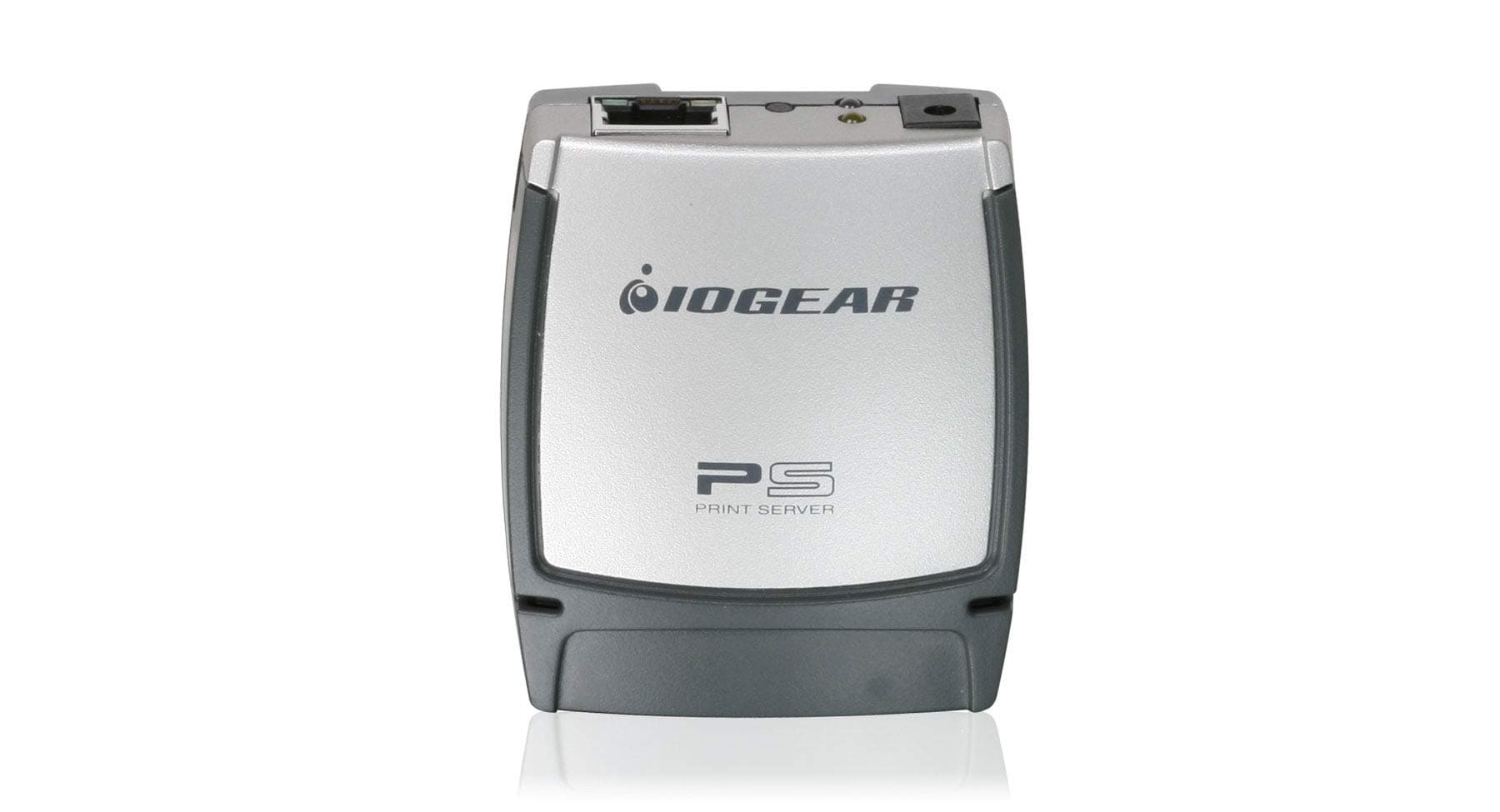
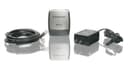
🌍 Print Anywhere, Share Everywhere — Your Office’s Invisible MVP
The IOGear USB 2.0 Print Server GPSU21 transforms any USB printer into a networked powerhouse, enabling multiple users to print seamlessly from Windows, Mac, Linux, or Unix systems. Featuring a compact design, 100 Mbps Ethernet support, and web-based management, it empowers professionals to print locally or remotely with ease. Ideal for modern offices craving flexible, shared printing without the clutter.


| ASIN | B000FW60FW |
| Best Sellers Rank | 246,219 in Computers & Accessories ( See Top 100 in Computers & Accessories ) 48 in Print Servers |
| Box Contents | 1 x CAT5 Patch Cable, 1 x Installation CD, 1 x Power Adapter, 1 x User Manual, 1 x Warranty / Registration Card |
| Brand Name | IOGEAR |
| Color | SILVER COLOR |
| Customer Reviews | 3.9 3.9 out of 5 stars (1,384) |
| Data Link Protocol | Ethernet, Fast Ethernet |
| Data Transfer Rate | 100 Megabits Per Second |
| Global Trade Identification Number | 00881317005717 |
| Hardware Interface | USB 2.0 |
| Item Weight | 0.12 Pounds |
| Manufacturer | IOGEAR |
| Manufacturer Part Number | GPSU21 |
| Model Number | GPSU21 |
| UPC | 881317005717 |
| Unit Count | 1.0 Count |
G**E
Apple users beware
This device only seems to work with PC and does not support airprint. Last firmware is from 2017 and there does not seem to be an update
W**.
The user's manual that came with this product provides incorrect installation instructions. There is no CD that comes with this product. You do NOT need to change your computer's IP address so that it can be on the same default subnet as the print server! If you have a DHCP server on your network, the print server will accept an IP from your DHCP server. I downloaded the setup software from IOGear's website and it was written for WinXP! I assumed that it should be compatible with Win11, which is what I am running, but the software failed to do anything useful. I uninstalled the software. You do need to make sure that your computer has the printer drivers already installed, and I would also strongly recommend that you assign the print server a static IP address. The steps you would need to take to connect to the print server / printer are not obvious and not documented in the user's manual. I reached out to the IOGear support line and they were able to walk me through the configuration steps needed. After the call, I was able to successfully print a test page.
N**A
very impressive and easy installation. would like to purchase in other requirements those are not having Ethernet port.
L**Y
COMPARTI EN RED MI IMPRESORA DE TANKES MY FACIL Y RAPIDO COMPATIBLE SIN PROBLEMAS
S**N
works fine with latest HP printers in Server 2003 environment.
S**L
fonctionne superbe bien avec win11 faut seulement aller installer le logiciel IOGEAR GPSU21 et de selection votre imprimante déja installer au par avant et c'est fait
Trustpilot
Hace 2 semanas
Hace 3 semanas