Some deliveries may take a little longer than usual due to regional shipping conditions.

Descargar la aplicación


Servicios al cliente
Sobre nosotros
Copyright © 2025 Desertcart Holdings Limited
Descargar la aplicación

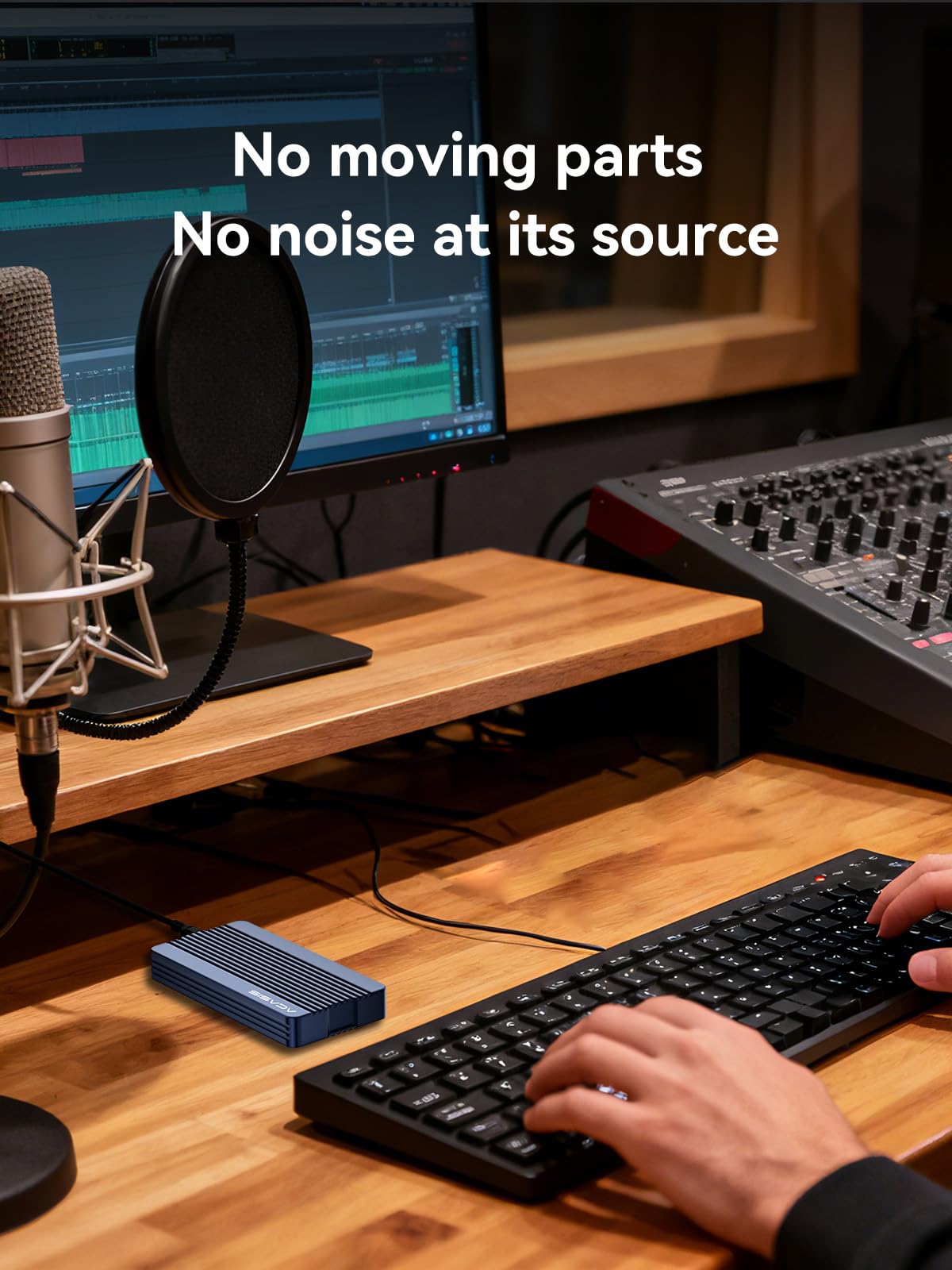


⚡ Unlock lightning-fast storage with zero setup fuss!
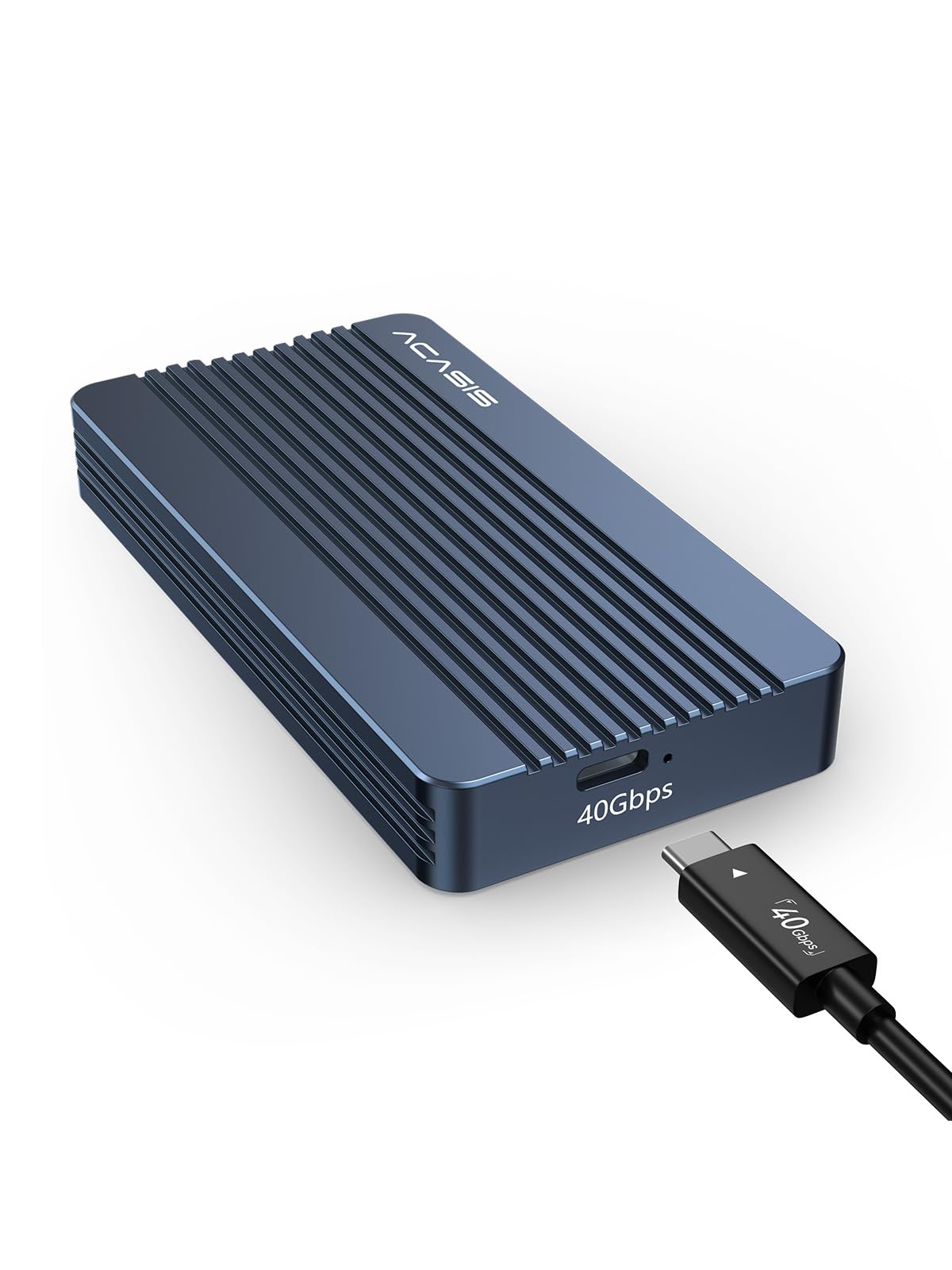
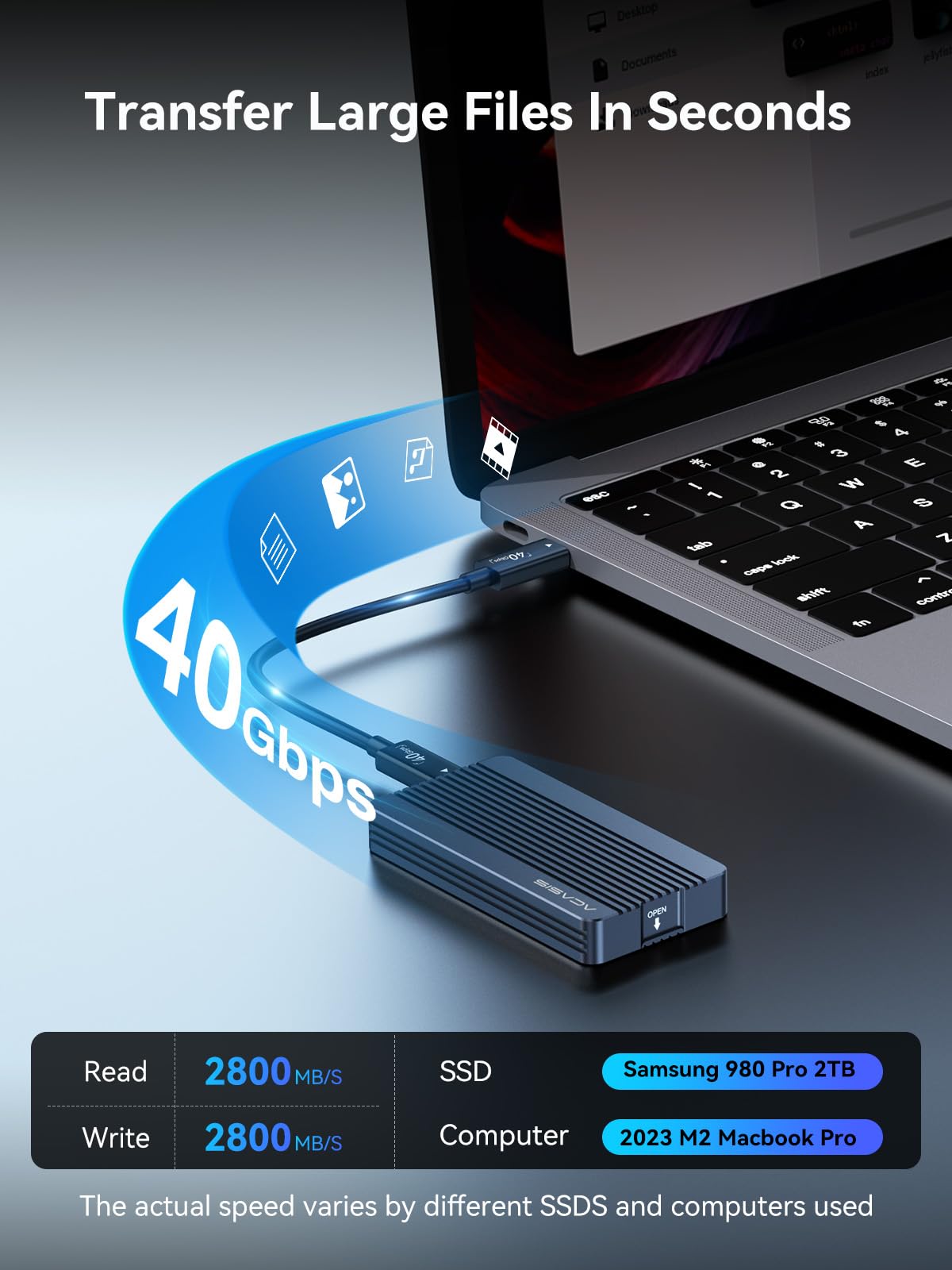
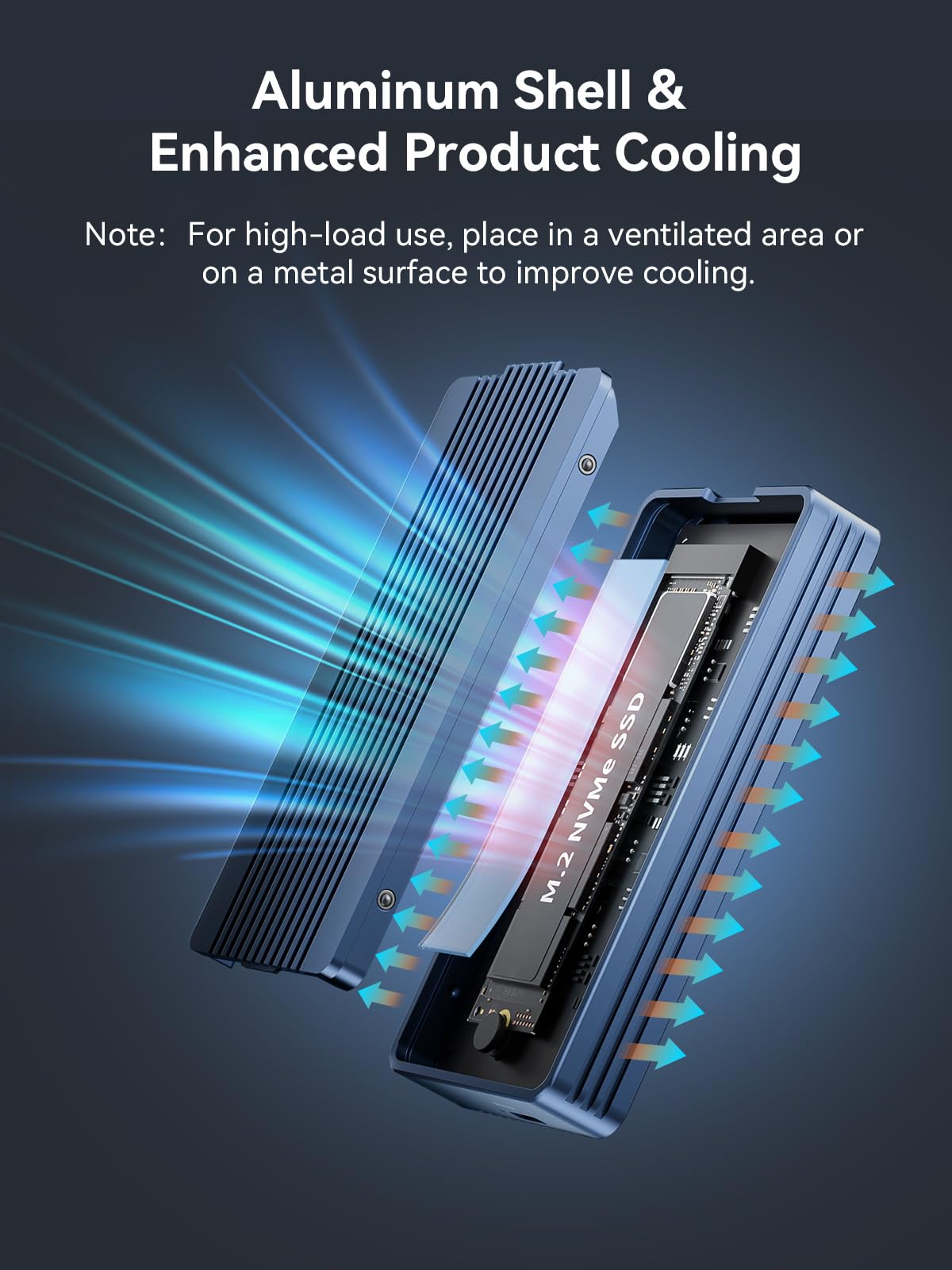
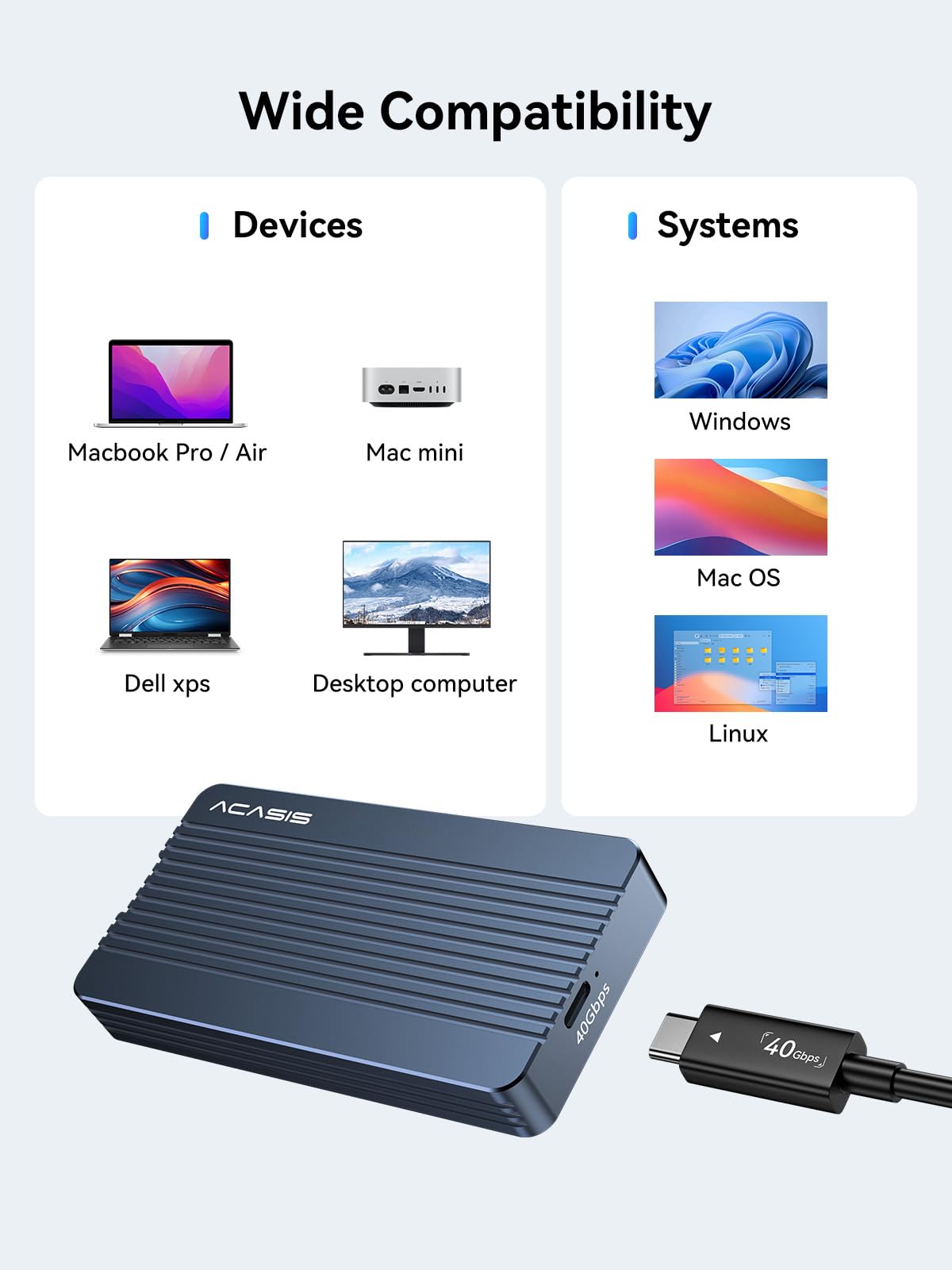
The ACASIS TBU405 Air is a premium 40Gbps M.2 NVMe SSD enclosure designed exclusively for USB4 and Thunderbolt 4/3 ports. It supports tool-free installation and up to 8TB SSDs, delivering ultra-fast data transfers with silent, fanless aluminum cooling. Compatible with M1/M2 Pro/Max Macs, Windows, Linux, and iPad Pro, it’s the perfect high-performance, portable storage solution for professionals demanding speed, capacity, and reliability.


| ASIN | B0DD34LH8R |
| Batteries Included | No |
| Batteries Required | No |
| Best Sellers Rank | #71,959 in Electronics ( See Top 100 in Electronics ) #83 in Enclosures |
| Compatible Devices | M-Key Interface B+M 2280 SSD Size |
| Customer Reviews | 4.0 4.0 out of 5 stars (159) |
| Data Transfer Rate | 40 Gigabits Per Second |
| Date First Available | 12 September 2024 |
| Hard Disk Form Factor | 22 Millimetres |
| Item Weight | 249 g |
| Item model number | TBU405 Air |
| Manufacturer | FREEGENE |
| Max Number of Supported Devices | 2 |
| Memory Storage Capacity | 8 TB |
| Model | TBU405 Air |
| Mounting Hardware | enclosure |
| Number of items | 1 |
| Package Dimensions | 14.4 x 10.21 x 3.71 cm; 249 g |
| UPC | 781108279634 |
V**I
Works like a charm
Works like a charm. No heating issue observed so far. Using WD SN770 2TB with my mac studio m1 max. Giving expected read and write speeds. Value for money product.
L**L
Good product
The product is excellent and works as expected. It’s got a premium feel with the aluminium body and heat distribution.
R**H
⭐️⭐️⭐️⭐️☆ Excellent Thunderbolt 3 SSD Enclosure for Mac Mini — but no cooling fan as claimed
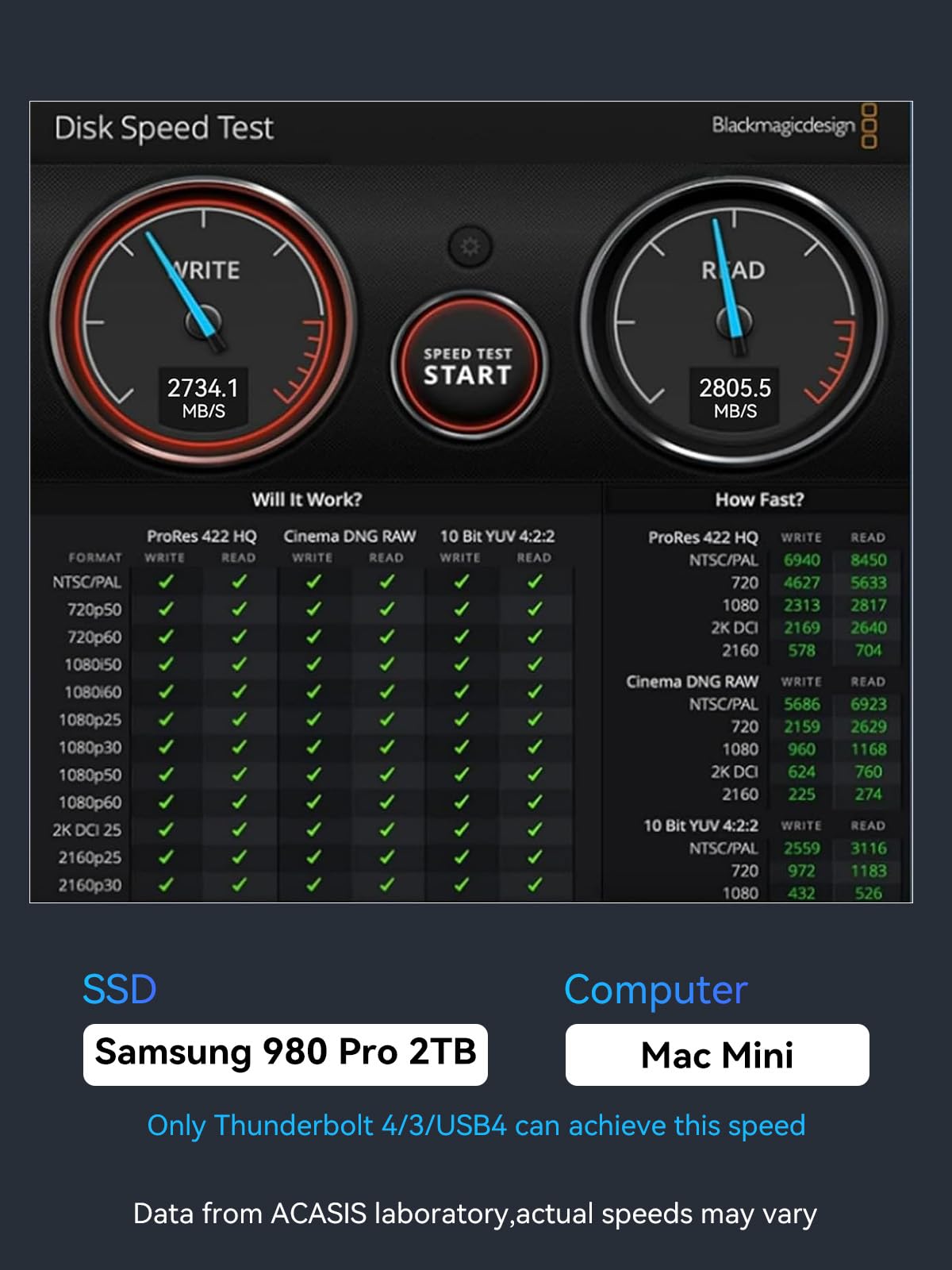
I bought this Thunderbolt 3 SSD enclosure (Model B0DD34LH8R) to upgrade my Mac Mini M4, which came with only 256 GB of storage. I paired it with a 2 TB WD Black M.2 SSD, applied the thermal pad(both side of the ssd) (heat tape), closed the case, and cloned my internal SSD using Carbon Copy Cloner (CCC). After switching the boot drive, my Mac now runs from the external SSD smoothly — effectively turning it into a 2 TB Mac Mini without paying Apple’s huge storage premium. Performance is excellent — I get around 2800 MB/s read and write speeds, which matches the Mac’s internal drive speed since it’s already throttled around that level. Thunderbolt 3’s 40 Gbps bandwidth is fully utilized. However, the product description says it has a cooling fan, but it actually doesn’t. That’s misleading. Fortunately, the aluminum body and heat pad manage temperatures decently, but under heavy transfers it can get warm. ✅ Pros: True Thunderbolt 3 performance (~2800 MB/s) Solid aluminum body and premium build Easy setup and bootable on macOS ⚠️ Cons: No fan despite the claim Gets warm during long transfers Overall, still a great enclosure for Mac users, but the missing fan description needs correction.
A**R
Don’t buy this is not working
This very bad working condition Don’t buy this one .8000/-rupes waste this not working my mac studio thunder bolt and usb
S**L
Excellent product
The product is excellent and works as expected. It’s got a premium feel with the aluminium body and heat distribution.
E**N
Heats up and has limitations
It works well as advertised. It heats and since it is metal and has no fans, you can feel the heat. Can only be used in thunderbolt 4 and above. For the price, it is a major limitation
A**H
Pathetic
Pathetic
L**R
Installation video on YouTube.
Very good product. Only need drop protection.
S**R
I was having a hard time deciding which enclosure to buy. I decided at last minute to try this one. it is very easy to install. if you have a gen 4 nvme SSD Western digital hard drive then this enclosure is cool to the touch. I am getting 2600 to 2800 for speeds. this enclosure is really fast with just a 10 GB file in 5 seconds tranfers speeds. This was the cheapest thunderbolt enclosure that I could find on amazon. I am impress it come with a real thunderbolt 4 cable. I highly recommend this encloure
L**T
In Windows 11 this enclosure "out of the box" has a flaw, the write speed is only 1/5 compared to the read speed. However, there is a fix in Windows settings Device Manager under Policies, change from quick removal to better performance and enable write caching. Deep on Acasis Website they have buried this information. Voila, now both writing and reading reach 2500 MB/s!
V**V
Looks great, solid enclosure and fast transfer but doesn’t work with Lenovo L14 USB c ports. It works fine with Thunderbolt 3 and 4 but doesn’t work with slower devices like L14 ThinkPad.
T**S
I am blown away by the speeds that this SSD enclosure can deliver. I've got mine paired with a Samsung 990 PRO 4TB SSD and plugged into the Thunderbolt port of my Mac Studio. I'm seeing read/write speeds in the 2700 MB/s and 2600 MB/s range, which is so much faster than my previous 10 Gbps enclosure (which was achieving roughly 600-700 MB/s speeds). And this is with the SSD about 45% full. I use my system for video editing 4K content, and the scrubbing speed on my timeline has become instantaneous. I can quickly scrub through the timeline or jump to different parts of the video with ease... no lag anymore! Installation was super easy... just open the fully aluminum case, insert the SSD and rubber mounting plug, then push the SSD into the enclosure (no screws or screwdrivers needed). Close the cover and you're done. My Mac recognized the drive immediately. The enclosure can get warm (to slightly hot) when I'm rendering a long duration video, but that's expected of any SSD or hard drive. To keep the enclosure (and SSD) cooler, I keep the enclosure on top of my Mac Studio (which has an aluminum shell)..... this helps to dissipate heat a little better than if I were to place it on my wood desk surface. The enclosure looks great; it's sleek and minimalistic with cleanly milled heat-sink grooves. And the all-aluminum design is very-nicely machined and matches the design language of my Mac, awesome! I don't have a PC, but this is fully compatible on my Mac Studio running the latest MacOS.
J**F
Purchased this to hold my macOS photos library. It’s a very nice looking piece of hardware. It feels a little cheap just in that it’s very light but it’s kind of inherent to the form factor. It can make it not want to stay situated exactly where you put it. It’s so light that the cable you plug into it wants to determine its orientation and will easily shift it slightly until the cable has gotten comfortable. You could help this (a little?) by installing some rubber feet, but I’ve found I need to use it without feet, for thermal reasons. My NVMe drive throttled regularly while backing up my photos, until I realized setting the enclosure directly on the aluminum foot of my iMac dissipated the heat so well it never throttled since. I’m a little torn, because I consider the thermal performance a big flaw. However, it’s a flaw inherent to the class of enclosure, and they do offer one with a fan. Noise levels were very important to me so I reluctantly kept the fanless one and it’s been working flawlessly for me ever since. If I didn’t have a giant heatsink extension sitting right on my desk in the perfect spot for this drive to sit? 100% this would have been returned for an enclosure with a fan.
Trustpilot
Hace 1 mes
Hace 1 mes