


🎯 Master your workflow with precision, speed, and style.
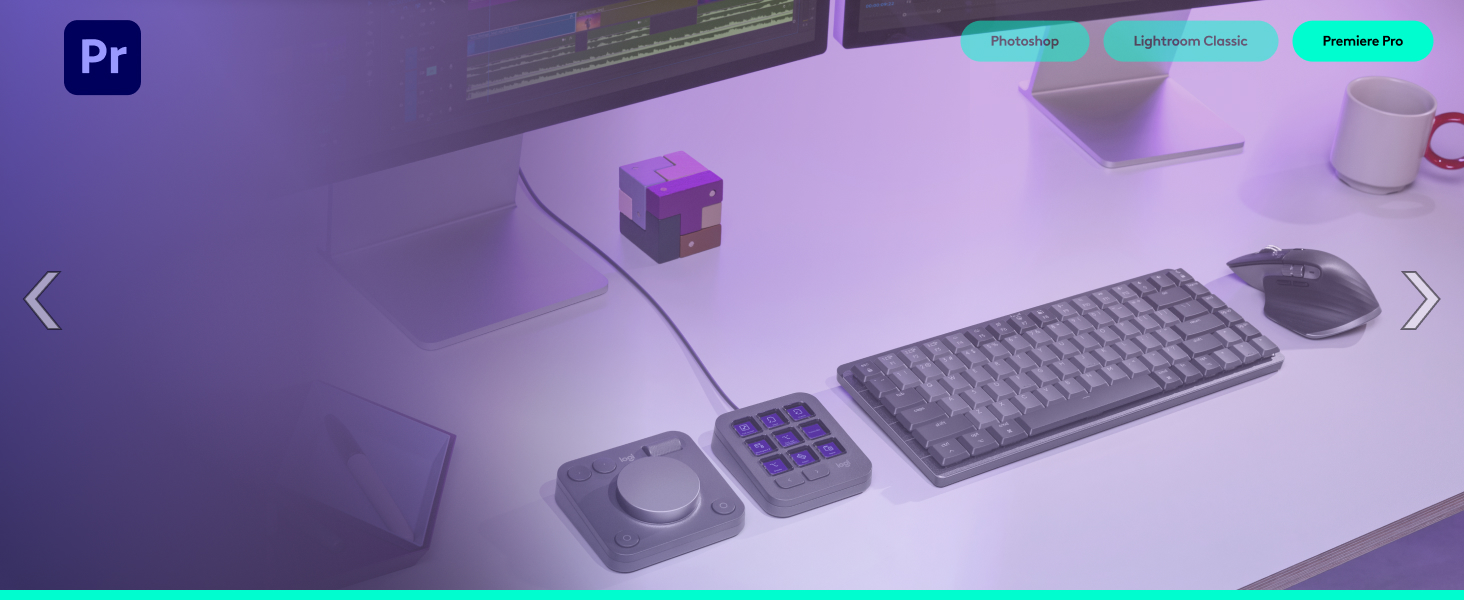
The Logitech MX Master 3S Wireless Mouse Standard Edition paired with the MX Creative Console redefines creative productivity with ultra-fast MagSpeed scrolling, 8K DPI precision tracking on any surface including glass, and deep app integrations for Adobe, Final Cut Pro, and more. Featuring 15 customizable keypad pages and a tactile dial, it empowers professionals to streamline complex workflows. Designed with sustainability in mind, it incorporates up to 72% recycled plastic and offers versatile connectivity via Bluetooth or Logi Bolt USB receiver, all while delivering 90% quieter clicks for a distraction-free experience.



| ASIN | B0DQ6DB2XF |
| Batteries | 2 AA batteries required. |
| Best Sellers Rank | #29 in Computer Mice |
| Brand | Logitech |
| Color | Graphite |
| Customer Reviews | 4.5 4.5 out of 5 stars (12,012) |
| Date First Available | December 11, 2024 |
| Manufacturer | Logitech |
| Operating System | Mac OS, Windows |
| Power Source | Battery Powered |
J**.
Best mouse I've used so far
This mouse is a nice upgrade from my previous one, also a Logitech mouse. The design feels more comfortable to use compared to the previous mouse I was using. The thumb wheel is very convenient when I need to scroll left or right in a spreadsheet. The left and right buttons have a satisfying quieter sound and the metal scroll wheel is great for scrolling quickly. This mouse has many options for assigning tasks for the buttons depending on your needs. It's well built, has a bit of weight to it which makes it feel more premium in my opinion. I've only had the mouse for close to a month, but I have not experienced any issues with it at all. The battery life is more than sufficient in my experience, and charging the mouse doesn't take hours. The option to connect via the USB connector or Bluetooth makes it easy to use on multiple devices, up to 3.
I**I
Good mouse though very expensive
I like using it a lot. It's a comfortable shape. The clicks are very quiet. The scroll feels good and the side buttons are easy to use. My hands are shaky so I need a mouse with a little bit of weight to it, and this works well. And of course, I love that it is rechargeable AND can still be used while it is plugged in. CONS: - It is very expensive for a mouse. - I would have appreciated more side buttons. - The side scroll wheel is too high up to be comfortable to use. I also wish it had a 'lock' mode like the top wheel.
J**.
Love this mouse. So many features.
I have been a fan of the MX Performance mouse for quite a few years, and was bummed when I found out it was no longer available. I am one that wants more than a 3-button mouse and loves having the option of setting up various buttons to simplify various tasks. I decided to try the Logitech MX Master 3S mouse, and have been using it over 2 months. I love it even more than the MX Performance mouse. This mouse connects with the supplied Logi Bolt Receiver and configured using the Logi Options app which shows Logitech products connected to both the Bolt receiver and the Bluetooth receiver. I have the Logitech MX keys keyboard that is connected to the Bluetooth receiver that is internal on my computer but can still be configured using the Logi Options software. So, why do I love this mouse and prefer it over the MX Performance mouse? 1) The MX Master 3S mouse is covered with a soft rubberized covering that does not show fingerprints or collect oils from fingers. The MX Performance mouse is plastic and eventually collects oils that look grubby which needs cleaning. 2) After installing the Logi Options software, the Logi Bolt receiver was instantly seen on my computer and the MX Master 3S mouse was easy to install on my computer. 3) Using the Logi Options app, this mouse is so much easier to configure for different programs that may use the buttons differently. For the MX performance mouse, I had to configure it for different programs by entering a combination of keys. This is all supplied in the Logi Options app. You need only to select the apps you want the mouse to be compatible for. Some of the pictures are some of the Logi Option app screens. 4) The Logi Options app can also be used to configure Logitech products connected to the Logitech Bluetooth receiver. 5) There is no need for a mouse pad. This mouse works equally well on any surface. 6) The battery charge lasts for much longer than the MX Performance mouse. I have had this mouse over 2 months and use it for at least 5 hours or more every day. I have charged it once in that time. The only downside I can think of comparing this mouse to the MX Performance mouse is that the rechargeable battery is not replaceable. When the battery goes, you have to buy a new mouse. Other than that, this model is far superior to prior models for both performance and battery longevity between charges. If you need a new mouse and like to have options, I highly recommend this mouse. If my opinion changes, I will update this review. I hope this review was helpful for you.
D**S
Should Have Bought Sooner
When I tell you, DO NOT Hesitate to order, just order the damn thing. I used to have the cheapest mouse I could find. But one day I was tired of barely feeling a click in that mouse and constantly having wrist issues/comfort issues using that mouse. Well, one day I did research and damn near every article point right back at this mouse. Looking back, I completly understand why. The mouse just fits in your hand perfectly and the extra buttons, especially the scroll wheel on the side have made going through emails and pdfs much much easier. The freely spinning wheel is also very nice as it makes no noise and scrolls almost faster then the speed of light. I really can't recommend a better mouse and is worth every penny. Overall, the quality is just perfect, it looks great, easy to connect to many devices, and just glides so easy over any mouse pad. The only drawback is the weight but as for me, using a mouse for work it doesn't need to be light as a feather as I am not gaming at work. I would also recommend buying a case just to make sure you don't damage or get it dirty especially if you travel.
M**K
Came in a good condition
R**S
Ótimo produto, customizável e responsivo.
T**M
Premium design and feeling with incredible smart features. First I wasn't convinced to spend that amount of money for just a mouse, but this mouse worth every penny I paid for and it's a life changer. I'm using both Windows and Macbook, the mouse can connect to both devices seamlessly. The most thing I loved is the AI that connects to Chatgbt in one click without opening any browser. This item is a Buggati but as a mouse!
A**Y
Very good product, but i need the redeem code of creative cloud as it described
M**A
Muy recomendable súper cómodo, la batería dura muchísimo, lo puedes conectar por Bluetooth sin necesidad del receptor, trabaja en cualquier superficie ya sea cristal un otro material, este es para diestros pero también existe uno para zurdos
Trustpilot
Hace 2 semanas
Hace 2 semanas



