We remain fully operational. Our teams are working around the clock to ensure your deliveries continue safely.

Descargar la aplicación


Servicios al cliente
Sobre nosotros
Copyright © 2025 Desertcart Holdings Limited
Descargar la aplicación
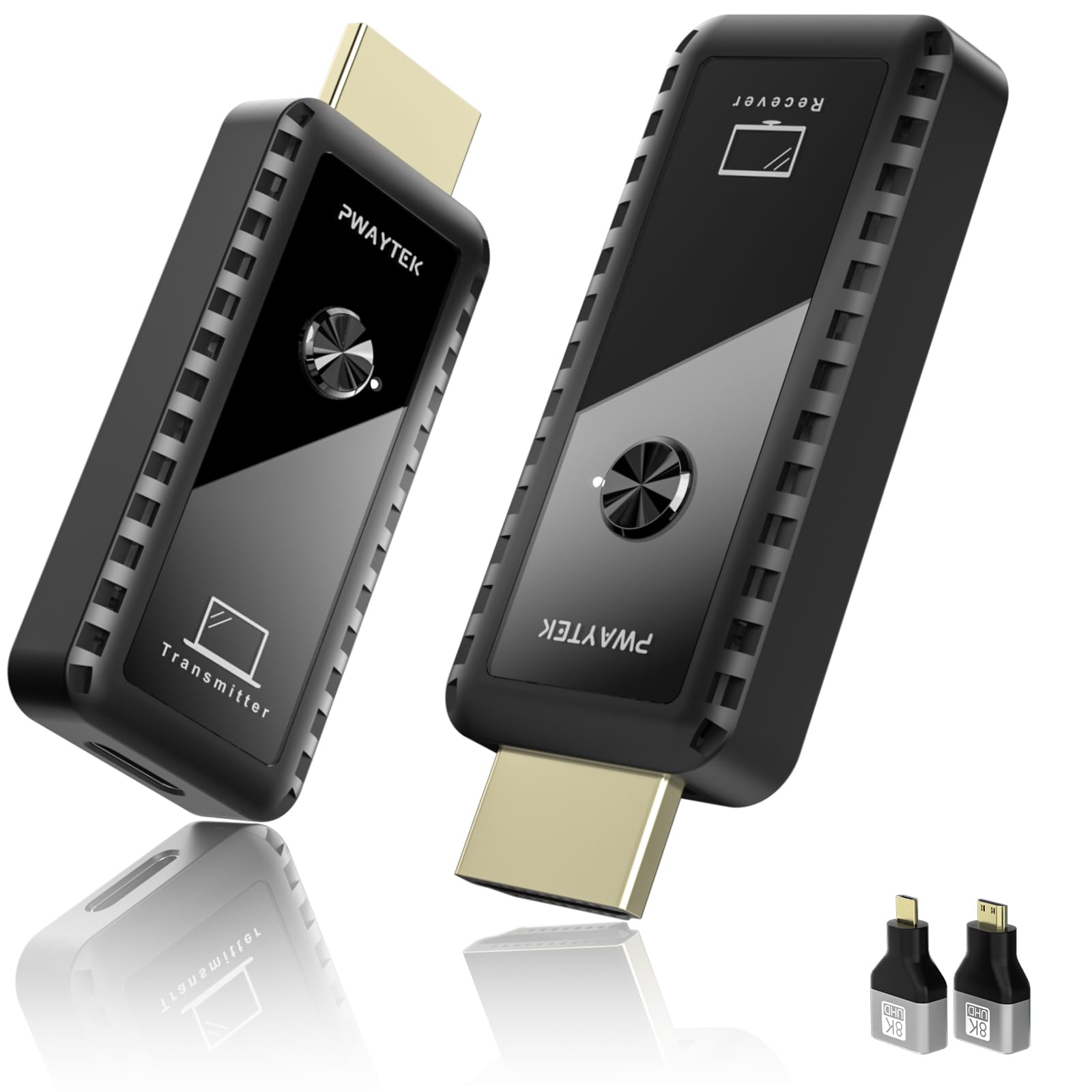
🚀 Cut the cables, not the connection — stream smarter, live freer!
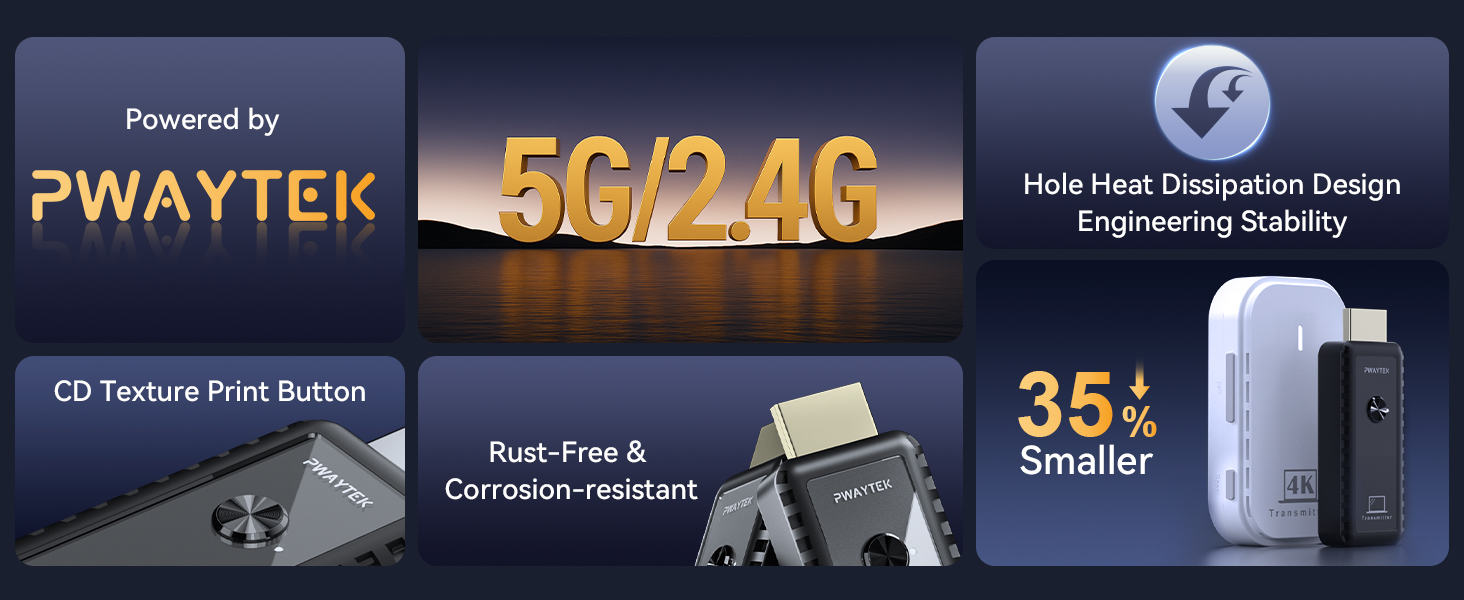
The PWAYTEK Wireless HDMI Transmitter and Receiver Kit delivers crystal-clear 4K decoding and 1080P/60Hz video streaming up to 328 feet. Designed for professionals and tech-savvy millennials, it offers plug-and-play simplicity, multi-adapter compatibility, and dual-band wireless transmission (2.4G/5G). Ideal for presentations, home entertainment, and flexible setups, it eliminates cable clutter while maintaining low latency and stable connections.






| ASIN | B0DP1YF3XN |
| Best Sellers Rank | #17,236 in Electronics ( See Top 100 in Electronics ) #87 in Wireless Audio Receivers & Adapters |
| Customer Reviews | 4.2 4.2 out of 5 stars (220) |
| Date First Available | November 26, 2024 |
| Item Weight | 5 ounces |
| Item model number | DT257W-H |
| Manufacturer | PWAYTEK |
| Product Dimensions | 2.52 x 0.91 x 0.39 inches |
G**O
It will work in most of the cases (80%-99%).
We had a party and I was in charge of supplying some of the entertainment equipment, namely a projector and a laptop, and because of the setting I had to either buy a very long hdmi cable or use connectors to connect a few shorter hdmi cables. I stumbled onto this wireless hdmi and I decided to give it a try, it is more elegant than a long hdmi! I opted for this particular set because it comes with a USB type-C to hdmi adapter and all kind of mini/micro hdmi adapters, and I wanted this because my portable monitor has a mini hdmi. Upon receiving, I connected transmitter to my Lenovo Yoga laptop and receiver to my Onoayo projector and … it did not work. I tried pairing again receiver and transmitter to no avail, I thought it is a dud, but then I connected the receiver to my KYY portable monitor and boom, worked right away. Then I connected to my Hisense TV (as seen in pics) and it worked as expected! Connected back to projector and does not work. I replaced my Lenovo with an older Dell laptop and this time it connected to the projector, with no issues! Afterwards I tested with several other devices TV sets and it worked! For the party I took my Dell laptop knowing it is working, over there, the DJ had another Dell laptop and it did not work with his, but it worked with another TV set. So, I concluded that my projector has some issues with some devices transmitting through wifi hdmi. The product has small blues LED that will notify you the product is powered and working. Please be aware, that unless you using (as I did in the picture) a Type-C data and power port, you will have to power your transmitter from a separate USB port. Same with the receiver, if you power a device that has no USB port, you will need to have a separate USB power adapter (eg. a portable monitor like my KYY 15.6” with usb-C ports only). But don’t worry, if you forget all this, the receiver will display all that info (pic #2). We used this wireless hdmi continuously for about 6 hours with no issues and no lag. Indeed, it is a bit hot during long usage, but ensure good ventilation and there will be no issues. Conclusion: this is an elegant solution, easy to setup, works as a regular hdmi cable and in most of the cases will be perfect, but it is not a given, especially when you are going to test with a new device, best to backup with a regular hdmi cable. Why not less than 5 stars? Because I cannot say who is at fault, PWAYTEK wireless hdmi or ONOAYO projector.
T**E
Wireless HDMI transmitter & receiver
This HDMI device is great if you need or want to share a media player with multiple tv's. I have a streaming media player that is attached to my main tv and I wanted to share this with the my bedroom tv. I did purchase an HDMI splitter. This works really well with my HDMI splitter. The picture and audio quality are very good. There is a transmitter and a receiver. They are very easy to use. Just plug the HDMI transmitter into the output of your media player or whatever device you want to send the signal from. Make sure you plug the USB cord into a charging block or if your tv has a USB outlet, it should provide sufficient power for the device. Then go plug the receiver into the input of your tv you want to send the signal to and plug in the USB cord. When you turn the receiving tv on, you will see a screen showing the status of the HDMI devices. Once they connect, you will see a check showing connected. It does take close to a minute to connect. This could be used instead of a cord if you want to get rid of cords as well. If you are looking to send an HDMI signal wirelessly, this works well for at least short distances. In my case it is going through a couple of walls about 30 feet.
A**A
Brand
I recently purchased this Dhmi product and I can confidently say it is the best I’ve ever tried. The quality is outstanding, with every detail designed for durability and performance. It works exactly as advertised, and even exceeded my expectations in terms of efficiency. What I love most is how easy it is to use, making my daily routine much simpler. The design feels premium and it’s clear that a lot of thought went into creating it. Compared to other brands, Dhmi truly stands out for reliability and value.
A**M
Works well, but gets very hot
Product was finicky to set up, and instructions weren't all that clearly written, but I got it working pretty quickly. I have my Roku Streambar wirelessly connected to my projector. It's disconnected several times, having to re-pair it. It also gets scorching hot while in use, and I worry about it damaging my Roku, projector, or starting a fire. The metal connector was hot enough to potentially cause a burn upon touch after being in use for a while. Overall its been good, no lag, no delay between picture and sound. Happy for now, unless it causes a fire.
K**.
Does not work - will not pair - NO SUPPORT
I can not recommend purchasing this product. It literally does not work. I tried multiple sources, multiple targets, different power sources etc. They would never pair. What is even more challenging is that there is zero support. They put a QR code on the screen for support and it takes you to something that is not even related to the product. I spent hours trying to get this to work. The zero support issue is super challenging.
V**E
Finally no more wires
This device allows you to send wireless HDMI connections easily and with no buffering or freezing of the video or audio. I have been waiting for this invention for years. My specific use is for an Xbox. My TV is above my fireplace so it’s not possible to run a HDMI wire from the Xbox to the TV because of the brick. It drove me crazy seeing the HDMI wire. Not any longer! Setup is so easy, plug in one device to your TV and the other in whatever you want to send the video and audio from and it works instantly. No setup menu or configuration required, such a timesaver.
H**K
Months Later Still Works Great!
It's been months since my purchase. I'm surprised at how hell the product works. I had very low expectations after trying another brand. However, this brand works exactly as advertised. No complaints. Will but again for gifts.
L**K
Great Gadget - breaks easily.
I am a teacher and I bought this so I can showcase my slides without being tied to my desk during the lesson. I loved how this works, but did not love how shattered into pieces after falling on the floor once. Being that this is a $50 item, it is too pricey for me to buy another one and risk it falling on the floor and shattering again. It is truly a shame.
P**S
I had an issue with it to start off and then i found it was a tricky setup. Both the dongles look the same - THEY ARE NOT. I gave them a couple of re-boots and then they finally worked and worked well
V**E
I wanted to play my Nintendo Switch via my Projector, so I thought I get one of these amazing gadgets. You insert one into the device hdmi port and the other into the other device, i.e TV etc. It was so simple and everything works perfectly without any cables, apart from the usb cable which plugs into your device to power it. Now, my Grandkids are playing Mario Kart in a 90" Screen. Definitely worth the money. 10/10
Trustpilot
Hace 1 semana
Hace 2 meses