We remain fully operational. Our teams are working around the clock to ensure your deliveries continue safely.

Descargar la aplicación


Servicios al cliente
Sobre nosotros
Copyright © 2025 Desertcart Holdings Limited
Descargar la aplicación

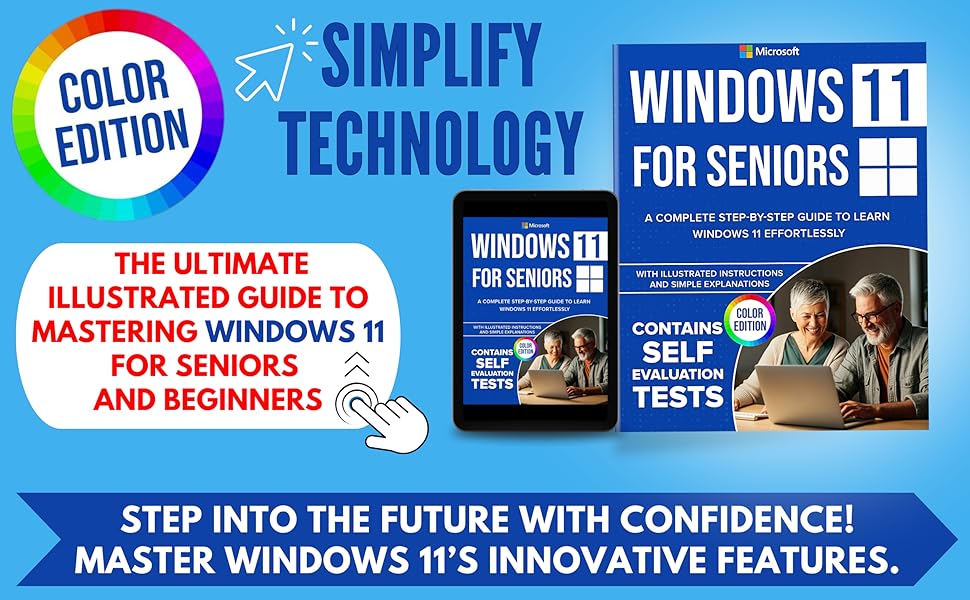
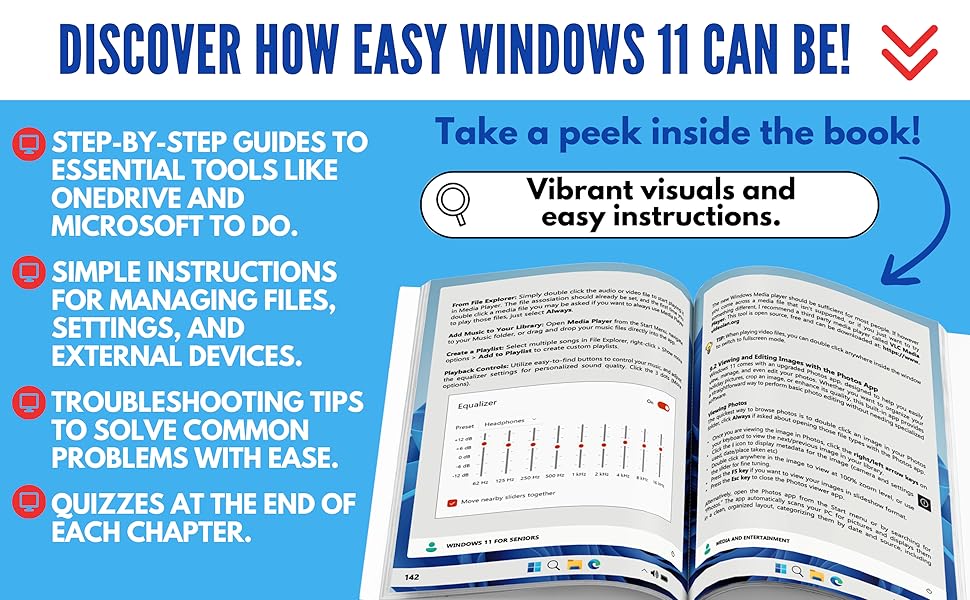
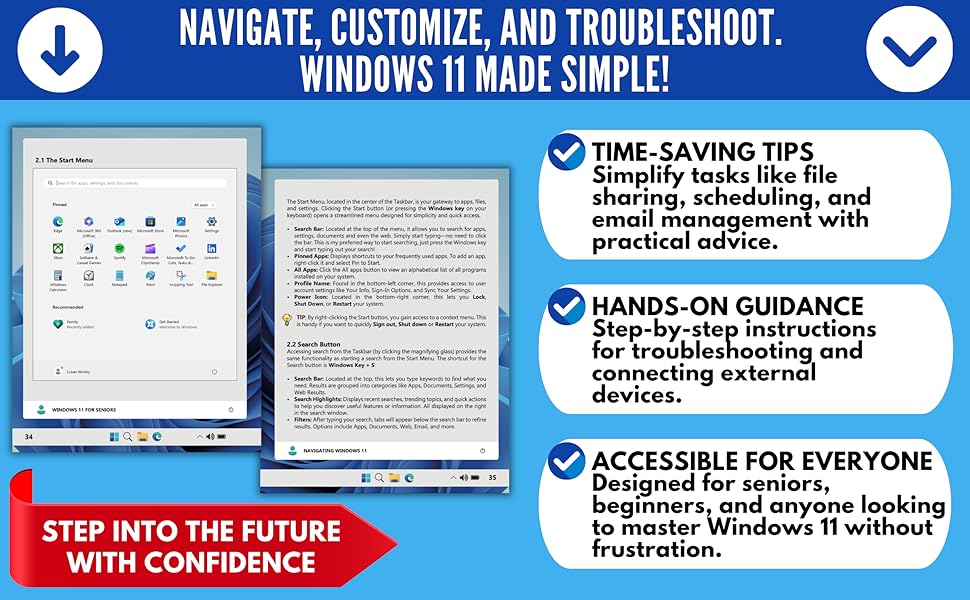
desertcart.com: Windows 11 for Seniors: A Complete Step-by-Step Guide to Learn Windows Effortlessly, with Illustrated Instructions and Simple Explanations. COLOR EDITION: 9798306998497: Worley, Lukas: Books Review: Why Didn’t I Learn This Sooner - I had upgraded to Windows 11 shortly after it came out but when operating systems get upgraded to a new one, I don’t go through to figure out all the bells and whistles - it just operates in the background, unnoticed until tech issues arise - then its time to figure things out. Lately I have had various tech issues and have wondered why things keep downloading to One drive when I don’t want it to, and trying to find certain files. I thought it might be time to figure out Windows 11. The book is well organized into different sections and easy to locate topics to dive into the section you need to address. This book is helpful for beginners as it starts from the beginning of Windows and goes through the evolution and explains key parts of an operating system without getting too technical and too much in the details, and takes you step by step. I’ve used computers for years in my work so know the basics but I have never used Copilot so that’s where I began. The author takes us through key components of Windows 11 so we’re aware of what’s there and how to enable (or disable) certain functions. The book helped me in multiple areas from OneDrive issues to freeing up disk space, I learned about a system image backup which was new to me, and so much more. Review: A helpful resource - "Windows 11 for Seniors" by Lukas Worley is a helpful and comprehensive guide designed for those looking to learn Windows 11 effortlessly. Lukas Worley, with his extensive background in IT and computer science, provides accurate and reliable information, making complex topics accessible through illustrated instructions and simple explanations. The book truly walks you step-by-step through everything you need to know about Windows 11, from initial setup to exploring all its features. I found the detailed sections on managing files and folders in File Explorer and utilizing OneDrive for cloud storage and syncing particularly insightful, simplifying daily tasks and data backup. The guidance on internet browsing with Microsoft Edge, including important safety tips, is also extremely practical for staying secure online. Furthermore, the book covers essential areas like email and calendar management with Outlook, and crucial information on security and maintenance with Windows Defender. The inclusion of a bonus chapter on troubleshooting and access to a dedicated Facebook support community provides an ongoing assistance, showcasing the author's commitment to readers. Ultimately, this book is an expertly written resource that truly helps users feel confident and comfortable with Windows 11.


| ASIN | B0DTH4M7HT |
| Best Sellers Rank | #46,396 in Books ( See Top 100 in Books ) #1 in Windows 10 Guides #4 in E-mail (Books) #40 in Internet & Telecommunications |
| Customer Reviews | 4.3 4.3 out of 5 stars (158) |
| Dimensions | 8.5 x 0.44 x 11 inches |
| ISBN-13 | 979-8306998497 |
| Item Weight | 1.04 pounds |
| Language | English |
| Print length | 195 pages |
| Publication date | January 19, 2025 |
| Publisher | Independently published |
T**W
Why Didn’t I Learn This Sooner
I had upgraded to Windows 11 shortly after it came out but when operating systems get upgraded to a new one, I don’t go through to figure out all the bells and whistles - it just operates in the background, unnoticed until tech issues arise - then its time to figure things out. Lately I have had various tech issues and have wondered why things keep downloading to One drive when I don’t want it to, and trying to find certain files. I thought it might be time to figure out Windows 11. The book is well organized into different sections and easy to locate topics to dive into the section you need to address. This book is helpful for beginners as it starts from the beginning of Windows and goes through the evolution and explains key parts of an operating system without getting too technical and too much in the details, and takes you step by step. I’ve used computers for years in my work so know the basics but I have never used Copilot so that’s where I began. The author takes us through key components of Windows 11 so we’re aware of what’s there and how to enable (or disable) certain functions. The book helped me in multiple areas from OneDrive issues to freeing up disk space, I learned about a system image backup which was new to me, and so much more.
M**S
A helpful resource
"Windows 11 for Seniors" by Lukas Worley is a helpful and comprehensive guide designed for those looking to learn Windows 11 effortlessly. Lukas Worley, with his extensive background in IT and computer science, provides accurate and reliable information, making complex topics accessible through illustrated instructions and simple explanations. The book truly walks you step-by-step through everything you need to know about Windows 11, from initial setup to exploring all its features. I found the detailed sections on managing files and folders in File Explorer and utilizing OneDrive for cloud storage and syncing particularly insightful, simplifying daily tasks and data backup. The guidance on internet browsing with Microsoft Edge, including important safety tips, is also extremely practical for staying secure online. Furthermore, the book covers essential areas like email and calendar management with Outlook, and crucial information on security and maintenance with Windows Defender. The inclusion of a bonus chapter on troubleshooting and access to a dedicated Facebook support community provides an ongoing assistance, showcasing the author's commitment to readers. Ultimately, this book is an expertly written resource that truly helps users feel confident and comfortable with Windows 11.
G**A
Good resource for those who want basic info rather than lots of details
This book is for people who have limited knowledge and experience with computers. For the more experienced, this book is a little lacking in details, so look elsewhere for a Windows 11 book. I rated it 4 stars because of its limited information, but I can see it as a valuable tool for someone -- not just seniors -- who just wants the basics and/or doesn't want to do a deep dive into the use of Windows 11.
K**R
Quality product - well organized
The content is well organized. The large print and color make it very easy to use. The text is not crowded on the pages. The pictures/illustrations are good. I found it interesting that there are quizzes at the end of the chapters. It looks like the quizzes focus on what one might want to remember first. I plan to take them -- we're never to old to learn!
J**R
Best for seniors with little tech knowledge
A little simplistic, better for seniors with little technology knowledge. I’ve been using computers for decades so it’s beneath my skill level.
C**S
Very well written and easy for us old folks.
I keep this as a resource when I become confused.
B**L
Good
Good in helping navigate. Don't like the system
C**N
Filtered and focused content for oldies
What i love most about this book is that it is well organized and covers what is most useful for elders in their day to day life. It does not get overly technical, and at the same time does present simple to use methods for various important activities. I really think this book is more useful as a ongoing reference then a one time read, as those not familiar or technical can pick the book up and look up for the task at hand.
J**N
Comprehensive and detailed. No assumptions that the reader has any prior knowledge of Windows.
W**.
Full of helpful information for beginners. The book is laid out very logically for a beginner, with plenty of helpful diagrams and good size text. All very helpful especially for a beginner.
K**N
I've found it extremely helpful for myself, and would recommend it to anyone even to younger people.
Trustpilot
Hace 1 mes
Hace 4 días