Desert Online General Trading LLC
Dubai, United Arab Emirates
Desert Online General Trading LLC
Dubai, United Arab Emirates

🎬 Stream Like a Pro, Anywhere, Anytime!
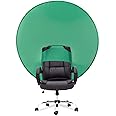
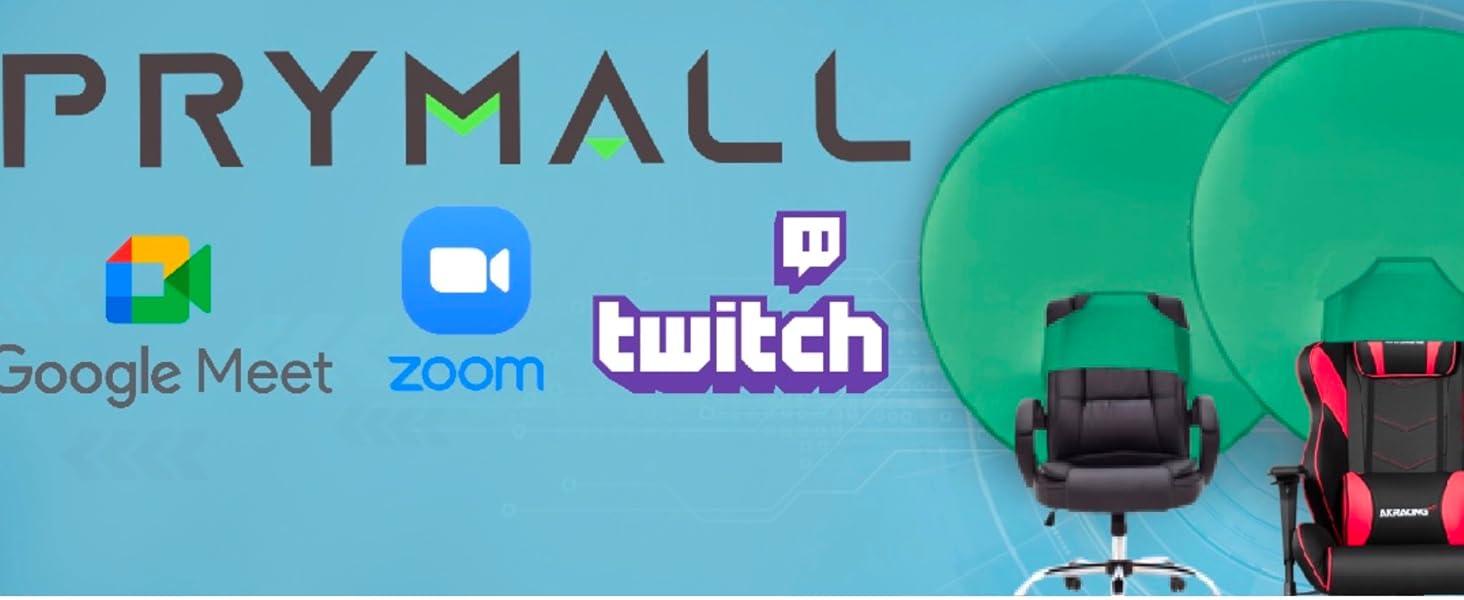
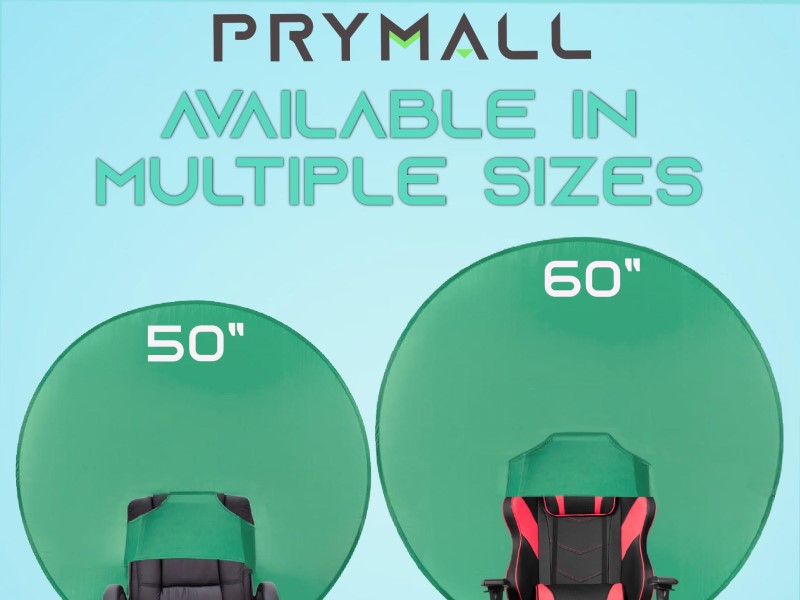
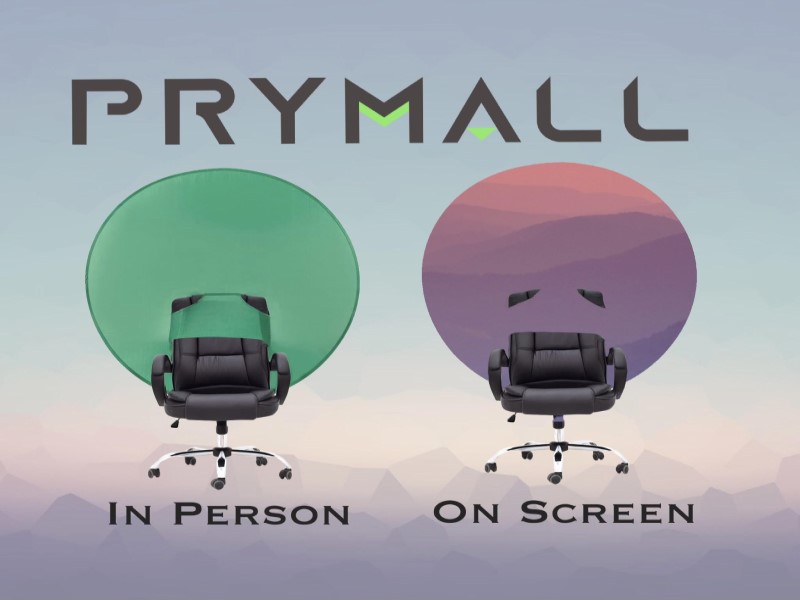
The Prymall Pop Up Green Screen is a 60-inch chromakey backdrop designed for effortless setup and portability. It folds into a compact 18-20 inch bag, attaches securely to most chairs with an elastic strap, and is compatible with major video conferencing and editing platforms, making it ideal for professionals enhancing their online presence.

J**F
Great green screen for home office!
I have been pleasantly surprised by the addition of this home office green screen. If you do a lot of video calls, especially in your home office, it seems that you can get a lot of flicker in the image, particularly around the edges of you yourself. This seems to be dependent on the lighting in your room for the most part but bottom line, it can be distracting, especially if you use background images during your calls.I got this product as something to try and see if I could reduce that flicker or shimmer. The product fits snugly on the top of the backing of your chair with a little pocket that is cut into it. So it is very secure and doesn't slide or move, even if you tend to move or shake your chair a lot. I call it my 'halo' since I have the circular one but there are others if you prefer a more traditional square or rectangular shape. Bottom line, the product removes that shimmer or flicker that can be so distracting. It comes with a nice little zip up sleeve that you can fold the product up and put it in for when you are not using it or want to store it. I was surprised at the quality of the item, especially for the price. It feels nice and solid and also hasn't ripped, even though I've misjudged my space and banged it into my desk quite a few times now. It's easy to fold and put into the included sleeve, but like all of these kinds of products, you need to fold carefully and make sure you don't lose your grip and let go of it. Your lower extremities will thank you for avoiding getting smacked if you let go and the thing springs back into place! :)In fact, the only "drawback" to this product is really just that. Not the fault of the product at all, but due to it's nature, when it's on your chair you need to watch when you swivel to one side or the other so that you don't bang it into the desk. That is how I could see the product being damaged or ripped on the seams if too much stress occurs doing something like that. For this reason, when I'm doing a bunch of calls, I will have it on my chair but when I'm done with meetings for the day or for several hours at least, I tend to take it off, fold it and put it back into the sleeve. That way I limit my opportunities to forget it's there and slam it into my desk as I swivel back and forth.Overall, I recommend this product, especially if you do a lot of video calls. It's handy and good quality while not breaking your bank.
K**R
It does its job
This is large, but not overbearing. It fits on my chair just right. When I take my background off, I can see a bit on the sides because the screen is rounded. However, when I do have the background on, no one can see anything and it works great. I like that I can store it easy too.
A**Y
Does the trick beautifully --- Backgrounds turn out great for Zoom meetings
Got this green screen for Zoom meetings and it works great! It slides on easily on the back of my chair, but the part that slides onto the chair is large and roomy. It may not fit snug on short chairs and chairs that have a shorter back widths. I used it on a short chair, at first. I had to maneuver it so that is would stay put. That worked, but using a taller chair with a wider back, worked better --- I got a much tighter fit. I have not yet folded it --- I haven't yet put it away. It just stays on my chair because I just never bother to take it down. I just don't find the fun in taking it up and down, then up and down again. I've gotten use to it and it somewhat sections off my work area, keeping it a bit private and away from the rest of the room. Works nicely!
D**J
watch the 2nd video for how to fold back together
I haven't used it in a virtual meeting, but just glancing at with my camera on, the top two corners are not covering the squared off area showing in camera. I bought the larger size to specifically avoid this from happening. Maybe it won't be that big of a deal once I have a virtual screen on. I watched the (2nd) video and per his advice will try to reduce the ratio. Hopefully, a background will still be shown and not just primarily my face.The other thing that really had me unhappy upon unpackaging is that opening it up I really hurt my finger as it snapped out and then attempting to close it back up, it whipped painfully against my leg. Whatever metal banding this is, it hurts, and the tension makes it snap suddenly even when you think you have solid grasp on it. So be careful. I mean, I was being careful and this happened anyway. The spot on my leg whelped and then bruised, so the intensity is real. Just be super careful. *** I noticed in the video that when he opens it, he holds the product up and away from his body. That would have been good to know prior to my first attempt. There is a reason he is doing that. I found out why the hard way. Be sure when you open the product to hold it up and way from your face and body.I can see why some reviews said they just leave it open and set it up against a wall. I really want to be able to close this thing SAFELY. Again, after my initial review I was referred to the video. Apparently, I missed it as there is more than one; I watched the first one before buying. You have to scroll down to see the second one that has the instructions. Also, I received feedback from my first review that there are instructions. I was referring to instructions that came with the product which my package did not contain.But again, it is CRUCIAL that you watch the 2nd video to close this. I watched it several times and still had no luck because he says fold in from bottom left after the initial folding in half. It wasn't working. I was about to get my housemate to try to get this thing packaged so I could send it back as it was proving to be too much trouble and I wasn't okay leaving it up against the wall all the time. On a whim, I tried the bottom right, not the left like the video said, and then it finally folded back into the initial circle. SO, if you watch the video and the bottom left won't fold in after the initial fold over in half, try the bottom right side.This is my update after getting more clarity on the folding back up process. I will update again after actual virtual use.FINAL update: had virtual meeting in Teams today with my supervisor. A green outline was showing around my body consistently and movement showed interruption on the virtual background. Because the product did not improve the virtual background quality, I'm sending it back. It may have been slightly better with the screen than without it when sitting completely still (despite the green outline), but if you sit completely still without a green screen, it's the same result, so. . . The overall performance was not enough for me to keep the product. Maybe my expectations are too high? Based on other reviews, it seems to work fine for some others. I feel like I gave this a good try. Good luck!
A**D
Didn’t work out
the quality of this product was good. I had to return it because it did not fit the back of my desk chair and it was not wide enough to cover the complete background for my webcam. Definatly measure before purchasing.
H**K
Ridiculous but Great
I purchased it to hide the messy room for a conference call. This works like magic - Just put it on the back of the working chair. Super convenient. The only downside is folding and storing. I tried but gave up and just stood it on the wall. (awful impact on the interior). I gave it 5+ stars anyway.
Trustpilot
Hace 1 mes
Hace 1 día