
Descargar la aplicación


Servicios al cliente
Sobre nosotros
Copyright © 2025 Desertcart Holdings Limited
Descargar la aplicación
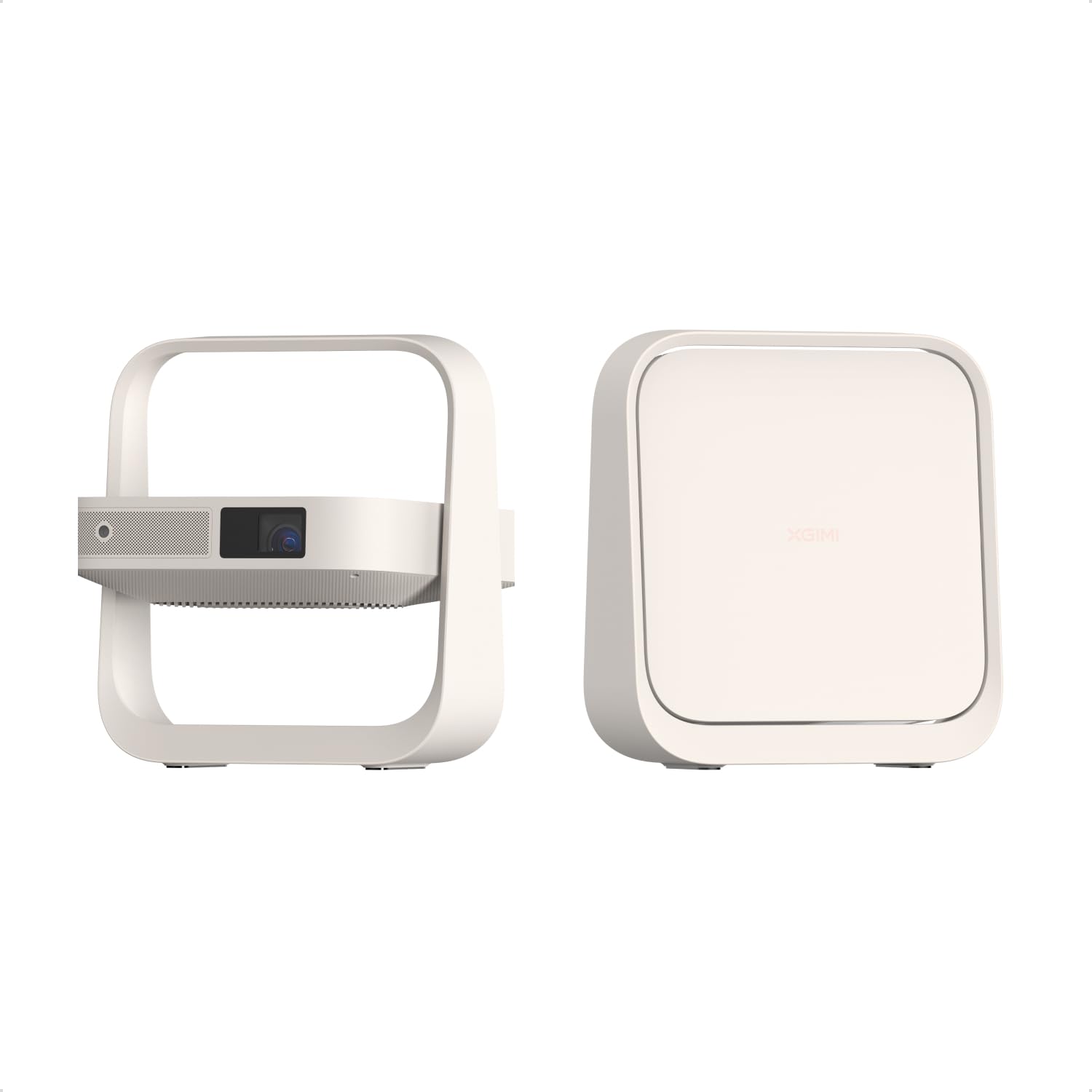
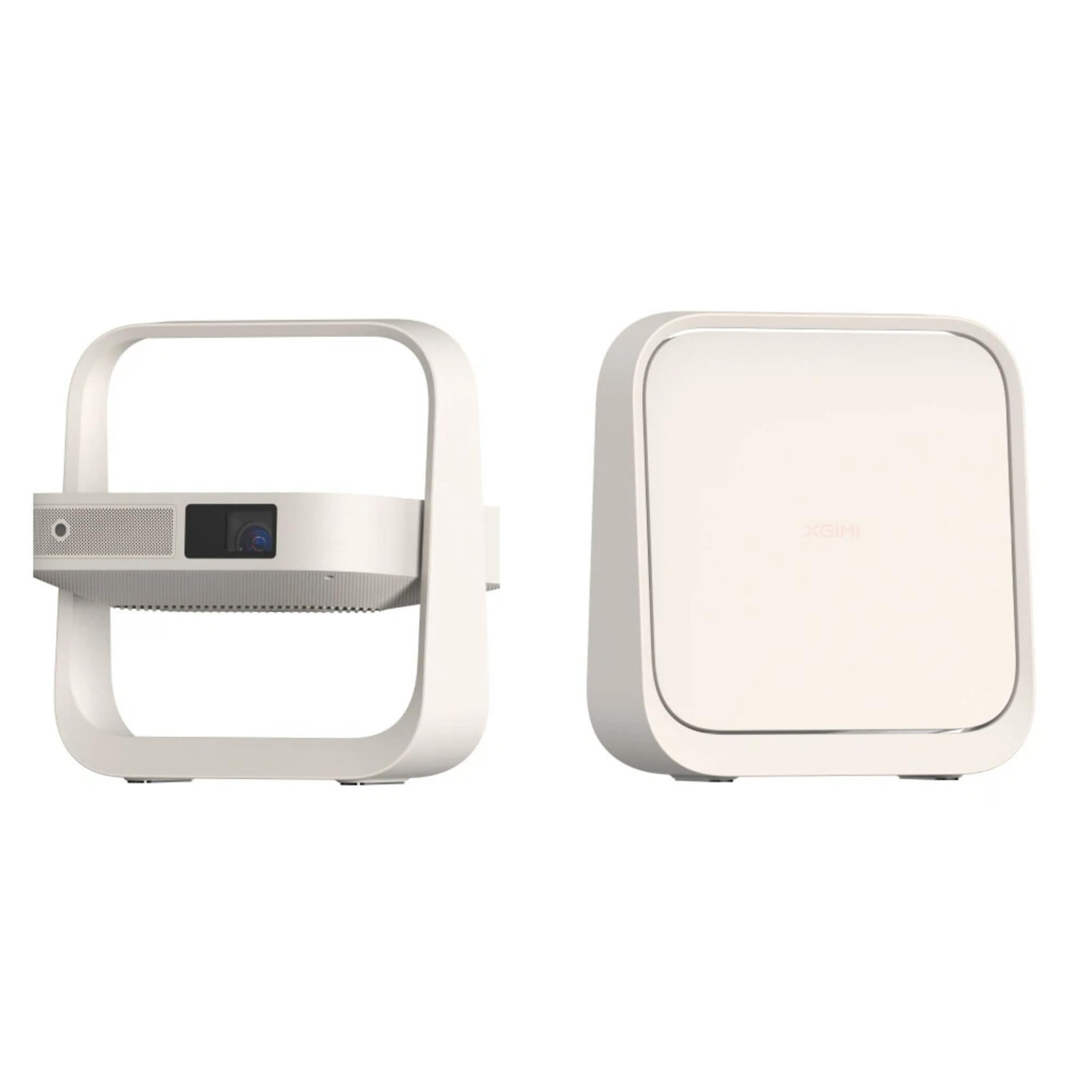
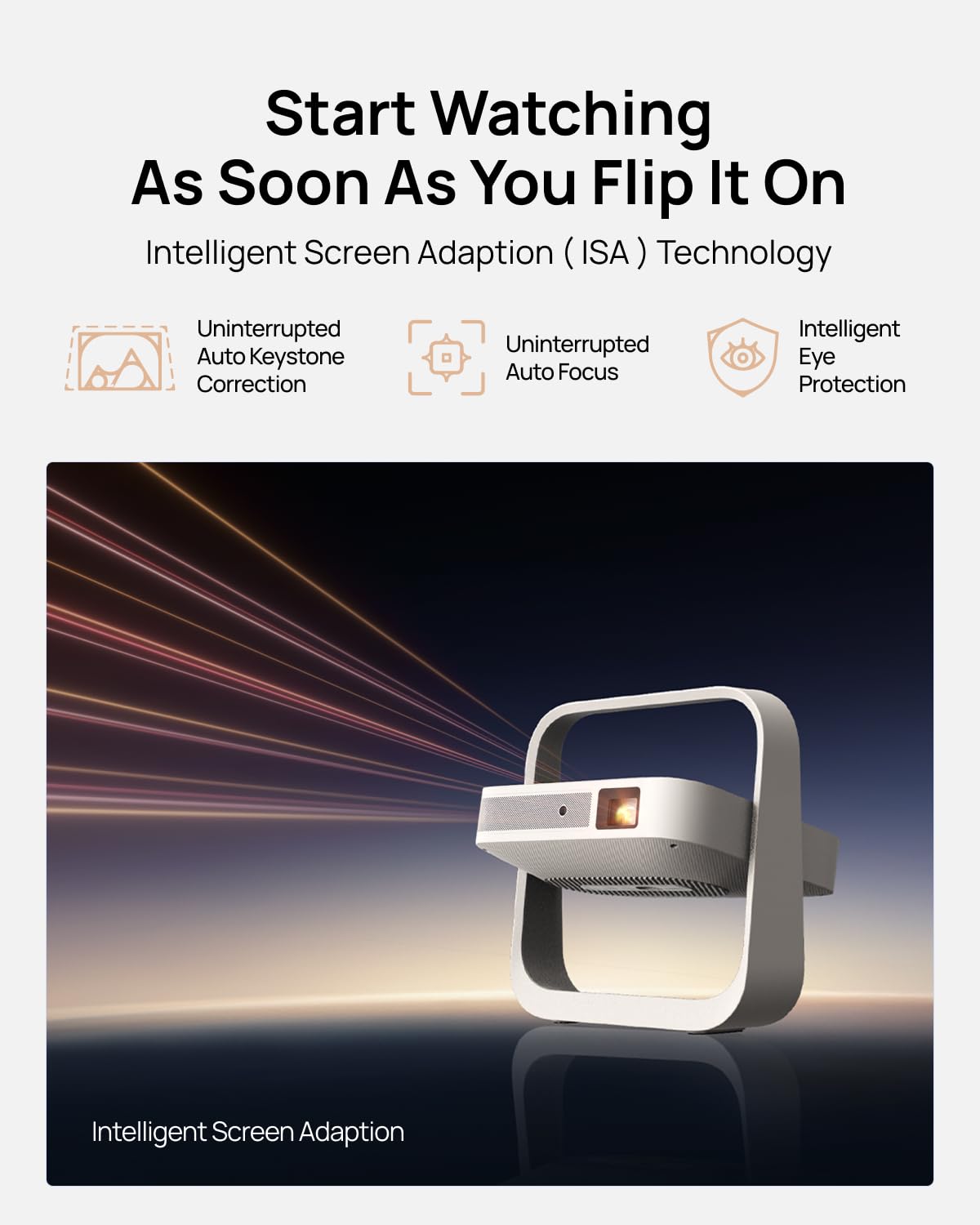
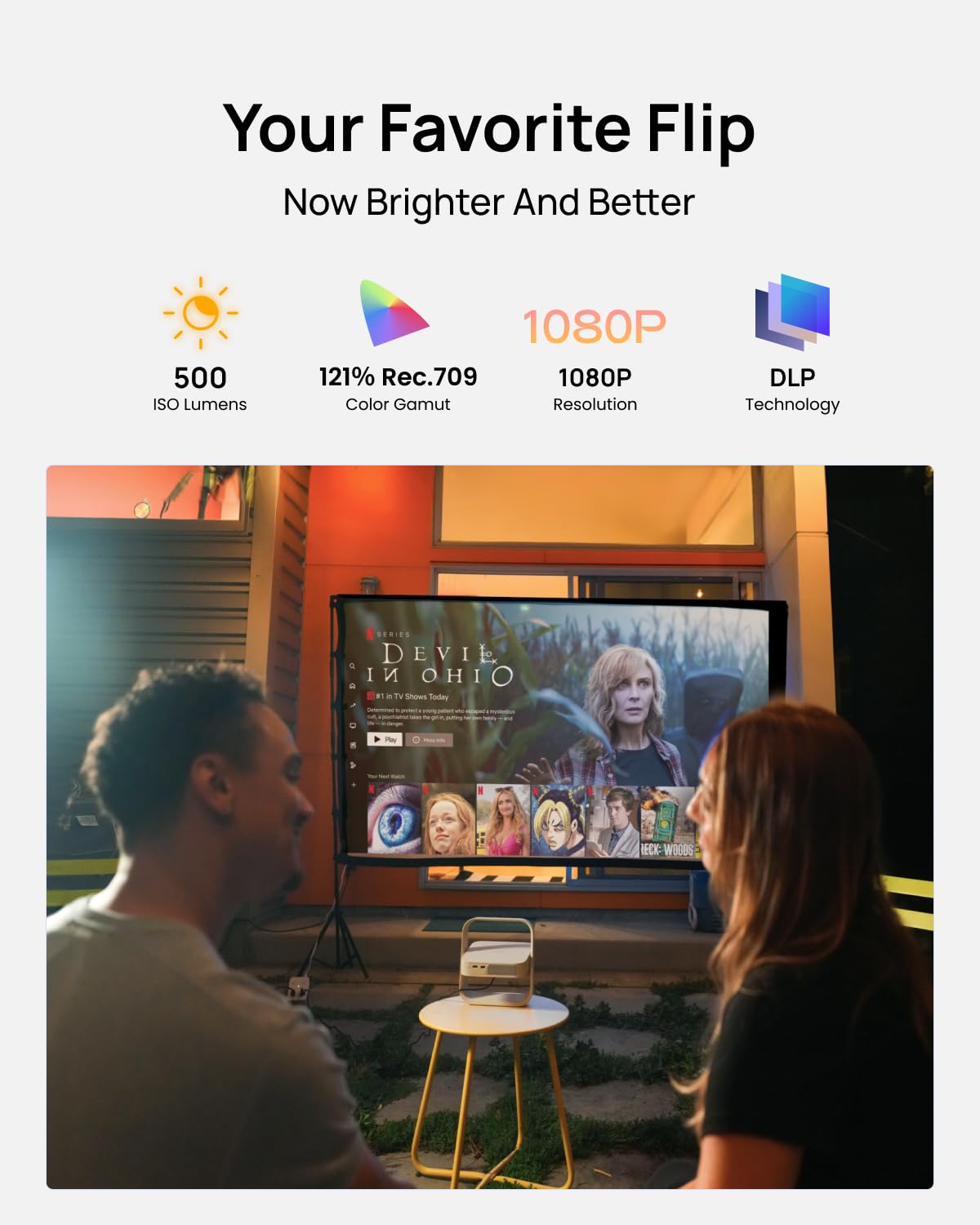
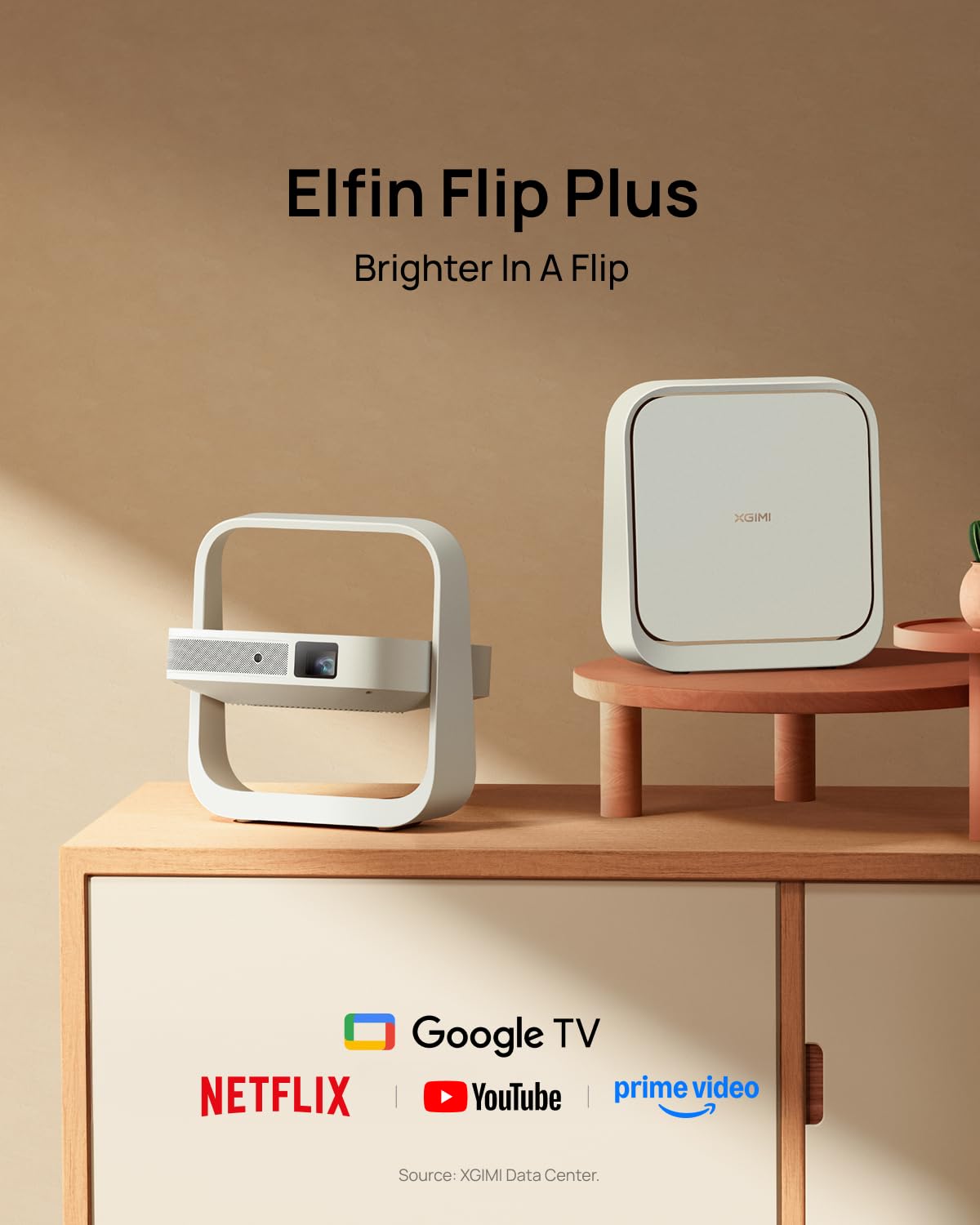
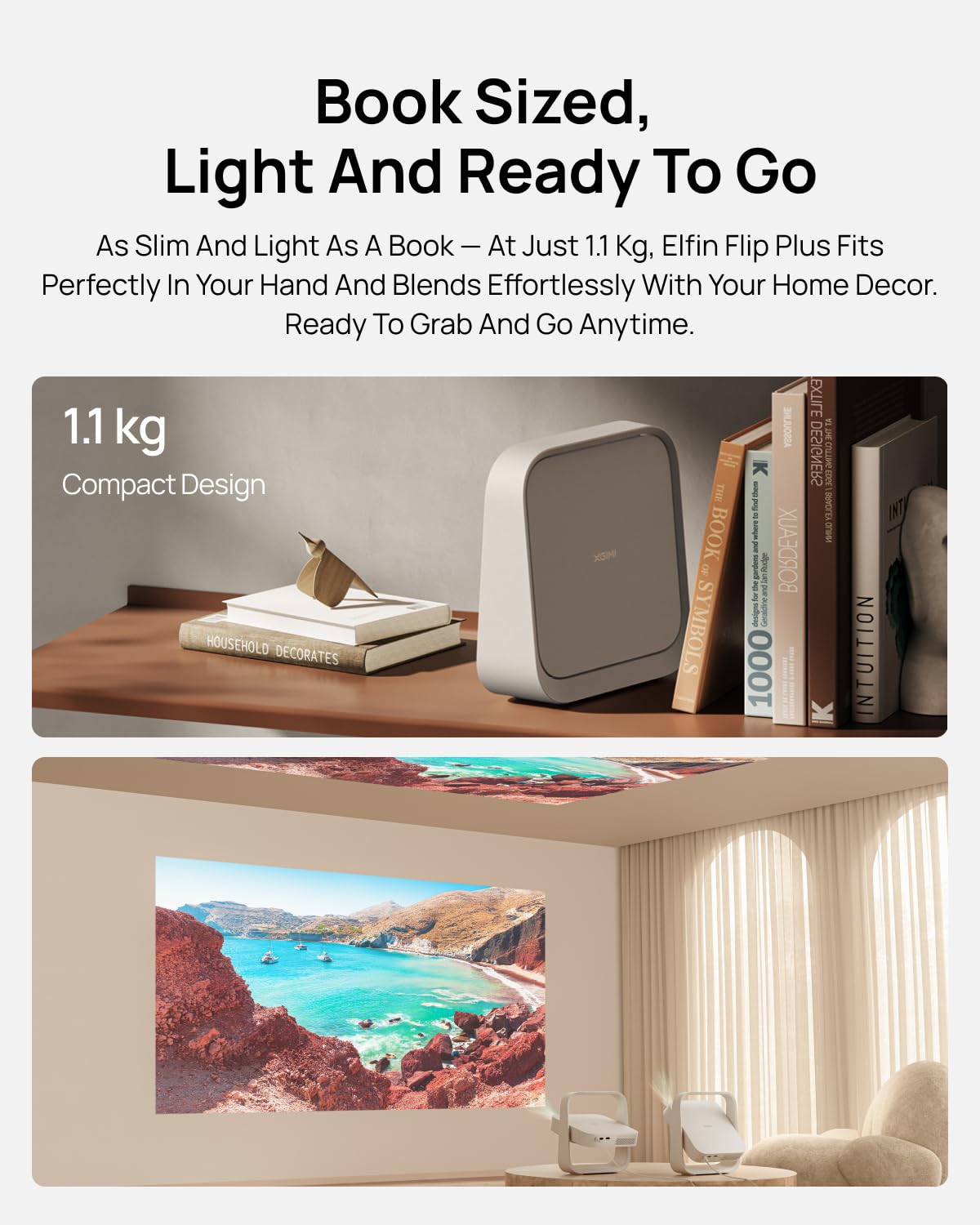
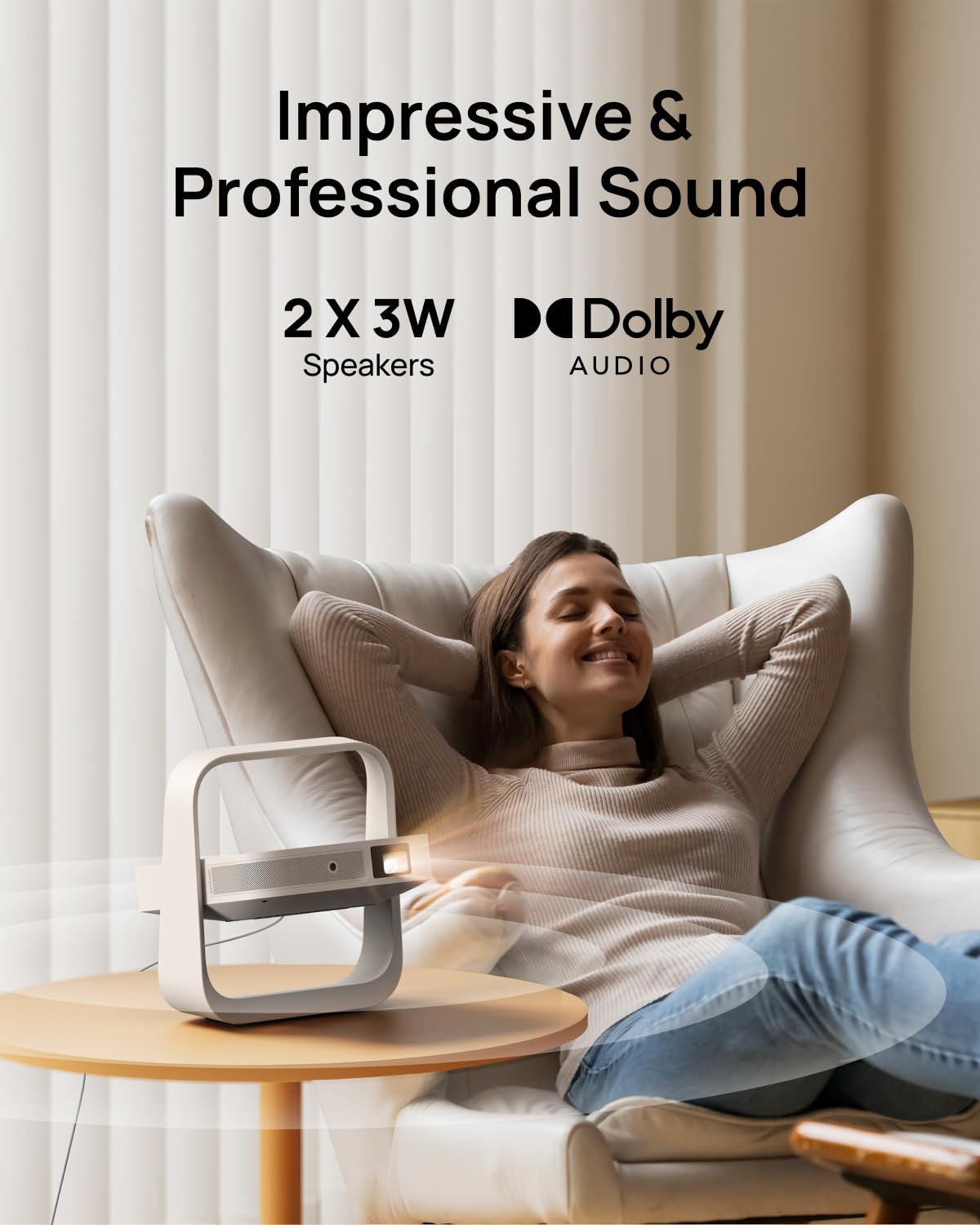
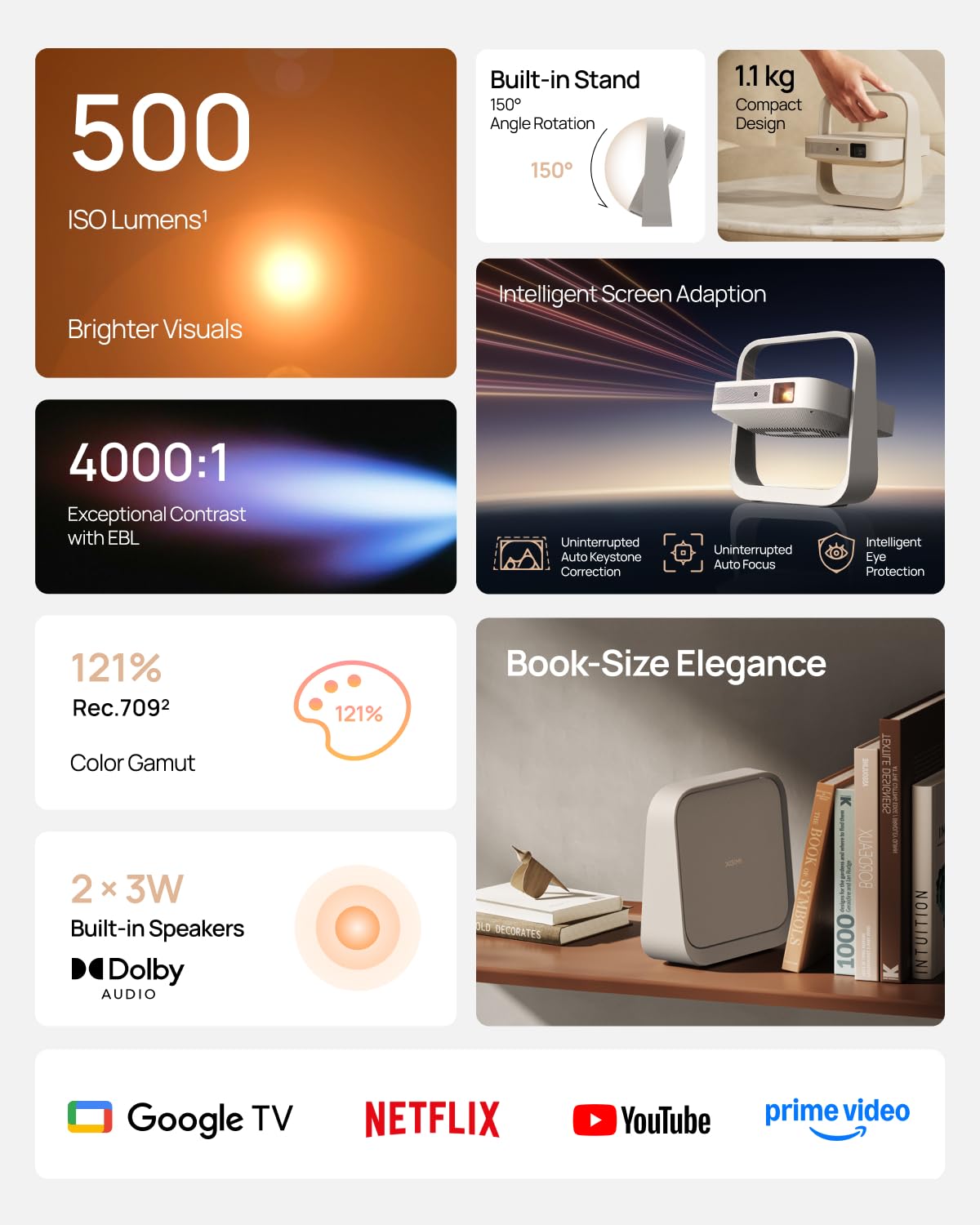
🎬 Elevate your space with cinema-grade clarity—anywhere, anytime.
The XGIMI Elfin Flip Plus is a portable 1080P projector featuring 500 ISO Lumens brightness and 121% Rec.709 color accuracy for vivid visuals. It integrates Google TV with licensed Netflix for instant streaming, includes a versatile 150° adjustable stand with auto-alignment, and delivers immersive sound through dual 3W speakers—all packed into a sleek, lightweight design perfect for on-the-go entertainment and stylish home setups.


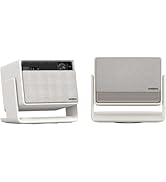
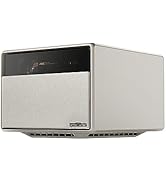


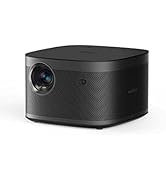

| ASIN | B0FDFK44KN |
| Best Sellers Rank | #143 in Video Projectors |
| Brand Name | XGIMI |
| Customer Reviews | 4.3 4.3 out of 5 stars (637) |
| Date First Available | June 17, 2025 |
| Item Weight | 4.47 pounds |
| Product Dimensions | 8.9 x 2.8 x 9.29 inches |
| Special Features | Auto Focus, Google TV with licensed Netflix, 500 ISO Lumens 121% Rec.709 color, protable Book-Sized Movie Theater, Lightweight, Portable, portable compact size |
J**T
Excellent projector for an excellent price
For the price, this is a stellar little machine. I'm really impressed by how bright it is, and how clear the picture is even on a bare wall (no screen). It's easy to navigate right out of the box. Plugged it in, turned it on, away we go. Native Netflix is a great feature; I wish there were more apps directly on the OS. Maybe future updates will improve the number of apps. The projector is super light and easy to move around. I didn't feel it getting too hot while I used it (longest time so far 2.5 hours in one session). The fan is super quiet. The remote is responsive. Still messing with the settings to get it exactly right. The built-in speaker is clear and loud, and sounds better than bluetooth connected speakers. Overall, this is a great value projector and I'm really glad I bought it. Some caveats- I'm not using it to replace a tv or be my only screen, it's not a "home theater," and I'm not using it outside. It's the thing I'm using for parties, sports events, and casual movie nights with friends. I think it's perfect for that, but I don't think I would want this to be my only machine (gaming, zoom calls, binging shows, etc etc).
A**R
An excellent projector and great customer service!
TL;DR - it’s an amazing product, I love it and wouldn’t have picked anything else for my money. Customer support is very responsive (thanks Winnie for your help!). The only drawback is the onboard android smart tv has some issues for my viewing habits (no Netflix yet, and some picture issues in the Criterion Channel). I needed to pair it with an Apple TV, and once I did everything has been fantastic. 3rd UPDATE - 5* Their customer support has been very responsive. They fixed this product listing and removed the hundreds of unrelated reviews and info for an older model. They also helped with all my technical questions. The projector is really excellent and I’m enjoying it. For my use it required an AppleTV to get the best performance out of it. A small compromise for an excellent projector. For more details, read below. 2nd UPDATE - 3* Have spent much more time with the projector this week, including connecting it up to a Roku Express as well as an Apple TV 4K. Both of them resolved the brightness strobing I was seeing in Criterion Channel streaming. It convinced me it’s an interpolation issue. While that shouldn’t be the case, I’ve only seen the problem on the Criterion Channel App on the on-board Android TV OS. Running the same films on the Criterion Channel app on either the Roku or Apple TV didn’t have the issue. That difference shows a problem, I’m just not sure what it is. It’s a shame to need an additional streaming device on top of the one included in the smart projector, but it does solve the issue and also provides Netflix (currently missing from the Android TV OS due to licensing. That may change down the line). The Horizon handles connectivity very well in general, so switching between the on-board OS and the Apple TV has been quick and painless. And the Horizon’s remote functions well for operating both, no programming needed. The same is true for connection with a Bluetooth speaker as a sound output. Once paired, the projector remembers the most recent output setting (internal speakers vs Bluetooth external speaker) and automatically connects on startup. The Autofocus has been flawless (when I trigger it manually, the automaticity triggered autofocus on startup was not great and I turned it off). I don’t use the keystone corrections or digital zoom, so no comment. I think Xgimi took a good deal of care in the hardware and software design, it takes thoughtful engineering to make something this complicated work well and easy to use. It feels like they are aiming at the finesse and polish of an Apple product, and they are very close. Maybe the only tricky part is understanding what settings are best between an external streaming devices and the projector with it’s interpolation (MEMC). I’m not sure what it’s supported frame rates are (besides 1080p@60hz) and haven’t figured out the best output settings to use on Apple TV to feed it. But for the most part, the resulting interpolated image is pretty good. I can’t stress enough how significant streaming bandwidth has been to the image quality. It may be obvious that quality of the output can’t be better than quality of the input, but this is the first projector I’ve used as a TV and it took a few experiments to realize just how important internet speed is to performance, especially with a large image. Finally, I haven’t yet gotten a solution from Xgimi about the issue I’ve mentioned. A representative replied saying they’d need some time. It does seem Xgimi is working on things. They released a FW update yesterday adding 3D functionality and bug fixes. Always nice to see active development. Really this should be a 5* review, it’s a beautiful product. They need to: 1. Separate the unrelated products on this Amazon listing, it’s a cheap marketing tactic that doesn’t fit the high quality of this company. 2. Solve the Criterion Channel interpolation issue on the Android OS. 3. Provide guidance on optimal settings for an external streaming device, when to apply MEMC, and the resolutions and frame rates that are supported with out interpolation. 1st UPDATE - 2* There’s a brightness strobing issue with certain movies. I’m seeing this on Criterion Channel and for now assuming it’s an interpolation issue. But it makes these movies unwatchable. Reached out to Xgimi, and will update when they reply. ORIGINAL REVIEW - 4* All reviews before this one are for an older model and unrelated to the Horizon. Otherwise, the Horizon is a great projector. Good image quality (pretty sharp, fluid, with occasional processing artifacts and/or noise, but totally enjoyable and acceptable for this price) and brightness (washed out daytime, good when dim and dark, blacks are high but ok for the price), good sound for an all-in-one (clear and loud enough for watching tv, not “cinematic”), easy to use, and looks great. IMO between the 1080p Horizon (“Grey” option listed on this page) and the 4k Horizon Pro (on a different page), there is not enough difference in picture quality to justify the $500 difference. I recommend saving the money and getting this one.
A**A
Perfect game projector
Pro: 1. Good as gaming projector. Delay is almost unnoticeable. I use a motion capture device, Nex playground selling on Amazon. The games can be played smoothly 2. Can project to ceiling 3. Very light, good portability. 4. Modern design, looks good in room 5. Color matches great to PC screen. Contrast is good. Texts in a paper, videos can both be resolved well 6. Sound quality is great 7. Noise is very, very low 8. Device doesn’t turn hot even after using a few hours Sort of con: The brightness is good enough with room light on, but it can be brighter. It looks a bit dim with light on, so I prefer to turn light off when using this projector.
R**Y
Nice projector
I've had this for a month or so at this point. Wanted to use it for a bit before I gave a review. My set up - Mac Mini, LG bluetooth sound bar, with a logitech bluetooth keyboard. So far, it has performed very well. Great picture quality. People rave about the sound. And the sound is pretty decent for a projector. But I have the sound going through a sound bar. for much better quality. The projector and remote both look and feel like quality products. I had a small issue with the remote, and emailed customer service. They responded right away and resolved it via phone and a few emails. High marks for great customer service. My one and only complaint is that the default operating system is the android OS. (which works pretty well) The projector powers up to that OS, And I have to navigate through the menu to get to my preferred HDMI input Every. Single. Time. Would love to turn it on only to have it arrive at my preferred input. Every ( much cheaper) projector I've had, turned on automatically to MY preferred default. For a device in this price range, I should be able to configure and use it exactly how I want. Aside from that, I'm very happy with the product and service.
H**N
Awesome projector. It’s not bright enough for viewing during the morning and mid-day when the sunlight exposure is substantial in my room. But late afternoon and evening, it’s perfect. Auto keystone is great and reliable. Quality audio too!
O**Z
E**I
Great
A**J
After months of research I decided to upgrade from wzatco m6 pro projector to the Horizon. And I am impressed by the picture and sound quality of the projector. At present I am projecting it onto a wall with a light yellow paint yet the picture looks vibrant and real. The projector is bright enough to play even during day time with curtains drawn. The auto keystone and focus features are excellent. I did have to calibrate them though. During calibration it needs to be kept within 6ft of the wall and the projector has to be levelled. Different experience altogether when watching sports and movies. When watching sports I use office mode instead of the football mode. The picture and video posted are when using apps on firestick 4k during the afternoon. The device s/w playback on YouTube and Google movies is excellent. The UI is smooth. The remote feels premium and has a convenient dedicated auto focus button on it. Even with projector close by you will not hear the fan noise. The boot up is very fast and the setup is a breeze but for some reason it will not allow you to complete setup with out a Google account which maybe the only fault I can find. I will update the photos when I have put up the screen. I bought it from the seller Aytexcel. Their packaging was excellent with air packets put around the original box before putting it into to an Amazon box to ensure there was no damage to the product. Amazon delivery was excellent as usual. Very happy with the purchase and would definitely recommend this product if your looking for a quality projector.
F**N
I did a lot of research before buying this projector and it is definitely the right one for me. Here is my review of it so far. The picture quality is great, I have no complaints with it, the autokeystoning does not work well for my situation, but the manual keystoning is awesome. Remote is nice and high quality feeling. The buttons are not backlit but this does not matter, each button is a different shape/feel so it is very easy to tell which button you are pressing without having to look. The sound is AWESOME, I have the projector sitting behind me and I dont need a sound system, audio is crisp and clear, music sounds great through it, and it gets loud. The fan inside is dead silent, I swear they are using noctua because I would fully believe its passively cooled if someone told me. The remote is a requirement to use the projector, keystone, etc (if you have autokeystone turned off). I forgot it when I took it with me on a trip but was able to still use my nintendo switch as I had HDMI-CEC on and the projector autoswitched to the right HDMI. Keystone was ofc skewed but it worked for mario kart. Some thing people should know. This projector uses software keystoning, not hardware. There will be a dark grey outline around your image, this honestly does not matter and is not noticeable in use. For people looking at this for gaming, the 1080p (non pro) edition is actually faster than the 4k pro model. My one is measuring 17ms without keystoning or 67ms with keystoning, IMO this is acceptable for gaming, zero complaints using it with a switch or controller. The remote does NOT have a source button on it, however there is a very very easy fix for this. There is an app called TVquickactions that costs 5$ (that's basically a cup of coffee now days). Get it. With it you can make it so when you double tap the home button the projector goes to source 2, and when you long press it the projector goes to source 1, a quick tap brings it back to the built in android TV. That is how I have mine set up however it is customizable to almost every button (unfortunately not the assistant button). Other than that, get a chromecast TV (the one that comes with a remote) and use that for netflix, its way easier (and you can use the xgimi remote to control it too using HDMI-CEC) and is just like normal netflix. It is NOT Xgimi's fault netflix doesnt work nicely, thats netflix's stupid corporate greed only allowing large manufacturers to get authorization. XGimi has done everything possible and complied with all the requests from netflix and they, like other small manufactures, are being given the DMV treatment. I use a HDMI switch to swap between my PC, wii u and switch for the input on HDMI 2 (set to game mode), the switch I got is 4k60 compatible and doesnt need a usb to power it (my PC is always on so the HDMI is always giving it power) I am not sure if you are allowed to post links in reviews so here is the tail end /gp/product/B08SLCKD9T/ It works amazing, no extra latency, I used it with this cable for my pc (30ft length) /gp/product/B01HJVIBJE/ and these short cables for plugging in my switch, wii u and the hdmi switch /gp/product/B01CQRN7XQ/ All work for hdmi 2.0 at 4k60. I realize that HDMI switch does not have many reviews, but it does work, and it works great. Xgimi frequently updates the firmware and has fixed any bug reports I have given, I have no complaints about my current set up.
Trustpilot
Hace 1 mes
Hace 3 semanas