We remain fully operational. Our teams are working around the clock to ensure your deliveries continue safely.

Descargar la aplicación


Servicios al cliente
Sobre nosotros
Copyright © 2025 Desertcart Holdings Limited
Descargar la aplicación

🚀 Elevate your workspace with lightning-fast, silent, and eco-smart networking!
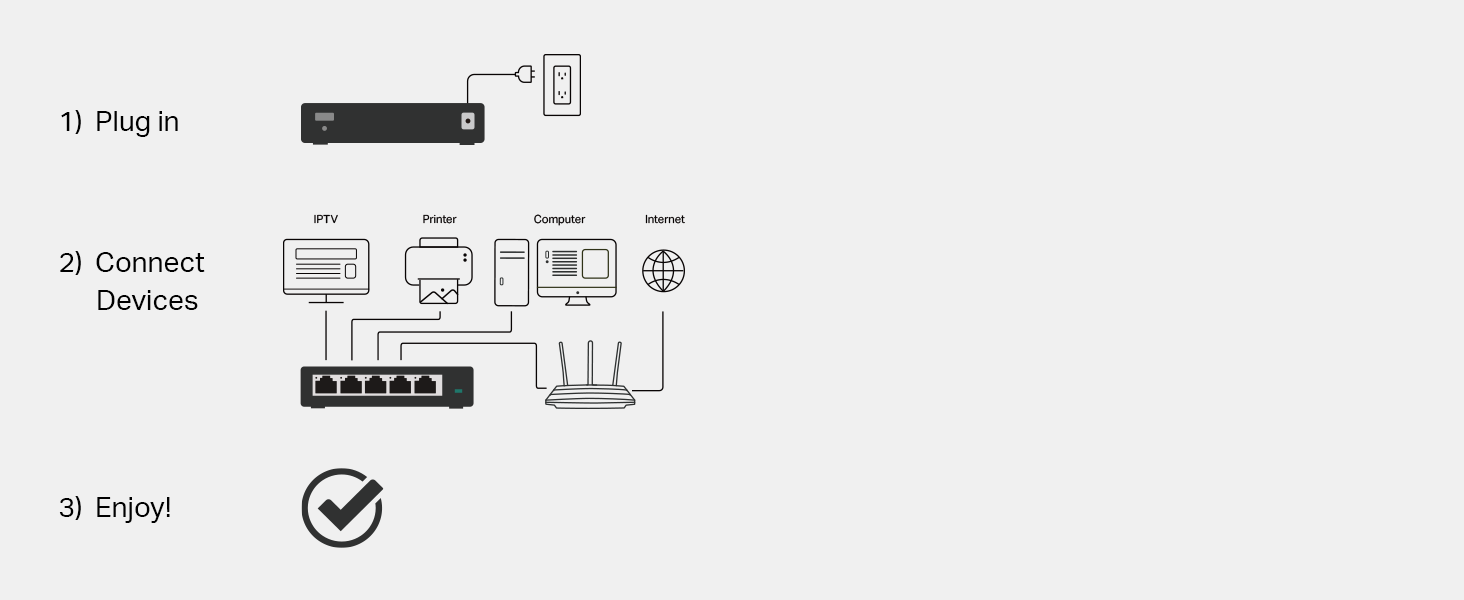
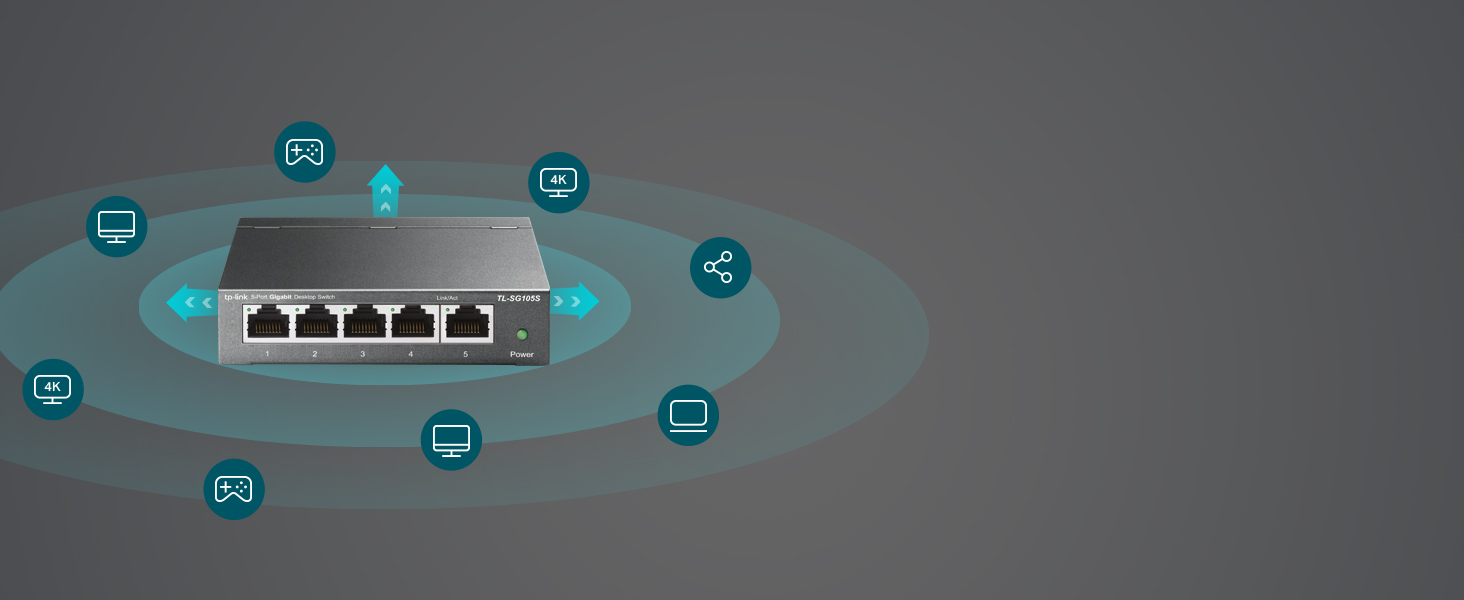
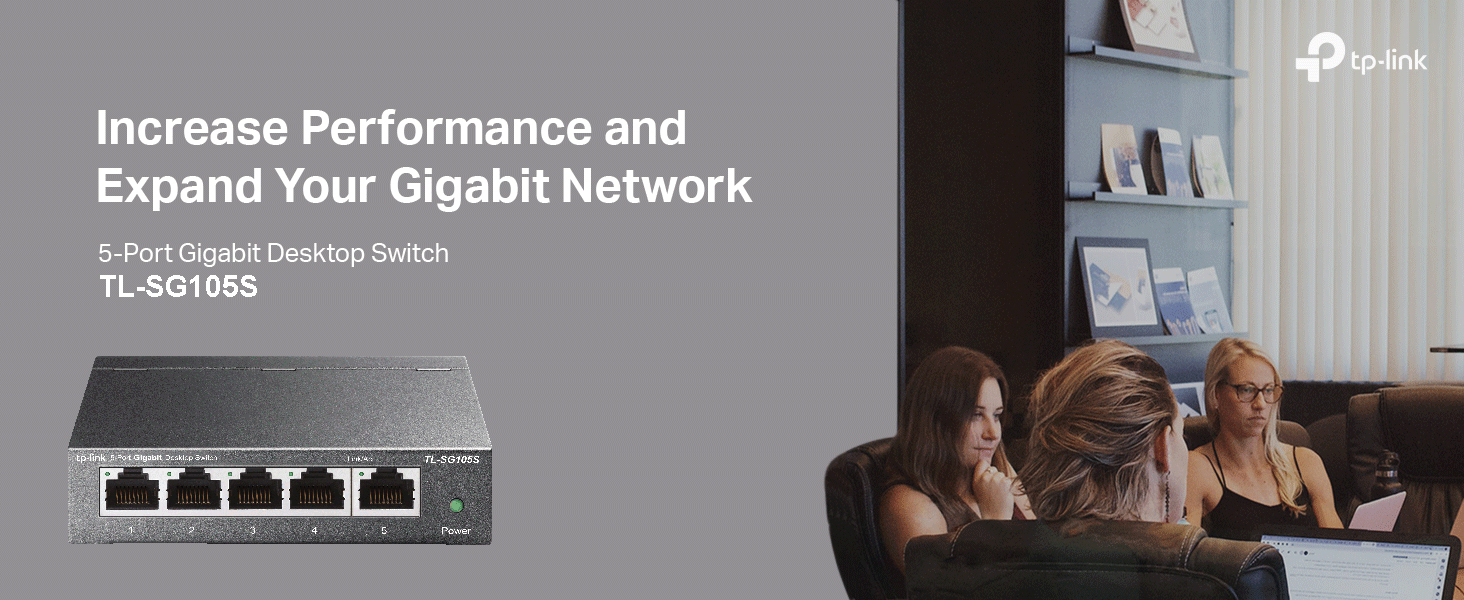
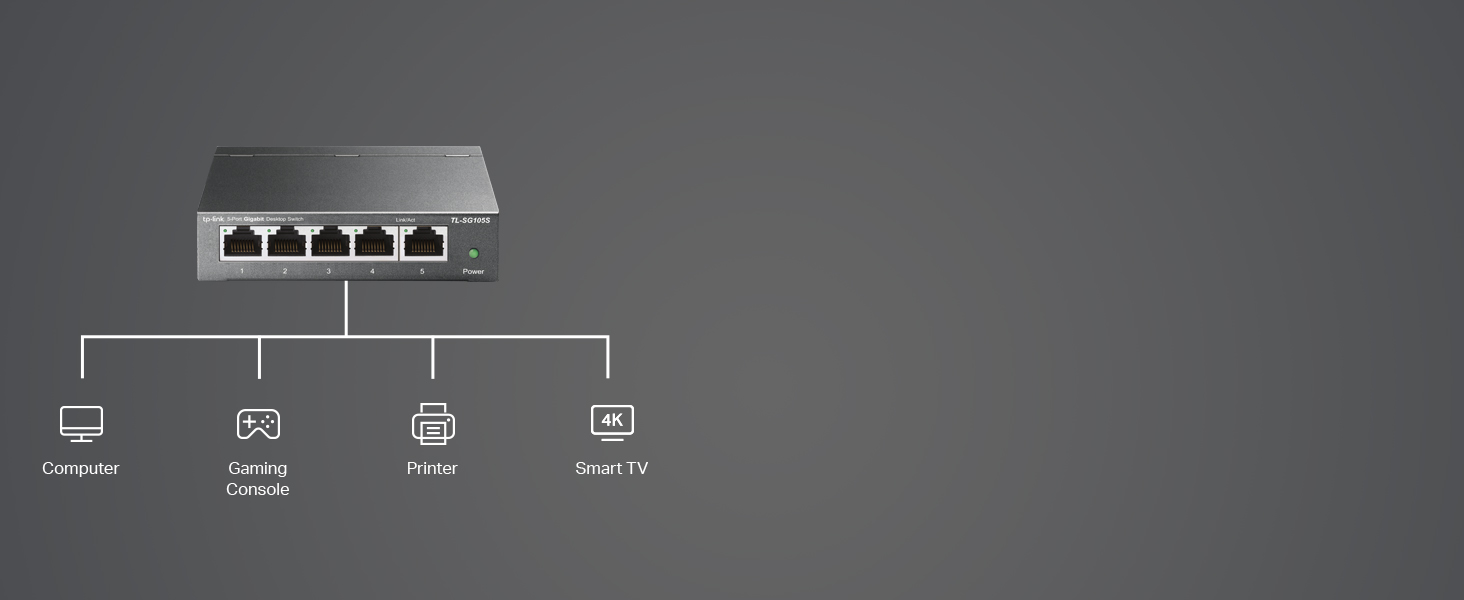
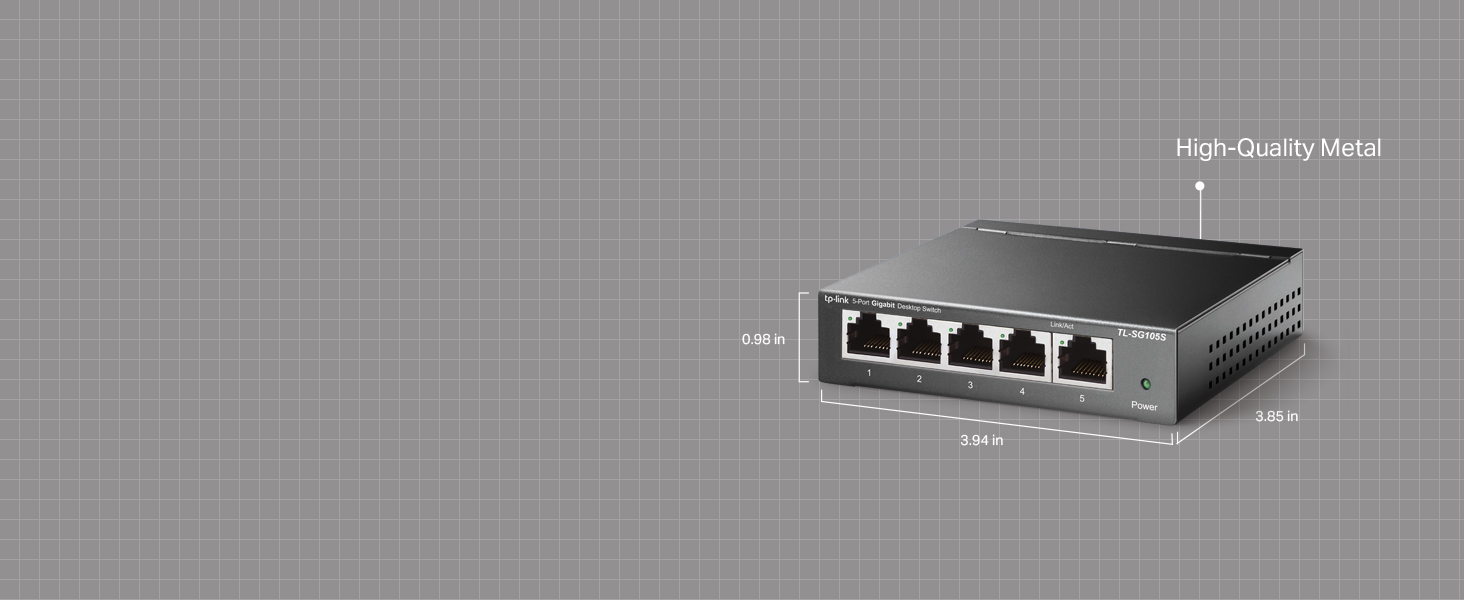
The TP-Link TL-SG105S is a 5-port Gigabit Ethernet switch designed for professionals seeking reliable, high-speed wired connections. Featuring a robust metal case, fanless silent operation, and energy-efficient technology, it supports plug-and-play setup with advanced traffic optimization for smooth multimedia and business applications. Ideal for home offices and small businesses, it ensures stable, lag-free networking while minimizing environmental impact.


| ASIN | B07HP5TN4S |
| Are Batteries Included | No |
| Best Sellers Rank | 95 in Computers & Accessories ( See Top 100 in Computers & Accessories ) 1 in Network Switches |
| Case material type | Metal |
| Current rating | 0.6 Amps |
| Customer Reviews | 4.7 4.7 out of 5 stars (12,274) |
| Data transfer rate | 1000 Megabits Per Second |
| Date First Available | 19 Sept. 2018 |
| Guaranteed software updates until | unknown |
| Hardware Platform | PC |
| Interface type | RJ45 |
| Item Weight | 280 g |
| Item model number | TL-SG105S |
| Item weight | 9.88 Ounces |
| Manufacturer | TP-Link |
| Product dimensions | 9.9L x 9.9W x 2.5H centimetres |
| Series | TL-SG105S(UK) |
| Upper temperature rating | 40 Degrees Celsius |
| Voltage | 9 Volts (DC) |
| Wattage | 2.43 watts |
H**N
Super Useful Ethernet Switch for Home Office Setup
I recently picked up the TP-Link 5 Port Gigabit Ethernet Network Switch and I gotta say it’s been a game changer for my home office. I was struggling with weak Wi-Fi connections and constant buffering while trying to work from home, especially during video calls. I decided to go for a wired connection instead and this little switch has made such a difference. Setting it up was super simple since it's basically plug and play. I just plugged in my modem and a couple of devices like my laptop and gaming console and it worked right away. The best part is that it’s fanless which means it’s completely silent – no annoying humming in the background while I’m trying to focus. It’s really sturdy too. The metal casing feels durable and it doesn’t take up much space on my desk. I love how I can also wall-mount it if I need more room. I also noticed it seems to save energy which is a nice bonus, especially since I'm trying to be more eco-friendly. Overall, if you're looking for a reliable way to connect multiple devices with speed and stability, I definitely recommend the TP-Link switch. It’s been a solid addition to my tech setup and I’m really pleased with how it’s performing. It’s made everything from working to gaming so much smoother.
J**B
Spot on great for the price and no problems
Does exactly what it’s meant to do with no fuss. Solid and reliable
J**P
Great quality and works well.
Great Ethernet splitter which I use for distribution of internet around my house to various equipment around my house.Appears great quality and value. I have had for over a year now with no issues 🤞
M**R
It splits the ethernet but not at Gigabit speeds so far. Great customer service.
Firstly I was going to give this 3 stars but because the customer services was really good it got bumped up to 4 stars. The only reason why this has not got 5 stars yet is because the product did not provide Gigabit speeds as it claims that it does. I BOUGHT THIS PRODUCT NEARLY 3 YEARS AGO and despite this Ronald from customer services at TP-Link offered to send a replacement. If the replacement does perform at Gigabit speeds, I will update my review and give 5 stars for sure. I can also confirm that this is a straight forward plug into any port in any order and play device once you have power fed to it - so it's really straightforward to use. This does not have a power switch but at this price point what are you expecting? It is built well and feels robust and light with its metal casing. It can be mounted to a wall if required.
D**X
Small and discreet way to expand you network.
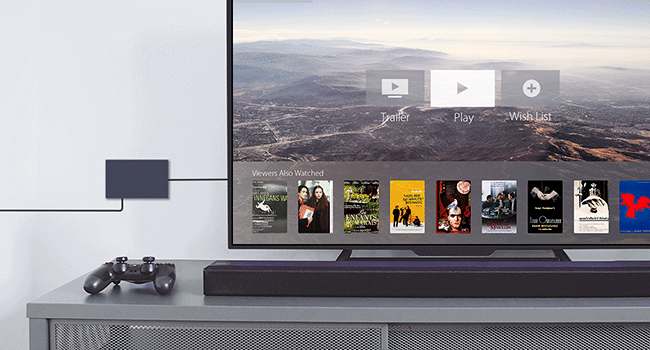
Having just upgraded to gigabit fibre I wanted an easy way to hookup a games console and Tapo homehub next to the TV and avoid using increasingly crowded wireless channels and benefit from the extra speed. This TP-Link 5 port Gigabit is perfect as it is small and unobtrusive (it is sat under the PlayStation dual control charger) and worked flawlessly when everything was plugged in. It was on an offer price when I bought it so was great value. I would happily recommend it to anyone who needs some extra connections but wants a simple unmanaged setup with a single cable to the router.
C**H
Compact and reliable
Great, reliable and compact switch. Perfect for cabinet mounting.
A**T
Cheap solution for multiple devices
Not enough ports on your router? Multiple devices needing a wired connection due to poor WiFi? Tried powerline adapters but disappointed with the speed and latency? Get a network switch. I have previously bought one of these brilliant little devices because of unstable WiFi connections and simply needing more ethernet ports. Now I'm doing it all over again because of a new ISP and the (crappy) router needs to be downstairs due to the fibre optic connection. After being driven mad by WiFi issues (good old fashioned thick brick walls) and the poor speed and high latency of powerline adapters, I simply decided to run a long length of flat Cat 7 under the stairway carpet through to the router downstairs. This affordable little network switch has enabled me to connect my PC, NAS and Audio streamer to the router with a single length of cable. There's nothing to configure, just connect up to 4 devices that you need for your network communications or internet access and connect to your router. Job done. For those who need to configure their network for enhanced security, well you probably already know this isn't the device for your needs. But home office or entertainment users who don't have the foggiest about networks and just want something that's cheap and will literally work the moment you plug it in, then yes, this could be exactly what you need. Be aware that this doesn't support power over ethernet, which may be required for some security cameras, so all your devices must have their own power supply. I can't find any information on added latency, but I can say it beats the snot out of even the best power line adapter as they never even get close to their claimed speed (half is considered good going) and I was suffering a reported 3 seconds (yes seconds, not milliseconds) of when pinging to BBC as a latency test. It was up to 8 seconds with the old adapters I had. At the time of writing, I have yet to repeat the test, but I can say everything has sped up noticeably. The one proper analysis I have found confirms speed is pretty much as claimed and that power draw is very low indeed. Just remember that performance is affected by temperature and the chipset is passively cooled, so place it away from radiators, direct sunlight and other sources of heat if possible.
P**9
Works well for my use
Got this switch for just adding more ports as the eero router only has one, I don’t have a network set up so used for basic use, it’s doing its job and I’ve have no issues with it. It’s small, plug and play and does its job
J**.
it died only after 3 months are used in it shut down a whole internet from it try to get warranty but they just ignored me just do not buy it
C**A
No contiene adaptador de corriente europeo sino británico o chino, no sabría decir. En la descripción no se indica en ningún sitio el tipo de adaptador de corriente que se incluye. No válido en Europa. Se devuelve.
F**I
bon produit mais livré avec alimentation avec prise anglaise et pas d'adaptateur sur secteur européen. pas d'info dans la rescription du produit. merci de précisé ou de fournir un convertisseur avec le produit .car pas utilisable comme tel.
J**N
Works a treat, simple, good value, effective.
K**E
Deutsche Produktbeschreibung, Preis, alles passt, leider nicht nutzbar, UK Netzstecker! Leider erst viel zu spät bemerkt... Amazon hat mir nach meiner Beschwerde das Geld zurück gezahlt…Danke Amazon!
Trustpilot
Hace 2 meses
Hace 3 semanas