We remain fully operational. Our teams are working around the clock to ensure your deliveries continue safely.

DOWNLOAD THE APP


Customer Services
Copyright © 2025 Desertcart Holdings Limited
DOWNLOAD THE APP


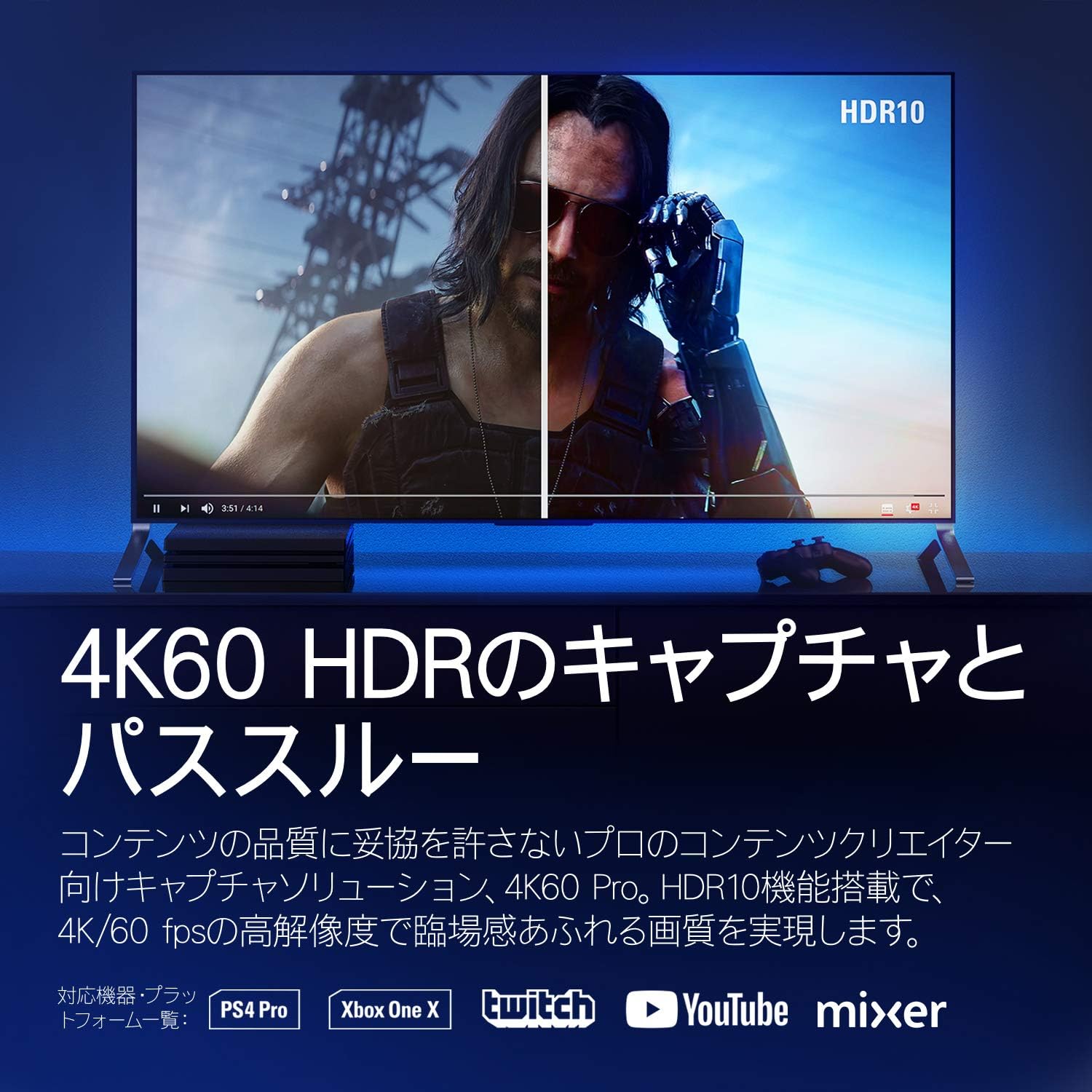


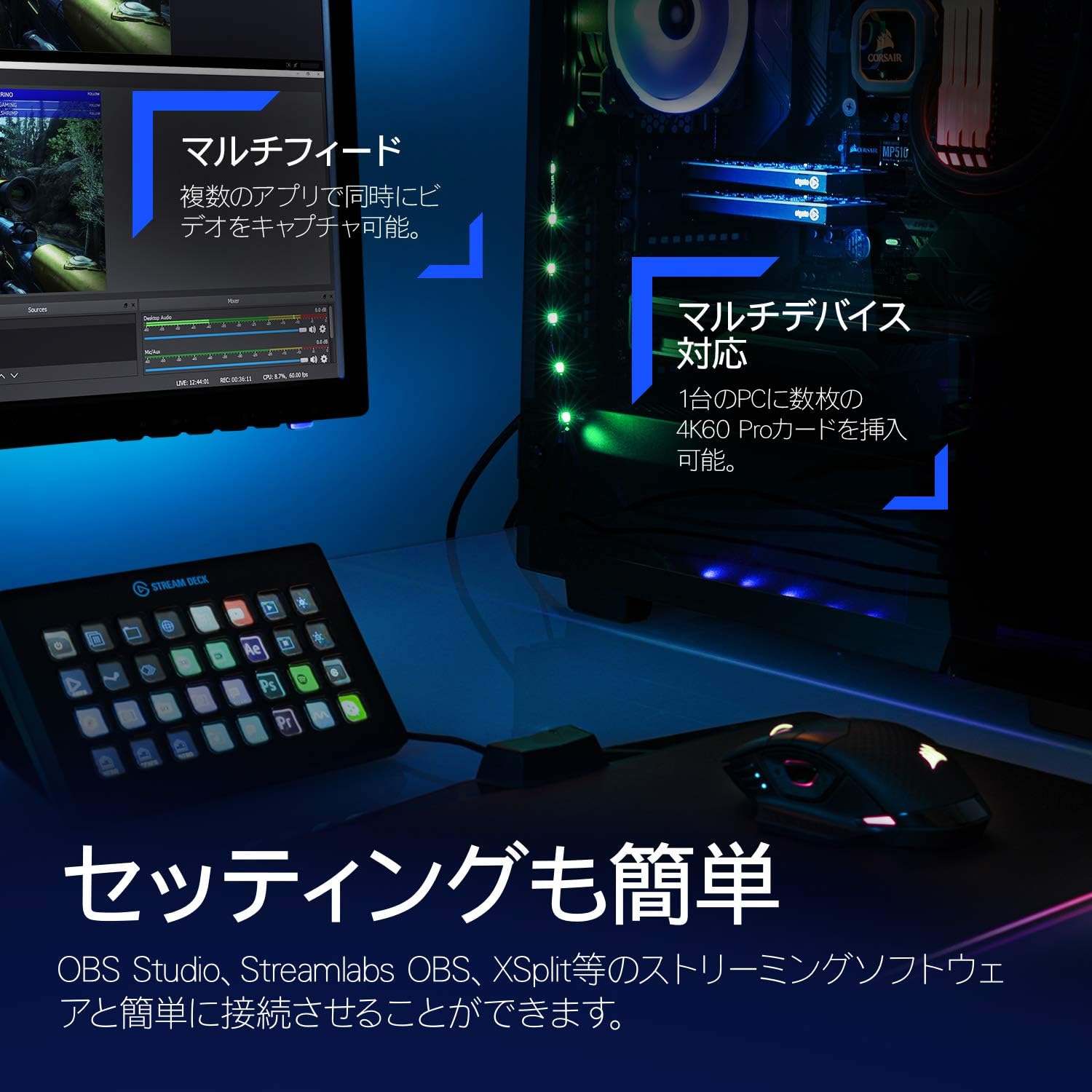

🚀 Elevate your streaming game with flawless 4K60 HDR capture!
The Elgato 4K60 Pro MK.2 is a high-performance internal PCIe capture card designed for professional-grade streaming and recording. It supports up to 4K resolution at 60fps with HDR10, features ultra-low latency Instant Gameview technology, and offers lag-free 240Hz passthrough. Compatible with major consoles and streaming platforms, it delivers seamless multi-app integration for a smooth, professional content creation experience.


| ASIN | B07VWXCXM7 |
| Batteries | 1 Lithium Ion batteries required. |
| Best Sellers Rank | #1,355 in Computer Graphics Cards |
| Customer Reviews | 4.6 4.6 out of 5 stars (4,132) |
| Date First Available | August 20, 2019 |
| Item Weight | 3.7 ounces |
| Item model number | 10GAS9901 |
| Language | English |
| Manufacturer | Elgato |
| Product Dimensions | 2.2 x 4.76 x 0.75 inches |
P**R
Suprisingly Amazing
I had initially bought the regular HD60 Pro capture card and prepared for war. Setting it up to work with console streaming seemed to entail hours of complicated setup. As I waited for it to ship I came across an article about capture cards where it marked the 4k60 Pro as a seamless experience when connecting to consoles like PS4 and Switch. I tried to find some guide on how the 4k is setup but couldn't find much which seemed strange. I decided to wing it and canceled my HD60 Pro and opted for the 4k capture card. Installing it into the PC was very easy. Once I had everything plugged in and the software downloaded. I powered on my connected Nintendo Switch and bam. It worked flawlessly and instantly. Beautiful perfect streaming, no audio issues, no connecting issues. It just worked instantly. I immediately started up OBS Studio to sync my capture card and wow. Again it was picked up immediately and worked with a click of a button. I had my brother and friend jump into my Twitch stream and they immediately commented on how good the quality was. I was very impressed by how seamless the setup was. I have yet to try it on PS4 and don't have plans for any 4k streaming for sometime but I can confirm the Nintendo Switch at 1080p was working as good as it gets. No input lag, no fps issues, no audio issues or configuring for me. I just plugged in my headset to my computer and it worked. Thanks ElGato
I**H
Needs more software support and some false advertisement. (updated from 1 star to 5)
Money wasn't an issue so I got this to be able to record at 4k 60FPS so I believe that's what it meant. I have two computers both with a 3090RTX but OBS doesn't do a well job to record smooth. It can only record at 4k but only at 30fps so not sure why this product was named 4k60 what is the 60 stand for? i thought it was FPS I don't like using OBS that's the only reason i got this for I have all the tools that I need to be able to use this capture card at it's best potential but simply it won't work for what i need it for. Does record 2k at 60FPS really well though so i'm stuck at that so far 4k 30fps it's useless to me. The software it's very simple and not so many options there are many times OBS will detect a signal for this card but their VERY OWN PRODUCT WON'T. I search for help on this and they are countless videos on how to fix this issue so bottom line you have to use settings that their own software is comfortable with. This important part doesn't work for me in any setting which was a downfall. If you tried to clone your monitor with this capture card it won't work. I may be wrong but i'll keep on searching for help on this and that's the sad thing about it. Why the company won't provide us with tools and help and why we have to search ourselfs? Now the card is sitting in a box just collecting dust to me it was useless. Update:: After a while i forgot that i had this in here. I'm going to change it to 5 stars. Best most smoothest recording I can ask for using OBS. The software that comes with this records at a much higher Quality but it's not easy friendly and takes lots messing around. OBS quality not bad but not as good while using this card but nonetheless it's amazing.
M**E
Very happy with this!
I am sure that there are better capture cards available but this was within our price range. I trust Elgato products as I have quite a few of them for our gaming setup for example StreamDeck Plus and a Wave 3 microphone. Video quality is good for capturing our consoles and functionality is superb. Setup was very easy plug and play into an available PCIE slot
C**Z
Great upgrade that should work just fine with new consoles
I have been using Elgato capture cards for some time, and wanted to upgrade for when the next line of consoles come out. Installation is quite easy, however you will need to populate a full PCIE port for this card so make sure your motherboard supports it. I had to change my system up considerably to make the card work, but that's fine. The box includes everything you need including a smaller I/O plate and an HDMI cable too. There is even a small sticker badge too for those that like them. After installation, make a quick trip to the Elgato website to grab some drivers and install them. A quick reboot makes sure everything is ready after that. My software of choice is OBS, and it recognized the card immediately. I am using an Xbox one X as my console, and was able to pipe 1440P to the card and it saw it just fine. I could only manage 60FPS however, as the Xbox and monitor I use don't play well together in that regard. When the Series X releases I will most likely jump to a 4K monitor that can also use the frame rate options the Xbox can produce. Recordings were crisp and clean, however I did stumble into a bit of an issue when swapping my monitor from the display port input my PC was using, to the HDMI port the Elgato was displaying to. It seems my GPU was still trying to display as a second monitor and wouldn't let the HDMI display as 1440P. I was locked to 1080P out of the Xbox, and the Elgato was stuck on 1080P input as well. I don't think this is necessarily an Elgato problem as it is a PC/GPU/monitor issue, but I bring it up just in case it happens to you and you think it is an issue with the capture card. My fix for now, is if I want to record I turn my Xbox and monitor on and get it set to the correct input (no image should be seen as the card does not seem to offer an powered off pass through) and then boot my computer as normal. This seems to get my GPU in a single monitor state and lets the HDMI output 1440P as I want.
M**H
The quality is impeccable when you are recording. Can record PS4 pro at 4K easily. Streaming is limited to 1080p even though the input is 4K using StreamLink. Streamlink is using NDI so there will be some research to setup it with OBS, but once you got it, the latency will be around ~200ms for the picture and ~500ms for the audio so you will need to adjust your sync with your streaming software. HDMI Passthrough will require the device to be powered on, so if you have connected this to your PC, it will only passthrough HDMI signals if it also powered on. I wish there was a way to extract the audio and have an audio jack output with the devide as well.
E**.
Die Elgato 4K60 Pro MK.2 PCIe Capture Card hat meine Erwartungen übertroffen und sich als herausragendes Produkt erwiesen. Ich bin äußerst zufrieden damit, wie gut es seine Aufgaben erfüllt. Diese Capture Card bietet erstklassige Funktionen für 4K-HDR-Capturing und Passthrough, was sie zu einer ausgezeichneten Wahl für Spieler und Content Creators macht. Die Ultra-Low-Latency-Technologie der Elgato 4K60 Pro MK.2 sorgt für eine reibungslose Erfassung und Wiedergabe von Spielen in Echtzeit, ohne Verzögerungen oder Störungen. Dies ist besonders wichtig für Spieler, die ihre Gameplay-Videos in höchster Qualität aufnehmen möchten. Die Installation der Capture Card war einfach und unkompliziert, dank der klaren Anleitung und der benutzerfreundlichen Software von Elgato. Die Kompatibilität mit verschiedenen Konsolen und Geräten macht sie vielseitig einsetzbar und flexibel. Insgesamt kann ich die Elgato 4K60 Pro MK.2 PCIe Capture Card jedem empfehlen, der auf der Suche nach einer hochwertigen Capture-Lösung für 4K-HDR-Inhalte ist. Mit ihrer ausgezeichneten Leistung und Zuverlässigkeit hat sie mich voll und ganz überzeugt und ich bin äußerst zufrieden mit meinem Kauf.
S**O
Excellente carte d’acquisition ! L’Elgato 4K60 Pro MK.2 offre une qualité incroyable pour le streaming et l’enregistrement en 4K60 HDR10, avec une latence ultra faible. Je l’utilise pour capturer du gameplay sur ma PS5 et Xbox Series X, et les résultats sont impressionnants. L’installation est simple et elle fonctionne parfaitement avec OBS pour diffuser en direct sur Twitch et YouTube. Si vous cherchez une solution professionnelle pour vos streams et enregistrements, cette carte est un excellent choix !
ط**ر
كرت PCIe لالتقاط وبث فيديوهات بدقة 4K عند 60 إطار في الثانية مع دعم HDR10. يتميز بتقنية تأخير منخفضة جدًا، مثالي لصناع المحتوى الذين يحتاجون جودة عالية وبث مباشر سلس. متوافق مع أنظمة ويندوز ويقدم أداء ثابت مع برامج مثل OBS وElgato. أفضل طريقة استخدام: ركب الكرت في منفذ PCIe 3.0 أو أعلى على اللوحة الأم استخدم كابلات HDMI عالية الجودة لدعم 4K HDR حدث التعريفات والبرامج بانتظام لتحسين الأداء خيار احترافي لصناع المحتوى اللي يطمحون لأعلى جودة بث وتسجيل.
I**Y
Arrived quickly, VERY good quality; have been using it for a good few months now, no problems.
Trustpilot
1 month ago
2 months ago