Some deliveries may take a little longer than usual due to regional shipping conditions.

DOWNLOAD THE APP


Customer Services
Copyright © 2025 Desertcart Holdings Limited
DOWNLOAD THE APP

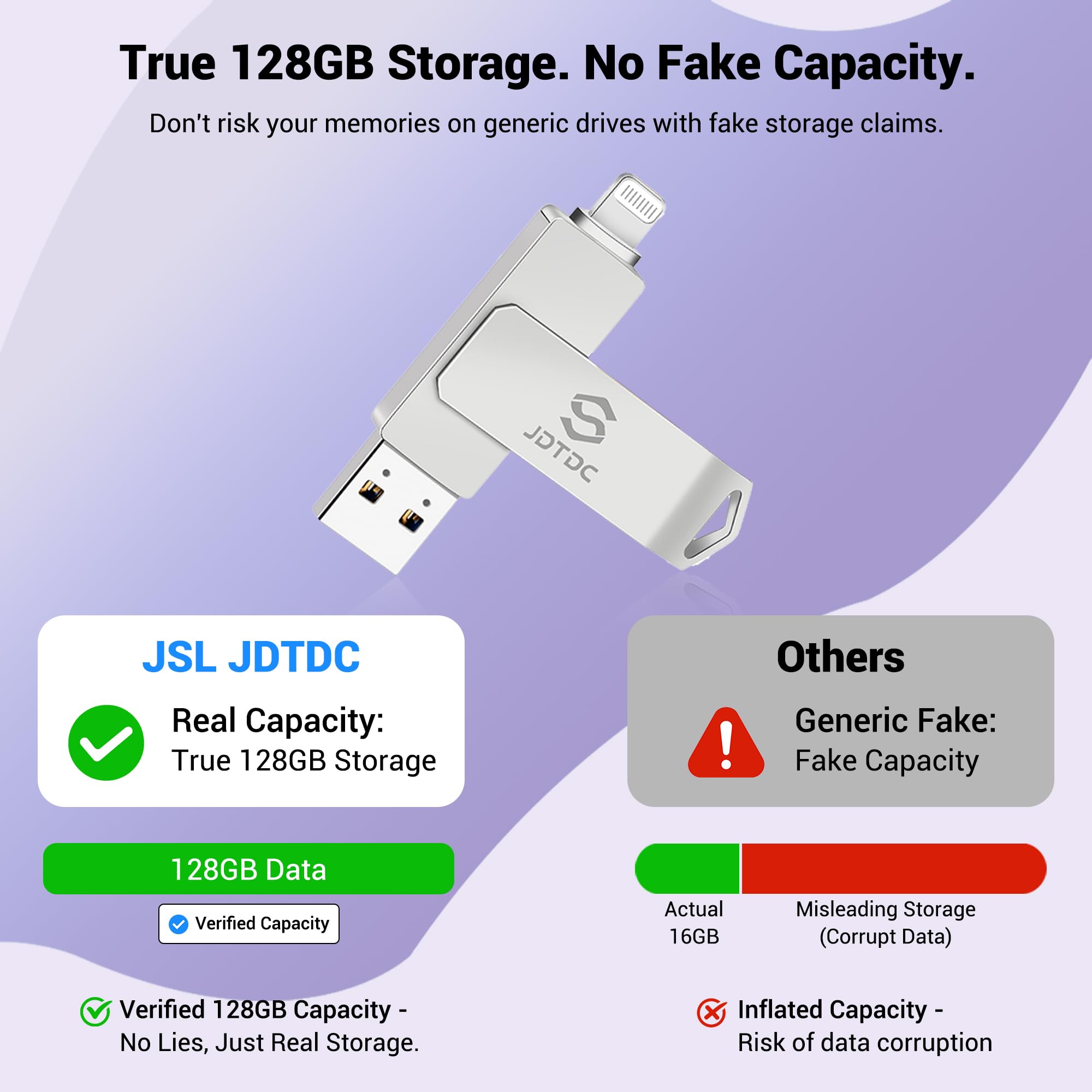

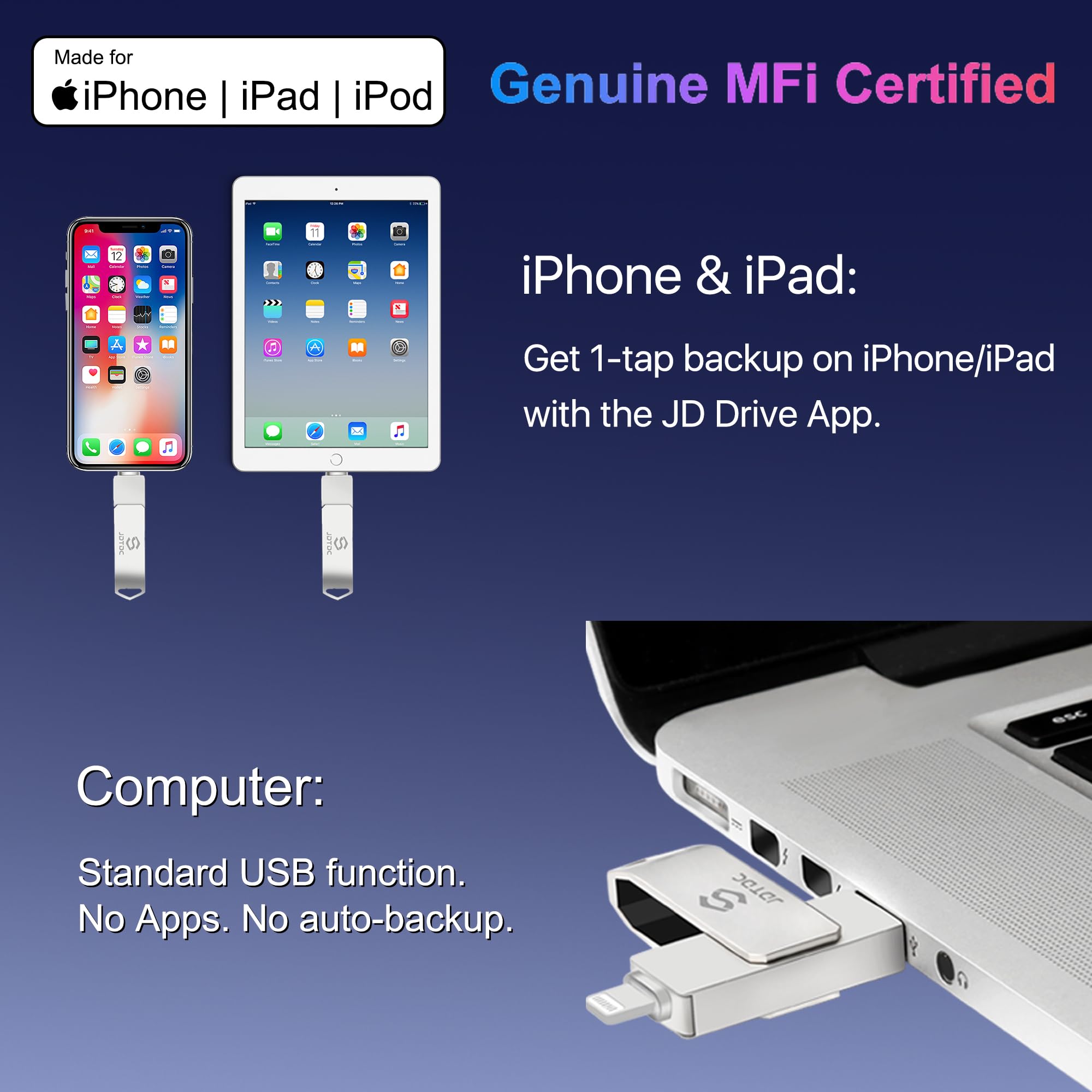
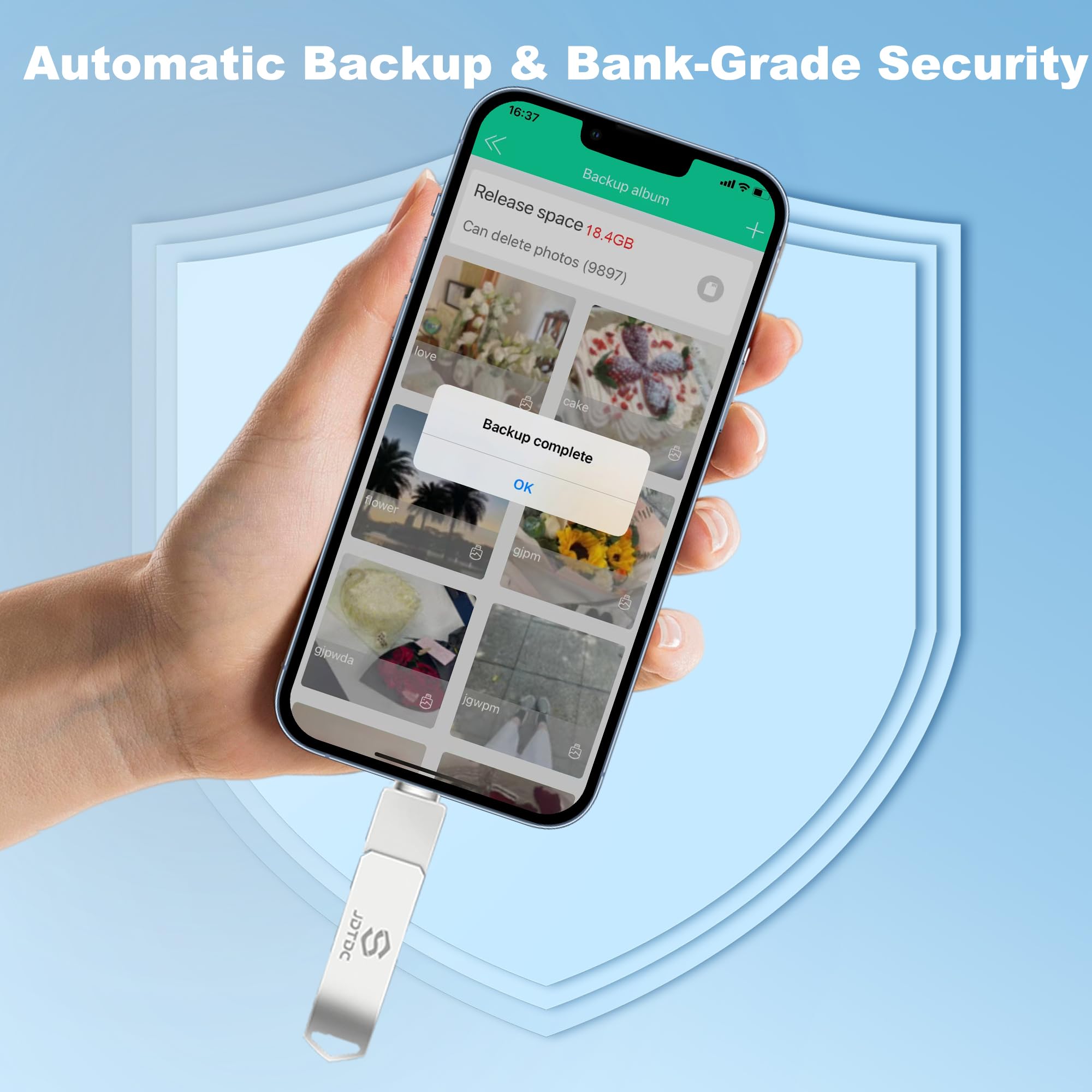

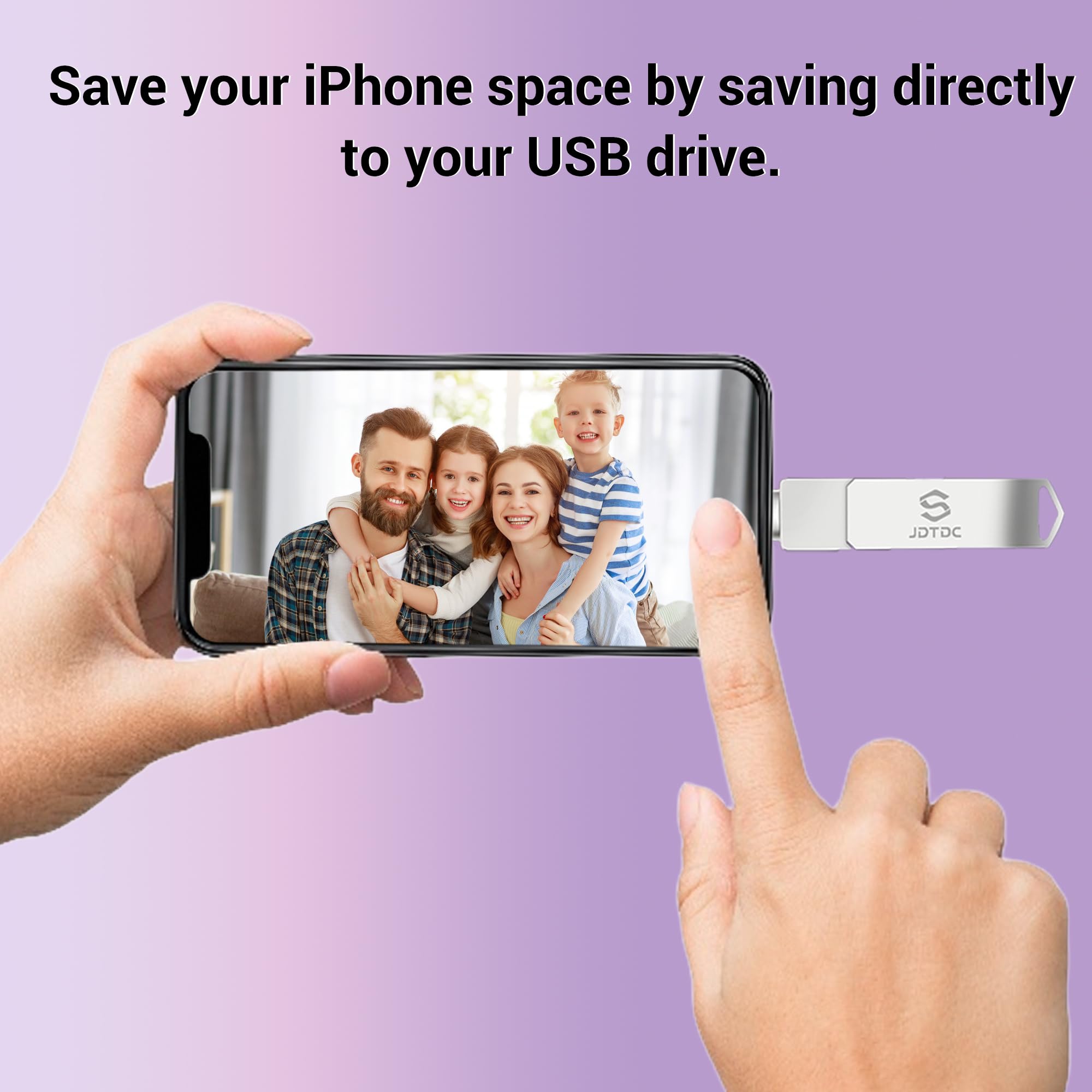


📸 Free your iPhone storage, secure your memories, and never miss a moment!
This Genuine Apple MFi Certified 128GB iPhone USB Flash Drive offers real, no-fake storage capacity with official Apple licensing for flawless compatibility and safety. Featuring AES 256-bit military-grade encryption, it ensures your private photos and videos stay secure. The included MFi-certified app enables effortless 1-click or automatic backups without internet or iCloud, while USB 3.0 connectivity allows fast file transfers between iPhone, iPad, Mac, and PC. Perfect for millennials who demand reliable, stylish, and secure external storage to capture life’s moments without compromise.

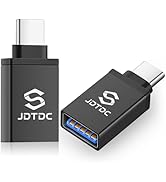
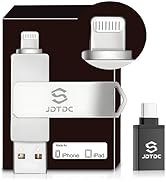


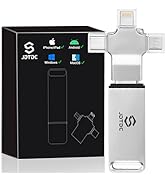


| ASIN | B07TMNRM9M |
| Best Sellers Rank | #283 in USB Flash Drives |
| Color | Silver |
| Connectivity Technology | USB |
| Customer Reviews | 4.2 4.2 out of 5 stars (15,186) |
| Date First Available | June 27, 2019 |
| Flash Memory Type | Micro SDXC |
| Hard Drive | 128 GB |
| Hardware Connectivity Technology | Lightning |
| Hardware Platform | PC |
| Item Dimensions LxWxH | 2.51 x 0.51 x 0.35 inches |
| Item Weight | 2.47 ounces |
| Item model number | JD003 |
| Manufacturer | Shenzhen Jiangda |
| Model Name | JD003 Photo Stick |
| Product Dimensions | 0.35"D x 0.51"W x 2.56"H |
| RAM | 128 GB |
| Read Speed | 80 Megabytes Per Second |
| UPC | 614134998791 614134998821 |
J**L
A must have for iPhone / iPad if you want to free space on your device!
It’s really hard to back up all photos to an SD on an iPad /iphone. This product makes it so easy. Nice interface and very intuitive. Very well made with a metal case and swivel cover. Extremely pleased!
A**D
Anybody can transfer with this product it’s that easy
This guy s a very good product easy to use a stylish would buy again. Love it
A**E
Dependable and efficient
What a great idea! Transfer speed is excellent, considering my phone’s storage capacity was almost full. As far as I can tell, the device is made of high quality materials. I am really pleased with this product and believe any and all who purchase this device will be pleased as well.
D**L
My second one, great little drive.
Love this little drive. I use it for watching tutorial videos on long flights on my iPad. This is my second one, I had the first one for about four years before I finally broke the lightning connector (I didn't unplug it from my iPad and it snapped off in my bag, not the brightest idea on my part). Other than it finally breaking it has worked flawlessly. The metal casing has a nice feel to it as well, feels well made. Bottom line for me is, handle with care and you shouldn't have any problems
M**P
FINALLY used this!
Went to get a new phone and didn’t want to risk losing the photos on the old one. Really no idea if I would have. But wasn’t taking chances on it. Easy to use. And it worked likd it was supposed to
R**H
So hot it burned my fingers…& still didn’t work.
If I could provide zero stars, I would. I’ve now spent over 10 hours searching online for answers & trying to use this worthless piece of junk. While it looks nice, the good feelings end there. The website gives steps to follow for when it doesn’t work. None of these steps produce the slightest change in performance or outcome. Multiple online sources offer essentially the same steps. No help. The app has features which are ghosted out…features the instructions require you to be able to access…features which, inaccessible, render this as equally inept a paperweight as it is a backup device. The drive itself gets extremely hot while in use. I pulled it out of her phone after one session trying to get it to work & it literally burned my fingers. I had to put them under cold water after touching it & I can only imagine what it was doing internally to her phone if it was that hot externally. If I could return it, I would. I can’t…& apparently I can’t get a reply to emails or a call back…so this is the only recourse I have. I have zero expectation of any difference being made or of hearing from the company. They’ve not bothered thus far; why besmirch a .1000 average? Mark and avoid.
A**U
Meh
This was quite difficult (stubborn little thing) to use. At first, I thought it would be simple, so I just stuck the thing in my iphone 11 and attempted to transfer files over to the stick, then over to my laptop. I did not delete anything on my phone in case anything goes wrong. To my surprise, it did not transfer all of it (343 out of 2438 photos/vids). Looking at the instructions, there are just too many pages to go through. I do not have time to read it as I have family over and I need the space on my phone for videos and pics. Those precious moments means no time's a wastin'! When I quickly scanned through the little booklet, I read "formatting", and so I did. That seemed to do the trick as it transferred MOST of the pics. I copied/pasted the files into my laptop's hard drive, went over the pics on BOTH my laptop and phone. If I see any of the photos/vids that were transferred, I deleted them off my phone. So it's good at this point. Problem is...the stick did not pick up ALL of my iphone pics. I've repeated this process with just the photos; for some reason the video files have changed its properties on my laptop's hard drive, but that is my doing and I've solved it (this has a lot to do with the programs your computer already have and NOTHING to do with the stick). I then painstakingly worked on the video files next on my phone and made a separate folder in my laptop's hard drive. This trick seems to work with me; it might be different for others. So far...so good. It's a pain, but I seriously need the space on my phone, like right now. Next thing on my list of problems is ejecting the stick off my laptop. Because it automatically backs up into my Dropbox -- which I'm trying to get out of cause it's a pain -- it takes FOREVER to eject the stick. I do not know how to turn off this feature, but I'm pretty sure someone out there has figured it out. As you can see, I can be quite impatient for something that is SUPPOSED to be easy to use and if it requires a lot of reading, then there's too much time being wasted. Three stars for: - photo transferring is pretty quick - once you get the hang of it and figure it out, then it's golden - convenience Minus two stars for: - a booklet that can turn into a novel - not as easy as it seems - having to be creative with the way my computer and the stick communicate
D**I
I love this product and will probably buy another
Works great. Easily operational. I haven’t experienced the issues others have had and hope I don’t. It’s really great for saving my pictures so I can have more room on phone.
N**O
I recently purchased a flash drive to transfer photos and videos from my iPhone, and overall, I’m quite satisfied with it. Pros: The device is very easy to use — just install little apps on your phone, plug the flash drive into the iPhone and start transferring files. It’s especially useful when my phone runs out of storage. Instead of paying for extra iCloud space every month, I can simply back up everything to the flash drive and free up space immediately. Cons: One downside is that files need to be transferred in smaller batches. For example, if I try to move all photos from the past year at once, the process fails. It’s definitely more reliable when transferring smaller groups of files at a time. Overall, it’s a practical and cost-effective solution for managing iPhone storage, as long as you’re patient with the file transfer process.
F**.
Very easy to use. You don’t need to be a tech savvy for you to understand on how it works. User friendly. Excellent back up speed, from phone to this USB and from USB to your lappy. Worry no more about getting full storage on your phone because this device got your back.
S**Y
In a lovely box, tons of storage, incredibly easy to use. Like most people, I’ve been struggling with devices full of random photos and screenshots. Too many to go through and get rid of what is not needed, But too risky that there’s important ones in there to just scrap the whole lot. And I’ve now run out of patience with all the different storage subscriptions, data issues, and rising costs for digital life. So this is perfect. I plugged it into my phone, (having made sure my battery is fully charged), and I automatically had a screen come up with various options, one of which was clearly marked ‘backup’. Hit this button and it started downloading as per all my device folders - no need to organise again!. Overall it’s pretty damn quick, but do beware very long videos (some of mine were 2 hours!), will take around 2 to 10 minutes. Around an hour or so later my photos were safely backed up and I’ve now been able to free up 100GB on my phone. The data is mine, stored with me, organised in same folders as I originally set them up in and (assuming the stick doesn’t fail…) safely looked after and easy to access. I estimate I’ll need one of these a year, so I feel the cost is great value. For me personally, much better than cloud storage subscriptions.
C**O
Très satisfait
野**士
iPhoneではこのメモリースティックを挿すと専用のアプリをインストールするが(iPadは持っていないので分からない)Androidでは専用のアプリはない模様。 PCにも使えれるので使い勝手は良い方。 画像スライドショー機能もあり個人的にはかなり嬉しい。ただiPhoneのようにスライドスピードを調節する事が出来ないのは星一つ減点要素。
Trustpilot
2 weeks ago
3 days ago