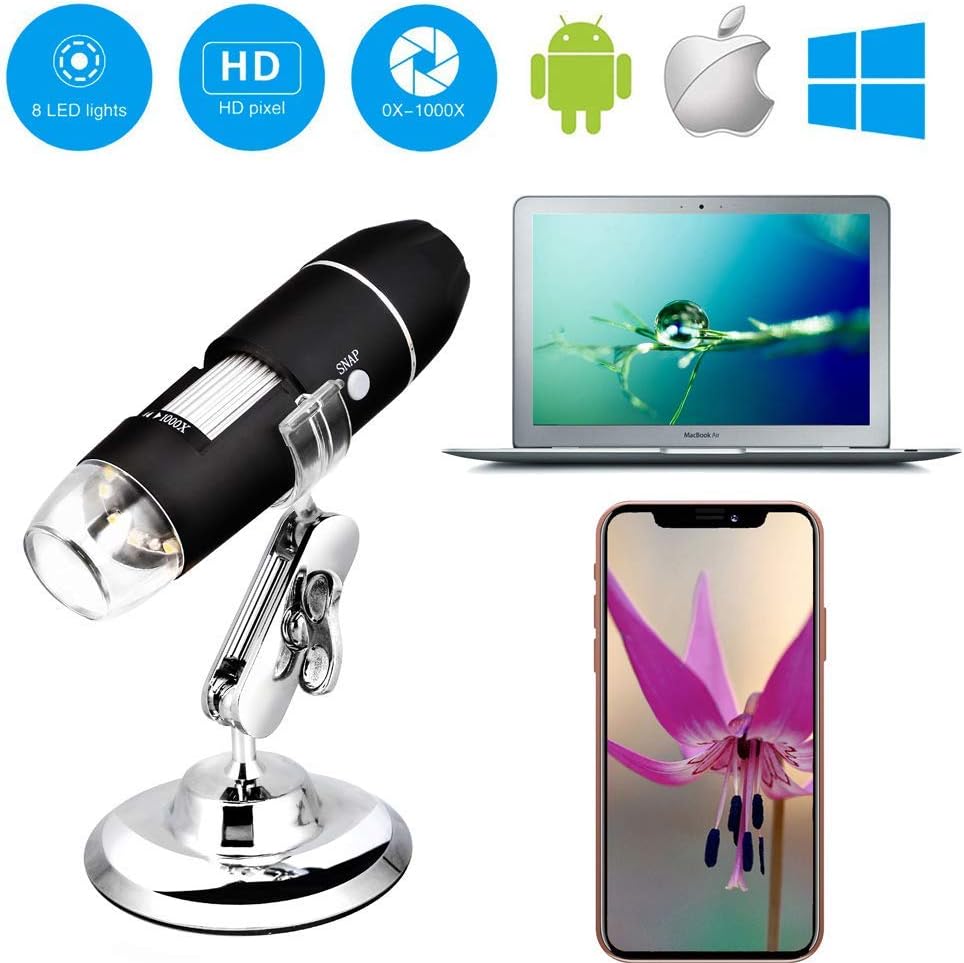

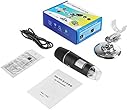

Wireless Digital WiFi USB Microscope 50X-1000X Magnification Mini Handheld Endoscope Inspection Camera with 8 LEDs Metal Stand
Product ID: 171654209
Desertcart purchases this item on your behalf and handles shipping, customs, and support to Mexico.
Handheld HD WIFI Wireless Digital Microscope USB 50X to 1000X Zoom Magnification Mini Endoscope Inspection Camera Specifications: √Pixels: 2,000,000 pixels √Enlarge multiple: 50-1000X √Video Pixels: 1920*1080P, 1280*720P, 640*480P √Imaging distance: manual adjustment(3-60mm) √WIFI connection: 10M(open environment) √Image format: JPG √USB Interface Type: USB2.0 √Power supply: USB (5V DC) √Video Format: MP4/AVI √Dynamic Frames: 15f/s under 600 LUX Brightness √Operating System: IOS 8.0 or later, Windows XP/Vista/7/8/10, Mac OS X 10.8 & up Android 4.3 or later. Work for iPhone, iPad, Samsung, Huawei, other smartphones, PC, Laptop. Package includes: WIFI microscope 1M USB cable Plastic Base Metal Tripod Introduction manual How to use? WIFI connection for Android and IOS; 1. Download the software "Max-see" from Google Play or APP Store; 2. Long press power button to turn on the microscope; 3. Connect the wifi "Max-see"(no password) which emits from the microscope; 4. Run the app and it is easy to use. The USB connection on PC or Laptop For Windows system 1. Download the app from link www.inskam.com/download/camera.zip, and install it in your PC; 2. Connect the microscope to your computer; 3. Long press the power button to turn on the microscope; 4. Run the app and it is ready to go. For MAC system 1. Turn on the microscope and connect it to MAC terminal through the data cable; 2. Open the "Photo Booth" software in the Apple App; 3. Click on the Camera and select the GENERAL-UVC#2(default).
Trustpilot
1 week ago
1 month ago