
DOWNLOAD THE APP


Customer Services
Copyright © 2025 Desertcart Holdings Limited
DOWNLOAD THE APP


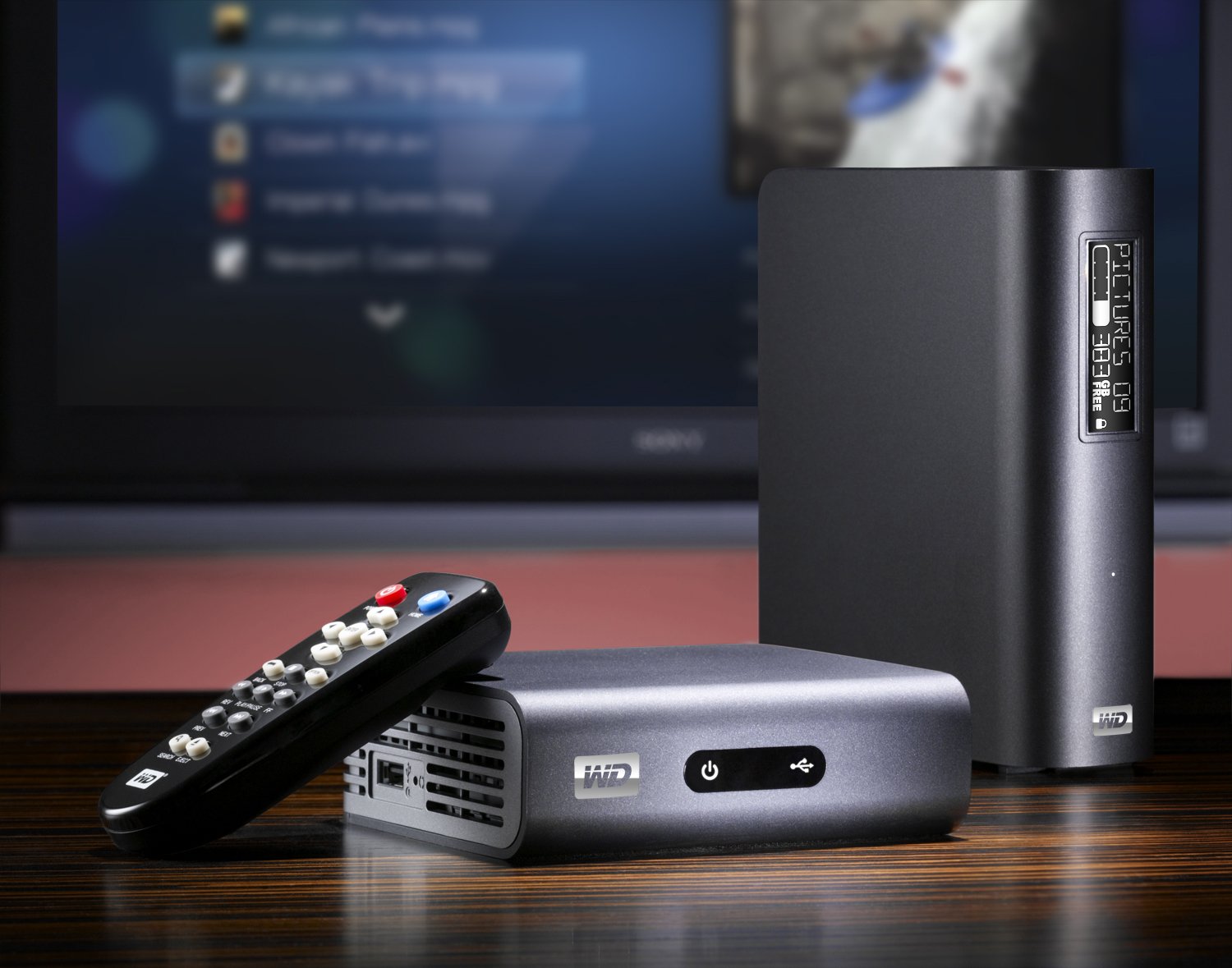
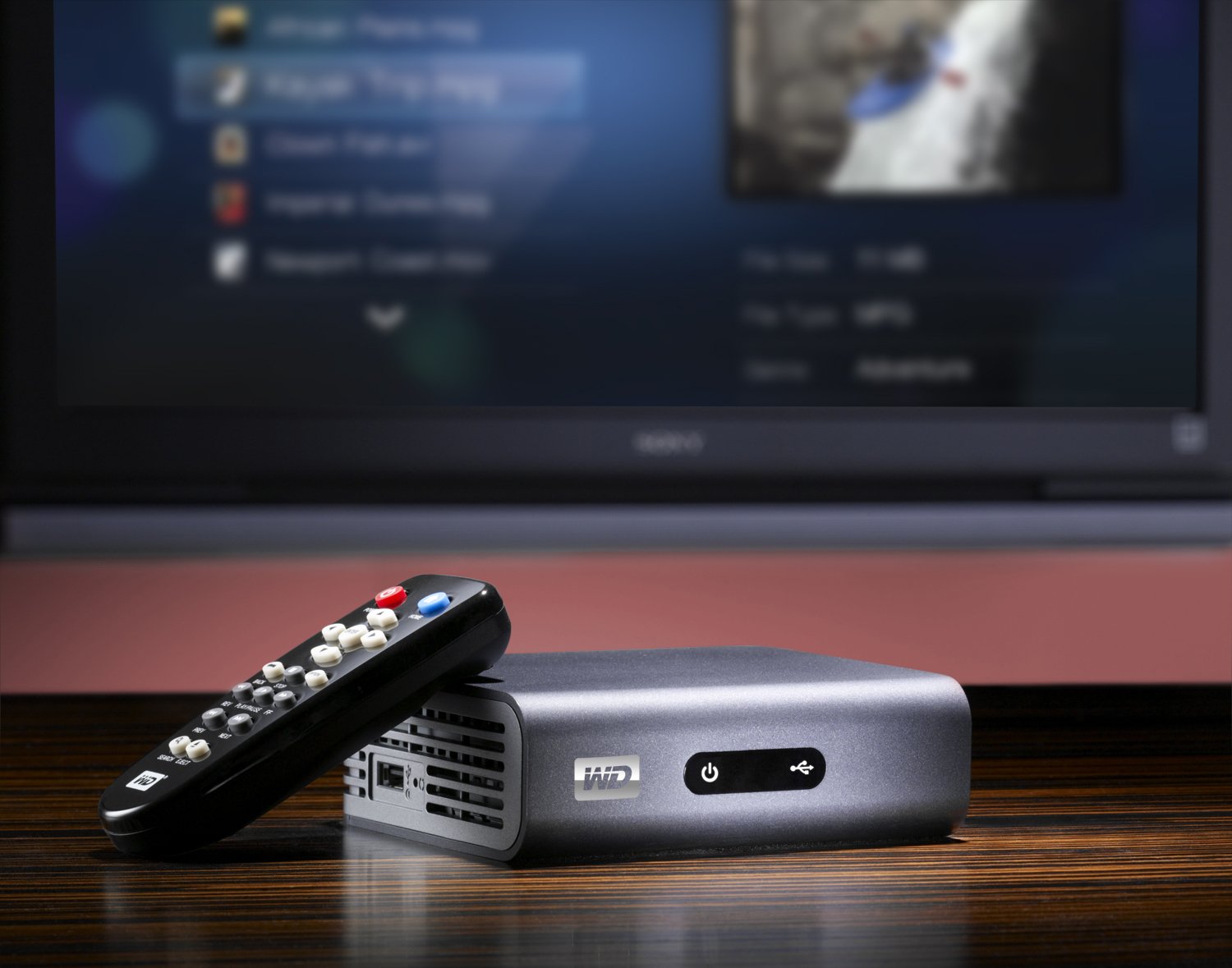


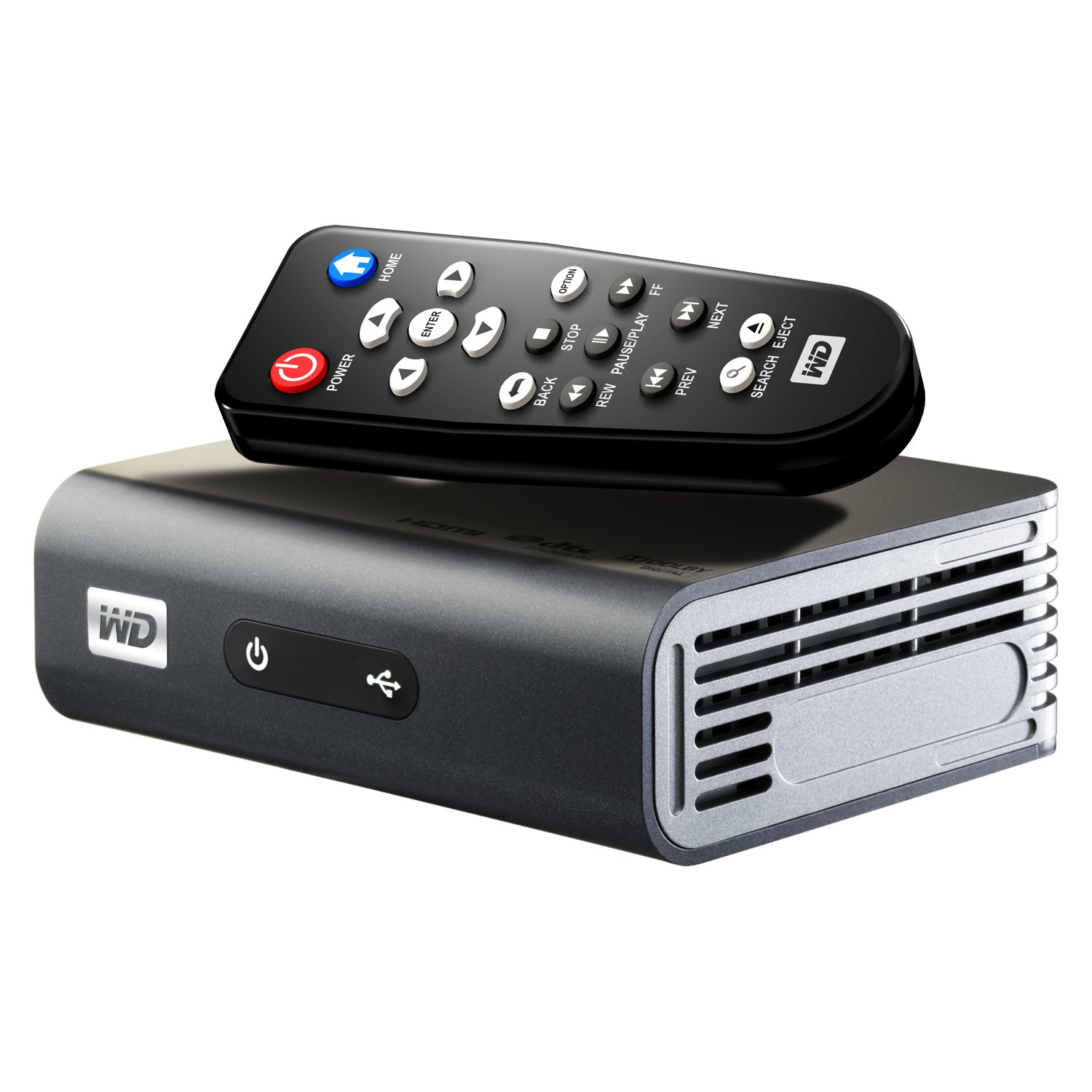
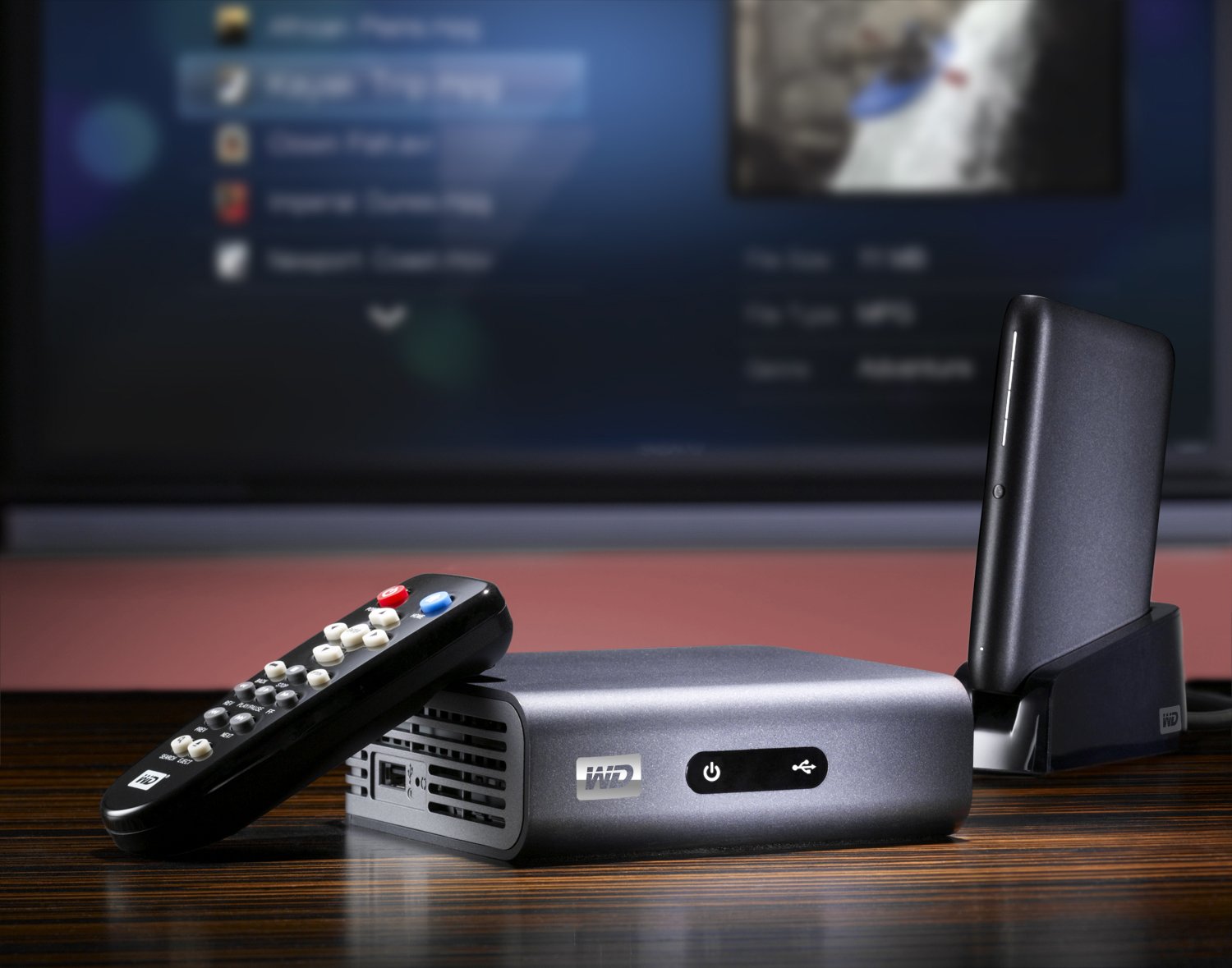
🎬 Elevate your media game — stream, play, and impress in Full-HD!
The WD TV Live Plus is a compact Full-HD 1080p media player that streams premium online content from Netflix, Hulu Plus, and more, while supporting a wide range of media formats from USB drives and home networks. Featuring dual USB ports, Ethernet connectivity, and optional WiFi support, it offers versatile playback with DVD menu navigation and crystal-clear digital audio output, making it a must-have for the modern media enthusiast.
| ASIN | B003MVZ60I |
| Best Sellers Rank | #1,461 in Streaming Media Players |
| Brand | Western Digital |
| Color | Charcoal |
| Compatible Devices | Television |
| Connectivity Technology | Ethernet |
| Connector Type | HDMI, RCA, USB |
| Controller Type | Remote Control |
| Customer Reviews | 4.2 out of 5 stars 775 Reviews |
| Form Factor | TV Box |
| Item Weight | 0.67 Pounds |
| Manufacturer | Western Digital |
| Memory Storage Capacity | 16 GB |
| Model Name | Live Plus |
| Model Number | WDBABX0000NBK-NESN |
| Other Special Features of the Product | Full HD, Operating temperature range: 5 - 35 °C, Remote Control, S/PDIF output port |
| Resolution | 1080p |
| Special Feature | Full HD, Operating temperature range: 5 - 35 °C, Remote Control, S/PDIF output port |
| Supported Internet Services | Cinemanow, Hulu Plus, Netflix, Pandora, YouTube |
| UPC | 718037764542 675900477346 |
| Video Codec | H.264, H.265/HEVC |
| Video Output Resolution | 1920x1080 Pixels |
| Warranty Description | 1 - year limited warranty |
P**E
Decodes nearly everything
I was busily moving hundreds of DVDs, HDDVDs and BluRays to my network media server when I noticed my BluRay player couldn't handle the large number of files I'd created. Time to seek out a new solution. There are a few appealing choices out there (Roku, Logitech, et al) but few of them can handle a media library on the LAN. They're generally set up for streaming only. I came across this device and was impressed with what I read. It does handle many streaming services--Netflix, Hulu, YouTube and others--although Amazon Vine isn't on the list. From my point of view, that's the only drawback in that area. Where it really shines is handling my media server. Not only does it support the DLNA standard, it also can map directly onto a network share and manage files in that way. When dealing with DLNA or network shares, you have to read the fine print about what type of files are actually supported. Some devices handle only MPEG-2. Some don't handle DTS (or they convert it to stereo). This tiny little box has handled everything I've thrown at it. Using Handbrake to convert my DVDs, it does a great job with H.264 in MKV or MOV form. AC3 or DTS are nicely passed through to your receiver. I've also copied content from both BluRay and HD-DVD (using MakeMKV). The TV Live Plus plays them at full HD resolution and full surround passthrough without breaking a sweat (At this point I should point out that you'll need a very fast LAN connection for HD content). Western Digital has been very thorough in the number of codecs they support. The TV Live Plus can also bring older televisions into the modern world. In addition to the HDMI output (unfortunately 1.3), it has both composite and component video outputs. As long as you can get a network connection in the back bedroom, you can share the media library around the house. At this point I haven't set up shares for photos or movies. I expect no difficulties there, because of the thoroughness of the video support. There's always a little room for argument about user interfaces, but this is better than most. Network connection was quite simple--as soon as I hooked up the box, it went out and found a firmware upgrade before my TV was even warmed up. Like the box itself, the remote is small, unobtrusive and easy to use-- basic buttons are all you need. This is a great little box.
J**B
Pretty decent little set-top box.
I bought the WD TV Live Plus along with the Belkin Surf and Share wireless USB adapter ( Belkin Surf & Share Wireless USB Adapters (F7D2101) ) thinking that it'd finally allow me to have the wireless media setup I'd wanted for a while. Reviews led me to believe that it played all sorts of formats, recognized local shares on your network, played from media servers on your network, etc. Well, all of that is true...if the WD TV Live Plus can actually get and stay on your wireless network. The wireless USB adapter I mentioned was listed on the WD site as being compatible with the WD TV Live Plus so far I've found the whole setup to be VERY iffy. I'll try to watch something on Netflix, and it'll work for about 5 minutes and then it'll drop the network connection. I go to wireless settings and tell it to reconnect to my network, and it says it can't even SEE the network. Meanwhile, a laptop is sitting 5 feet away and has 4 or 5 out of 5 signal bars. Also, while the WDTVLP technically CAN play all sorts of files from media servers (like TVersity), network shares, etc., I've found the performance to be pretty poor. I tried to watch an episode of 30 Rock that I had on my PC which I was sharing via TVersity, and it was constantly pausing, getting out of sync, etc. I did the same thing on my PS3 (streaming the same episode from my PC to the PS3 using TVersity) and it all ran fine. I find that because the WDTVLP doesn't have wireless integrated, it really allows WD and the manufacturer of your wireless USB adapter to pass the buck way too easily. "Having problems? It's probably not the WDTVLP, you should call whoever made your wireless USB adapter!" "Oh, you think your adapter isn't working? No, I think it's an issue with your WDTVLP. You should contact Western Digital about that." At least if wireless had been integrated into the system, you'd have one company to call for support, and they couldn't just bounce you back and forth. Overall, I'm fairly dissatisfied with the WD TV Live Plus. When it works, it works alright. But in my experience, "when it works" is hardly any of the time. Next time I buy something to stream media from the Internet and my local network, I'll probably just get a Boxee box or maybe even an extra PS3 or Xbox 360 if they get cheaper. 8/4/2011 EDIT: I bought a different USB wifi adapter when it was a lightning deal ( Belkin Wireless N+ 802.11n USB Adapter (Black) ) because it was also listed as compatible with the WD TV Live Plus. After unplugging the Surf and Share adapter and plugging this new one in, the WD TV Live Plus is actually working a lot better. I haven't experienced any network drops and it seems to be performing better, too. So a lot of my issues were actually being caused by the bad USB wifi adapter, not the WDTVLP. That said, I still don't like that wifi isn't built in because it makes troubleshooting so much harder (I just got lucky that rolling the dice on another USB adapter fixed my issue). Also, I should note that a firmware update that just came out adds support for Hulu Plus (which I don't have, but I'm sure some people would like to know that). Anyway, upping my review to 4 stars because the WDTVLP is actually working well now that I have a USB wifi adapter that is working. But still won't give 5 stars because wifi isn't built in.
B**5
Lot's to know about the WD LIVE!
lol... so many of these reviews are entertaining to me. In this review, I'm only gonna discuss things that others have not. I've been using WD's since they first came out. I own 2 Gen 1's, 2 Gen 2's, and a "plus" version. They were SUPER buggy back then, infact, at one point they were upgrading the firmware almost every week! It is a fantastic little box but requires tons of patience. Every issue you read in these reviews, either there is a fix for, or the user doesn't quite know what they are doing. You will read about a lot of people having network issues but I can assure you it is because they don't really know how to network a device and are relying on DHCP to solve all their problems. Like it or not, networking is complicated. Between TCP/IP (subnetting), Netbios broadcasting, firewalls, wired vs wireless, rj45 connectors, DHCP, elecro mag interference around lighting and conduit, network conflicts, and ignorance, soooo much can go wrong and any one thing will halt your device. It takes a lot of knowledge and research to smoothly run "media servers" over a network and have them ALWAYS work but if you do things right, this box works flawlessly. The biggest complaint I would have about this box is that when you view a movie folder over the network, you will see ALL files in that folder instead of just video files, even if they are hidden files (this doesnt happen when the drives are usb'd into it or if you browse them through the media server option. Got a stable media server running off win 7 64bit but it was super unstable with XP and Vista, AND with the media server option it will not use your thumbnails but rather it will create its own thumbnail clips from the video. Furthermore, scrolling through the network share option seems speedy but scrolling through the media server option is super sluggish. Learn to use the search button and be advised that firmware update will allow you to use a usb keyboard). It kinda sux if you have 2000 movies in a folder including .sub files and thumbnails (some might think it won't play the movie when instead they are trying to play a thumbnail). On that note, let me say that some of the greatest features of this box is it's subtitle support. It supports multiple languages, lets you move the subtitles to any screen location, let's you change the size and font, let's you adjust the subtitle up to 20 sec forward or 20 secs back in the case that they don't fit (this happens alot when you dowload subtitles from web sites rather than create them yourself), and it has a subtitle interface that gives you more options than any other. My girlfriend is chinese and speaks little Eng so this is crucial! The only way for her to watch a movie with me is to rip it and download the chinese subtitles. WD is just what every foreigner needs!!! Anyway, This is a really great product no matter how you slice it. I have mine hooked to 2 local drives, each 2TB and full (now switched to two 3TB drives and working gr8). With this config, first thing you should know is it takes a LONG time for WD to build an index of the files and will act buggy untill it finishes, so... When you turn it on, wait 10 min before using it if you are an impatient person. If it appears to be frozen, it's not! Just wait it out and it will free up after 5 or 10 min. Remember, this little thing does ALOT and it takes time. ALSO, be aware that the device does not yet support 3TB drives, though I'm sure a firmware upgrade will fix that one day (fixed). I know there are others like me that were super PO'd about not having Netflix on older versions but it IS on this one and it works GREAT as expected. So, below i will just throw down some things people might want to know: For those of you that said your WD won't save movie stop points, I can guaruntee it's because the .WD folder that stores that info has become "read only" for some reason (or corrupt). Change that and you're back in biz! If all else fails, just delete the entire WD folder on a computer then plug it back into WD and let it rebuild. If your drive is FAT32, it will become buggier as the drive fills. NTFS is a much more stable file system. Folks like to keep it FAT32 so it works in their XBOX and PS3 but they just have to let that go at some point (usually the point where the drive crashes, which happened to my brother). FAT32 was originally designed for 32gig max and you should stick to that idea because there is a reason for it. Also, fat32 has a 4gb file size limit which means NO BLURAY FILES CAN GO ON IT (nor can the larger DVD's) unless you dumb them down and in the world of HIDEF TV's, you don't want to do that. For DVD's, the dif between an 800 res and 600 res is HIGHLY noticeable on a high def TV. Dumbing the bit rate down will also effect the noticeable quality of the video. Fat32 with a 2TB drive is HIGHLY slow, unstable, inefficient, and Microsoft says, "DON'T DO IT". FAT systems were invented at a time when it was unfathomable to have file sizes and hard drive sizes like we have today and that should be all I need to say. Furthermore, MS insists that you should leave 20% free on any hard drive or it will become unstable, not to mention that you can't defrag it once it goes below 15%. WD runs at it's heat capacity so can easily overheat when on top of a cable box or HD so keep it away from anything hot. When it over heats, it hangs. I find that rips work best as avi's using xvid with mp3 audio. If your vids don't fast forward and rewind smoothly or they hang up when you try, your format sux and you need something with less compression. The harder a device has to work to de-compress files, the less resources it has to manipulate them. avi with XVID and MP3 seems to play in everything... xbox360, ps3, samsung TV built in media player, media player for XP/Vista/Win 7 It DOES support thumbnails if you simply give the file the same name (case sensitive). If you change a thumbnail but it doesn't update, just go into the \wd\thumbnail folder and delete the old one, then it will auto update the new one. A corrupt video will totally freak the wd out. If it just starts to act freaky as you're scrolling through the vid menu, there is a corrupt video prob causing it. In my experience, it only freaks when the corrupt video appears on the screen menu so it's kind of easy to weed it out. Also, if the WD freezes constantly, it will surely be a troubled network connection. If it senses the network connection going up and down constantly, it will use all its resources dealing with that. try to wiggle/jiggle the connection or change cables. This is a biggie... If setting up multiple WD's on a network with the intent to stream from each other, you MUST give each WD a unique name ie, WDTVLIVEPLUS1/WDTVLIVEPLUS2/etc... Each network device requires a unique name or can not be seen on the network. One thing about WD TV that totally confuses me is that when you plug the WD in, it turns on. Therefore, if your power goes off then back on, the WD will leave itself on. I wonder if that's the reason they tell you to unplug it if you're not gonna use it regularly. ok I'm tired now, I will continue on later. I could obviously right a book on this thing! UPDATE: On 5/12/11 they did a firmware update for the original WD and WD gen2 that now allows for 3TB drive support. V1.05 update is a must! But I'm told that if you do this update on the plus ver you will lose your netflix so be aware of that. My plus has not auto updated yet. Shawn Spector, MCT
C**D
Looking for a great media center? You found one
Let's get this out of the way first: The WDTV Live Plus is a fantastic media center. I don't have cable. What I do have is a large collection of TV Shows and Movies on my computer (my DVD collection transferred to my PC) and a subscription to Netflix. My goals was to have complete access to my media from any TV in the house. Living room, check. Bedroom, problem. The bedroom TV was originally connected to my Playstation 3. While the PS3 can stream video and play Netflix, it doesn't play well with all video types when connected to a wifi network. I needed something better and I started my research. I didn't want to spend a lot of money so while I considered a small nettop PC [or building my own], it ended up going out of my price range. I also looked at Roku's line of boxes. While they looked very good, I was put off by the fact that it primarily offering Netflix (and other streaming web content) and limited local streaming video file types yet to be determined. I didn't want to take a chance. My brother turned me on to the WDTV; he's been raving about his since Christmas so I figured it was worth looking into. I'm glad I did because it's been an excellent choice. Positives: I hate wires, one HDMI cable was all I needed to hookup the box to my TV Setup was a breeze, I had it connected to my wireless network in moments (more on this below) Navigation is easy. Menus are simple, point, click and play It plays everything. I have all types of video files, and I haven't had a problem yet Netflix is great. The quality is excellent. If you've used streaming Netflix before, you know what to expect. If not, the video quality is DVD sometimes better. For me and my wife it's more than perfect Negatives: No wifi out of the box. I mis-read the description and thought it included wifi when, in fact, a separate adapter is required The menus are simple. This isn't really negative more of a disappointment. I've been using XMBC and Plex for years. Both are free and both are much more ascetically pleasing to look at than the WDTV. Again, this is more of a personal preference and shouldn't influence your decision to purchase one. It doesn't stop me from using it All in all, if you're looking for a media center that plays local content and Netflix, you've found it.
R**R
Now I'm Happy with WD Live Plus
I purchased the WD Live Plus HD Media Player to watch movies from my Windows Home server. I got tired of all the DVD's and no where to store them so I built a WHS from an old computer and ordered the WD Live plus. I ran a CAT5 cable to my LCD, hooked up the WD Live Plus and it automatically connected to my WHS. I was up and running in as little as 5 minutes streaming a video on the big screen. The 1st movie played flawlessly until I started to watch the 2nd movie. Towards the middle of the movie, WD Live started to freeze up. At first I thought it was my server so I rebooted the WHS and was back up and running again. Started to watch the movie and froze again. Now I'm getting very upset. Now I powered off/on the WD Live Plus and same issue. Some movies played with no issues and some movies just locked up. Now I'm getting upset with this media Player. I checked WD's website and could not find any solution to the device freezing so I ordered the "Asus O! Player" unit to replace my piece of crap WD live Plus. I was already to mail it back and connect the Asus O! Player but something told me to check the WD support website one more time before I mail back WD Live Plus HD Media Player. I found this on their site: "When playing a movie over a Network location on a WD TV Live HD Media Player, the video may slow down Problem: When playing a high bitrate movie from a Network location (computer or NAS), after a period of time, the video may slow down and jitter. Cause: Samba (the method the WD TV Live uses to read a network location) cannot play back high bitrate movies. Solution: If this problem is encountered there are two solutions: 1. Try playing the content from the Media Server selection on the WD TV Live HD Media Player. This may require installation of a Media Server on your computer. Windows Media Player 11 has a built in Media Server. There are other alternatives such as TwonkyMedia, and TVersity which may also work for these videos. 2. Copy the high bitrate content to a USB drive, attach the USB drive to the WD TV Live HD Media Player and play the content from the local drive". I said Hmmm, "playing a high bitrate movie from a Network location", well this was my problem. I went to TVersity and they explained how the software transcodes any video depending on your network speed and devices for proper streaming settings. So I installed the software on my WHS. During the installation it prompted to install the additional AC3 codec. So I installed it on my server. After installation completed, I configured TVersity to use my Video folder on the WHS and behold video was streaming to my LCD with no issues. Actually I believe the video quality is slighter better now than it was before. So I'll take that back about calling the WD player crap. Now I can say I'm very happy with WD Live Plus and will give it a 4 star rating now. TVersity is excellent software for streaming videos and will help any media player handle video streaming. Oh did it mention that it's free! So go ahead and purchase the WD Live Plus HD Media Player and install TVersity on either your WHS or desktop/laptop and the 2 together they'll make a perfect couple. Enjoy.
A**W
A great little media box.
I've had an HDTV for a while, but no actual HD devices, so I got this little thing. I got it so I could watch movies, both local and network, and it most definitely doesn't disappoint. I paired mine with a
A**R
WD TV Live Plus review
I had the WD TV Live Plus 1080p Media Player for two weeks now. I also own a Popcorn Hour A200 Media Tank which is installed in my theater room for streaming movies and music. I was looking at getting a 2nd Popcorn Hour for the Bedroom, but my wife wanted something that would allow us to access Netflix and Pandora which the Popcorn Hour will not do. After doing some research, I settled on the WD TV Live Plus because Western Digital seemed active in providing firmware updates vs. their competition. WHAT WORKS - The WD TV Live Plus installed easily, was picked up by the network, found the gateway and DNS, and was assigned an IP address. With in minutes I was streaming movies (MKV's) and Music (MP3's and FLAC files) from my Netgear Duo. Simple menu system, pretty fast for a device like this, easy to navigate and very intuitive interface for someone who has a bit of technology understanding. WHAT DOES NOT WORK - First went to access my Pandora account, the device came back and said that my IP address was out side the US and Pandora was not available to me. OK, I live in Texas and use AT&T. Pretty sure I'm in the US. Found several posts on this issue, but for the life of me, could not get it to work. Second, I tried Netflix, went to a blank screen, hung there, and never came back. Had to unplug it to reboot and get access again. Third, tried YouTube. System came back and said there was no Internet connection. Played with router settings and access rights to the WD, but no joy getting any of the network apps to work. Checked the WD forums and found my router is listed as supported. The WD TV Live Plus can access anything on my network, with out hitch, but cannot get to anything on the internet. I have multiple networked devices that access the Internet without a hitch. Windows computers, Linux Computers, Netgear Due NAS, Slim Device music server, Denon Receiver, Wii, PS/2, some hardwired and some wireless. All have no issue. The Popcorn Hour is a mixed back on the internet, some things work without a hitch, others do not. I'm keeping the WD TV Live Plus because it plays my local media without a hitch and is $100 less than the Pop Corn hour A210 which replaced the A200 I own. As for Netflix and Pandora, well my new Panasonic Plasma TV gives me direct Internet access and works with out a hitch. I hope at some point WD gives me a firmware upgrade that fixes their internet access issues, but until then, I can only give this 3 stars, because it only gives half the functionality. If you really want internet media access, I would advise you go somewhere else for now. If you simply want to access local media on your home network, this device works really well.
H**R
Fantastic media streamer
This is NOT a wireless device, but it has a USB port into which you can insert a wireless USB network adapter. I recommend this one: Cisco-Linksys WUSB600N Dual-Band Wireless-N USB Network Adapter Cisco-Linksys WUSB600N Dual-Band Wireless-N USB Network Adapter It costs $59.99 for the adapter. You might be thinking you'd rather not spend more money on that, but if you have a wireless network, it is so worth it. Looking at the WD website, there was a very short list of supported network adapters. I shopped around for this one, and read up on all of the reviews. I think I got the best one, for this media streamer. I run Vista (64bit) and had minimal problems getting it all installed and configured. The network adapter comes with a disk, but the GUI wasn't very compatible with Vista. If you are a little technically inclined, you will figure out the buttons (my buttons didn't have any text)! The media streamer, however, is a piece of cake and if you've ever configured a netflix box, it's not that much different. I've had so much fun watching all of my movies, (supports mkv, avi, and mp4- I haven't tried VOB) that I've not even configured the YouTube aspect of it! OH, and it is a Netflix box, too. You could just hook up an external hard drive to the USB port, or hook it up to a computer, but go wireless. It's worth it. While you are at it, you might as well buy a refurbished $300 tower from the Dell Outlet center and use it as your media center! ;) Get a $20 switch box and you won't need a monitor or keyboard or mouse for it! I have a Dynex G wireless router and it does a pretty good job. It has to transmit through a brick wall about 50 feet away from the media streamer. I have a wireless laptop in the living room where the TV and streamer are, and it's about 15 feet away. Only with the heavier files (mkv), do I have a little skipping. You can mitigate that by not having downloading going on over the network or you can get an N router. It comes with all cables (red, green, blue or just the yellow and red and white), but I recommend picking up an HDMI cable.
Trustpilot
2 days ago
3 weeks ago