We remain fully operational. Our teams are working around the clock to ensure your deliveries continue safely.

DOWNLOAD THE APP


Copyright © 2025 Desertcart Holdings Limited
DOWNLOAD THE APP





Buy anything from 5,000+ international stores. One checkout price. No surprise fees. Join 2M+ shoppers on Desertcart.
Desertcart purchases this item on your behalf and handles shipping, customs, and support to Mexico.
💾 Elevate your NAS game with storage that works as hard as you do!
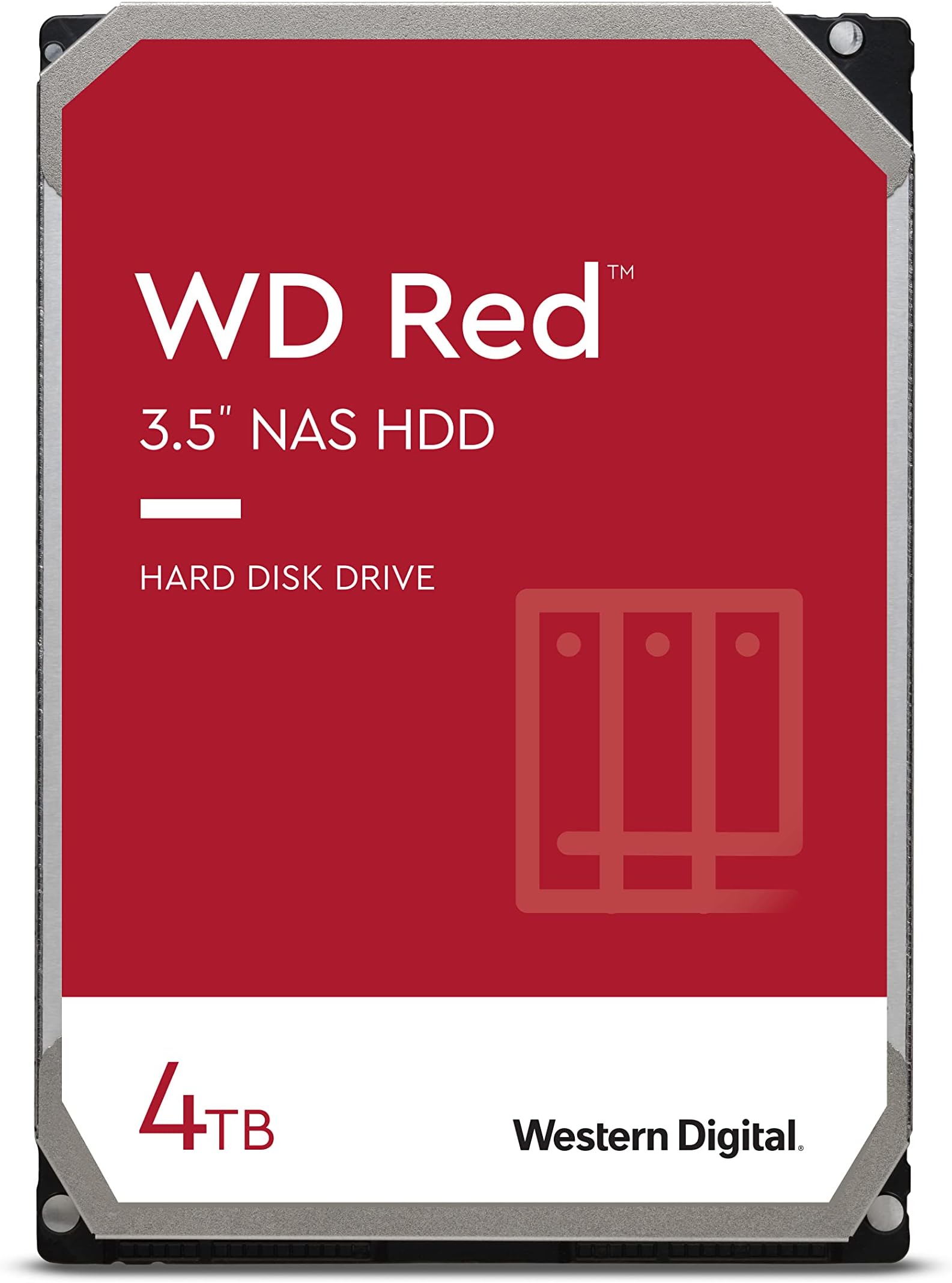
The WD Red 4TB NAS Internal Hard Drive (WD40EFAX) is a purpose-built, 3.5-inch SATA HDD designed specifically for small to medium NAS systems. With a 5400 RPM speed, it balances quiet, cool operation with reliable 24/7 performance. Featuring WD NASware firmware and a robust 180TB/year workload rating, it ensures compatibility and endurance in multi-bay NAS environments. Ideal for professionals and home office users, it offers a trusted, high-capacity storage solution backed by a 3-year limited warranty.


| ASIN | B083XVY99B |
| Best Sellers Rank | 69,722 in Computers & Accessories ( See Top 100 in Computers & Accessories ) 231 in Internal Hard Drives |
| Box Contents | SATA cable, manual |
| Brand Name | Western Digital |
| Cache Memory Installed Size | 256 |
| Color | Red |
| Compatible Devices | Desktop |
| Customer Package Type | Standard Packaging |
| Customer Reviews | 4.5 4.5 out of 5 stars (12,269) |
| Data Transfer Rate | 180 Megabits Per Second |
| Digital Storage Capacity | 4 TB |
| EU Spare Part Availability Duration | 3 Years |
| Enclosure Material | Information Not Available |
| Form Factor | 2.5 in3.5 in |
| Global Trade Identification Number | 00718037861036 |
| Hard Disk Description | Mechanical Hard Disk |
| Hard Disk Form Factor | 3.5 Centimetres |
| Hard Disk Interface | eSATA |
| Hard Disk Rotational Speed | 5400 RPM |
| Hard-Drive Size | 4 TB |
| Hardware Connectivity | SATA 6.0 Gb/s |
| Installation Type | Internal Hard Drive |
| Item Dimensions L x W x Thickness | 37.4L x 6.7W x 25.8Th centimetres |
| Item Type Name | HDD |
| Item Weight | 560 Grams |
| Manufacturer | Western Digital |
| Media Speed | 22,5 mégaoctets par seconde |
| Model Name | DISQUE DUR WD RED 4TO 64MO CACHE SATAIII *WD40EFAX* (NAS STORAGE) 1036 |
| Model Number | WD40EFAX |
| Network Connectivity Technology | SATA |
| Number of Items | 1 |
| Product Features | Portable |
| Product Warranty | maker |
| Read Speed | 180 Megabytes Per Second |
| Specific Uses For Product | Business, Personal |
| UPC | 718037861036 071803786033 |
| Unit Count | 1.0 count |
G**Y
Good replacement drives in our home ZyXEL NAS
The two 1TB Seagate drives in our ZyXEL NAS326A were beginning to throw a few "Spin_Retry_Count" errors and were getting a bit noisy and hot. This is often a sign that the bearings are starting to go. As I also wanted to increase capacity, I opted for 2 of these WD NAS Red drives (2TB) - to run in a similar Raid-1 configuration. They arrived next day, factory sealed and well packaged direct from Amazon. Their manufacture date was November 2019 and the SMART information on each drive confirmed zero power on hours and zero accumulated errors. So I was able to swap one drive at a time with a rebuild in between. It took a few hours but everything seems fine. These new drives run a few degrees cooler than the older Seagate discs they replaced. They are also much quieter (though not silent). Transfer times are a marginal improvement - though that has never been an issue for us. After a week, we still have zero errors so I am satisfied everything is as it should be. Automatic backups to an external drive are also running smoothly. I was also able to register both drives on the WD website and received confirmation of the ~3 year (37 month) warranty. At 5400 rpm, they may not be the quickest NAS drives available, but at less than £70 each (including Prime delivery), I consider these discs a bit of a bargain. So, thus far, I am most chuffed! Obviously, time will tell.....
B**E
WD Red 6TB 3.5-Inch NAS Internal Hard Drive – 5400 RPM – WD60EFAX Review
If you are looking for a dependable, purpose-built hard drive for a NAS setup, the WD Red 6TB WD60EFAX is a very strong choice. This drive is designed specifically for 24/7 network-attached storage environments, and that makes a real difference compared with standard desktop hard drives. What stands out first is the 6TB capacity, which gives plenty of room for family backups, business files, media libraries, surveillance storage, and shared network data. For home users, small offices, and prosumers, 6TB is a very practical size because it offers a strong balance between storage volume, affordability, and long-term usability. From a technical standpoint, the 5400 RPM class design is actually one of this drive’s selling points. Some buyers focus only on higher RPM numbers, but for NAS usage, 5400 RPM often means lower heat, quieter operation, and reduced power consumption. In a NAS enclosure running day and night, those advantages matter. Less heat can help with system stability, and quieter performance is especially valuable if the NAS is located in a home office or living area. Another major benefit is that the WD Red line is engineered for RAID-optimized NAS systems. That makes this model much more suitable for multi-bay enclosures than a normal desktop drive. It is intended to handle the vibration, workload patterns, and always-on demands common in NAS environments. For users building a Synology, QNAP, or similar system, that NAS-focused engineering is one of the biggest reasons to buy this model instead of a generic internal HDD. In real-world use, this drive is ideal for: File backup and recovery Shared office documents Photo and video archives Plex and media server storage Small business NAS deployments Home cloud setups Performance-wise, you should view this drive as a reliability-first storage solution, not an ultra-high-speed workstation drive. That is exactly the point. It is built for dependable storage, sustained operation, and consistent NAS performance. If your priority is safe, steady, long-term storage rather than maximum raw speed, this drive fits the job very well. Key strengths 1. NAS-specific design This is not just another 3.5-inch hard drive. It is tailored for NAS systems, where drives need to work continuously and reliably. 2. Excellent capacity-to-value ratio 6TB gives substantial storage without jumping to the premium pricing often seen on larger-capacity models. 3. Cooler and quieter operation The 5400 RPM architecture helps reduce noise and heat, which is a big plus in always-on environments. 4. Good choice for RAID arrays Especially useful for users building or expanding multi-drive NAS systems for redundancy and shared storage. 5. Trusted WD Red branding Western Digital’s Red series has long been a go-to option for NAS users who want storage that is designed for the correct workload. Buying perspective This is the kind of drive that makes sense for buyers who want peace of mind, storage efficiency, and NAS compatibility. It is especially attractive for anyone upgrading from smaller drives or replacing standard desktop HDDs with something better suited to 24/7 network storage. For affiliate marketing or buying guidance, the strongest angle is simple: the WD Red 6TB WD60EFAX is a smart buy for anyone who wants a reliable, NAS-ready, energy-efficient storage drive from a trusted brand without overspending on unnecessary performance. Final verdict The WD Red 6TB WD60EFAX is a solid, practical, and highly usable NAS hard drive that delivers where it matters most: capacity, reliability, quiet operation, and NAS-focused engineering. It is a product that suits both home and small-business users who want dependable storage that can run continuously with confidence. Recommended for: home NAS users, small office storage, RAID arrays, media servers, and backup systems. Best selling point: a purpose-built NAS drive that balances storage capacity, low noise, and dependable 24/7 performance. Overall rating: 5
G**F
WD Quality Issues?
I have used Western Digital disks for decades and never had a failure. However the disk in my NAS failed recently. To my surprise it was a Western Digital Red. I replaced with this model, and the replacement disk had thousands of errors and was dead on arrival. I returned it and replaced with another which was a painless process with Amazon support. The end result is good but I'm worried Western Digital aren't what they used to be. Update 03/2023:. The new disk has now failed. Arranging return with WD Support as Amazon won't touch it. Update 11/2025: Both WD disks failed by end of 2023 and were replaced with Toshiba drives which are still going strong. WD mechanical disks are bit worth purchasing any more. I am still using WD SSDs and so far (touch wood), no issues.
M**L
Really reliable NAS drive
I've bought many of these over the years - all have worked perfectly and still do.
K**N
Ideal for my NAS units
I have taken the step of backing up as much of my work as possible but with it still being accessible. I have purchased three of these now to safeguard my files and I have the option of being able to access them across the wired or wireless network. Very straightforward to install and set up. I have always used WD drives in my builds. The one time I used a Seagate drive, it crashed and I lost tens of thousands of files.
A**N
Good slow but durable drives
Inexpensive, durable but slow which is reasonable because faster hard disks tends to die earlier.
D**E
WD Red drives are high quality and I've yet to have one crash.
I use WD Red's in my Drobo 5N NAS unit, and recently had a Toshiba drive crash and needed to be replaced. I happily picked this WD Red to go along with the other 3 in my drive because they always work well. I've yet to have a WD Red crash on me, but I do realise that may be down to a bit of luck. I will always look for the Reds first when adding new drives going forward.
R**S
SMR drive but not clearly advertised
Review after 3 years of use was not intially apearent that this is an SMR drive and wasnt anywhere on the description is only now 3 years later after a different drive failure i am now discovering that this is an SMR drive and is having a massive negative impact on performance rebuilding array on an unraid server SMR is not suitable for nas use due to high array rebuild times it causes
C**N
Funciona muy bien.
R**T
I considered throwing away my six year old Roamio, model 846500, when it failed. The Tivo wouldn't get past the "Welcome" screen. I fixed the failure in less than an hour with only this WD20EFAX drive, and now have four times the storage as a bonus. The internet knowledge base (and the Weaknees company that's probably the best third party support company for Tivo) says that this failure mode is almost always caused by a failed hard drive. They also recommend this particular model replacement drive. Replacing the drive in Tivo Roamio is extremely easy. It's easy both both physically and because this Tivo will automatically format a new drive (as long as the drive size is 3TB or less) and automatically load all the required Tivo software during boot up. You will, unfortunately, lose any recordings and such drive-kept data as channel lists, scheduled recordings and One-Passes, and so on that were on the old failed drive. There are plenty of decent videos on the internet to show how to do this, but here is a quick procedure to give you an idea of how easy it is: Remove two torx head screws in the back of the unit and use a thin blade such as a common dinner knife to carefully pry up the top of the box. Remove three torx screws that attach the drive's adapter rails to the box and disconnect the drive's data/power cable by pulling the connector away from the drive. Remove the drive mounting rails from each side of the drive, noting their original position, by removing the two torx screws connecting each rail to the drive. Using the new drive, put everything back together. Reconnect the Tivo to your TV system, plugging in the power cable last. Plug in the Tivo's power and let the system boot up. Be patient because it will take some time for the Tivo to automatically format the drive and load all the software needed. Follow the screen guide to set up the Tivo as for a new unit. Your current account with Tivo and any monthly or All-In programming are still in place because the account is based on the box'es ID number which is stored on Tivo's motherboard rather than its hard drive. Voila...You just saved yourself the cost of a new Tivo and upgraded your video storage capacity, as I did!
R**O
Harde schijf NAS was defect, meteen een RAID1 aangemaakt met een 2de dezelfde harde schijf. Goed verpakt, snel geleverd.
N**M
This review is after 5 month of using. It's for replacement of the broken seagate HD that is one of my NAS running at Raid. So far, so good. For storage, speed is not the priority.
A**K
Performance is quite good for RAID0.
Trustpilot
2 weeks ago
3 weeks ago