⏰ Project Your Day, Power Your Life — The Smart Clock for the Connected Millennial
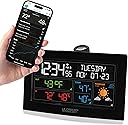
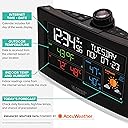
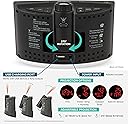
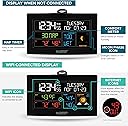
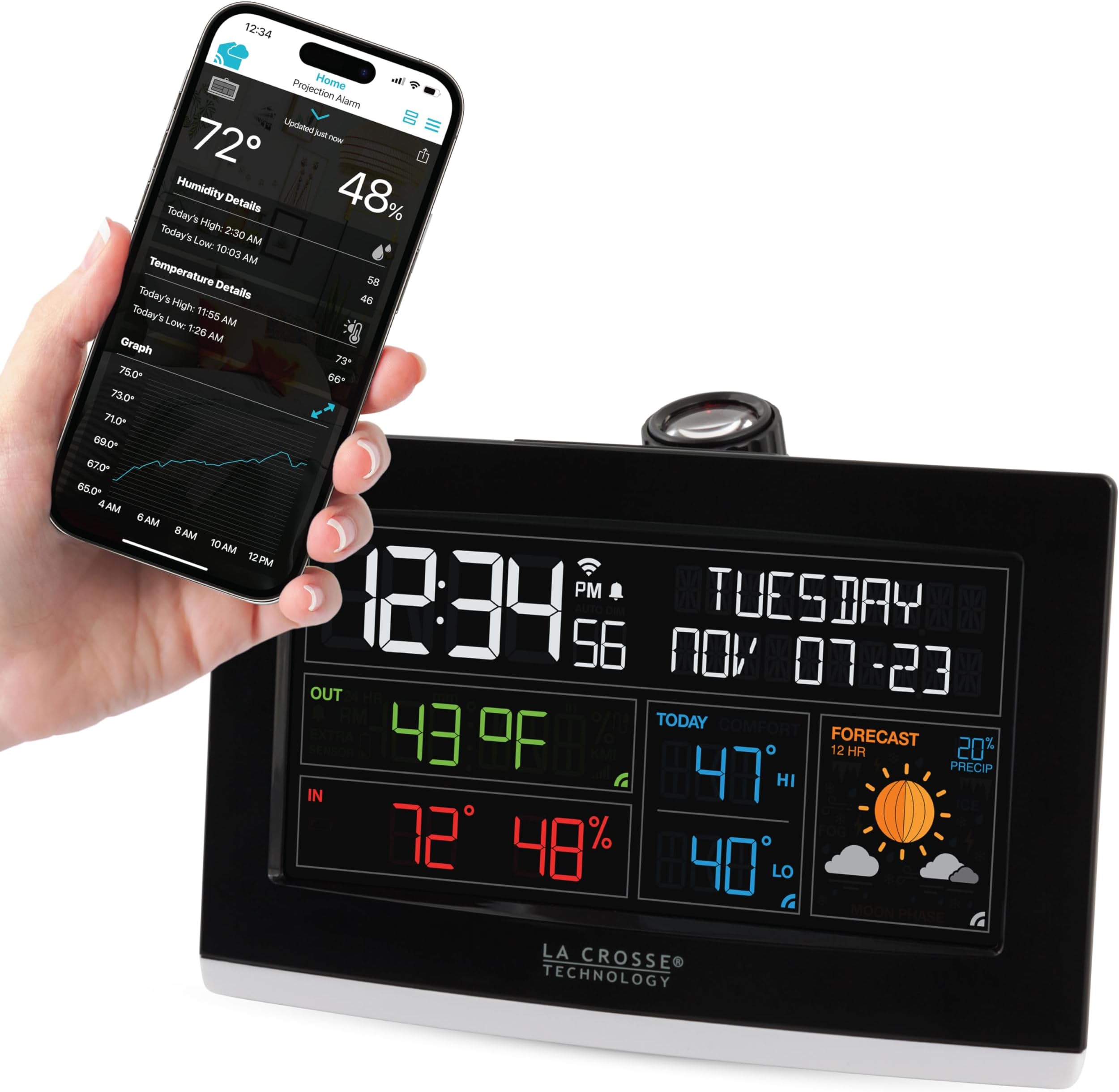
The La Crosse Tech Wi-Fi Projection Alarm Clock combines modern digital timekeeping with real-time AccuWeather forecasts and indoor climate monitoring. Featuring a customizable projection display, three brightness settings, and an adjustable arm, it ensures clear visibility of time and weather data. The clock syncs with the La Crosse View App for remote alarm management and notifications, while a built-in USB port charges your devices, making it an essential smart accessory for any home office.


| ASIN | B07PM33PXF |
| Alarm Clock | Yes |
| Are Batteries Included | Yes |
| Best Sellers Rank | #417,070 in Garden & Outdoors ( See Top 100 in Garden & Outdoors ) #151 in Weather Stations |
| Brand | La Crosse Technology |
| Colour | black |
| Connectivity Technology | Usb,Wifi |
| Customer Reviews | 3.9 out of 5 stars 77 Reviews |
| Dial Color | black |
| Display Type | Digital |
| Frame Material | Plastic |
| Global Trade Identification Number | 00757456082929 |
| Indoor Outdoor Usage | Indoor |
| Item Weight | 272 g |
| Manufacturer | La Crosse Tech |
| Manufacturer Part Number | C82929-INT |
| Model number | C82929-INT |
| Mounting Type | Tabletop |
| Operation Mode | Electrical |
| Power Source | Battery Powered |
| Product Features | Alarm, Charging Port |
| Room Type | Home Office |
| Shape | Rectangular |
| Special Feature | Alarm, Charging Port |
| Style | Modern |
| Theme | Plain |
| UPC | 757456082929 757456082639 717125285198 |
| Watch Movement | Quartz |
K**V
Wi-Fi connection not appropriate
Poor Wi-Fi set up. Please do some work. Overall useless. Learn from others about Wi-Fi connectivity Horrible, I must say. Poor engineering poor technology
A**R
Great, but no way to focus.
The product description states manual focus of the projector. There is no way to focus. On a positive note the beam can be adjusted to project at 90 degrees meaning it’s parallel to your vision looking up rather than perpendicular.
M**A
Nice and bright
It is nice not to have to roll over to read it
A**X
Maravilla
Super bien, es perfecto para todas las mañanas, tienes toda la información que necesitas para comenzar tu día
P**T
Good once you have mastered the wi-fi connection
Took me about an hour to get it up and running. I eventually did a factory reset and switched off all the 5ghz networks on my router and it connected first time. As others have said it looks like you can't connect to a router broadcasting anything other than 2.4ghz but I can't be 100% certain as it may have been the factory reset which fix it. I had expected a bit more to be honest but for the money it's great value. I have the internet temperature projected on my ceiling alternating with the time and a bunch of information on the display. My ceilings are very high and there is no ability to focus the beam so the image is a tiny bit blurred. You can auto-dim the display at night and you can change the intensity of the beam, you can even switch off the screen completely if you like a very dark room.
M**C
Can be challenging to setup, but well worth it.
This clock took some work to get it going. The small instruction pamphlet is very short on details and some features are not explained well. Go to the LaCrosse web site and download the full manual. That got my going, but in the process, here's what I've learned. Hopefully that will save you some frustrations. Get your phone on a 2.4GHz Wifi. If it is on 5GHz, setup won't work. Weather never worked using my postal code. I had to use the nearest major city name. Then it worked. Yes, it can display in Celcius, but you have to manually set that on the clock using the manual's instructions. Setting that in the app won't change it on the clock. Ti have the projector alternate between time and something else, download the manual! The included pamphlet is of no help at all. A bit of a pain to setup however now that it's connected, it's awesome. Time is always correct. DST time change is automatic. Temperature and weather forecast from the internet. The projection can be rotated so it is always upright to you while laying in bed and the clock can face any direction you want. The projection's brightness (and clock display as well) is adjustable. I use my phone to wake me up so I have no use for the alarm on that clock so I uninstalled the app. Once the clock is connected, you don't need the app anymore. I'll give it 4 stars because it's not quite straightforward to set up, but it worked after using the actual manual. Once it is set, it's an awesome clock!
Trustpilot
2 days ago
3 weeks ago