🎯 Master your media universe with the W3 Air Mouse — control redefined.
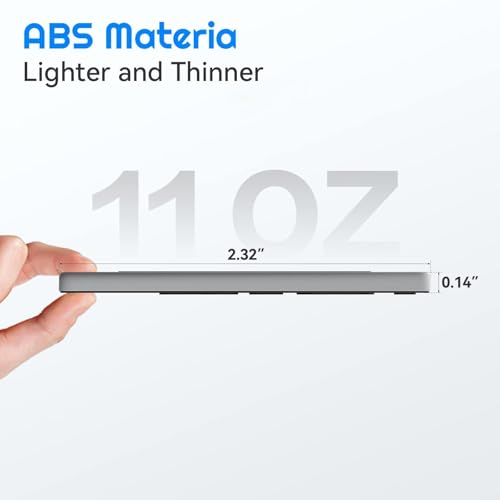
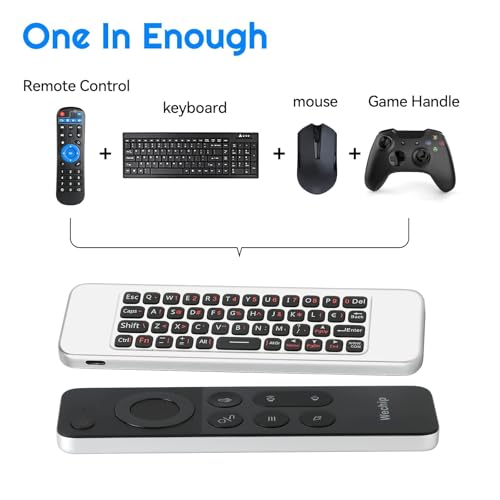
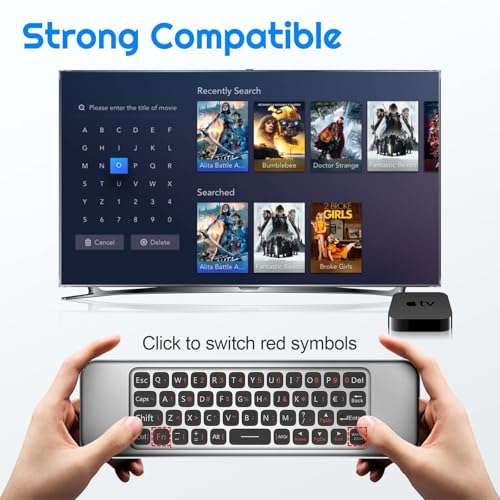
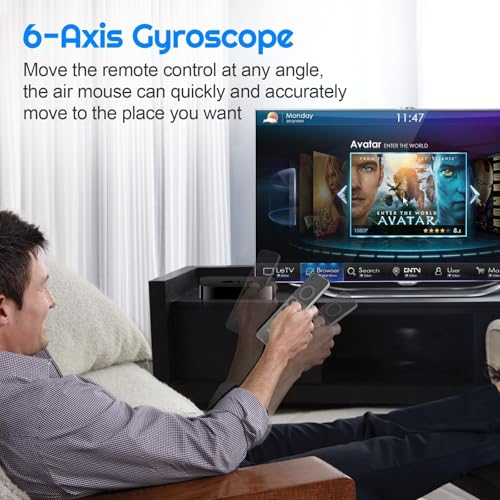
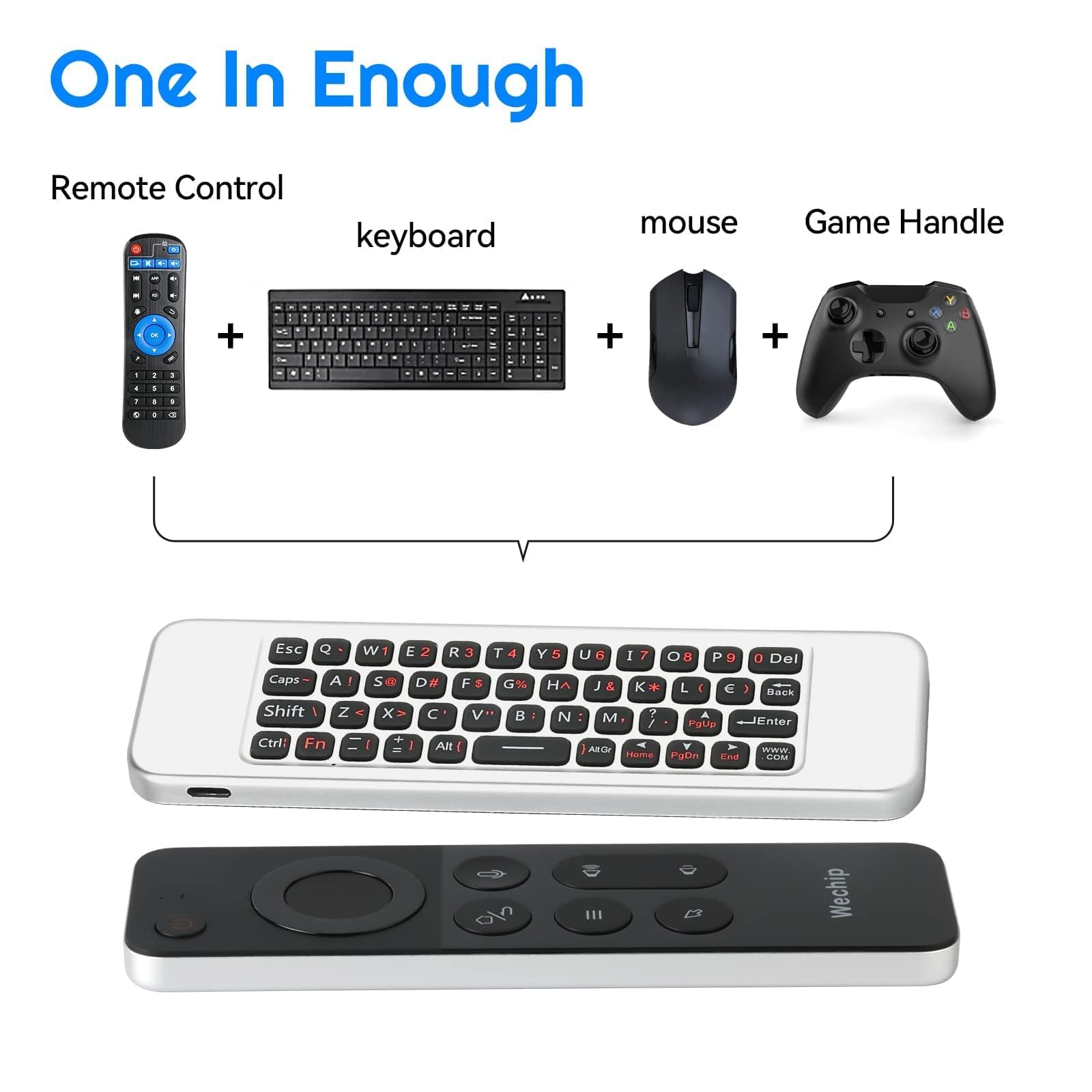
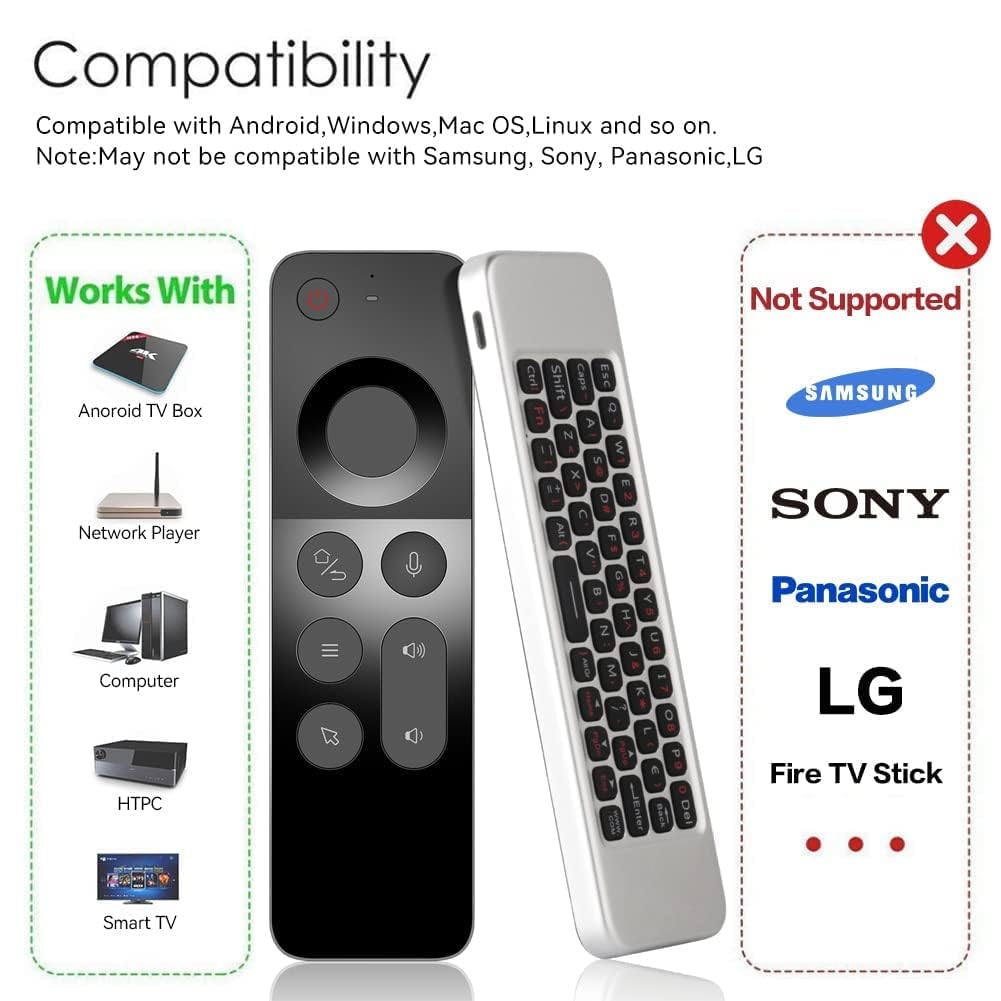
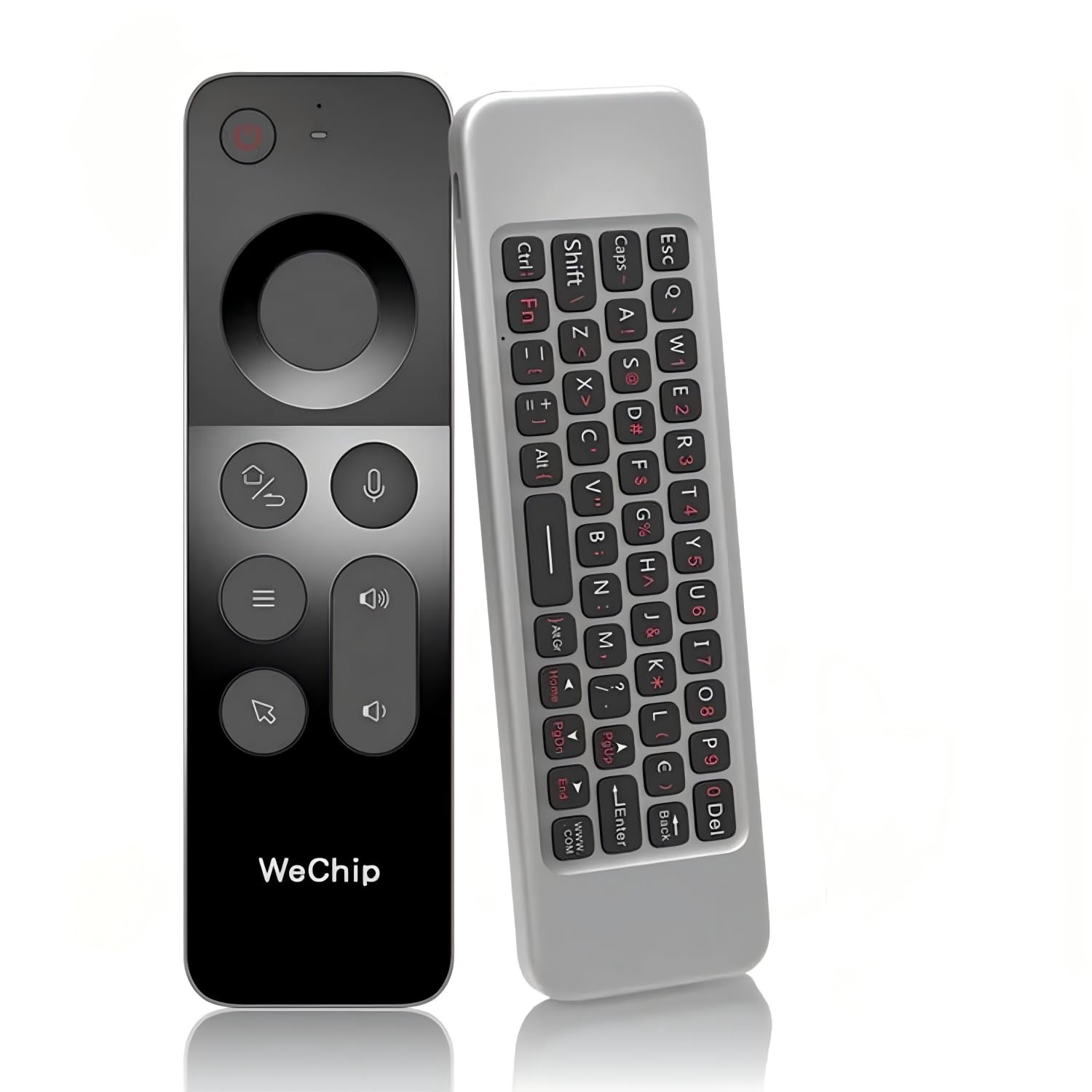
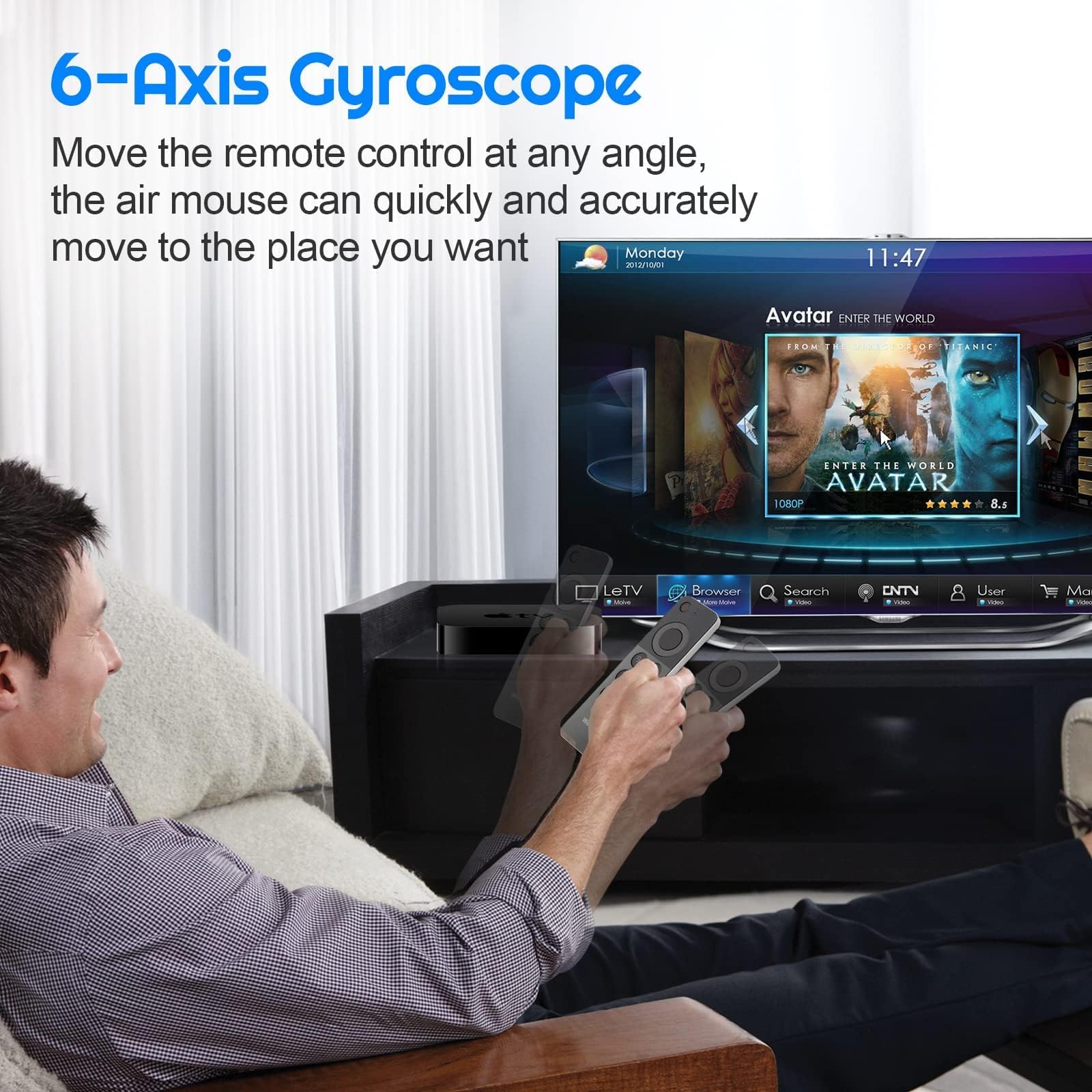
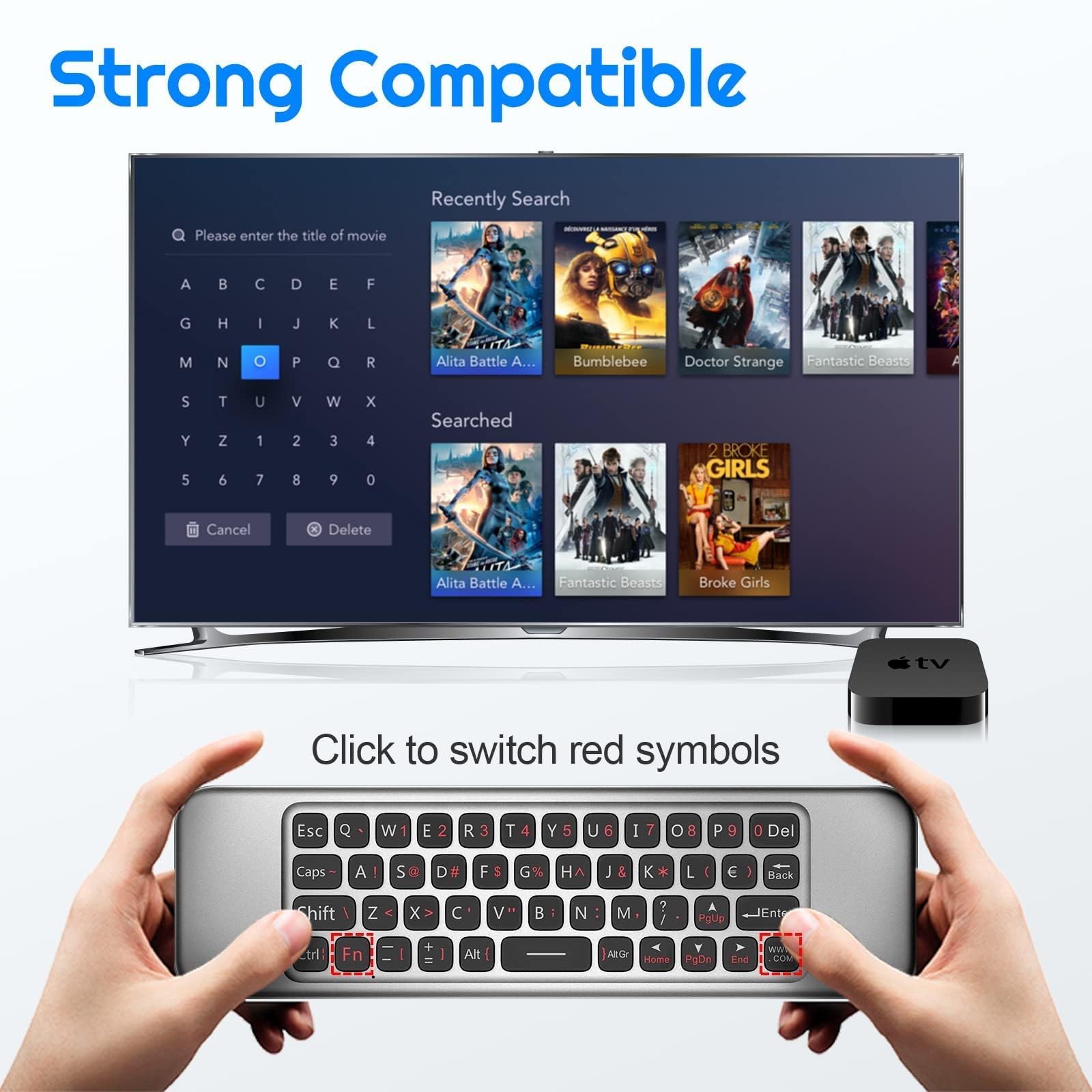
The WeChip W3 Air Mouse is a sleek, ultra-thin 4-in-1 wireless remote combining mouse, keyboard, remote control, and gamepad functionalities. Utilizing stable 2.4GHz RF technology, it offers a reliable 10-meter range and plug-and-play USB connectivity. Compatible with Windows, Android, Mac OS, and Linux systems, it supports a wide range of devices including Android TV boxes, PCs, projectors, and HTPCs. Powered by a 250mAh rechargeable battery via Type-C, it delivers convenience and versatility in one elegant package.


| ASIN | B09XMF5YN1 |
| Best Sellers Rank | #6,963 in Electronics ( See Top 100 in Electronics ) #271 in Remote Controls |
| Item model number | W3 |
| Manufacturer | joinwe |
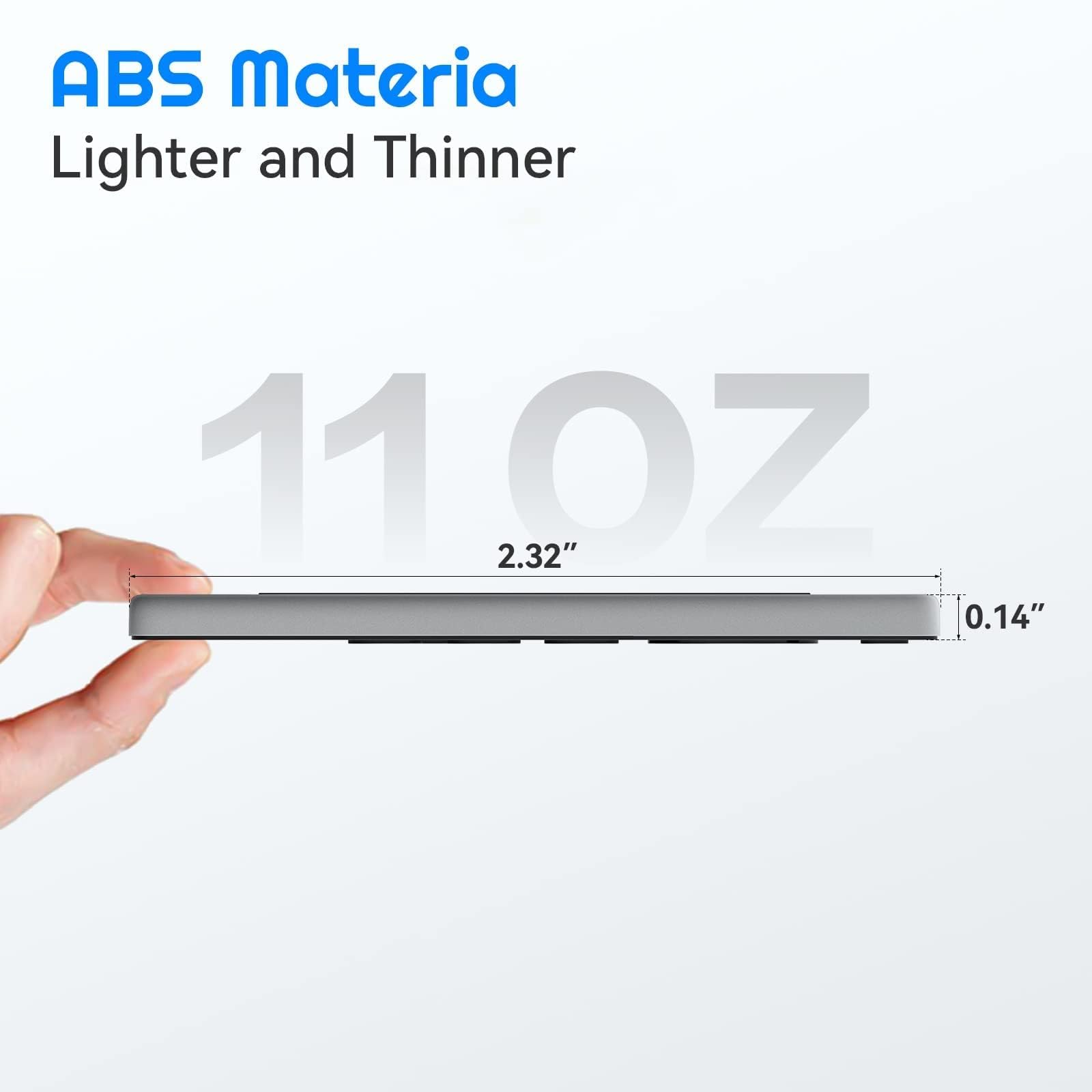
| Product Dimensions | 2.49 x 4.39 x 0.91 cm; 90.72 g |
K**R
very nice product
thanks for everything
A**.
Received used device
The device is received was dirty and the air mouse was uncontrollable as it was just flying everywhere
J**R
Power button doesn't work.
I was skeptical but I still bought this thing. And it's a terrible product. 1. The power button does absolutely nothing. 2. That "air mouse" function? Get ready for some serious shoulder excercise because the air mouse will fight you every step of the way. 3. No media control buttons. Only volume control. 4. The keyboard is passable but you cannot use multiple key functions with it. It doesn't have a windows key.
M**S
This might possibly be the best home theatre PC remote I have found. It's small, lightweight, and has all the functionality you would require for a HTPC remote. With a built in air-mouse, USB3.0 charging, commonly used HTPC buttons such as volume and navigation paired with an easy to use keyboard on the back, it's basically perfect. I've yet to see how durable this remote is, but will update this review based off of my experience with it. The remote is encased in a very cheap feeling plastic, and the product packaging screams "mass produced in Shenzhen", so I will be the first to say that I am not confident that it will last for years to come. That being said, if I can get at least two years out of it, I would be quite happy given I purchased it during the Amazon Prime sale. If you are paying the full $30 CAD price tag, I would consider waiting for a sale, as the quality of the remote is not worth that amount, even though the features are great.
O**Z
Update: their customer support team contacted me and amazon denied the return not them, they refunded me, thanks for good support, I wish it was easier to contact them to begin with as i was lost in amazon support. I wanted to love this, I didn't care about the air mouse feature as i know these never work well. I just wanted the basic remote, and occasionally use the keyboard or mouse for very minor things. Well i had the receiver 6-7 feet away nothing between them and the buttons would not respond until pressed up to 10 times. and sometimes they would stick and scroll through the whole show i was watching on kodi. then i was 5 days past the 30 day window before I had time to try and return it and they refused to replace it. So i guess i got a bad one and am out 20 bucks... don't make the mistake i did.
A**.
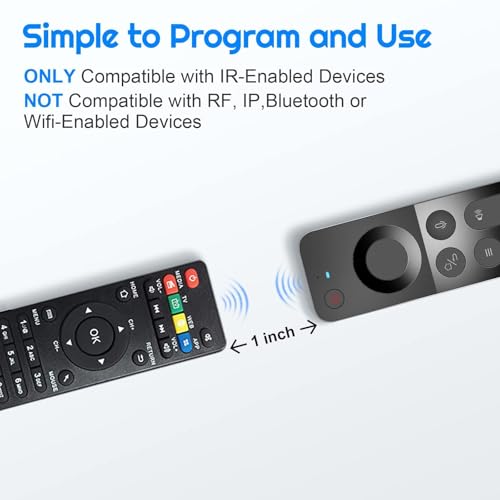
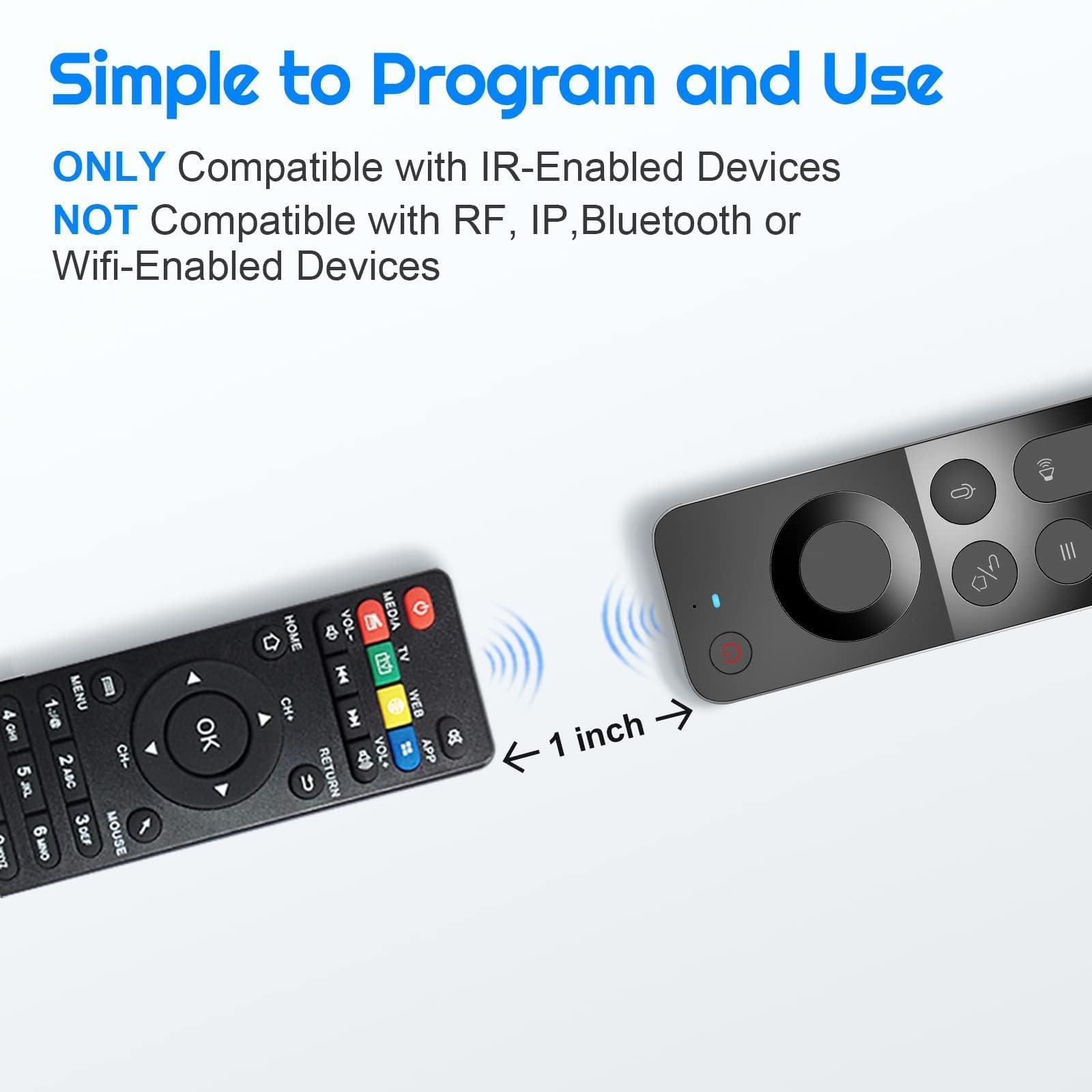
I have gone through trying at least 6 different remotes for my Nvidia Shield trying to find everything I want and been very disappointed in the process. This doesn't have everything, but it is one of the closest. Keyboard and mouse work well, but I don't use those much. It learns power and volume functions through IR, which surprisingly is hard to find in a lot of these types of remotes. Like the W1 it doesn't have a mute button or Play/Pause/Stop/FF/Rewind, but unlike the W1 it combines the Home and Back button which causes complication with the Nvidia Shield I am using it for. To see all apps that are open you have to double click the home button, but on this remote the way to initiate the home button is to hold it down (which doesn't allow you to initiate a double click). You can, though, program the Nvidia Shield to use the settings button (3 lines button) to show all open apps plus two other functions (short click, hold, double click). I used mine for short click: mute, hold: show all open apps, double click: switch upscaling. Again they did not include backlighting on this, which would have been a nice upgrade. On a positive note, the ergonomics of this is a huge upgrade over the W1 and better than all the other remotes I have tested. It is similar to a large Apple remote without the swipe feature or mute button. It is thinner and easier to hold in your hand than the W1. All the important buttons like volume, back button, and the OK button are large enough to know what you are pushing without looking. All the buttons have a good tactile feel to them with a nice easy push click feel. The remote can lay flat on the couch center console or armrest and buttons can be pushed without having to pick the remote up. Overall the star of this is the programmable IR buttons and the ergonomics. If this had a play/pause button, separate home and back button, a mute button, and backlighting it would be the perfect remote. For this price, though, it is a pretty good value.
D**O
I have a Steam Deck LCD with the official dock. It can power on the deck with its power button. Back button doesn't map to anything the Deck recognizes, but flipping it over and hitting the Esc key does the job. Arrow keys, volume adjustment, and air mouse are also effective. Works enough for turning on the Deck and using Jellyfin. I initially thought it wouldn't work, because it didn't power on the Deck from the vertical USB port, but the horizontal port accepted the wake command.
J**.
i received the Wechip W3, plugged in the USB receiver into NVidia Shield when the box was off. Restarted the Nvidia Shield and it worked from the getgo, plug and play. It does everything the original remote did. the added bonus is the keyboard, wish it was backlit. i could control the volume on my sound bar and connected headphones. The battery is charged using included cable, saving on batteries. It feels good in my hand and the quality seems to be top notch. The Wechip W3 should be a great replacement for any remote you wish to replace.
Trustpilot
2 months ago
3 weeks ago



