⚡ Power up your data game with speed and versatility!
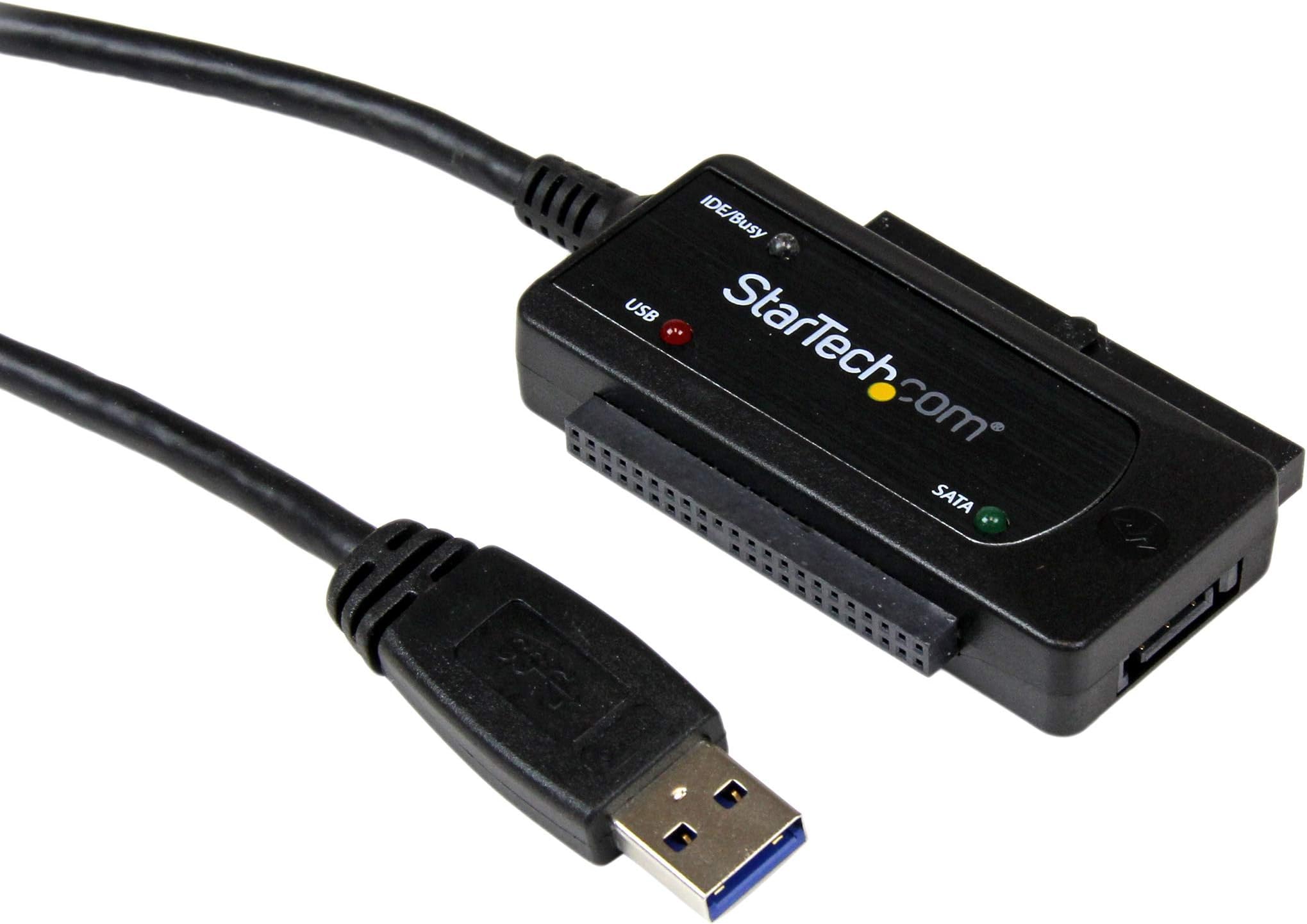
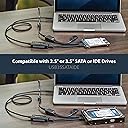
The Startech USB 3.0 to SATA IDE Adapter is a sleek, portable converter cable designed for professionals needing fast, reliable access to 2.5" and 3.5" SATA HDDs, SSDs, and IDE drives. Delivering transfer speeds up to 5 Gbps, it features plug-and-play convenience and a unique dual-output power adapter for flexible, easy power sourcing. Backed by a 2-year warranty and lifetime support, it’s the ultimate tool for efficient data management on the move.


| ASIN | B00D76J1KO |
| Best Sellers Rank | #36,489 in Computers ( See Top 100 in Computers ) #105 in SATA Cables |
| Department | Default Category |
| Item model number | USB3SSATAIDE |
| Language | English |
| Manufacturer | Startech |
| Product Dimensions | 21.01 x 15.01 x 5 cm; 58 g |
S**K
Worth buying
It is worth buying
F**O
A dispetto di altri modelli a basso costo (se ne trovano a meno di 5,00 euro privi di alimentatore tutti cloni del medesimo modello di anonima origine) ho voluto osare la scelta di questo che esteticamente prometteva una natura di progetto originale anche in virtu di un alimentatore in apparenza piu' versatile dotato di un alimentatore a doppia presa "molex" e "sata" e la constatazione del prodotto che mi e' arrivato e' andata oltre le mie speranze. Il modulo adattatore appare di fattura robusta ed anche elegante ma la vera sorpresa e' stato scoprire che il modello che mi e' stato spedito e' stato ulteriormente perfezionato rispetto a quanto presentato nelle specifiche a vantaggio di noi utenti. Il prodotto nuovo e' diverso ma e' piu' vantaggioso per noi utenti (ed amazon dovrebbe aggiornare le foto) Il vantaggio e' che l'alimentatore e' effettivamente composto da due moduli: - un alimentatore 12v 2000mA - un adattatore ad Y che converte ATTIVAMENTE i 12v a due uscite a tensione multipla 5V 12V Questo e' un vantaggio enorme perche' consente lo sfruttamento di qualsiasi alimentatore monotensione 12V 2A di piu' facile reperibilita' mentre i ricambi a doppia alimentazione 5V/12V sono piu' costosi e laboriosi da trovare. Siccome, in caso di uso intensivo, questi alimentatori si consumano e si guastano dopo pochi anni, grazie all'adattatore ad Y in dotazione sara' possibile rimediare con il semplice acquisto di un monotensione 12V almeno 2000mA facilmente reperibile anche nei negozi di elettronica in citta'. Attenzione solo che l'alimentatore arriva con montata la presa di standard orientale. Bisogna smontarla e sostituirla con il nostro standard. Avrebbero fatto meglio a fornirla smontata per poter piu' facilmente intuire la necessita' di applicare la presa dello standard desiderato
P**E
Tutto ok..
�**�
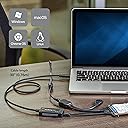
Acheté pour récupérer de vieille donnés sur un (très) vieux disque dur IDE. Il y a pas mal de choix mais visiblement les problèmes se rassemblent toujours sur les alimentations qui feraient griller les périphériques connectés. Ici rien de tout ça, tout fonctionne bien. Sous Win10 je n'ai rien installé, les disques sont détectés illico et accessibles. Essayé également sur un DD en SATA, pareil fonctionne au poil! Fournis avec un panoplie de câble, alim format US/UK EU etc... et un (tout) petit câble SATA. Un peu plus chère que les autres mais mes DD fonctionnent toujours.
D**N
Needed it to sift through some old HDDs as well as a pile of archive CDs whilst having an old Pioneer IDE drive connected and this worked a treat.
P**S
The product was well packaged and included more than I realized... the single power cable was actually 3 power cables, one standard U.S., a two (round) pin European and a third massive three pin with a fuse in it, I believe it's specific to the U.K. There was also an auxiliary jumper from the the PS to the Adapter to augment low current USB ports if needed. The PS seemed more than adequate and stayed cool to the touch in operation. Documentation was good and I didn't need the drivers provided. A working HD was easily seen by XP and Windows 7. I also use a Windows 98 VM with the usual non-standard upgrades expected in something that has become mostly a hobbyist OS and that had no problems seeing the HD either. Seeing is not the same as using. The issue here is not the product, but the nature of the application itself. I started with a "good" HD that refused to power up. My best guess is that it just went bad sitting in the drawer, but it was an unexpected pain in the neck that left me wondering if the product worked. I tried a second HD that was seen by all three versions of Windows but wasn't mounting. Windows 7 was a bit more helpful in deducing that the drive had been wiped by the previous owner and once it was initialized all was fine. The lesson here is to first familiarize oneself with the adapter using an absolutely positively working HD first and then move on to sorting out the spares in the decommissioned bin. Based on the reviews I read of the various adapters available before I bought the StarTech, my priorities were to pick a product that (a) didn't start a fire (b) didn't kill my HD (c) didn't pollute my PC with a bunch of mickey mouse interfaces or drivers and (d) worked. I think I got a good deal with the Star Tech.
Trustpilot
2 weeks ago
3 days ago