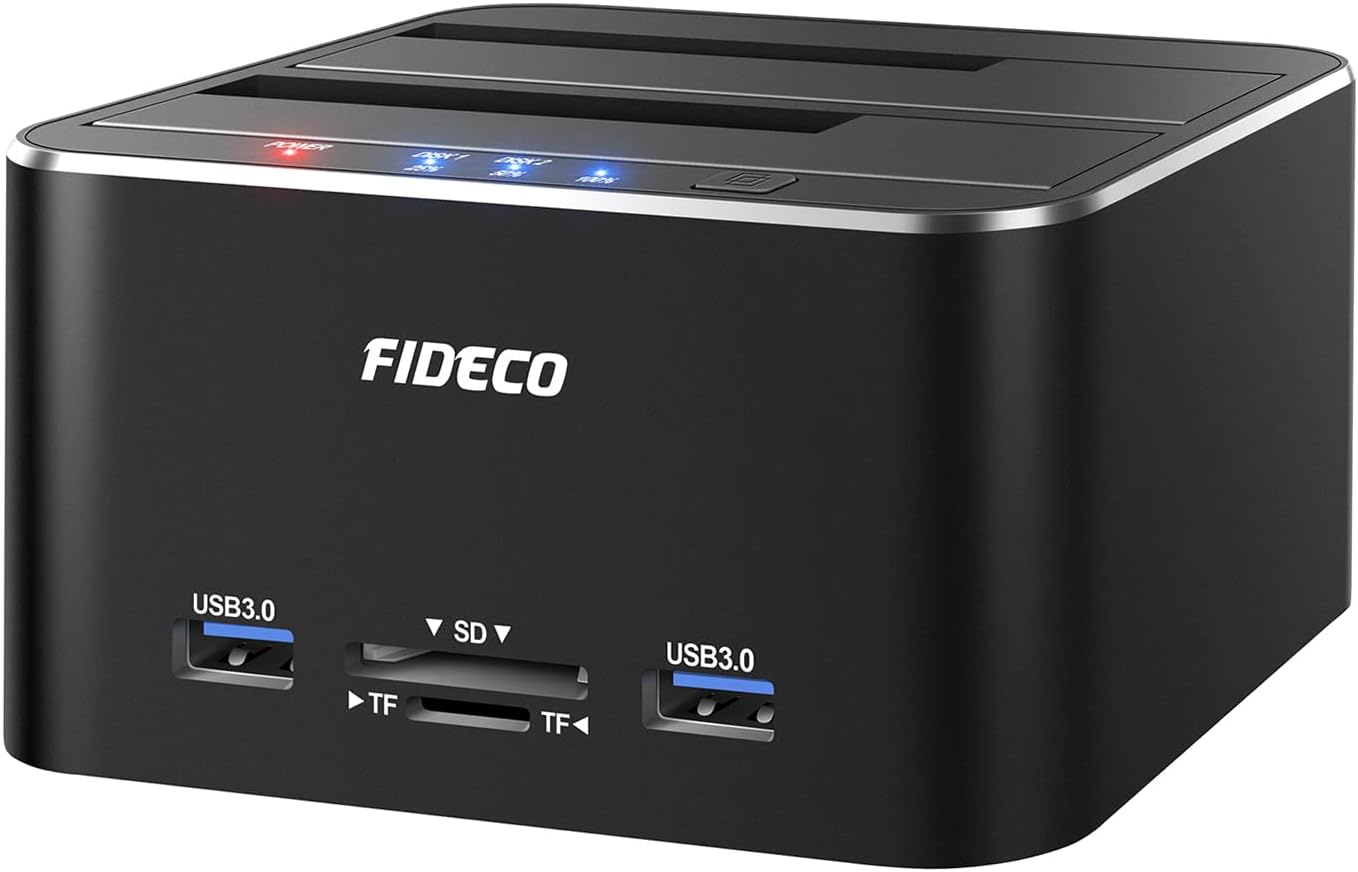
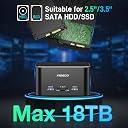
This thing is pretty good for what I was able to accomplish. It's a simple Plug N play Docking Device that lets you access SSDs & HDDs in the sizing of 2.5 and 3.5 that use a SATA Connector. I was able to put some SATA hard drives I had laying around back to good use. It transferred data pretty quickly without issues and I was even able to use free 3rd party Data migrating software for cloning like EaseUS, DiskGenius, Clonezilla (separate software Not affiliated with product itself). You can definitely use the Off-line cloning at the press of a button, and it works.... However, I do want to elaborate a few things about the "Offline Cloning" feature as I did run into an issue when using it. If you decide to do Offline Cloning, you only need the power connector and not the USB connecting to PC. I ran into an issue relating to where had a 3.5 size 500GB HDD in Slot 1 (Source) and a 3.5 size 1TB HDD in Slot 2 (Destination). Both Drives would show in the list (both were empty) when I plugged them into the ports and connected the device to my PC's and Laptop. I added a few files into the 500GB HDD just so I could TEST the Offline-Cloning to see how it worked. Well I pressed/held the button and the cloning was starting. When it got to the 2nd blue light (50%) I accidentally bumped the connector on the wall outlet and the device shut off in the middle of cloning. So immediately after, I re-plugged the power and checked the HDDs through my PC. I could only see 1 drive in the list (Slot 1) but not in slot 2. I removed the 500GB HDD and all of a sudden I could see my 1TB HDD from slot 2 in the list. On this 1TB HDD when you data migrate from a drive with lower storage to a drive with more storage, migration limits your 1TB to match the lower storage device being 500GB as a partition and the other set of storage becomes a separate partition of storage not linked. I couldn't touch the remaining storage space by extending/merging it without some kind of error message with using Windows 10 Disk Management. Sadly, I was forced to Download a free 3rd party software called EaseUS which worked well in deleting the partitions to free up all the Drive Space on the 1TB HDD so I could format it to a fresh empty 1TB HDD again. Unfortunately after clearing out both HDDs and putting them both back to how they were, the same issue of only seeing 1 of the 2 HDDs instead of both, this issue remained. I'm not sure if that cloning while powering off the device screwed up something internal on the HDD or if the device itself malfunctioned but it seems to act like it doesn't carry enough power to display both 3.5 Sized HDDs. I have no issues when Mixing a 2.5 with a 3.5 Hard Drive but it will no longer show two 3.5 HDDs like I could before this Offline-Cloning attempt. I will re-update this review if I figure out what the issue was. In general issues relating to power can relate to a bad 3.0 Port (Never use 2.0 ports for 3.5 HDDs), a bad wall outlet, bad power connection on the Device power connector, possibly the device itself or the HDD could have malfunctioned. One thing to make offline cloning easier if you aren't that tech savvy, you should always use the same storage size of HDDs/SSDs so that way you don't have to use 3rd party software like EaseUS just to modify the partitions to expand the drive space. Granted this is mostly my fault for Knocking power adapter out of the wall outlet but I'm hoping I can figure out why it will only show 1 of 2 HDDs 3.5 in the list. Overall, aside from my own screw-up, the product seems pretty good as I did accomplish what I needed after using it. Update: So I think I figured out what was wrong. It’s not the product, it’s not the power, and it’s not a damaged hard drive. It seems that if you Clone (or Attempt to clone) a hard drive, there is some kind of data or code That gets copied, written, or embedded onto the Destination hard drive. Once that Embedded data gets put onto the destination hard drive, It becomes one and the same. So then if you put two hard drives of the same in both slots, it’s going to read off only one hard drive and not two separate ones. This means any Hard drives relating to its clone that are in the dock Will only display what is in Slot 1 as Primary because The device just assumes it’s only one hard drive due to the Embedded data matching. I don’t know if that’s just a Limitation of the device itself or if that’s actually normal. If this is not supposed to happen, then it’s because the Embedded data got stuck because the cloning did not properly finish. Unfortunately, this is not fixable just by formatting or deleting the partitions. So this means you pretty much have to have a 3rd empty hard drive laying around to use for reclone over the destination hard drive to change the embedded code readings so the device can register that there’s two different drives in the device itself. This might be a hassle with time when it comes to failed cloning attempts but outside of being an expert that’s probably the only workaround I could see being done. I hope this Information was helpful for anyone that’s reading.