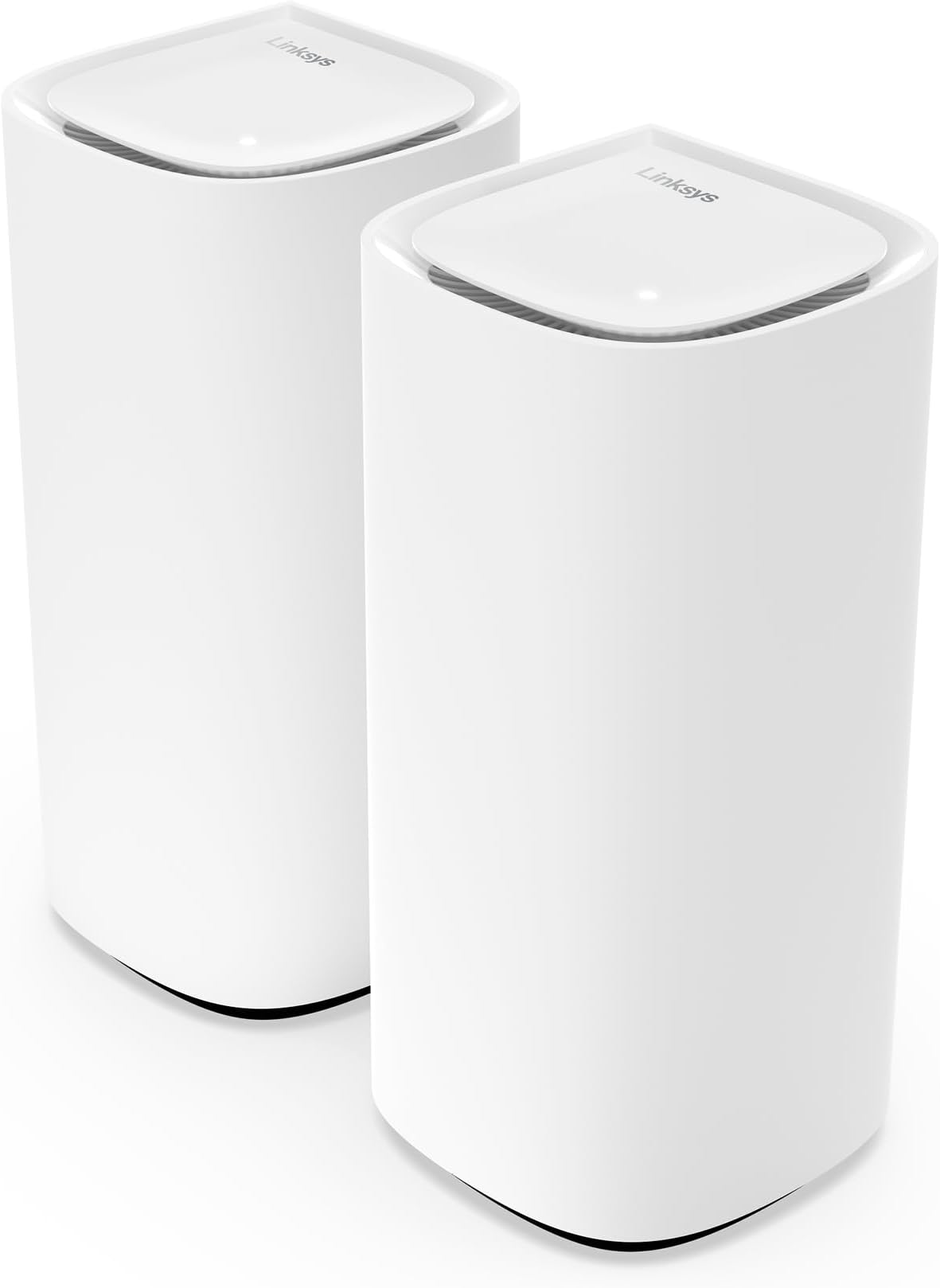
In a nutshell: if you are used to use your phone for setting up/controlling almost everything and all you need is to cover your living space with Wi-Fi this would probably suit you. If you are halfway technical and have a precise idea of what you are trying to achieve with this, you might be in troubles. I’m working as a software implementation engineer from home. My broadband router is in one corner of the house downstairs, my office is upstairs in the opposite corner of the house. Wi-Fi is possible but reception is between 1-2 bars out of 4. I used to have an old setup of netgear Wi-Fi repeaters to connect to my broadband router. The setup worked fine; I had the same speeds in my office as on my broadband router (30Mbps-ish download, 5 Mbps-ish upload). In preparation of Full fibre being deployed in my area, I was looking for a WI-Fi Mesh solution which would be capable to deal with the speed (1Gbps). After reading through tests and reviews I decided to give Linksys a go, by far not the cheapest but also not the most expensive solution. Setting up the system was a nightmare! I have no words for the thing called APP to be used for setting up the nodes. Sitting surrounded by 3 nods, the broadband router, staring at a little screen saying “no nodes were found, please try again”. After resetting the nodes I don’t know how often, finally it managed to setup the router (the node connected to the broadband router via ethernet cable). Then it tries to connect the remaining 2 nodes…. And after several minutes asks you to reset the router and nodes. You think “but that would reset the router I just managed to configure”, and you are right, it starts the whole process over again. I ended up spending almost 2 hours with someone from support on the phone, in the end we managed to setup the system by connecting an older laptop with ethernet cable to the nodes. I should have taken screenshot of what we did….. At least, the system was working. From my broadband router to the router node A next to it (connected via very short ethernet cable) to node B upstairs in the room above the broadband router to node C closer to my office. For whatever reason, node C always connects to the router node A downstairs with only 2 bars of reception rather than to node B which is much, much closer (sitting in my office, my phone was connected to node B with 3 bars). Next to the broadband router downstairs I have 900 Mbps down and upload, in my office 250 Mbps. I tried to place the nodes in different ways, even placing node C as far away as I can having only 1 bar reception with the router node, it still connects to the router node rather than node B. Apparently there is no way to force a node to connect to a particular node. Comme on Linksys, how hard can it be? We are 1 quarter into the 21st century, time to catch up! I read that after some time the nodes would connect in the most efficient order, I’ve been waiting for 3 months for this to happen. I then did what I should have done in the beginning: drill a hole through the ceiling and use an ethernet cable to connect my workstation directly to the broadband router. The cable conduit doesn’t look as bad as I had thought and finally, I have full speed. Call me old school, but cable is still the way to go. I still wanted to use the Linksys system for the Mesh Wi-Fi. I decided to connect node B and node B via cable, now that I have drilled the hole. Troubleshooting guide on the Linksys webpage says “Connect an ethernet cable to the child node and connect the other end of the cable to the parent node. The nodes will automatically switch to a wired connection.” – no they do NOT! Tried different ports, rebooted, nothing to do, it only connects via Wi-Fi. And yes, I tested the ethernet cable, it is working. The troubleshooting guide mentions to go into the router administration CA router Setup to add the node as wired child node. Not working either. And that’s it, I’m done trying to get this work, my Wi-Fi stays as it is at 250 Mbps. This is the first and definitely the last Linksys product I will ever buy.