Some deliveries may take a little longer than usual due to regional shipping conditions.

DOWNLOAD THE APP


Customer Services
Copyright © 2025 Desertcart Holdings Limited
DOWNLOAD THE APP

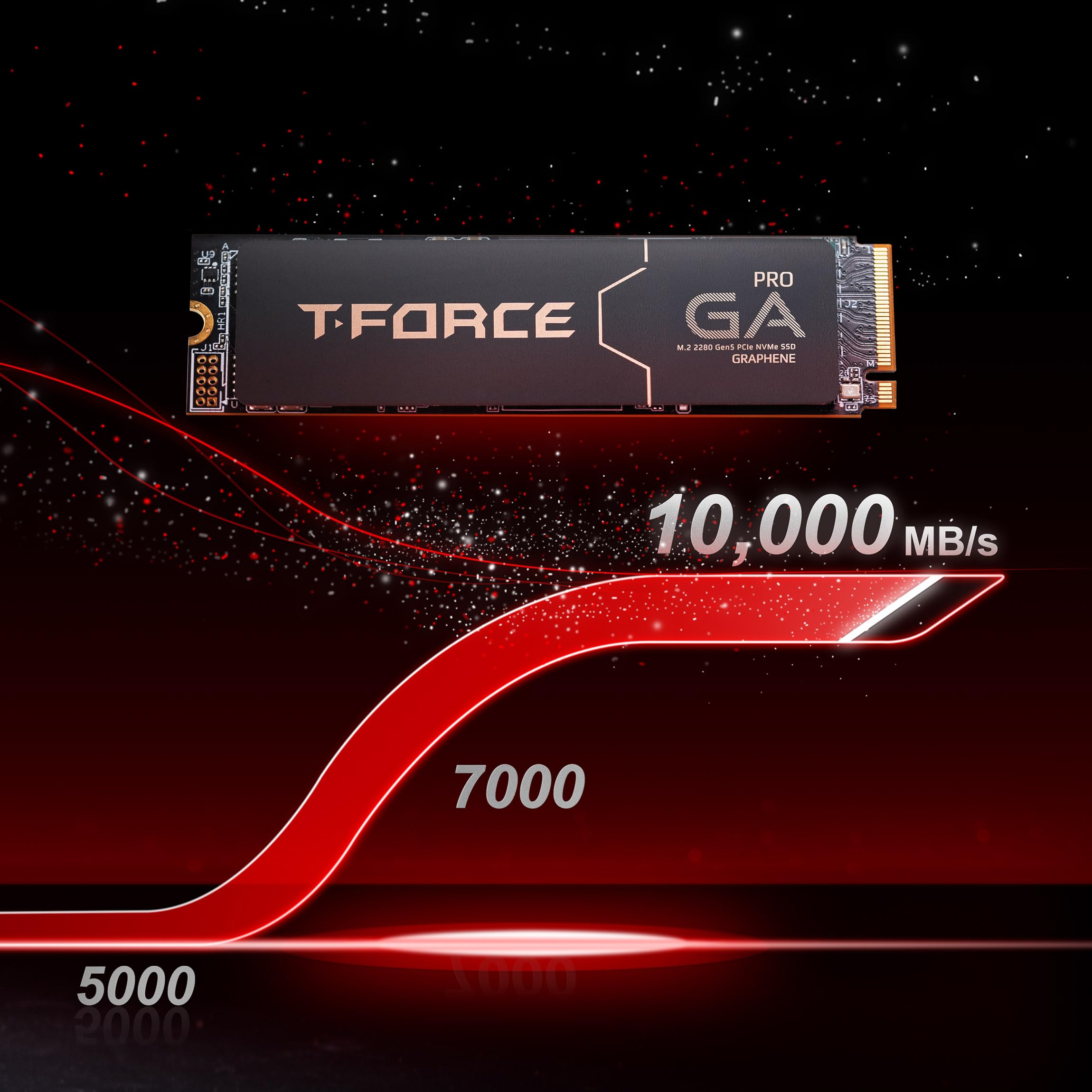
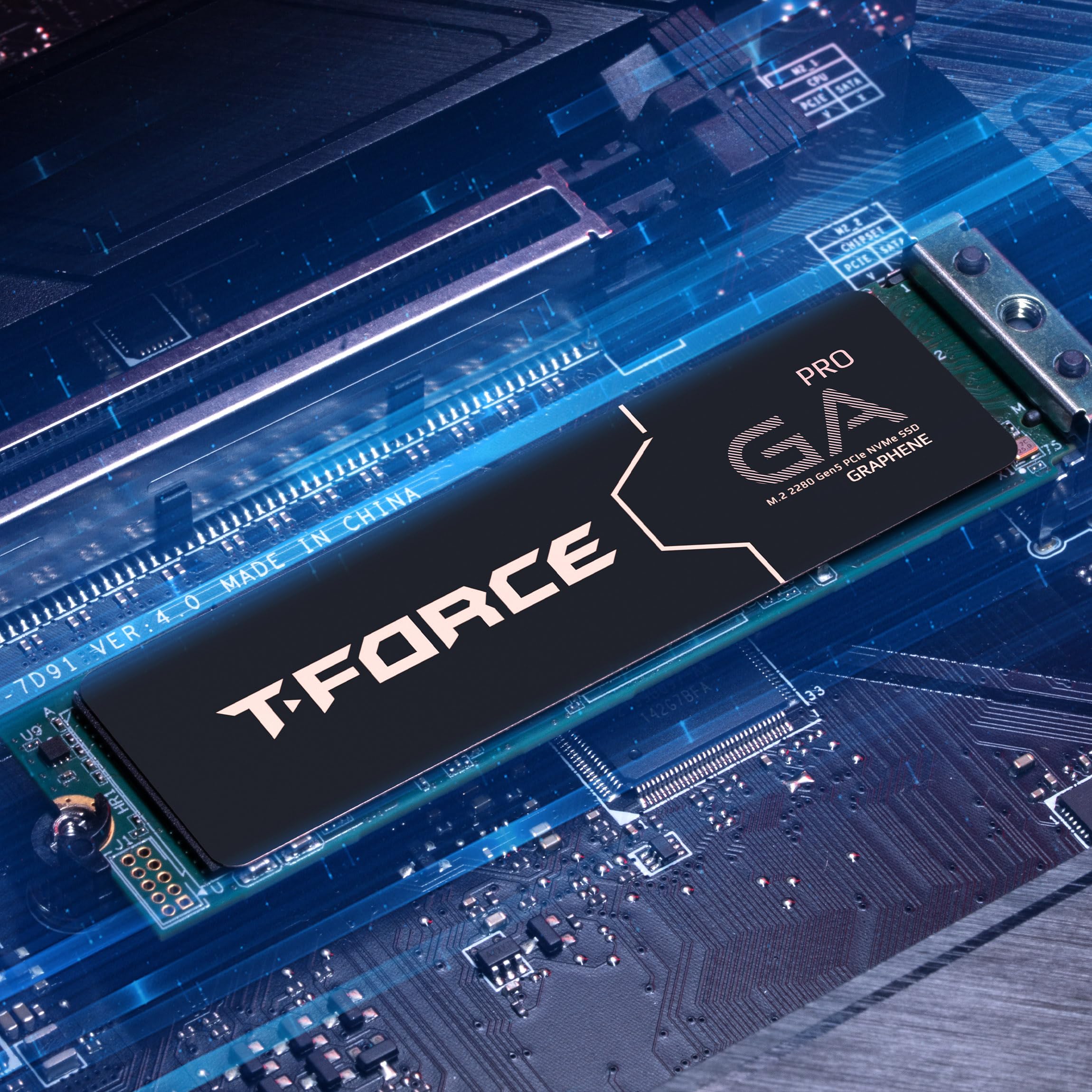
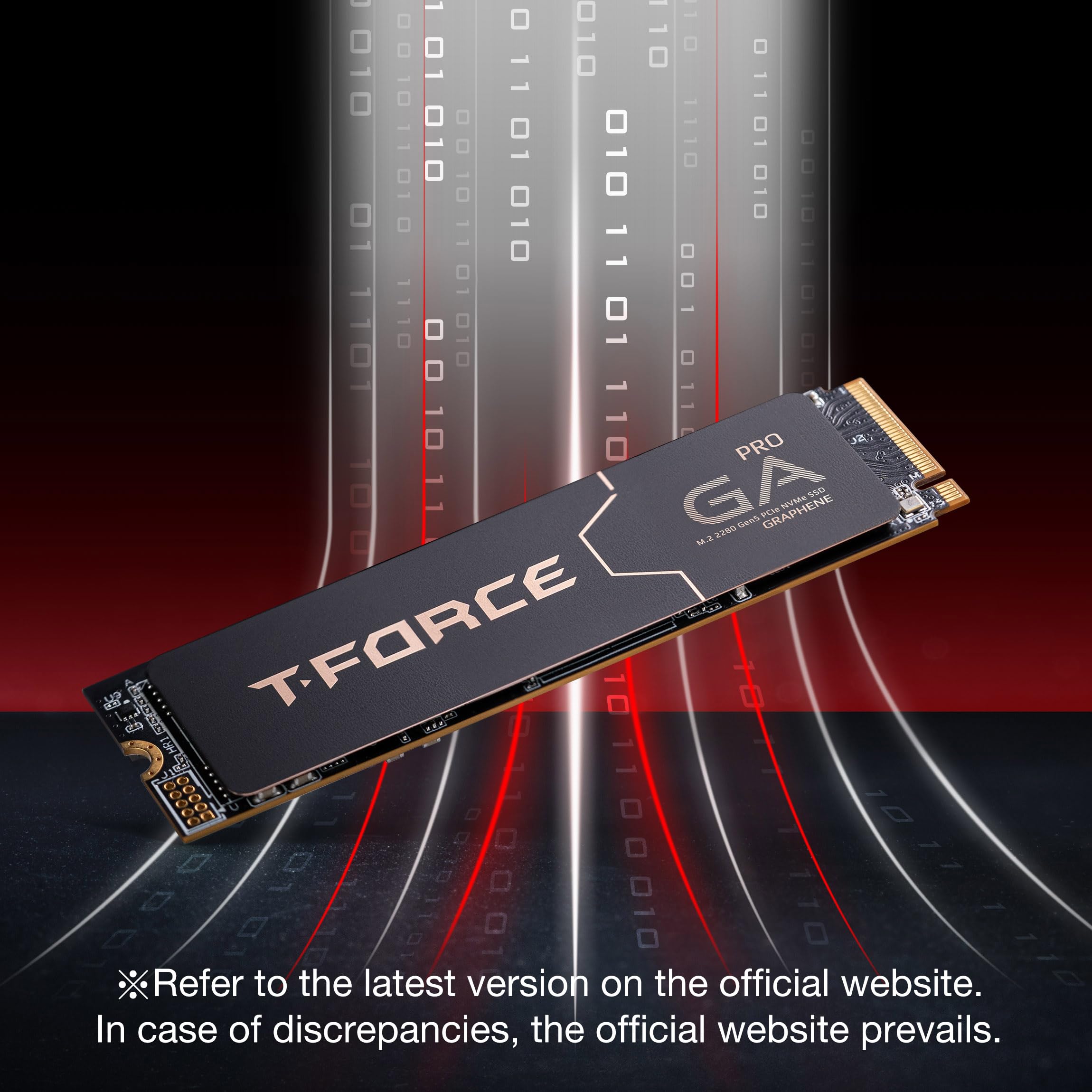
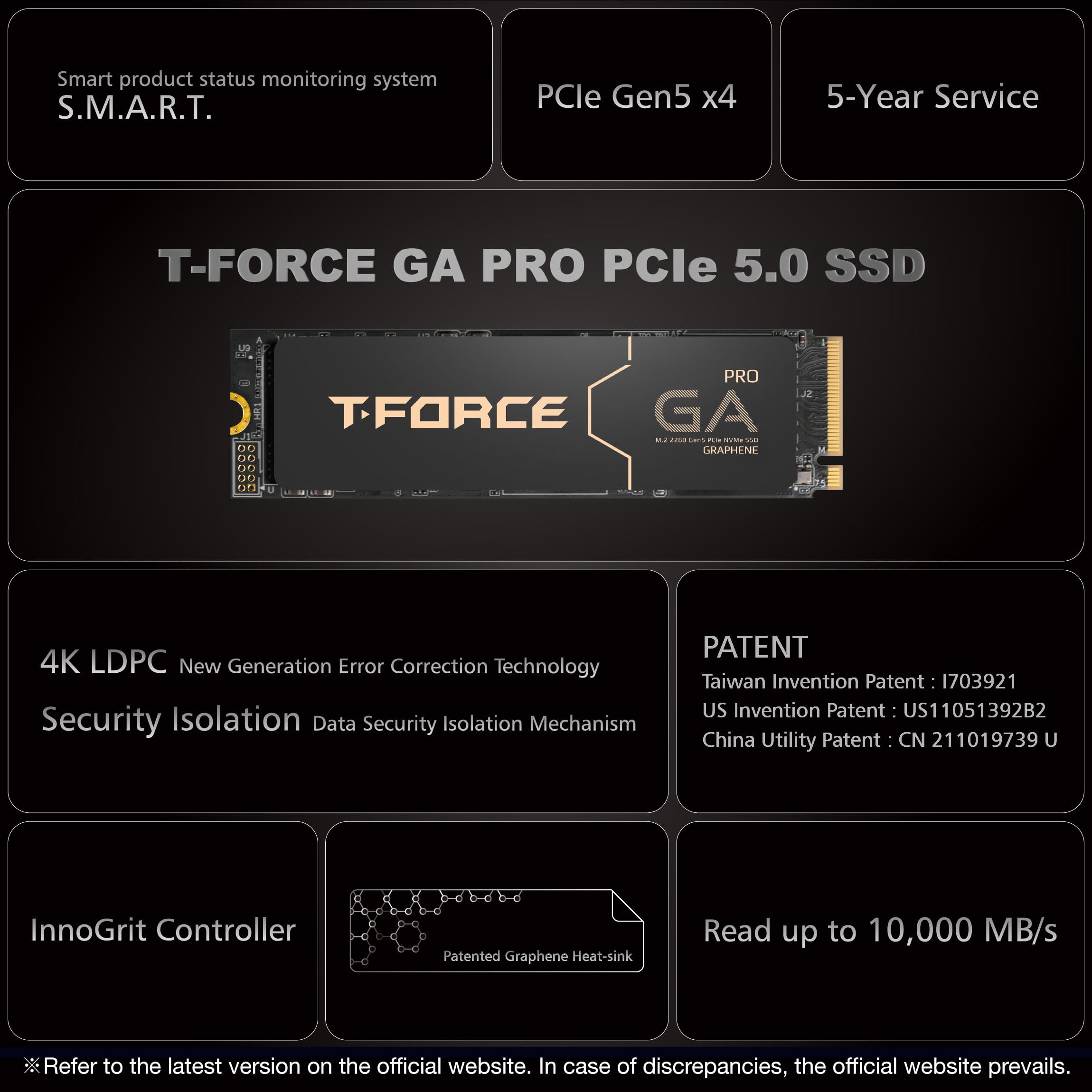
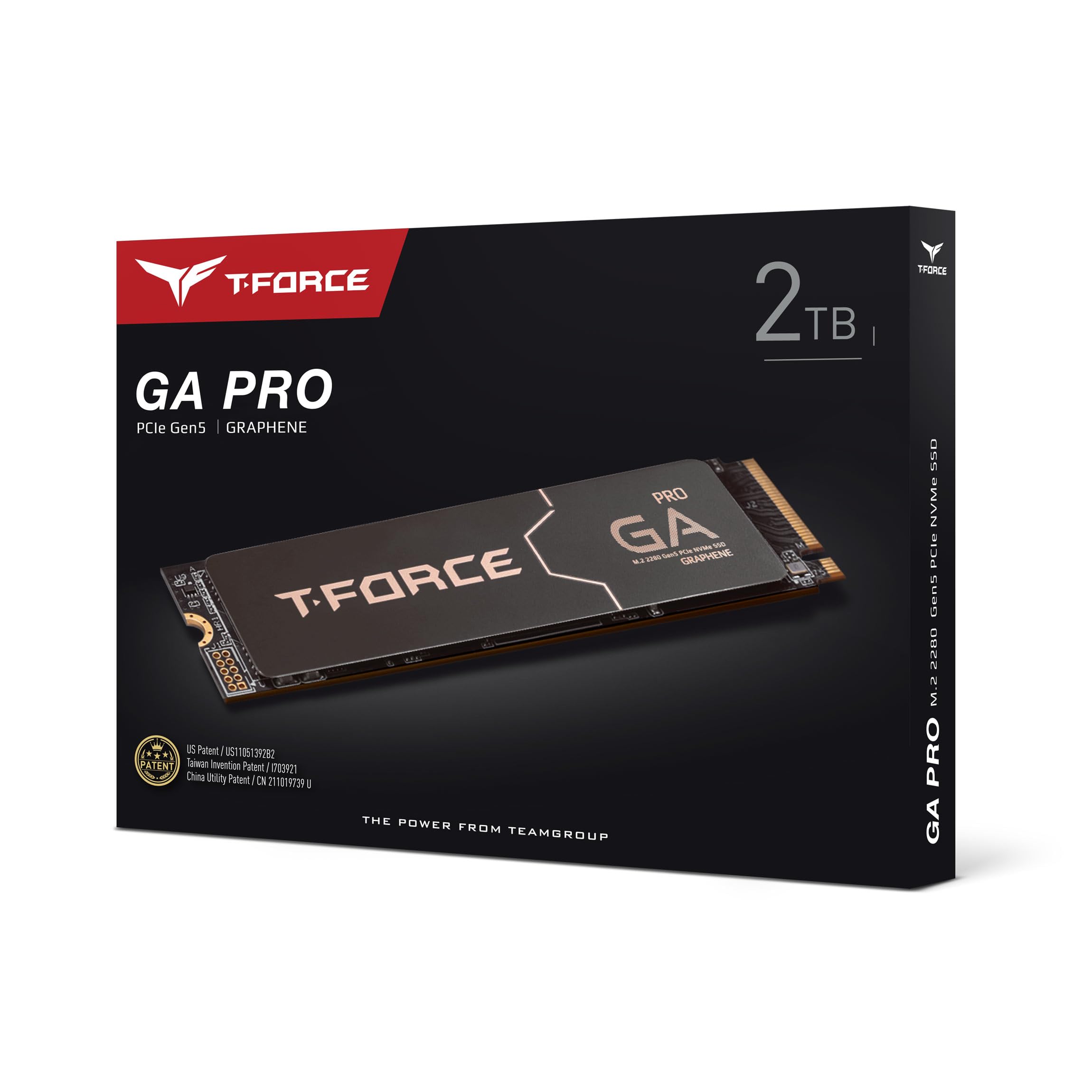
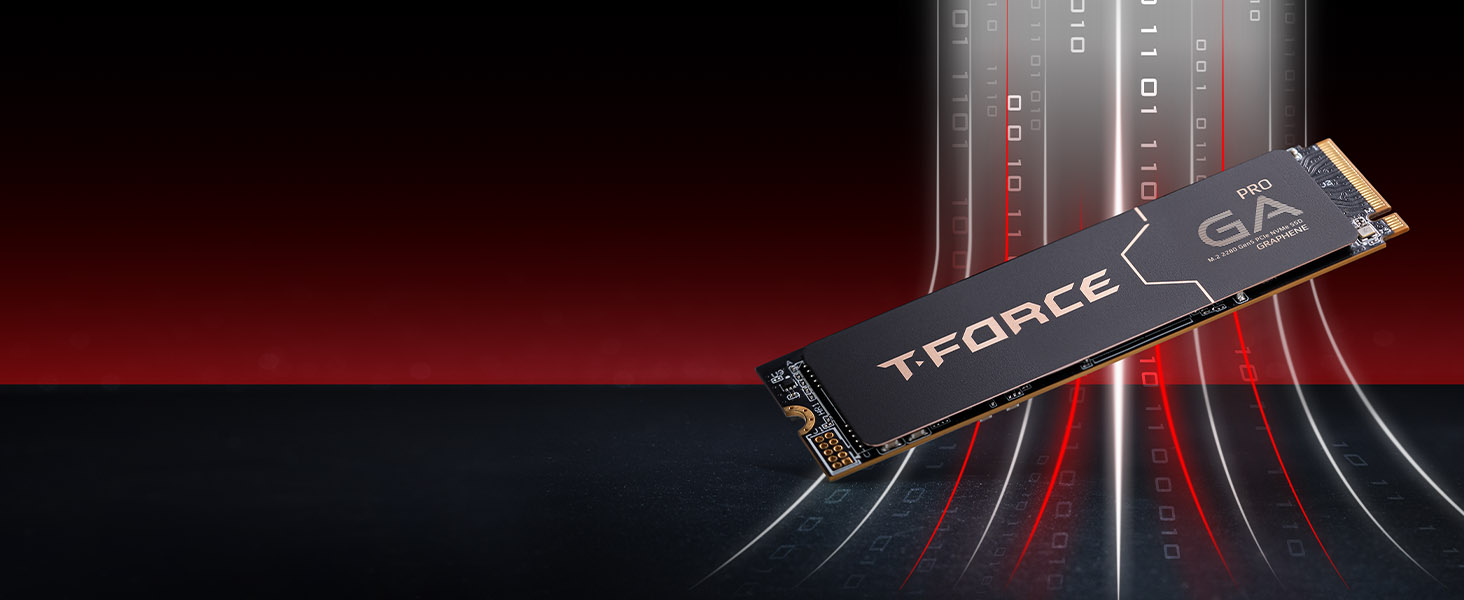
🚀 Unlock Lightning-Fast Storage with the TEAMGROUP T-Force GA PRO – Because Speed Waits for No One!
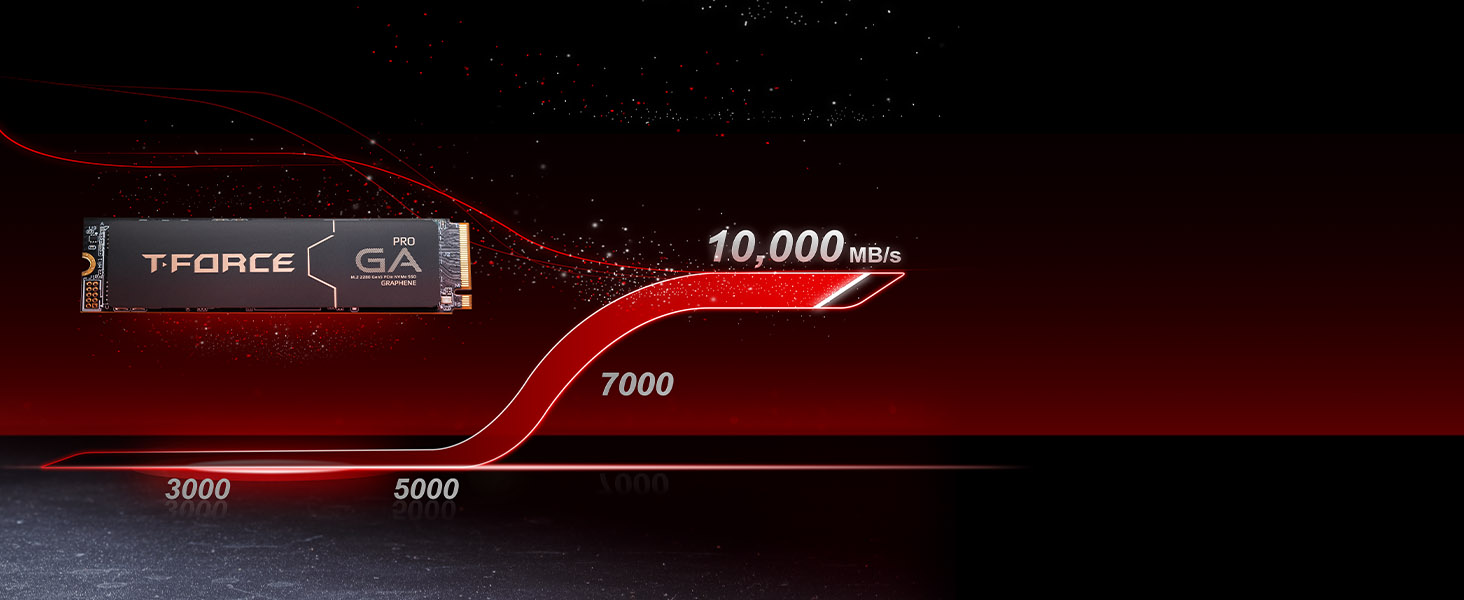
The TEAMGROUP T-Force GA PRO 2TB SSD leverages PCIe Gen5 x4 technology to deliver blazing sequential read/write speeds of up to 10,000/8,500 MB/s. Featuring a patented graphene heatsink for optimal thermal management and advanced error correction, this M.2 NVMe drive ensures high stability and data security. Ideal for professionals handling large files, gaming, and demanding workloads, it offers a massive 2TB capacity with plug-and-play compatibility for next-gen systems.

| ASIN | B0D3PHZF13 |
| Best Sellers Rank | #698 in Internal Solid State Drives |
| Brand | TEAMGROUP |
| Customer Reviews | 4.3 4.3 out of 5 stars (150) |
| Date First Available | March 14, 2025 |
| Hard Drive | 2 TB Solid State Drive |
| Hard Drive Interface | PCIE x 4 |
| Item Weight | 0.8 ounces |
| Item model number | TM8FFJ002T0C129 |
| Manufacturer | TEAMGROUP |
| Package Dimensions | 4.8 x 3.7 x 0.55 inches |
| Series | GA PRO |
W**K
🌟🌟🌟🌟🌟 Blazing-Fast Gen5 SSD – Worth Every Penny!
I recently installed the TEAMGROUP T-Force GC PRO 2TB PCIe Gen5 NVMe SSD, and I am beyond impressed! 🚀 🔥 Performance That Lives Up to the Hype This SSD is lightning-fast, delivering sequential read speeds of 11,500 MB/s and write speeds of 11,400 MB/s in CrystalDiskMark—right in line with its advertised speeds. Compared to my previous SSDs, this thing obliterates load times for everything from Windows boot-up to game launches. • Windows boots in seconds • Massive file transfers (100GB+) take under 10 seconds • Games & apps load instantly For anyone working with 4K/8K video editing, AI workloads, or large game libraries, this drive is a game-changer. 🌡️ Thermals & Cooling Gen5 SSDs run hot, but I’m happy to report that this drive stays at 70°C under full load using my ASRock Z890 Steel Legend’s built-in M.2 heatsink. If you’re planning on heavy workloads, I’d recommend good case airflow or an aftermarket heatsink for extra cooling, but out of the box, it runs better than expected. ⚙️ Installation & Compatibility Super easy plug-and-play setup on my ASRock Z890 motherboard. No BIOS tweaks were needed—recognized at PCIe 5.0 x4 speeds immediately. Just make sure you’re using a Gen5 M.2 slot, or you’ll be limited to Gen4 speeds. ✅ Final Verdict: A Beast of an SSD If you’re looking for one of the fastest NVMe SSDs on the market, the T-Force GC PRO delivers. It’s future-proof, insanely fast, and perfect for high-performance users. At this price point, it’s one of the best Gen5 SSDs available right now. ⭐ Final Rating: 5/5 – Highly Recommended! 💯🔥
E**N
Es mi primera de Amazon, tuve problema con lo de la dirección pero por suerte no estuvo lejos y pregunte como colocarla bien jaja, de ahí el pedido 10/10, el disco ni llega al 2% de su funcionamiento y eso que estoy pasando y descargando cosas ❣️
J**A
Fast storage
Good and fast
D**S
Firmware update bricked my OTHER SSD?!? Read/write error on entire drive in less than 5 hours use.
I absolutely DO NOT recommend you buy anything from TeamGroup - definitely not this. I have built literally hundreds of systems. I generally have good luck with everything. I thought this time I would give a chance to a different SSD than Samsung, who I've really had by far the best luck with. I don't think I've seen more than 1 failure ever with Samsung in those systems I've built. So, I got this one. I bought a little SSD heatsink with fan for this one too, since others said it ran hot. I got my PC built, handed off my old one to my partner, installed the OS on a new Samsung 870 EVO I still had in box and just recently found, and used this 2TB drive as a storage drive. I got my drivers installed, Steam installed, and installed literally two games on it. While running one game, it crashed after around an hour and I experienced a very odd "read/write" error to the entire drive. I restarted the PC - that resolved it. I decided I would update the firmware. Holy smokes, my mistake! How dare I do something such as UPDATE THE FIRMWARE?! My reward: It literally bricked my Samsung SSD! The brand new one! Immediately after restart, I noticed it took around 5 minutes to start - and it went to BIOS. I ran a BIOS check on the SSD - all looked good, it passed the test - but then I noticed my BIOS didn't see my Samsung SSD plugged into a SATA port. I restarted - same issue. I restarted again after a hard power clear (unplug power, wait 15 seconds, hold power button for a bit, plug back in) - same issue. I tried a different SATA port - same issue. I tried a different SATA cable - same issue. I tried moving it to my "old" PC - having it plugged in also made it take about 5 minutes to boot! I saw the drive in Disk Management on old PC - showing 0 bytes total - Initializing failed, "This device does not exist." That's a very bad message, I'd rather have had an I/O error there. I tried to boot to the Samsung 870 EVO firmware installation image, but it just can't get to it - the bad drive causes it to fail when loading the Linux kernel. It legitimately bricked my freaking OTHER SSD - I mean, what do I even say? How can you trust a company who makes such bullcrap software?! I have NEVER seen that happen before! I know what I'm doing, and my poor brand new but old SSD got bricked. Unbelievable. Just after I'd gotten everything set up the way I wanted. I am highly disappointed, and furious that this could even happen. I also had the actual read/write error on the drive in less than 5 hours of use - something I've never seen before. Surely a bad sign. I'm returning it, and I suggest you stay far away. If price is an issue - just get a PCIe 4 SSD, instead. It really is fast enough. I'm very sad I wasted time on this drive. I like to try new things. How disappointing.
T**A
Amazing Speed, But Beware of Heat
The TEAMGROUP T-Force GC PRO 2TB is an absolute powerhouse when it comes to speed. It’s incredibly fast, with read speeds hitting an impressive 12,000 MB/s, making it feel like a beast. However, it does run pretty hot, so keep that in mind. A helpful tip: make sure to remove any stickers from the drive and skip adding the graphene thermal pad, as I found it unnecessary. I installed the drive on my ASRock B850M motherboard, which has solid heatsinks both at the bottom and top of the drive. This is a must for optimal cooling. Even with that setup, the drive still runs at around 60°C, making it the warmest component in my PC. Overall, the performance is mind-blowing, but be prepared to manage its temperature for the best experience.
P**R
Great Product
Great M.2 card. Great preformance!
M**Y
The best thing about this drive is that it's cheap compared to other gen5 m.2s
I've had it for a week now. Unlike the other reviews, the drive works just fine for me and it is blazing fast as advertised. However, in just the first couple days I had a drive error and also the idle temperature is hovering around 57-60C, which is higher than what an SSD should be at when idling (ideally around 50C or less). I am using my motherboard's built-in heatsink for the primary m.2. It's possibly that a dedicated cooler could help but it might be a tight fit. Using the ASUS Strix x870e-e gaming wifi motherboard. I'll revisit this review in a few weeks and report back if the drive starts getting hotter or experience any more issues. UPDATE: Been using it for 3 weeks now. Big thing to note: the graphene sticker actually increased temps by 10C. Don't use it if you already have a heatsink and thermal pads. At the moment the drive is idling anywhere from 55-58C for me. Which I think is probably pretty good and should last for 2-3 years. Hoping to replace it when Gen5 drives become more stable though.
D**O
Exelente Almacenimiento adquirido a un buen precio
D**.
Even though I had many people tell me this would be a waste of money they were completely wrong. I work with a lot of video files and I constantly move them from mechanical(3.5inch) hard drives to my main drive, back and forth. Before I installed this as my main drive I would see transfer speeds going up and down all the time and very slow. But now with drive I get solid consistent transfer speeds with no drops. I also replaced my motherboard so I have a Gen 5 MVME slot which is necessary to achieve the advertised speeds.
A**Y
so far is ok
L**E
Ha sido demasiado rápido desde que lo empecé a usar y descargar diferentes juegos y programas, como al prender la computadora, tarda como 5 segundos y como ya dije, es demasiado rápido. Y creo que no se calienta mucho o al menos no siento que baje su eficiencia. Por este precio lo recomiendo bastante, un poco caro pero vale la pena, y más por ser uno de los más nuevos
A**V
You'll need a beefy cooler on the motherboard or buy a seperate one specific for Gen 5 M.2 cause it runs in the 60-70's at times if you're not watching.
G**L
HIGH END NVME PCI 5 @ A VERY GOOD PRICE
Trustpilot
5 days ago
3 days ago